Advanced Sheet Metal Design Using NX Cad Challenge_7_ Metal bracket-II
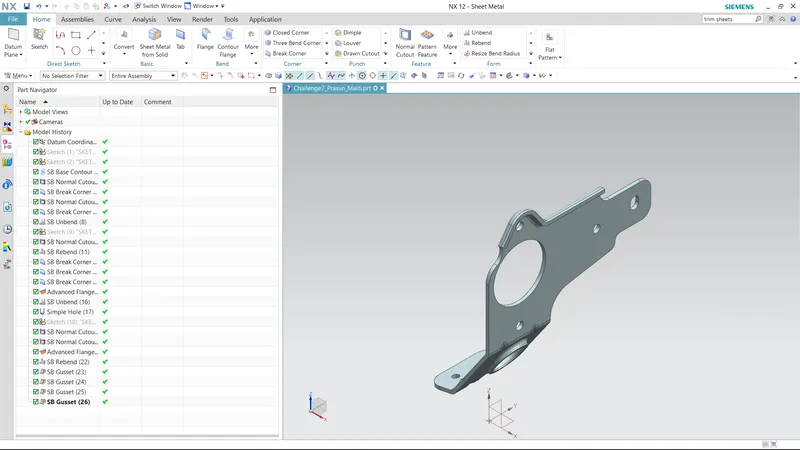
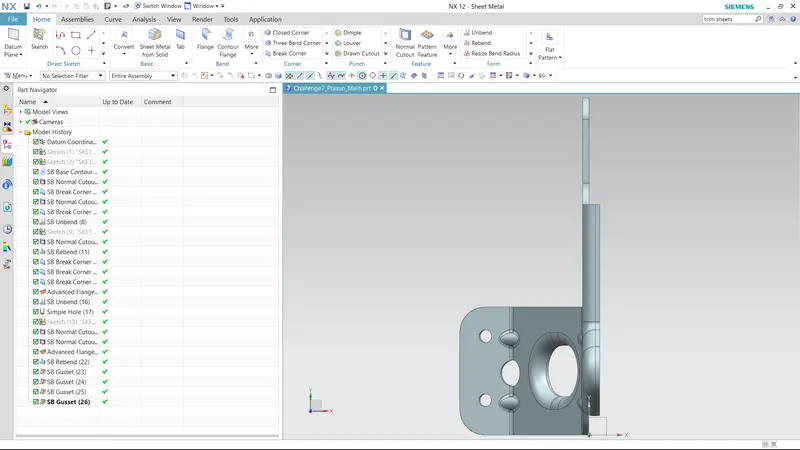
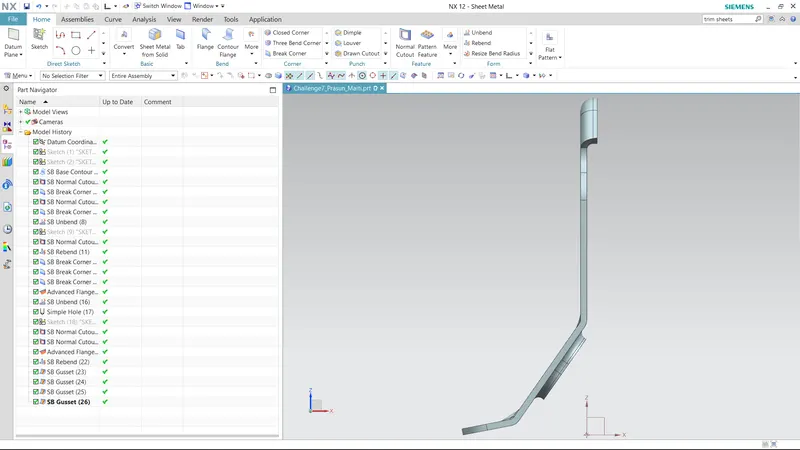
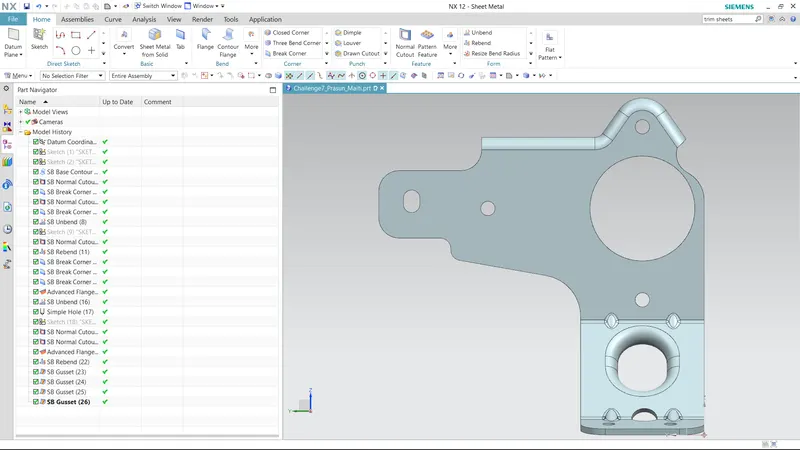
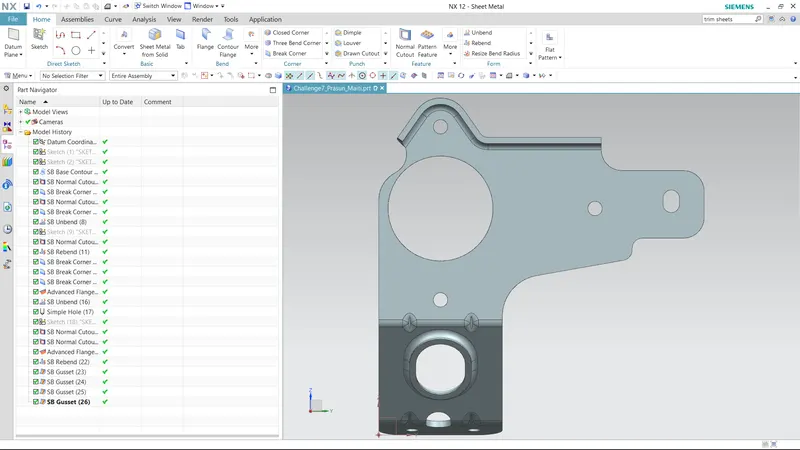
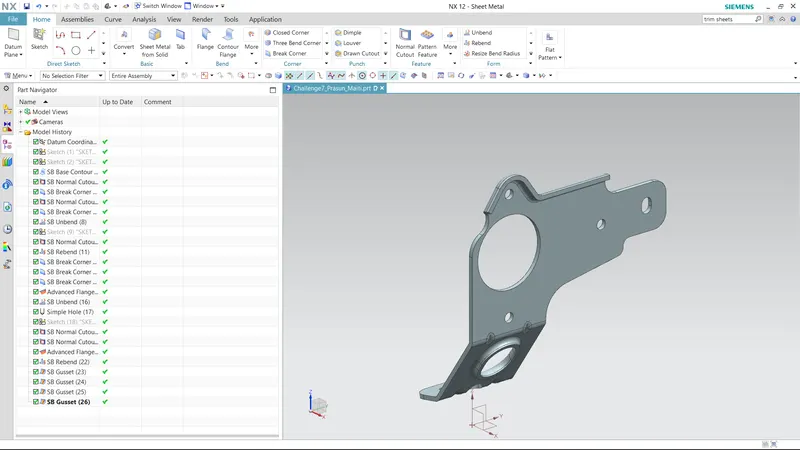
REPORT:
- TITLE-CAHALLENGE 7
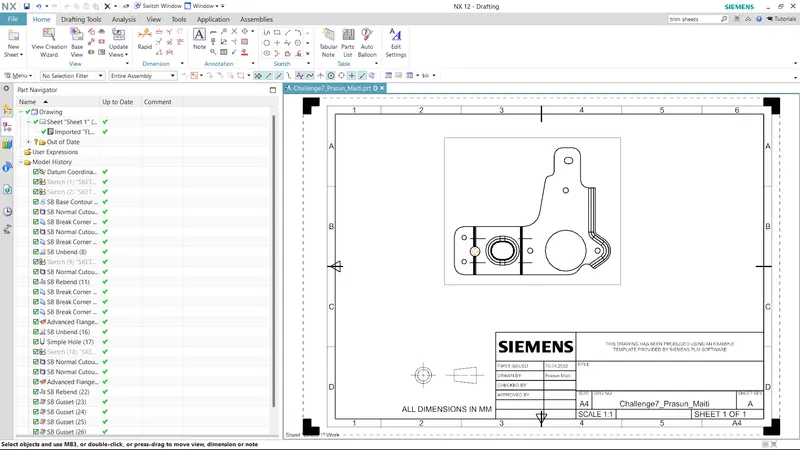
- OBJECTIVE-Create ‘Metal Bracket’ from the 2d Drawing.
- INTRODUCTION-In this tutorial we will learn the step by step procedure to create “Metal Bracket”
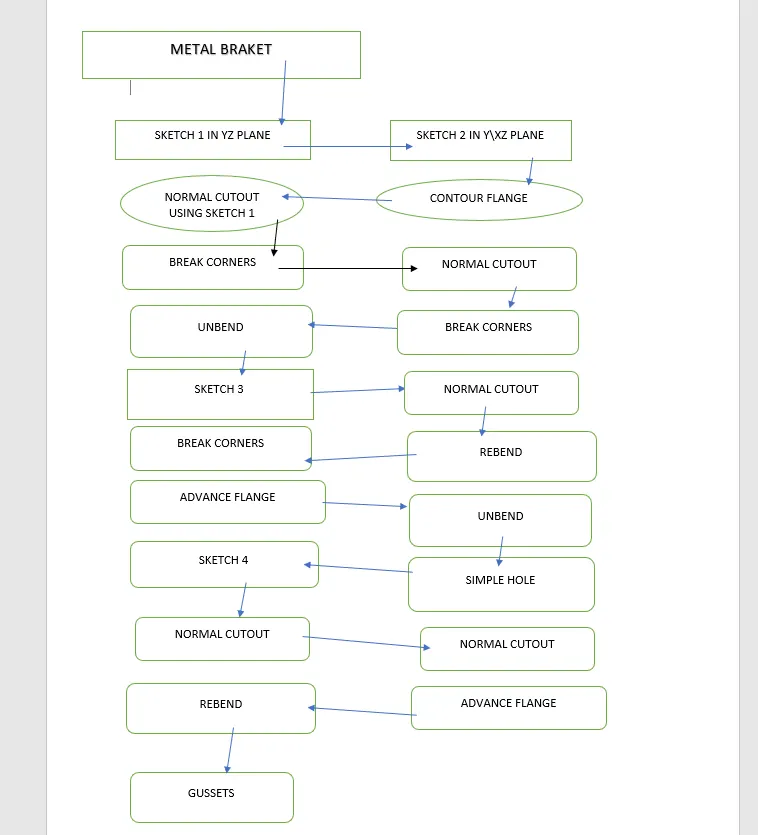
from the given 2d Drawing using NX CAD. - METHODOLOGY-
- FEATURED USED-
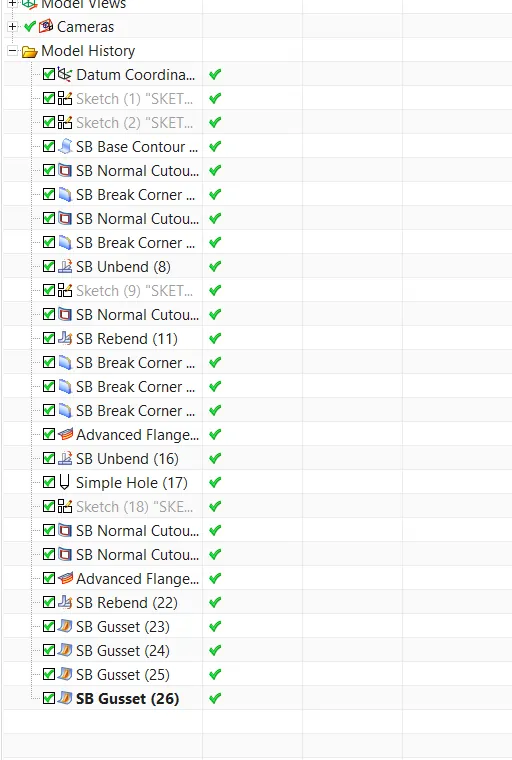
- CONTOUR FLANGE-Contour flange is used to create sheet metal from a opened 2d sketch.
- NORMAL CUT-Normal cut is used to cut sheet metal from a 2d sketch.
- BREAK CORNER-Break corner is used to give fillets on the corner of sheet metal.
- UNBEND-Unbend is used to gat a flat sheet metal from the sheet metal part.
- REBEND-Rebend id used to bend sheet metal from the unbend sheet metal.
- SIMPLE HOLE-Simple hole command is used to create holes on the sheet metal.
- ADVANCE FLANGE-Advance flange is a advanced level flange, it is used to create flanges.
- GUSSET-Gusset is a stiffening feature of sheet metal which are used to give strenght to the sheet metal.
- DRAWING SHEET-