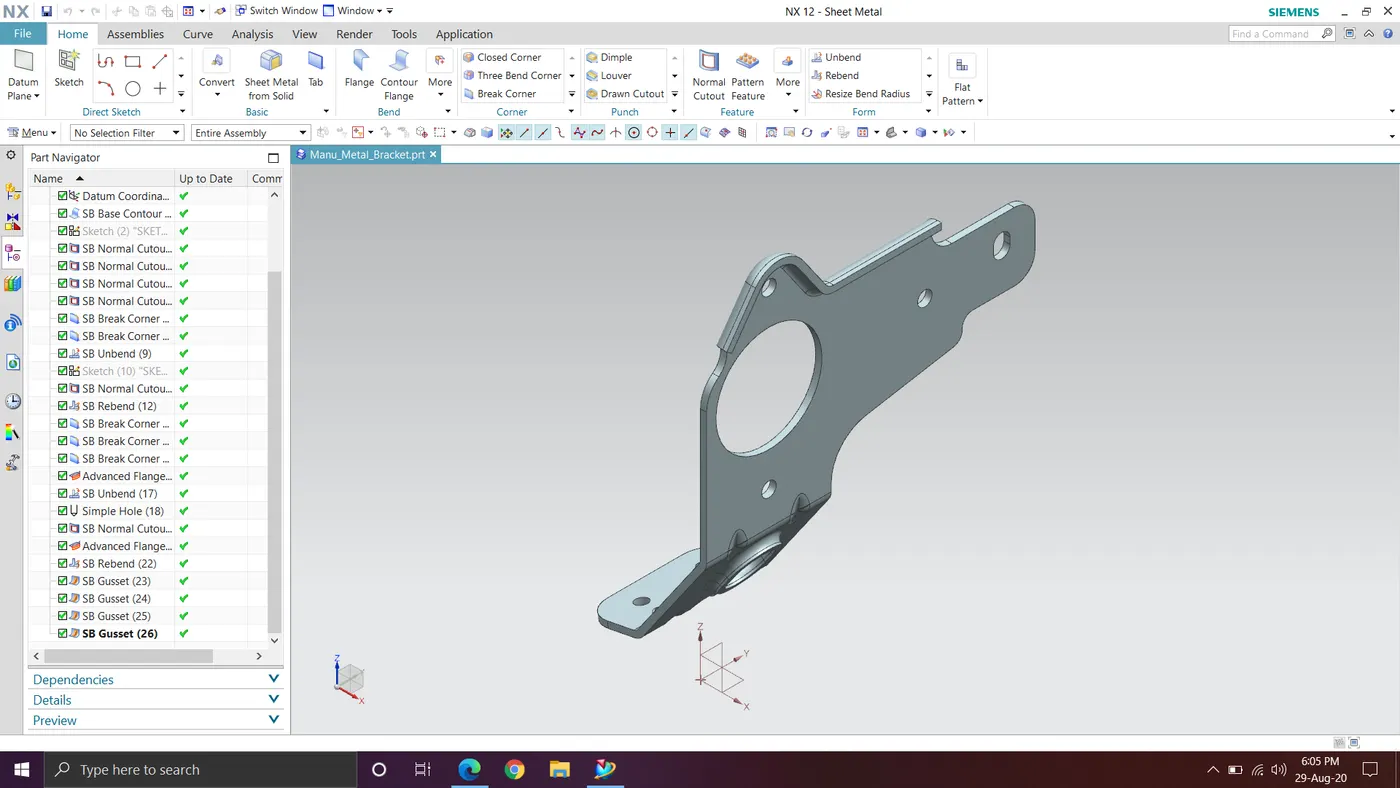
Advanced Sheet Metal Design Using NX Cad - Metal Bracket from 2D Drawing
Metal Bracket from 2D Drawing
Features Used
Contour Flange: Creates a base feature by extruding sketch along a vector or adds material by sweeping along an edge or chain of edges.
Normal cutout: Use this command to make a hole or cutout using a sketch on the sheet metal.
Unbend: It will flatten the bend region.
Rebend: After unbend the rebend command will bend the bend region to its original form.
Hole: Add holes to one or more solid bodies in a part or assembly.
Advanced flange: Add a flange along a curved edge using a bend angle or referance face.
Gusset: Create a stiffening gusset on the part.
Images
Front View
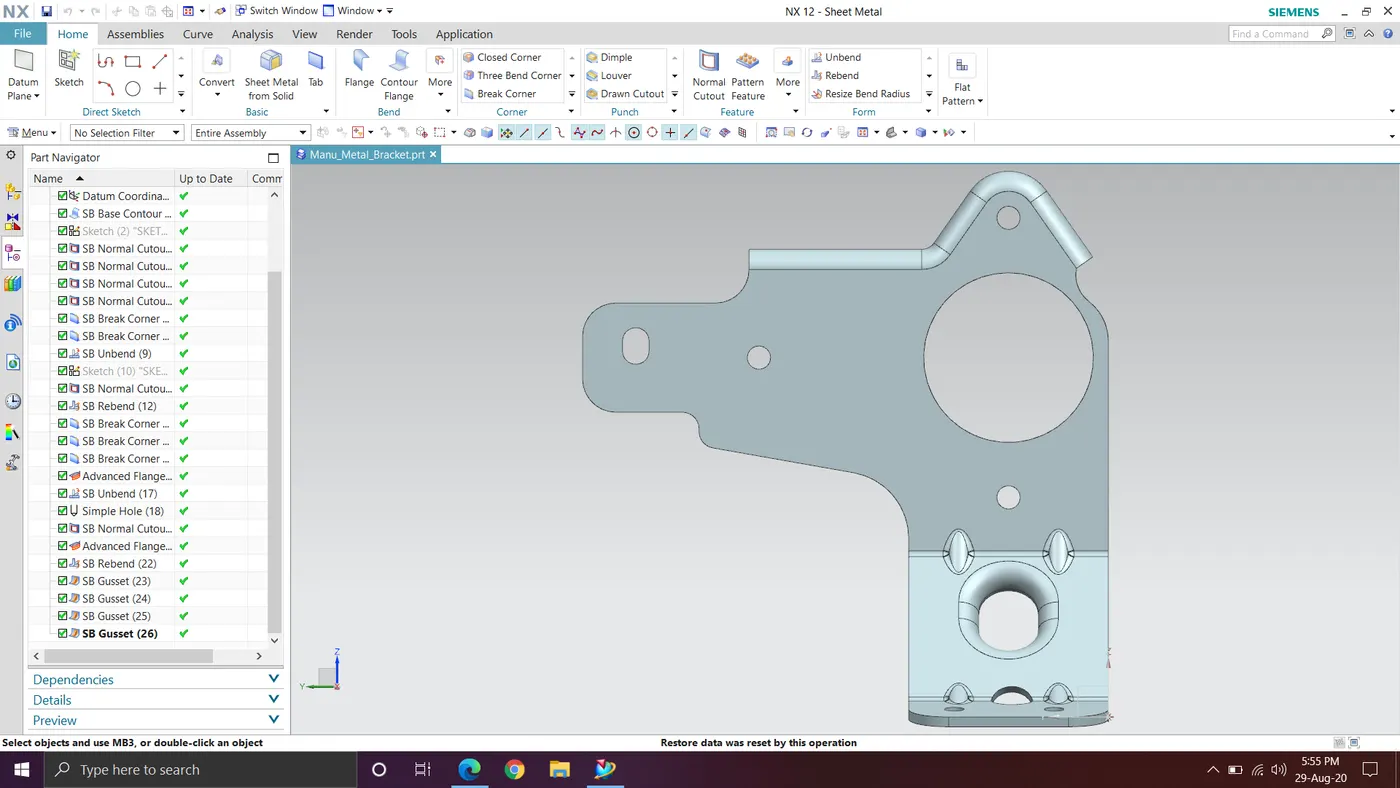
Top view
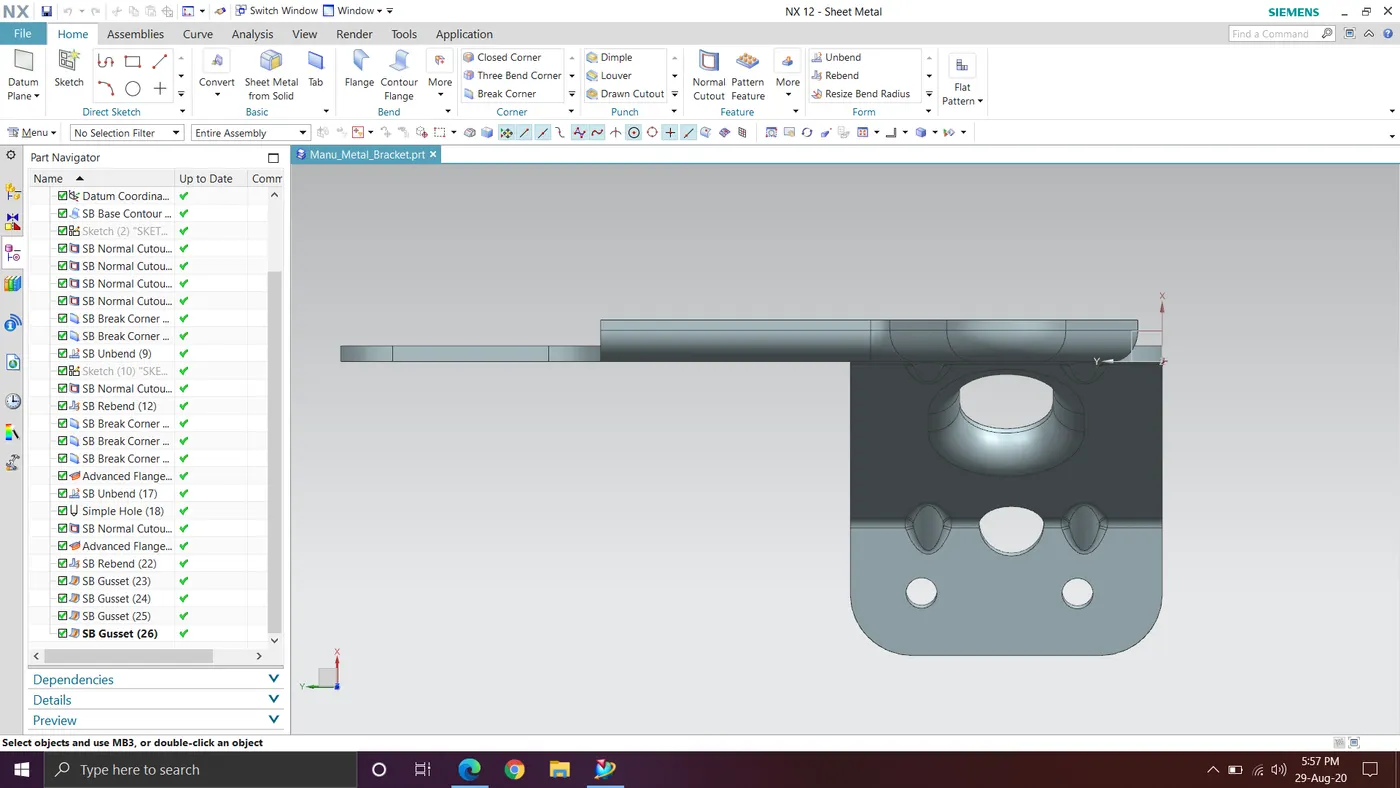
Side view
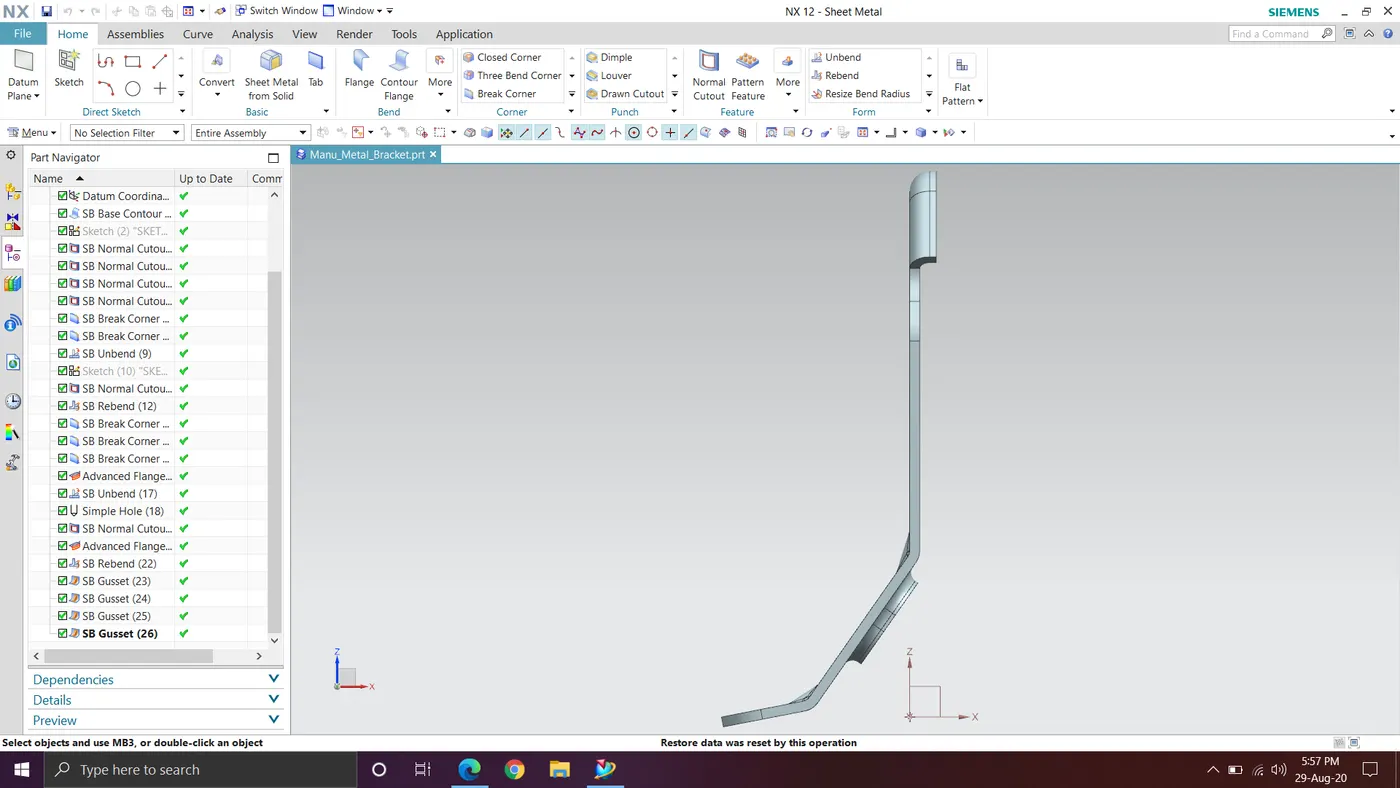
Isometric view