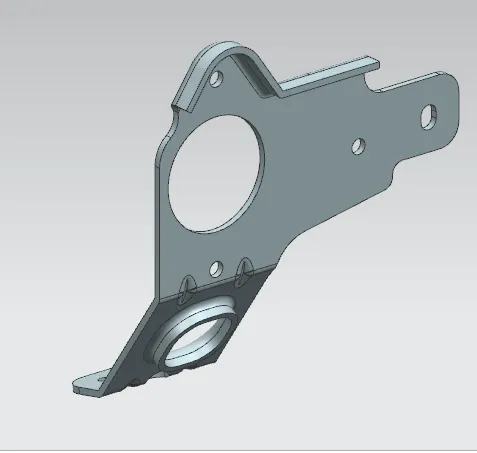
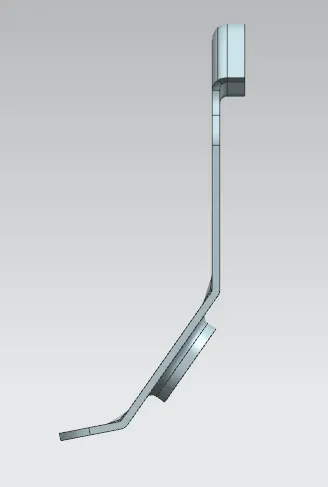
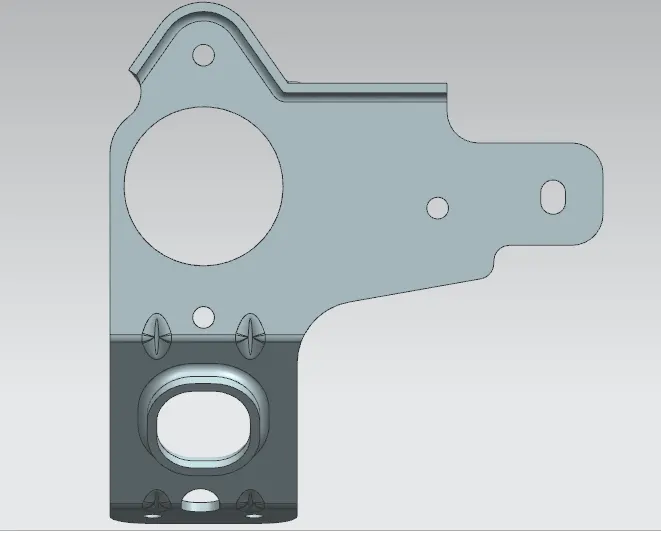
Advanced Sheet Metal Design Using NX Cad Challenge_7_ Metal bracket-II
Title : Bracket 2
Objective : Sheet Metal Component with good explanation on Sheet Metal modelling tools applied throughout the modelling.
Introduction : In this challenge we have designed Bracket, given additional features like beading and then flattern the model.
Design Methodology :
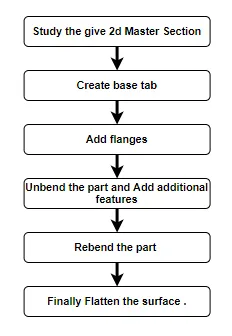
Description :
Sketch the required profile as per Master section. 1st Sketch
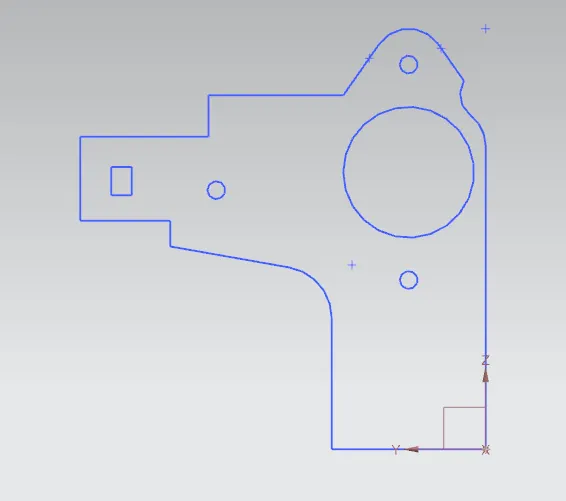
Sketch in front view. 2nd Sketch
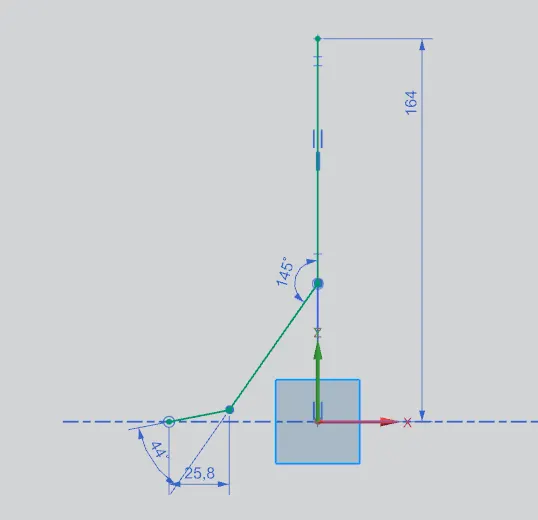
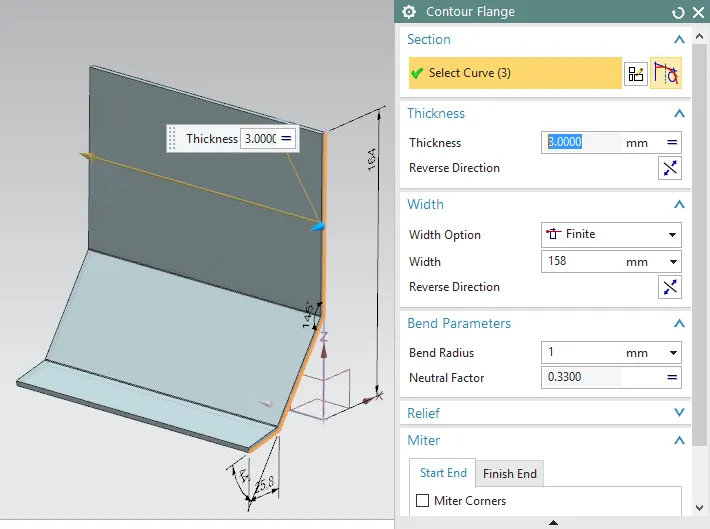
Use Contour Flange
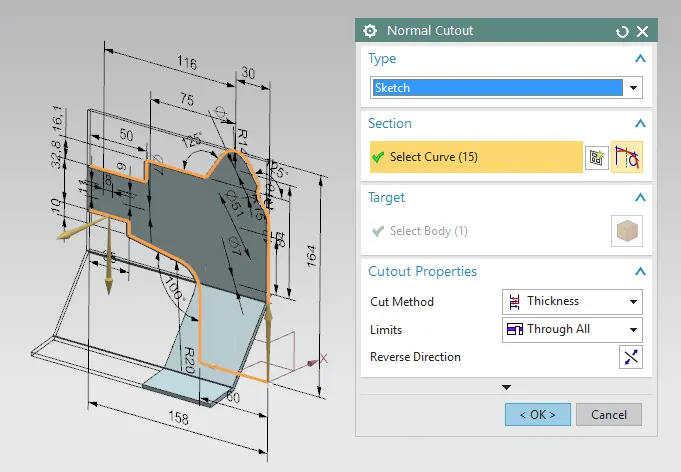
Use Normal cutout and use 1st sketch.
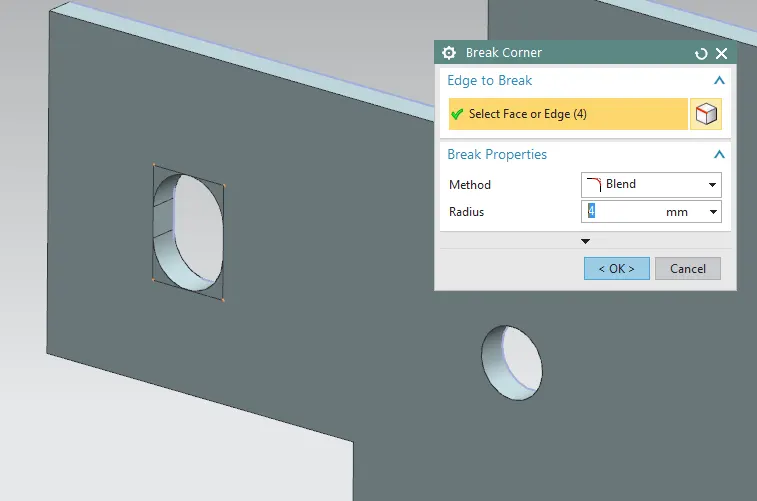
Add some fillet at corners.
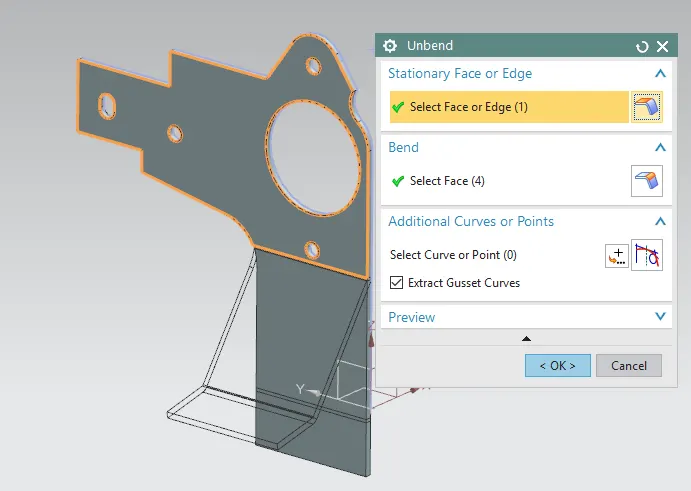
Unbend the part to add other features.
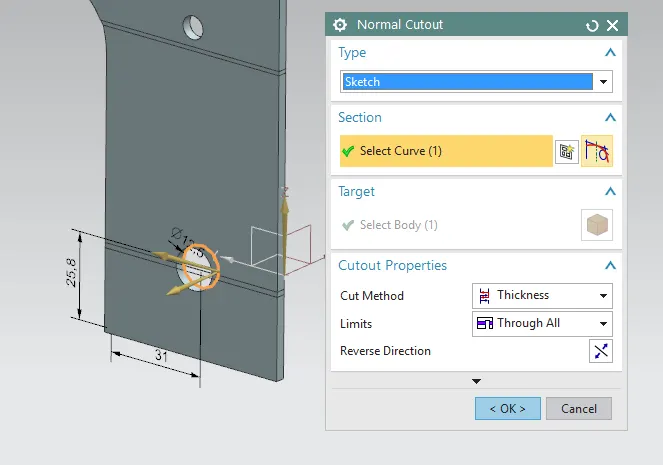
Add Normal cutout.
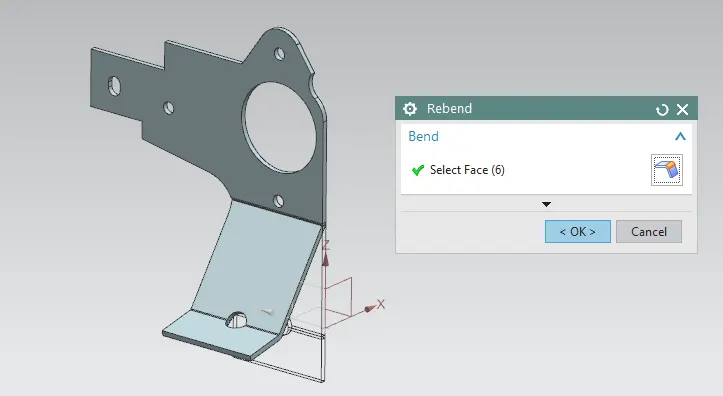
And Rebend the part.
Add Advanced Flange
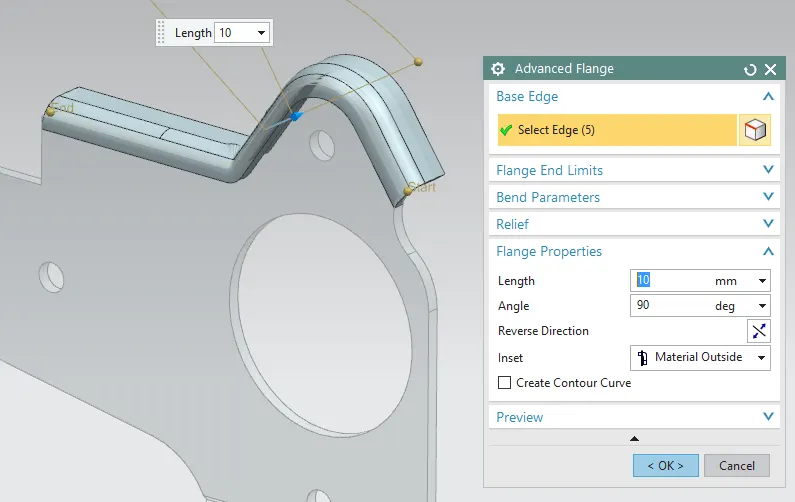
Then , Add fillet i.e Break corners
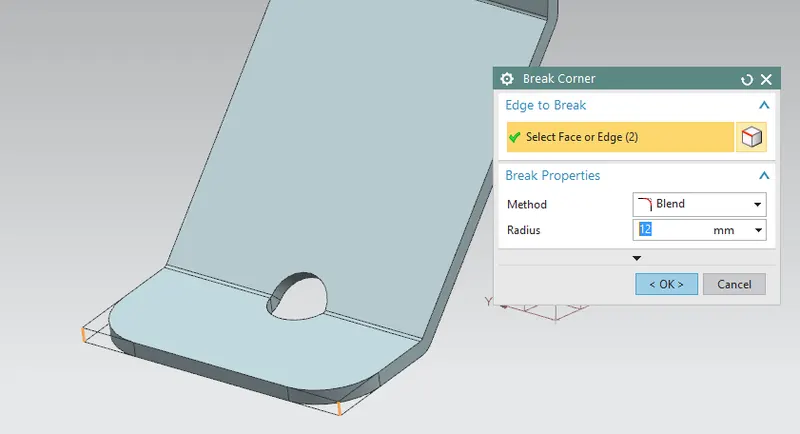
Then , Unbend the part
and, Add Holes, normal cutout
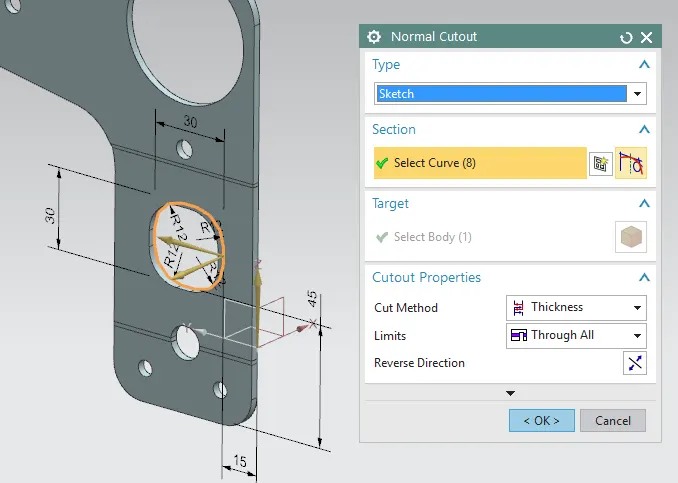
Also add Advance flange .
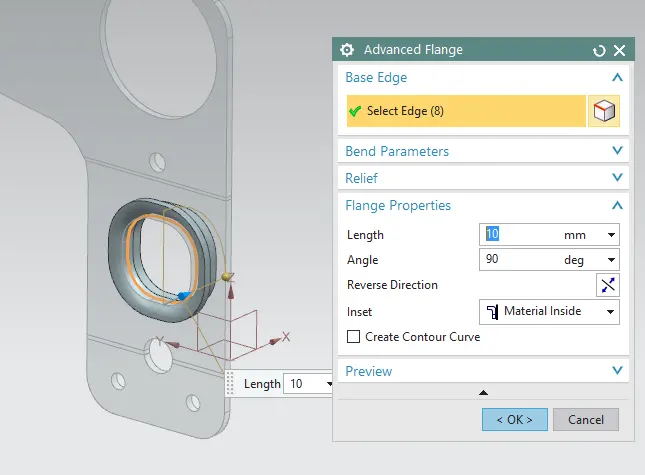
Again Rebend
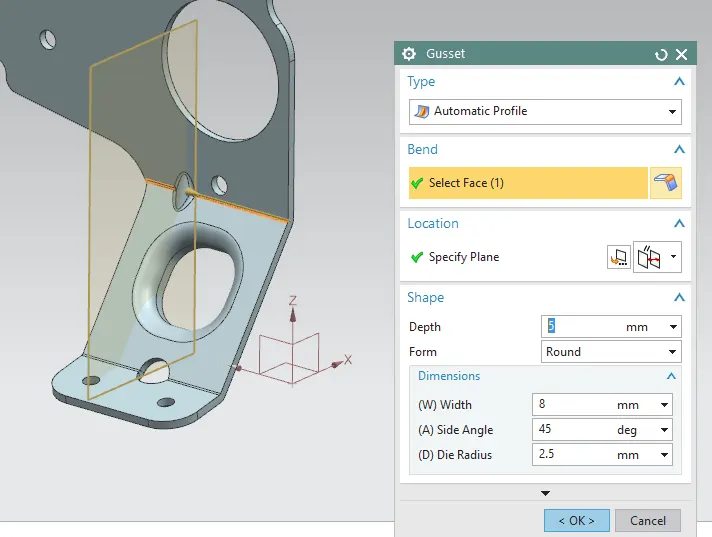
Then Add gusset to add strenght at the bend area.
Conclusion : In this way we have completed Bracket.