Advanced Sheet Metal Design Using NX Cad Challenge_6_Bracket
Title of the Project
Advance sheetmetal design unsing NX cad
Objective
To design a Bracket using Siemens NX Sheet metal application
Introduction
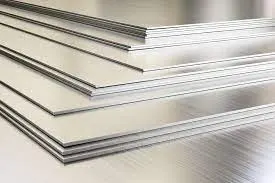
Sheet metal is metal that is formed into thin, flat pieces. Sheet metal is generally produced in sheets less than 6 mm. It is one of the fundamental forms used in metalworking and can be cut and bent into a variety of different shapes. Thicknesses can vary significantly. Extremely thin pieces of sheet metal are designated as “foil” or “leaf”. Pieces thicker than a quarter of an inch are designated as “plate”. Countless everyday objects are constructed from sheet metal. Aluminum, brass, copper, cold rolled steel, mild steel, tin, nickel and titanium are just a few examples of metal that can be made into sheet metal. Sheet metal has applications in car bodies, airplane wings, medical tables, roofing materials and multiple other uses.
Design methodology
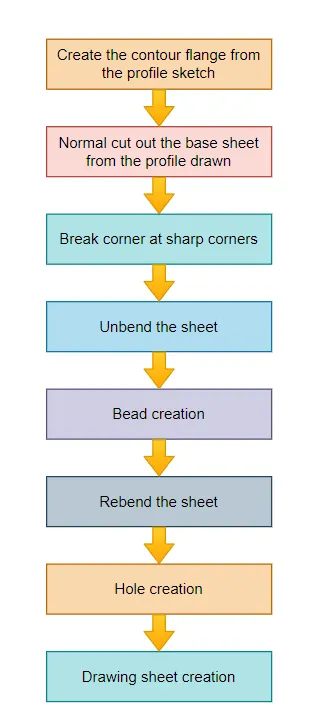
Description
Create the base sketch from reference to the given bracket sketch. Create the sketch profile as shown in the below picture
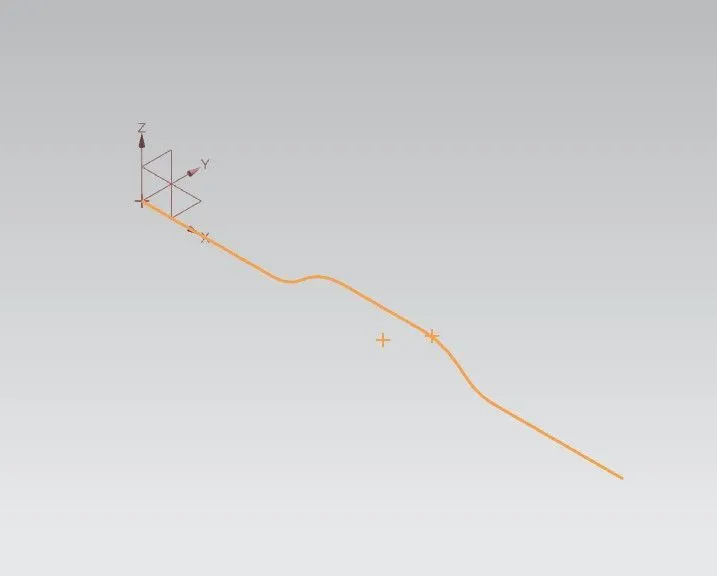
By using contour flange, create the base to a length of 200 mm
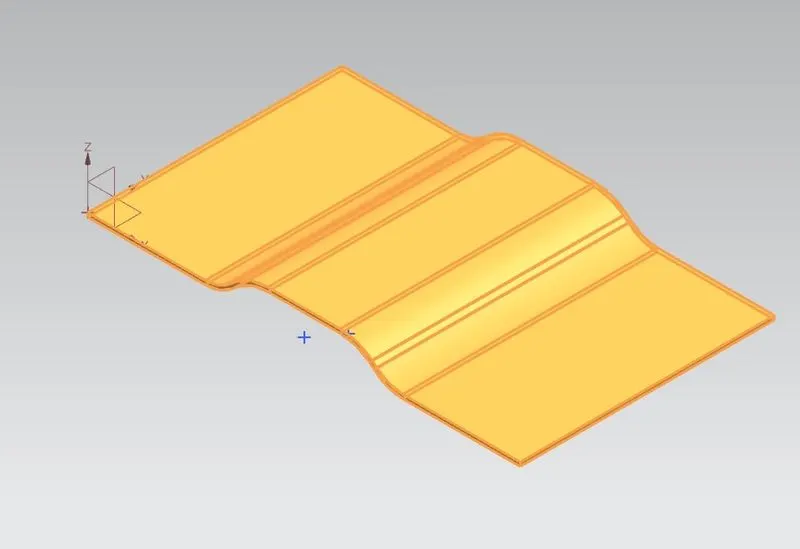
Create a sketch on top plane as shown in figure
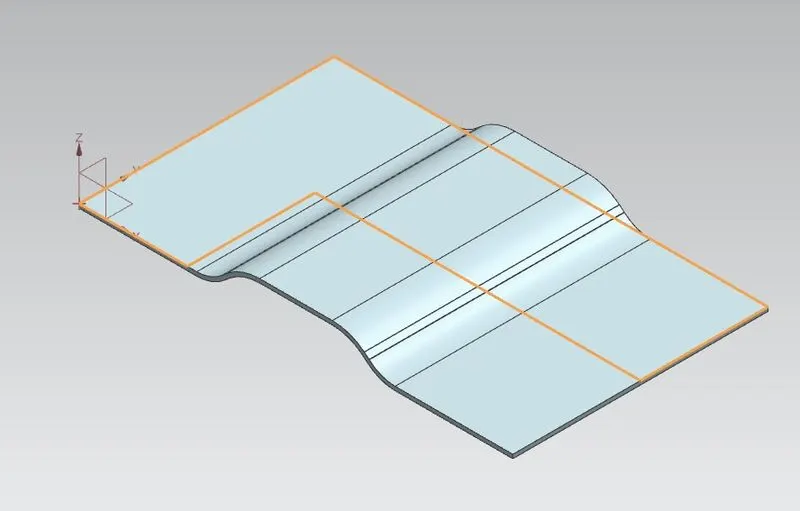
Create the normal cut out from the drawn profile
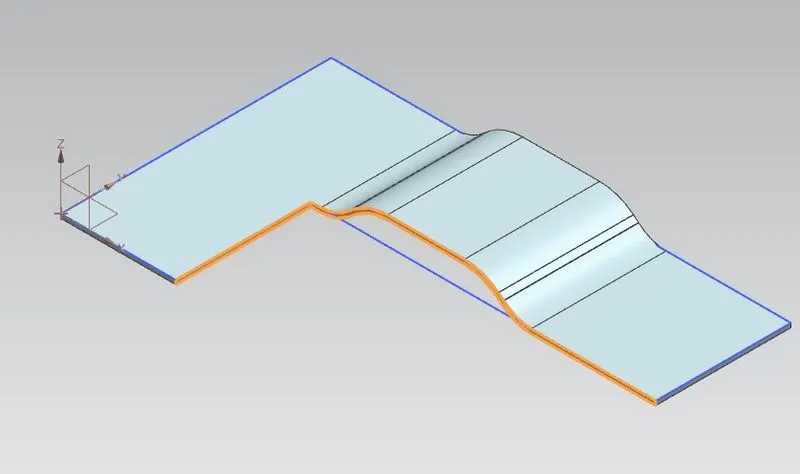
Smoothen the sharp corners using break corner option with a radius values of 25 mm
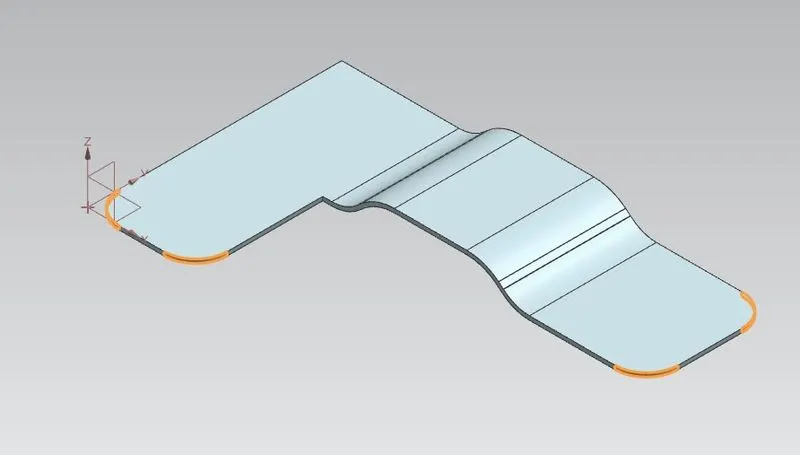
Break corner using radius 30 mm
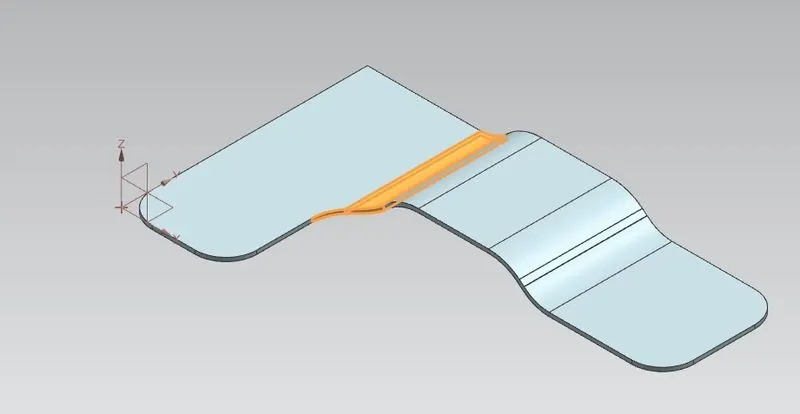
Break corner using 60 mm radius
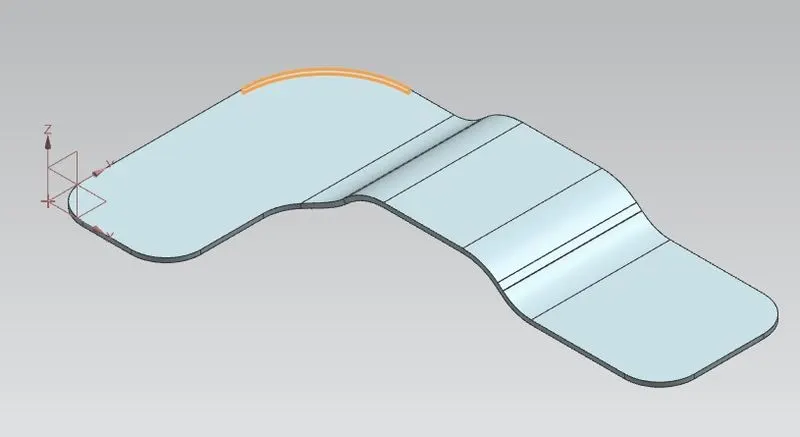
Create sketch for bead
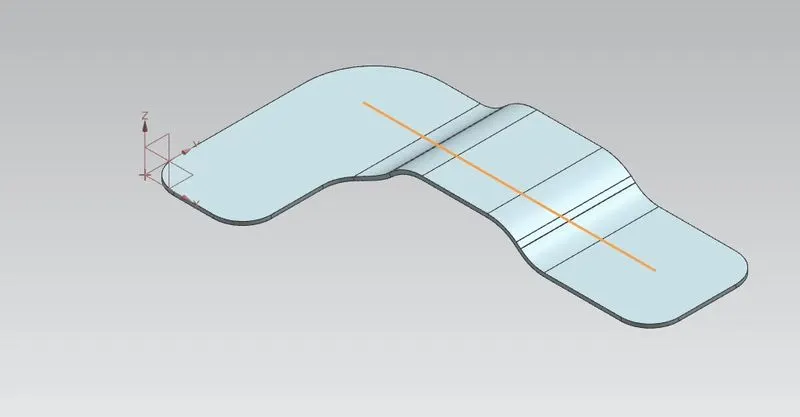
Unbend the bracket
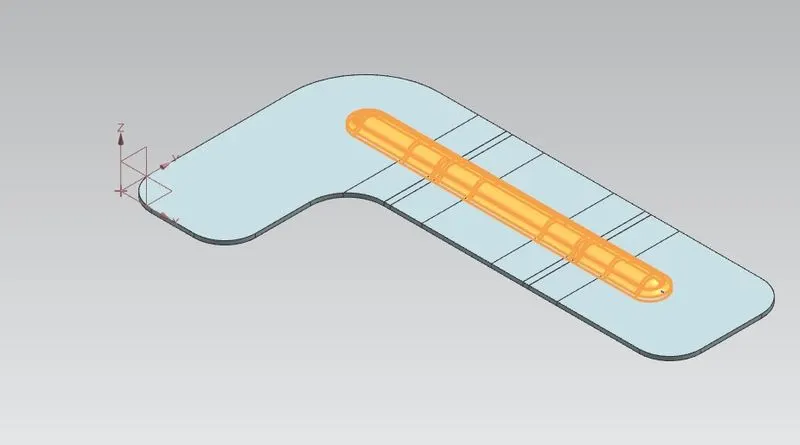
Create bead form the profile created
Rebend the bracket
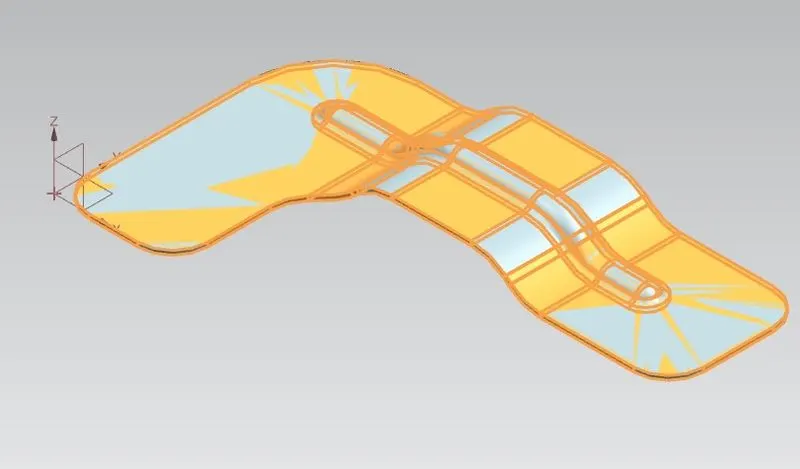
Create a points on top view to locate the holes
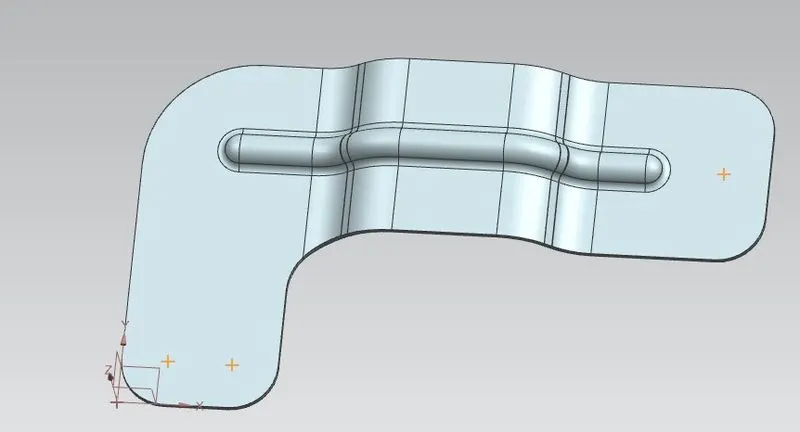
Create the holes using hole command
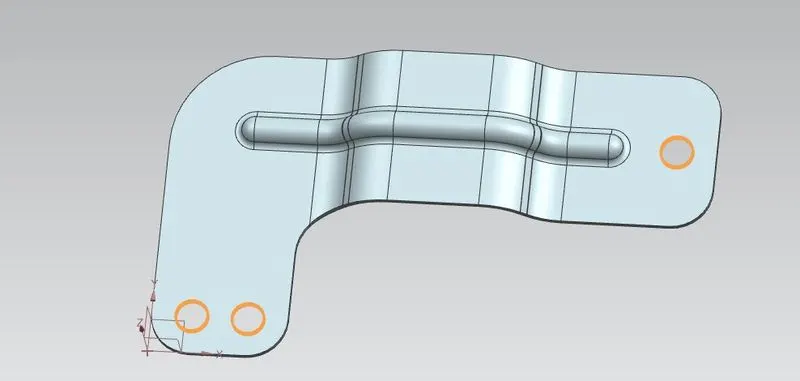
Views
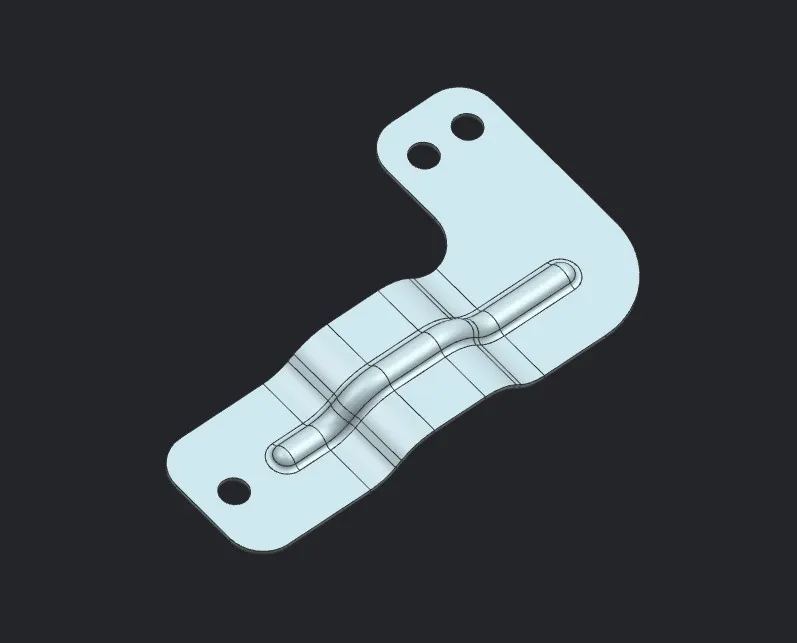
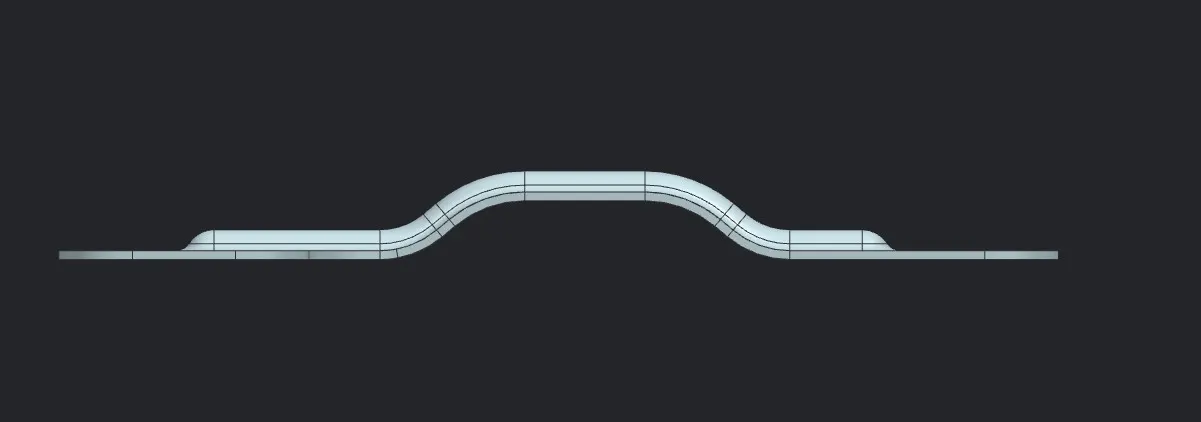
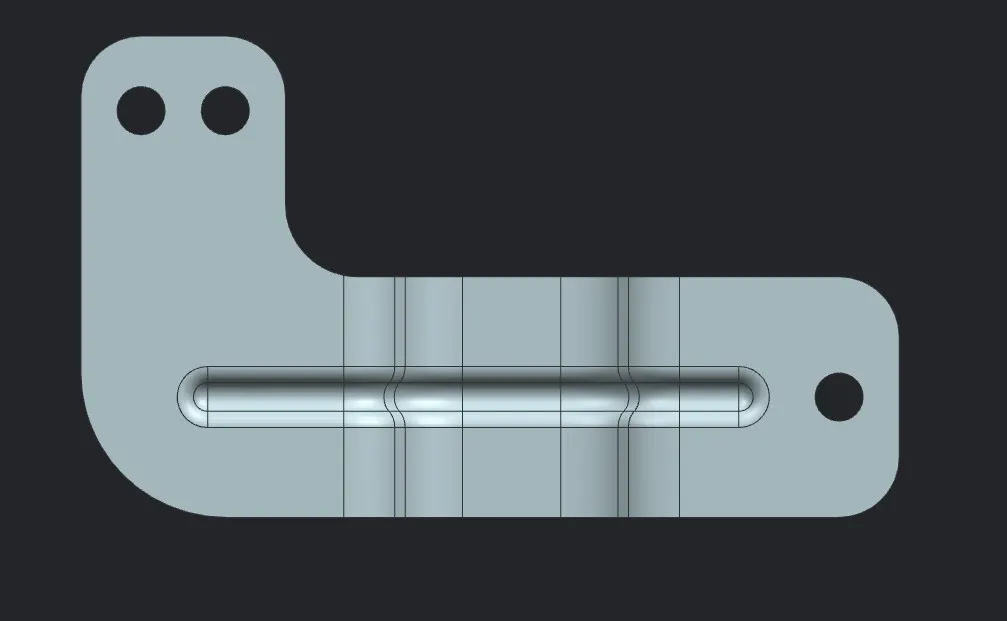
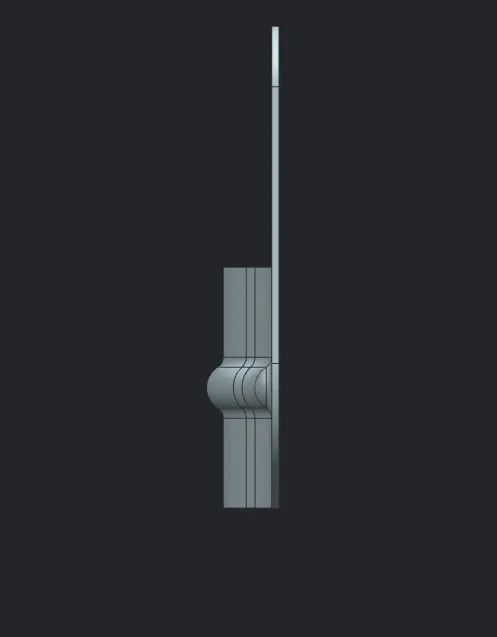
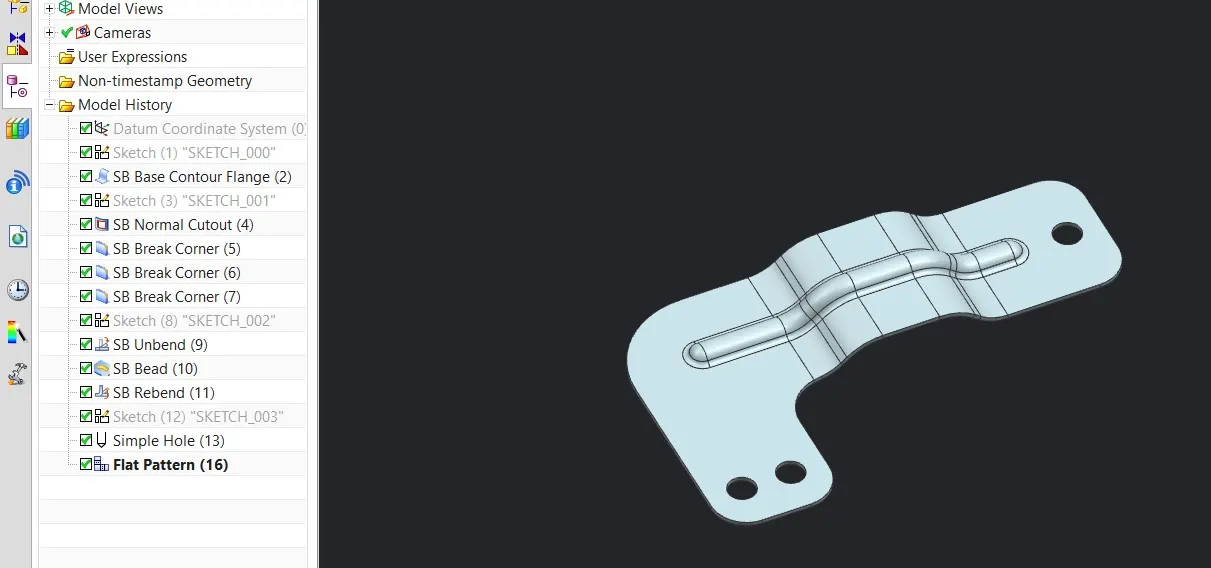
Tree
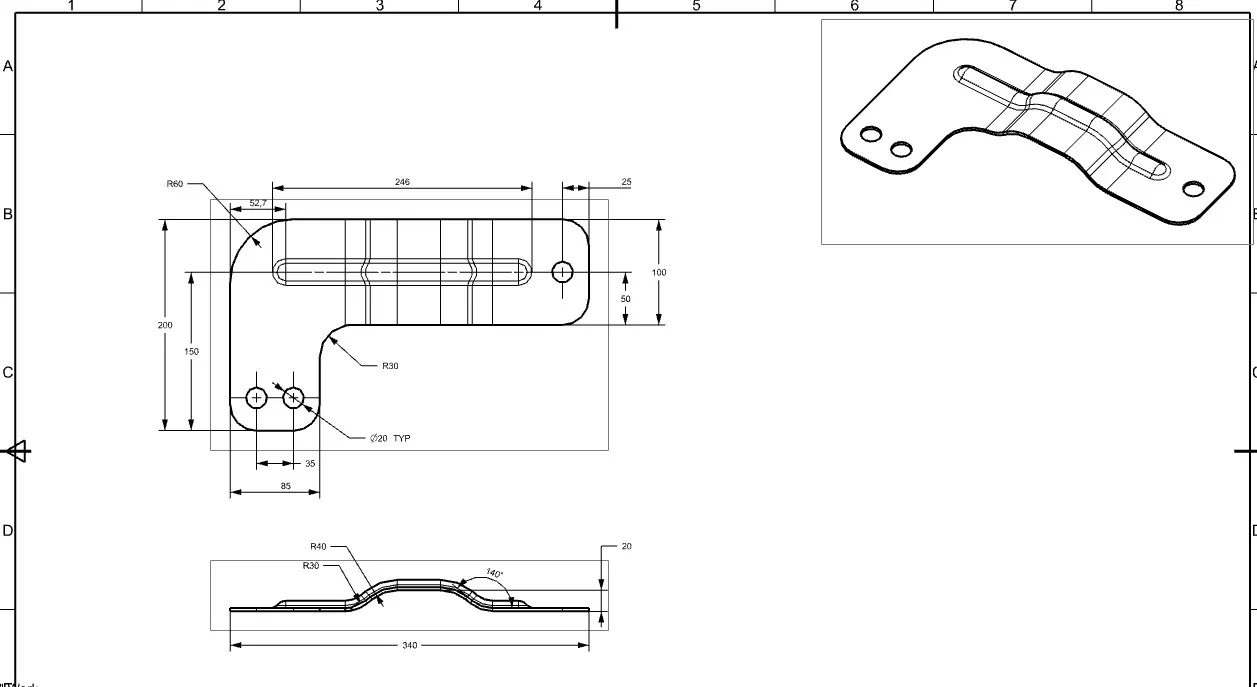
Drawing
Conclusion
Bracket is created is using advanced sheet metal tools in NX CAD.