Advanced Sheet Metal Design Using NX Cad Challenge_6_Bracket
Title of the project:- Advanced Sheet Metal Design Using NX Cad Challenge Bracket
Siemens NX is a cutting-edge CAD/CAM/CAE software that has been revolutionizing the engineering industry since 2007. Formerly known as "Unigraphics", NX offers advanced tools for product design, engineering, and manufacturing.
One of the many powerful features of NX is its Sheet Metal Design module, which provides designers with a comprehensive set of tools for creating and managing sheet metal parts with ease and efficiency. The module is designed to take into account the specific material properties and manufacturing processes involved in sheet metal fabrication.
With NX Sheet Metal Design, the software incorporates important information such as material and bending properties, allowing the designer to create an accurate representation of both the formed component and flattened blank shapes. This ensures that the sheet metal parts are designed with precision, minimizing the risk of errors during the manufacturing process.
Overall, the Sheet Metal Design module in NX is a valuable tool for designers who need to create sheet metal parts that are both efficient and reliable. By incorporating the knowledge of material properties and manufacturing processes, designers can create high-quality parts that meet the requirements of their specific industry.
DESIGN METHODOLOGY:
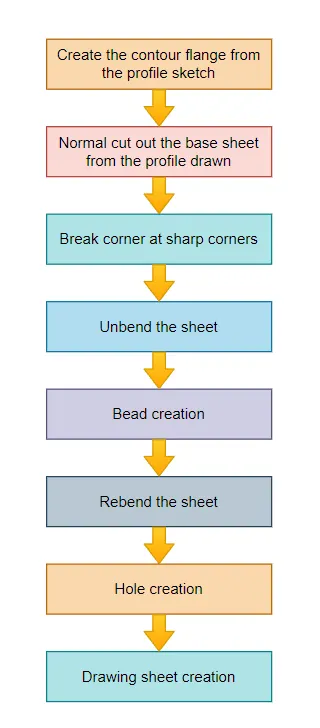
Description :
Sketch:
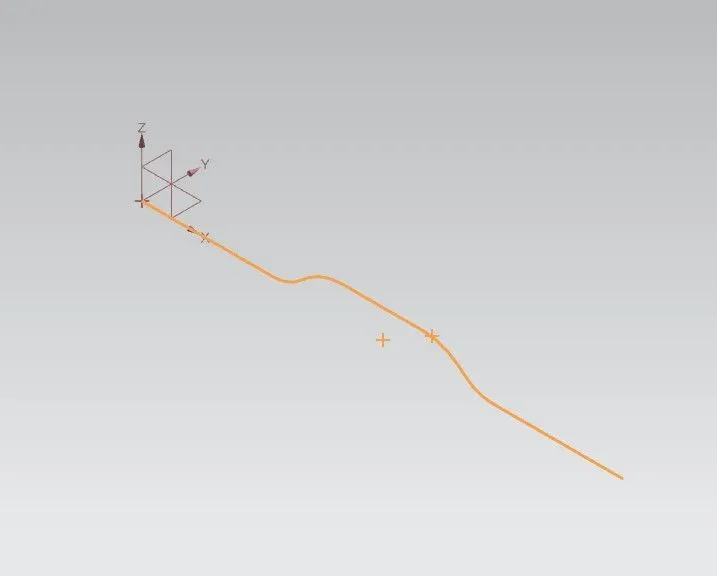
Create the base sketch from reference to the given bracket sketch. Create the sketch profile as shown in the below picture .
By using contour flange, create the base to a length of 200 mm.
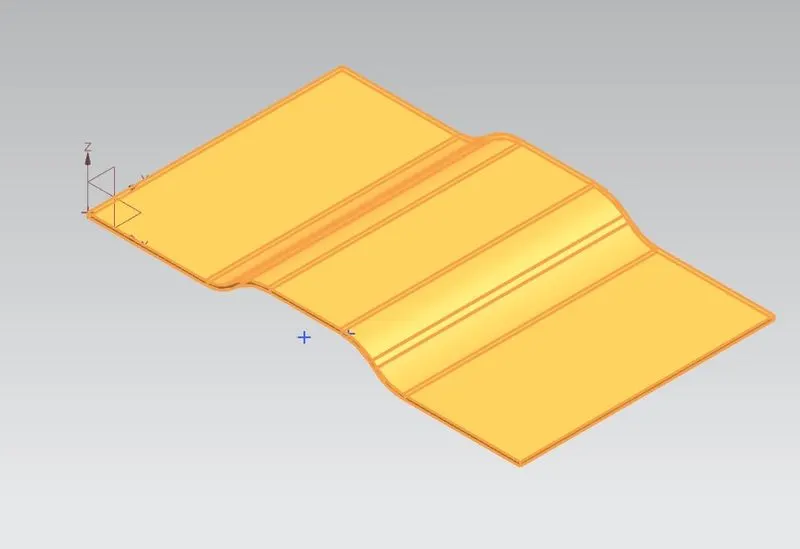
Create a sketch on top plane as shown in figure
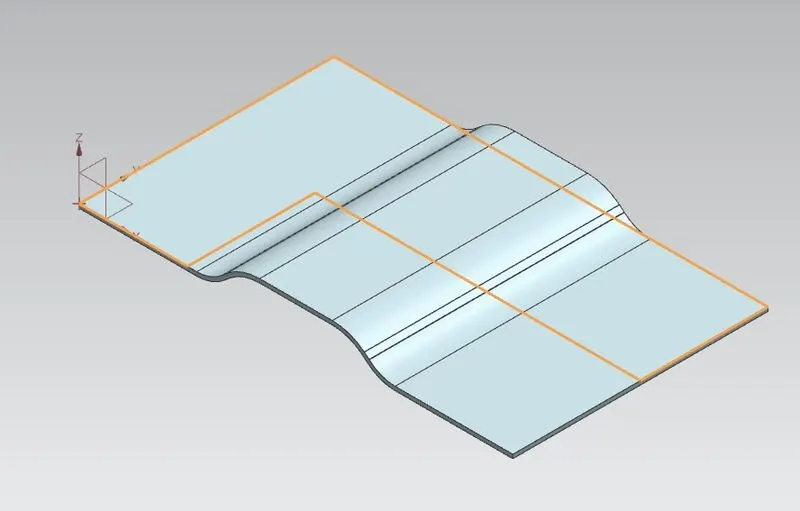
Create the normal cut out from the drawn profile
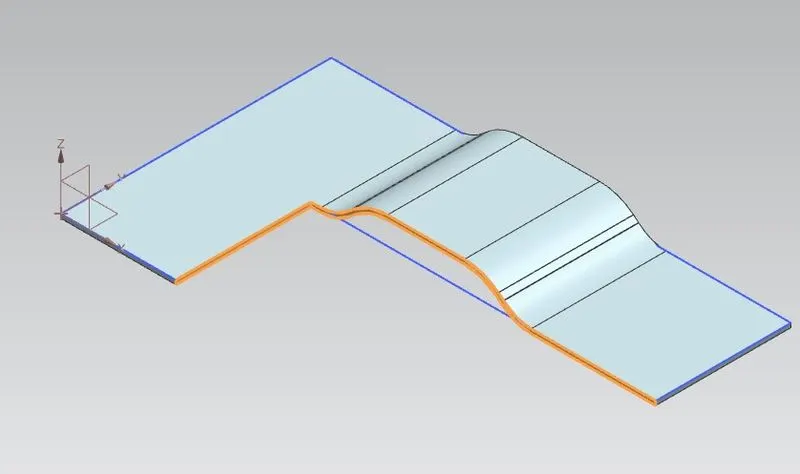
Smoothen the sharp corners using break corner option with a radius values of 25 mm
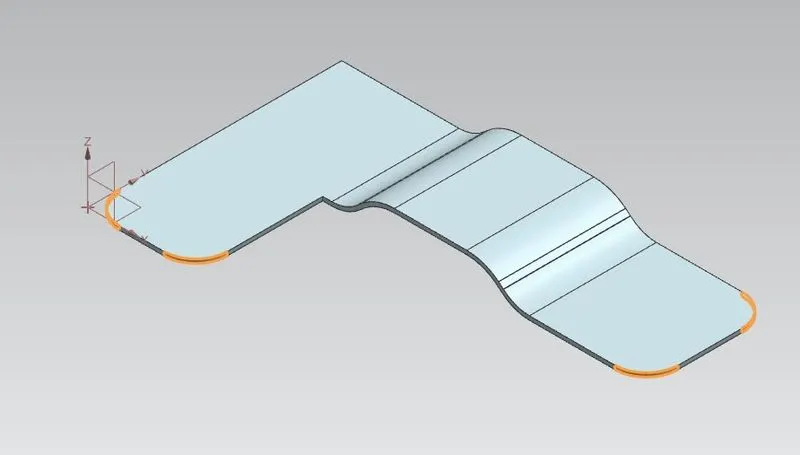
Break corner using radius 30 mm
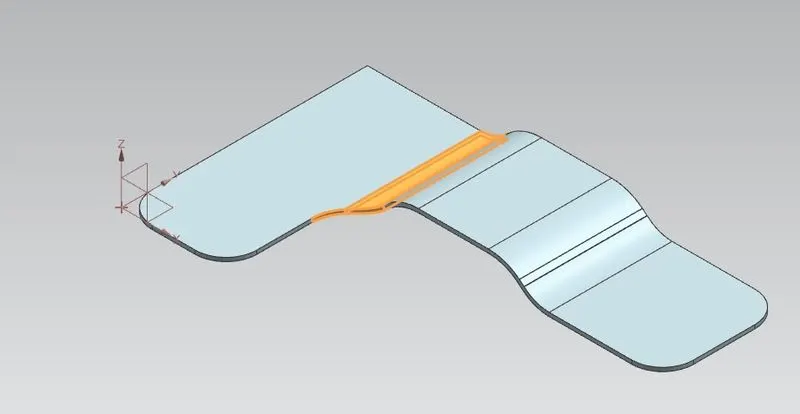
Break corner using 60 mm radius
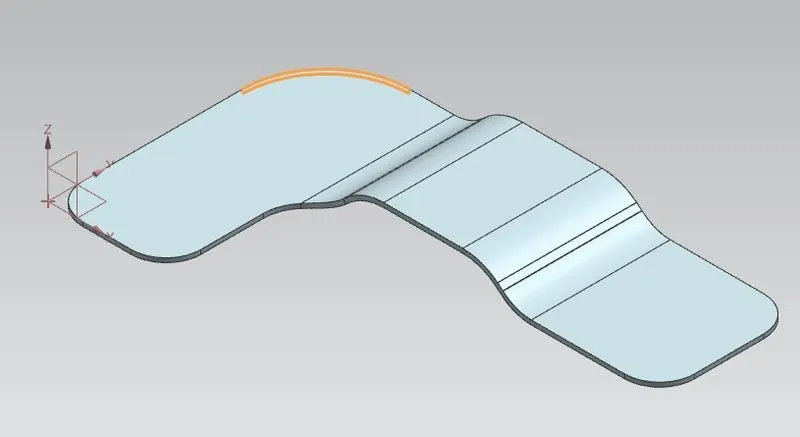
Create sketch for bead
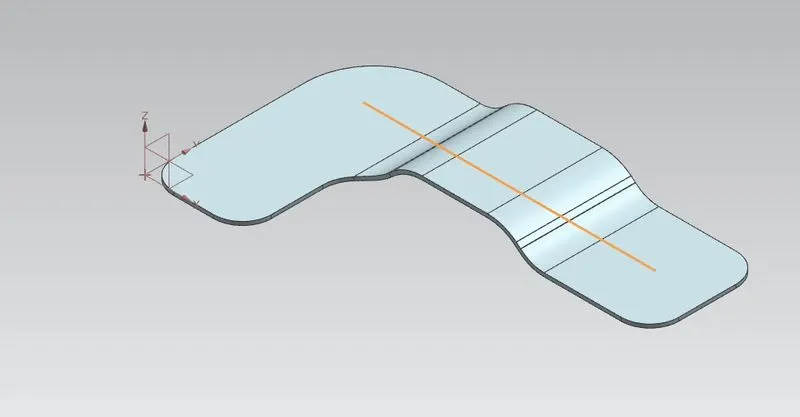
Unbend the bracket
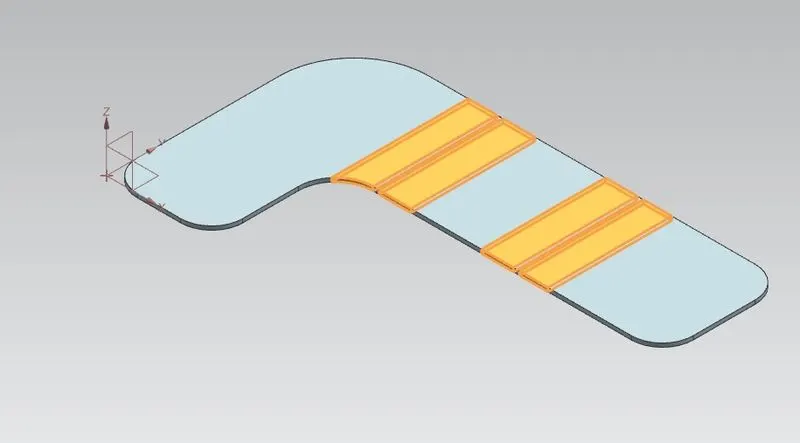
Create bead form the profile created
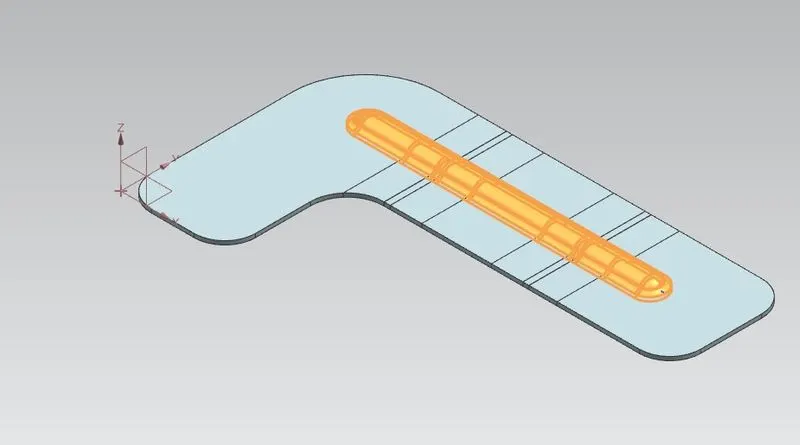
Rebend the bracket
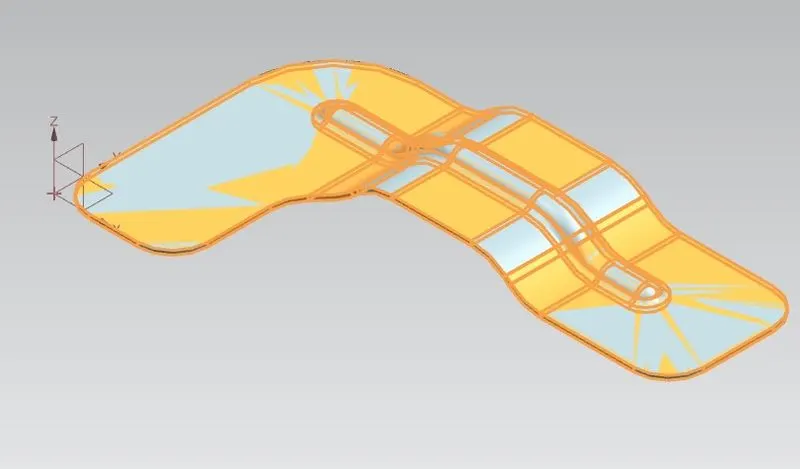
Create a points on top view to locate the holes
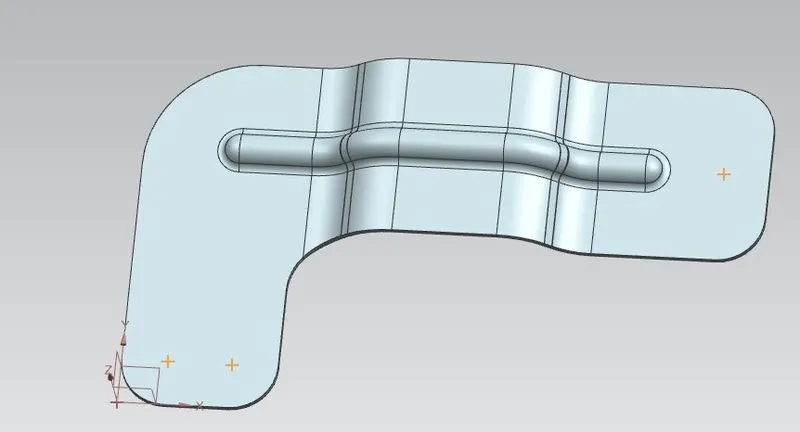
Create the holes using hole command
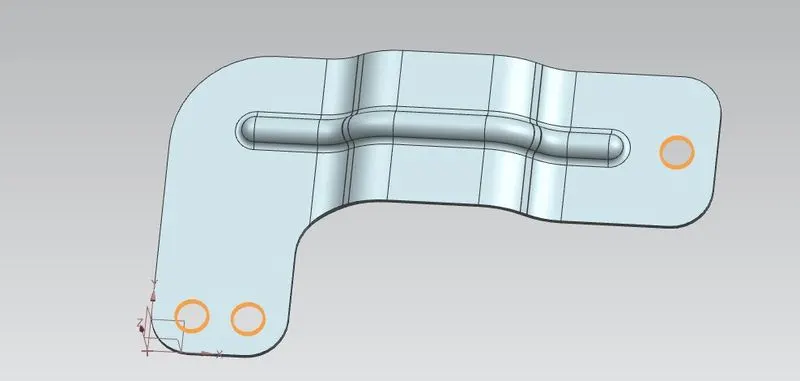
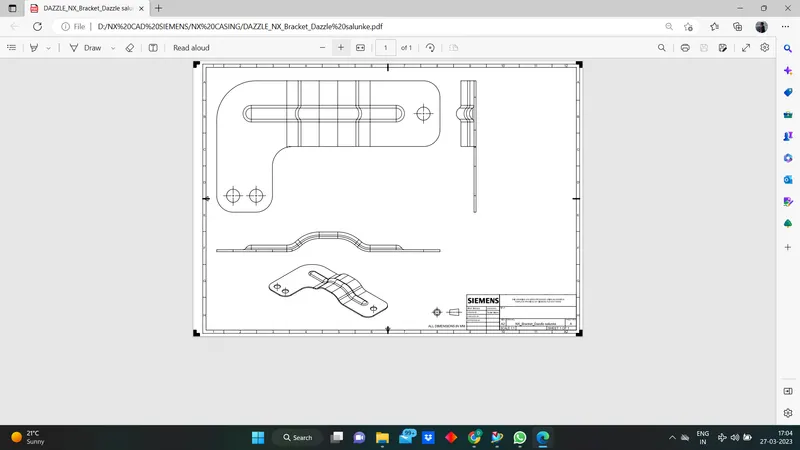
Views :
Top view:
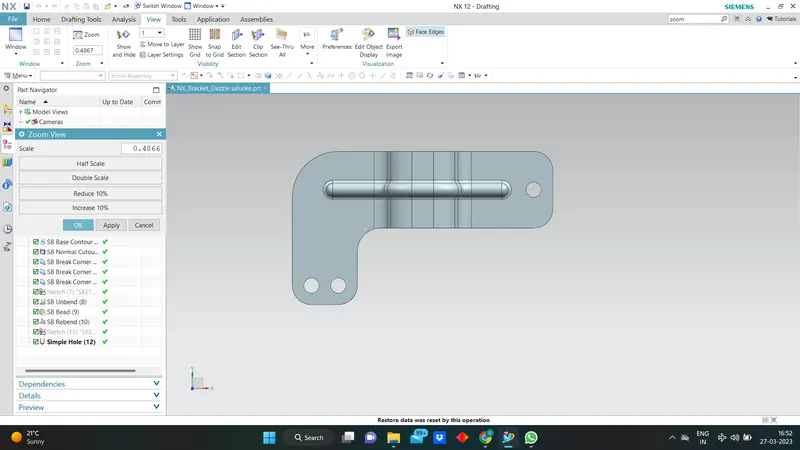
Front view:
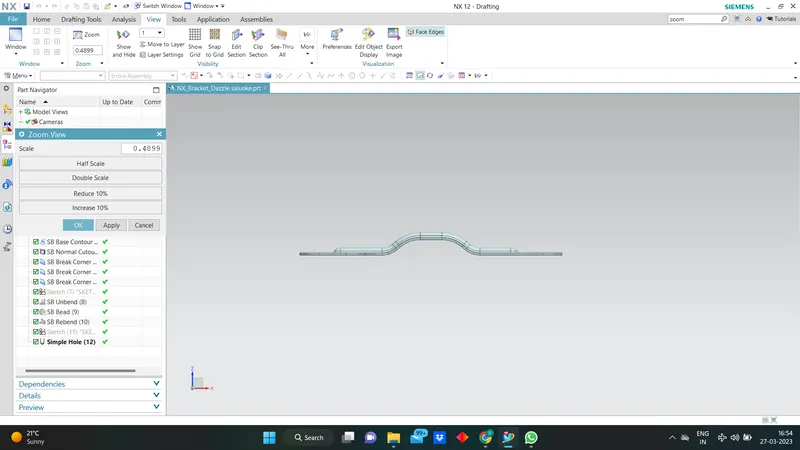
Side view:
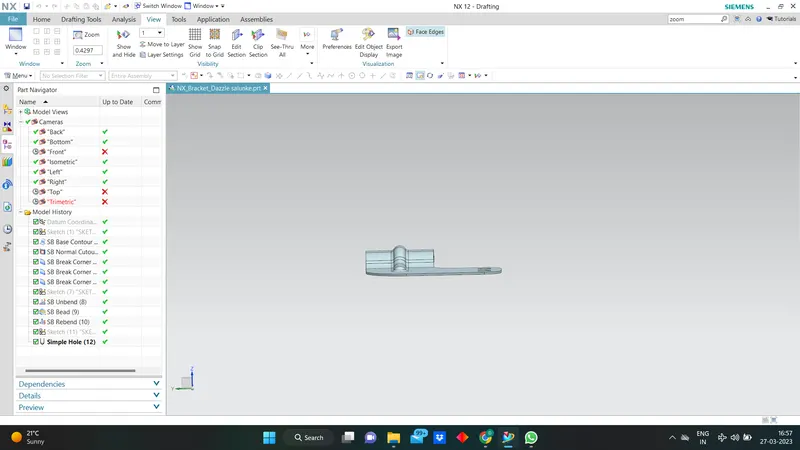
Isometric View:
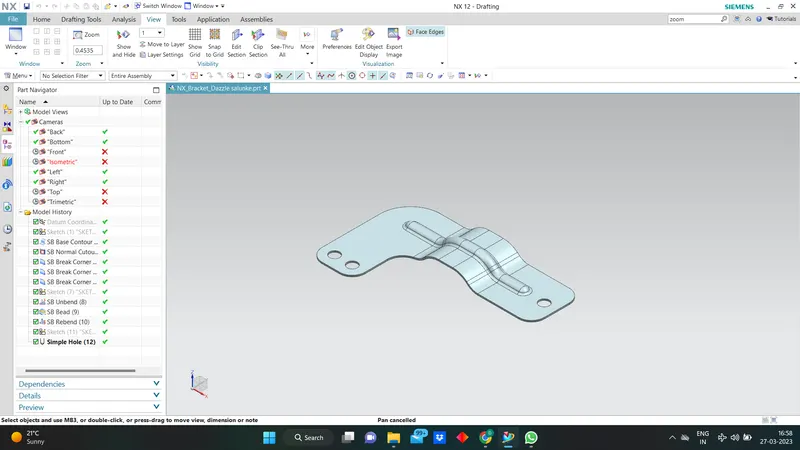
Drawing Sheet: