Advanced Sheet Metal Design Using NX Cad Challenge_6_Bracket
Title of the project:- Advanced Sheet Metal Design Using NX Cad Challenge_6_Bracket
2. SHEET METAL DESIGN: Based on an understanding of material properties and production procedures, NX Sheet Metal Design gives the design expert a comprehensive set of tools to effectively produce and manage sheet metal parts. The model may represent both the formed component and flattened blank shapes thanks to the material and bending information that is incorporated into NX Sheet Metal Design tools.
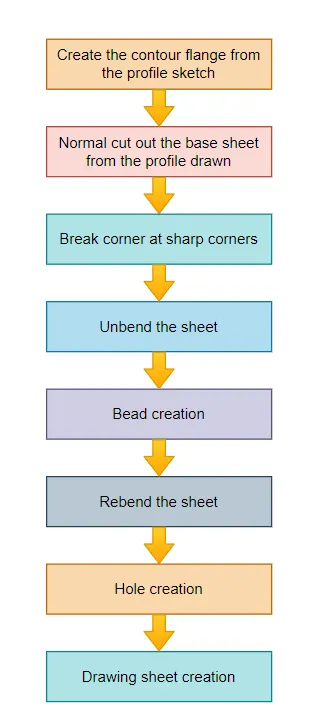
- In NX Cad, launch a new sheet metal part.
- Construct a contour flange using the settings in the sketch.
- Slice the body as normal using the specified dimensions.
- Provide a few broken corners with the necessary proportions.
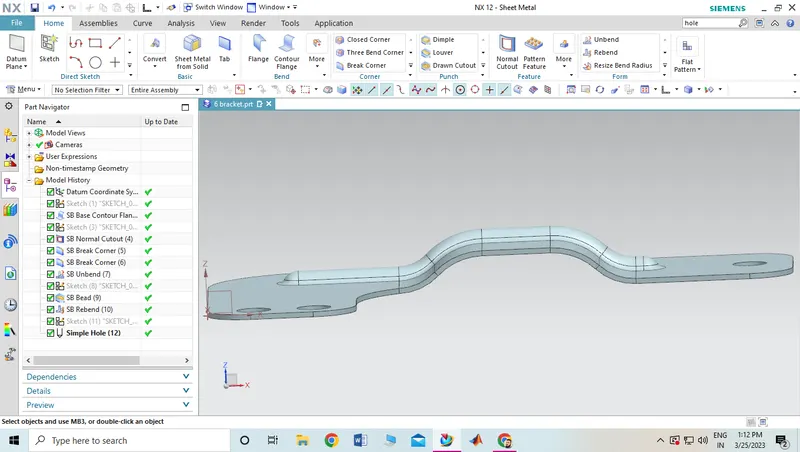
- Bend the model, then use a line drawing to make a bead.
- Make the necessary holes in the ground.
- Rework the design
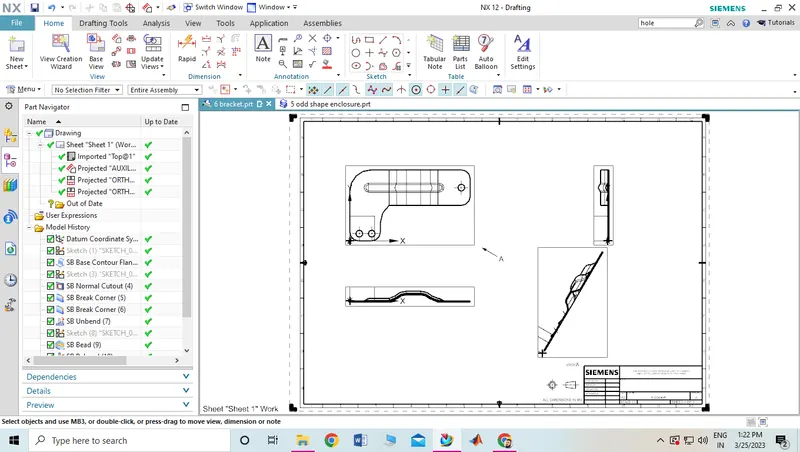
- Create the drawing sheet as needed using the draught tool to help the customer comprehend.
- Hence, the model is complete.
Description :
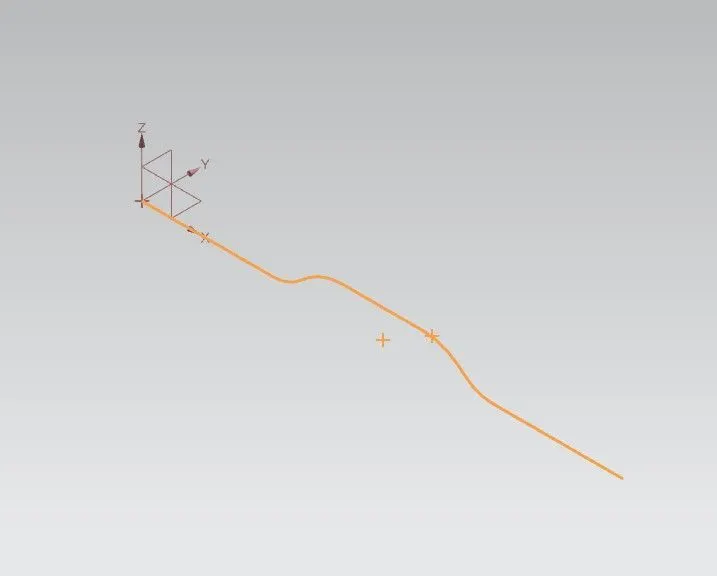
Create the base sketch from reference to the given bracket sketch. Create the sketch profile as shown in the below picture
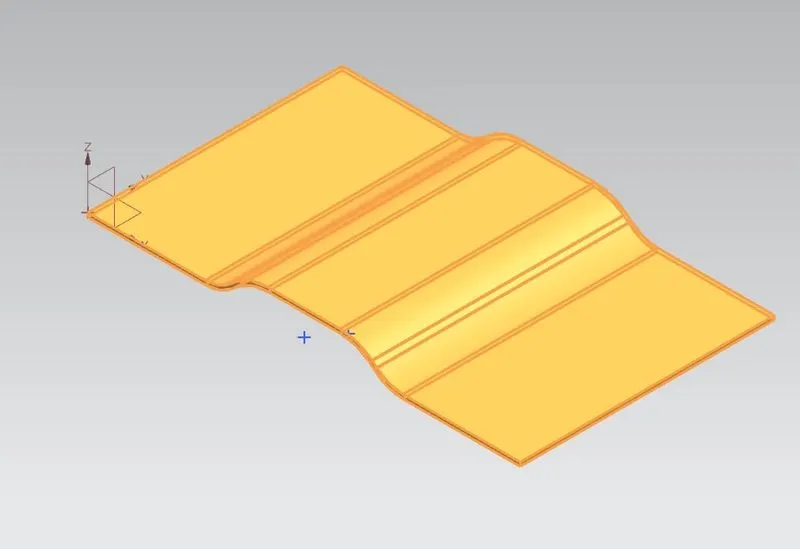
By using contour flange, create the base to a length of 200 mm
Create a sketch on top plane as shown in figure
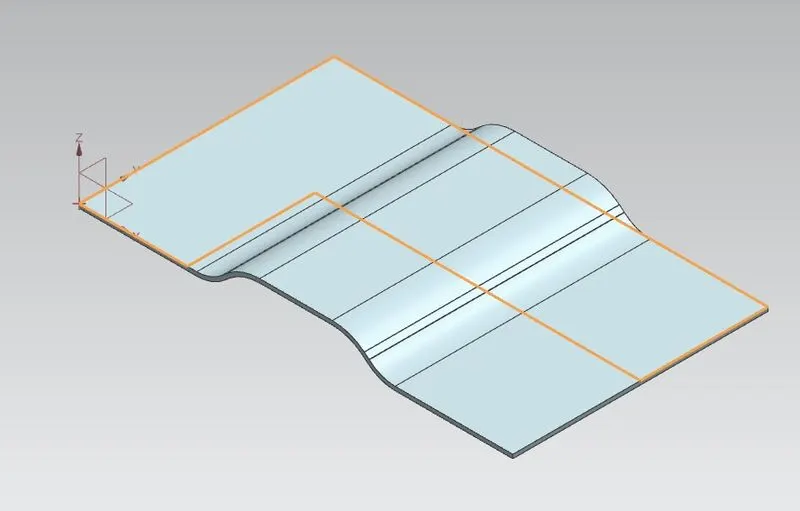
Create the normal cut out from the drawn profile
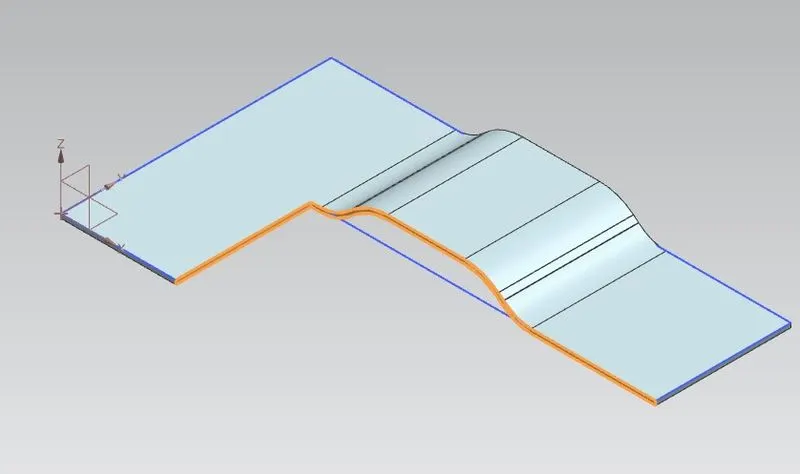
Smoothen the sharp corners using break corner option with a radius values of 25 mm
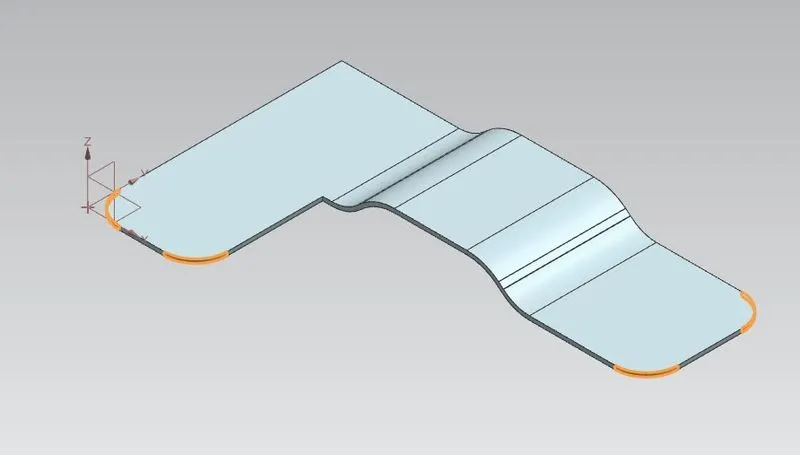
Break corner using radius 30 mm
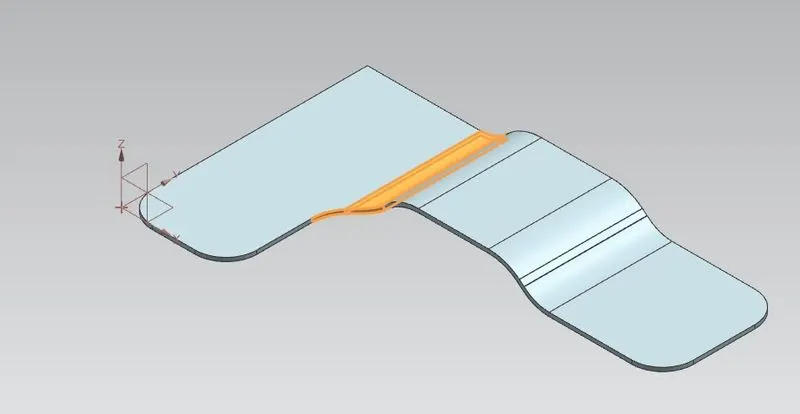
Break corner using 60 mm radius
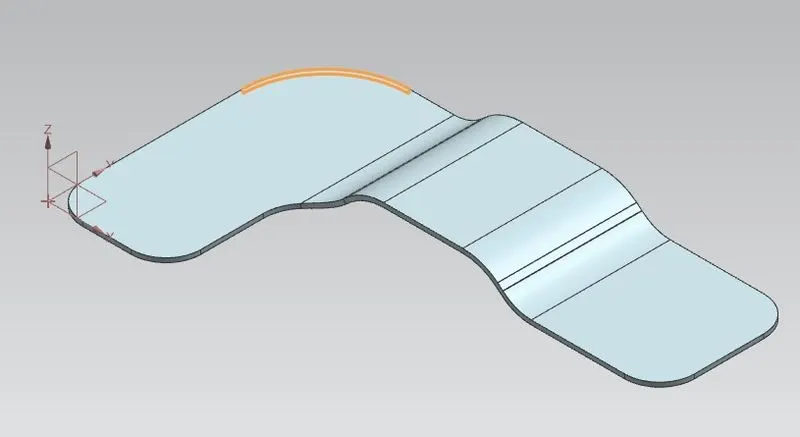
Create sketch for bead
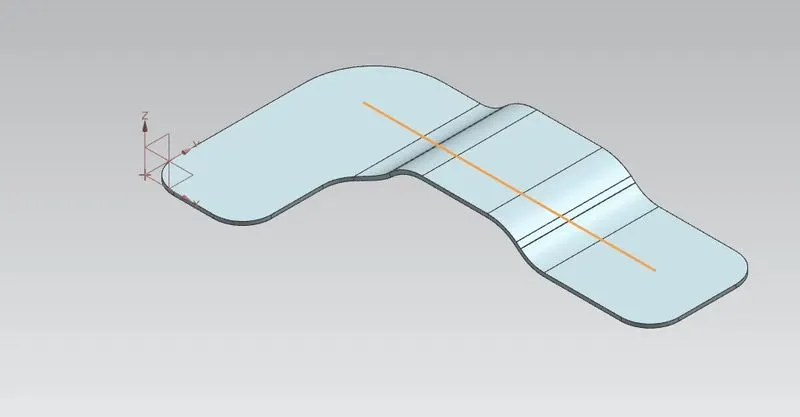
Unbend the bracket
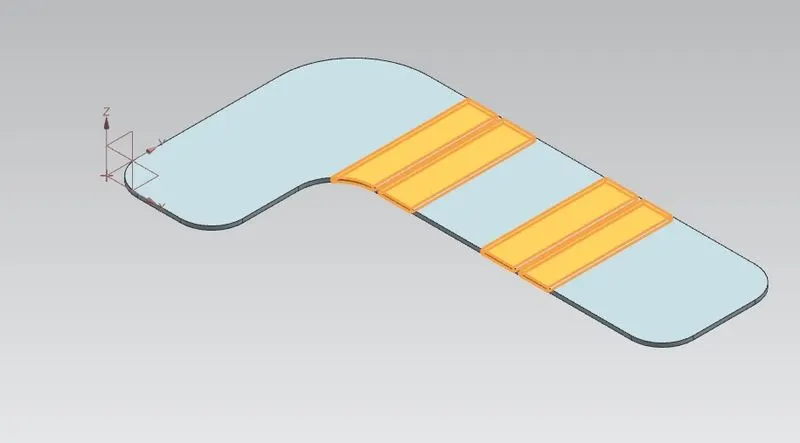
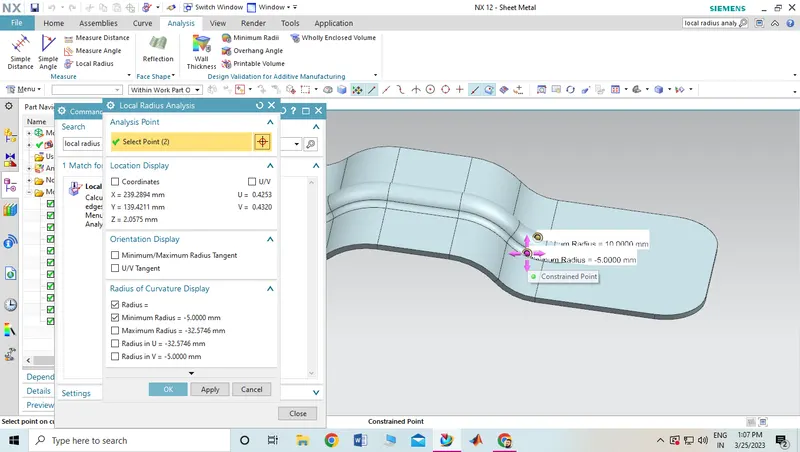
Create bead form the profile created
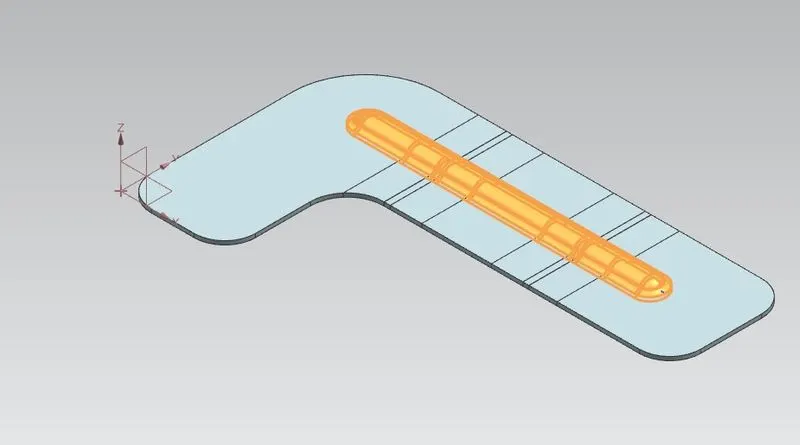
Rebend the bracket
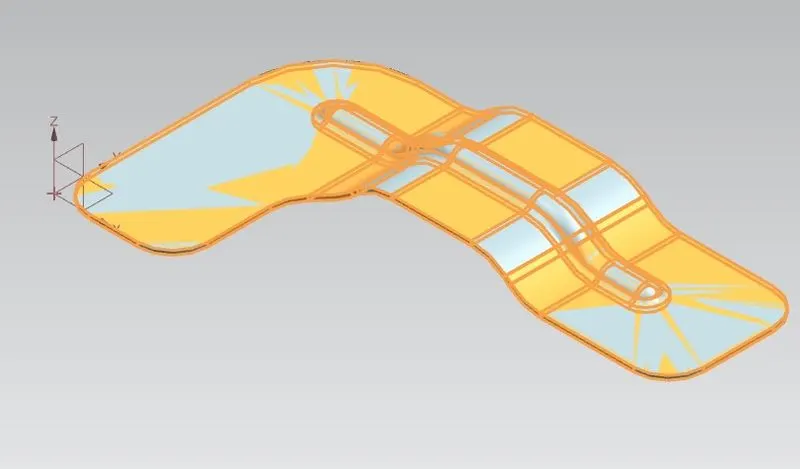
Create a points on top view to locate the holes
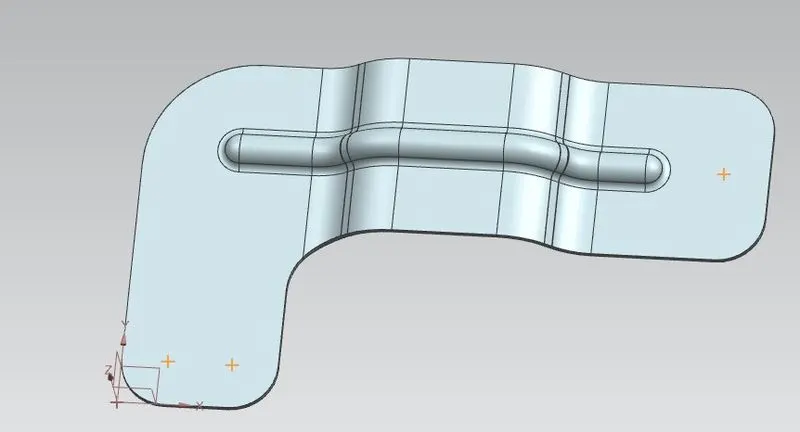
Create the holes using hole command
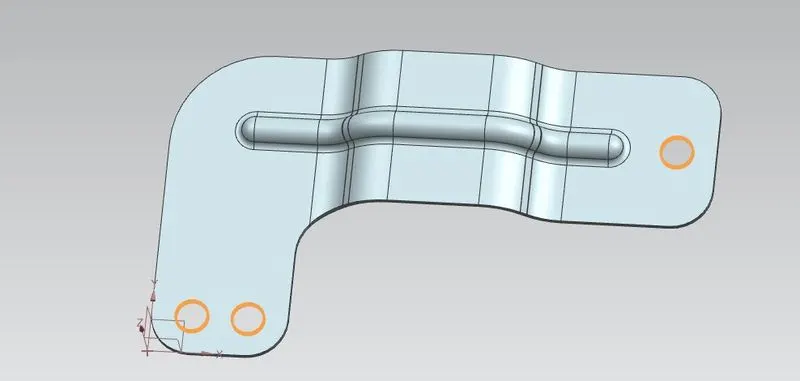
Views :
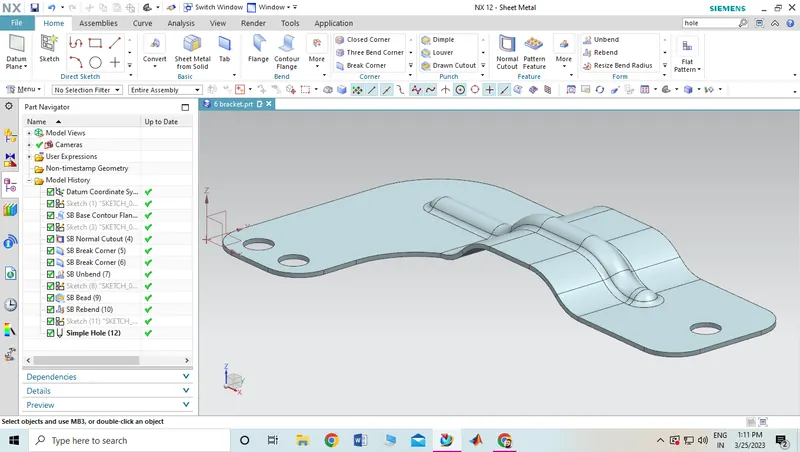
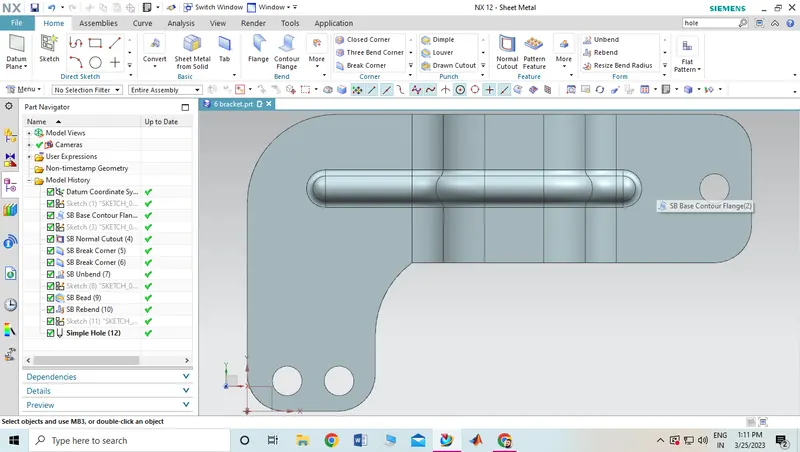
Conclusion :
Bracket is created is using advanced sheet metal tools in NX CAD.