Advanced Sheet Metal Design Using NX Cad Challenge_6_Bracket
BRACKET
create shetch at given dimensions
make sheet at 200mm length and 3mm thickness by using contor flange
then create another sketch at the top plane as given dimension
cut the exess potion of sheet ,other than sketch part by using by using normal cutout
revome the edges for85mm side and 100mm side upto 25mm radius by using break corner
remove the outer corner by using 60mm radius of break corner
remove the inner corner by using 30mm radius of break corner
then sketch on the bottom face at make a line upto 255mm length
unbend the sheets by using bottom face
make bead by using above maked line, upto 7mm depth and radius
rebent the sheet matal into orginal position
make a point at 315mm and 150mm from the center in xand y direction
create hole in the position of above maked poit
make another two points at bottom side of sheet at 30mm distance bewtween 35mm
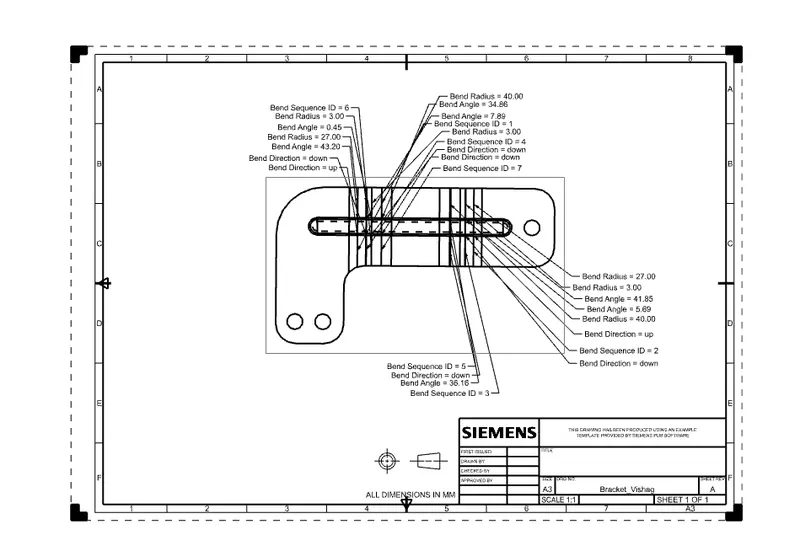
then make a flat pattern of sheet metal
go to mmodel views then change the sheetmetal into flatt pattern
make a drawing sheet at the size of A4 size
use base view command to select top view to flatpattern
then rotate view make correct drafting
save the file as matal bracket
Draft View:
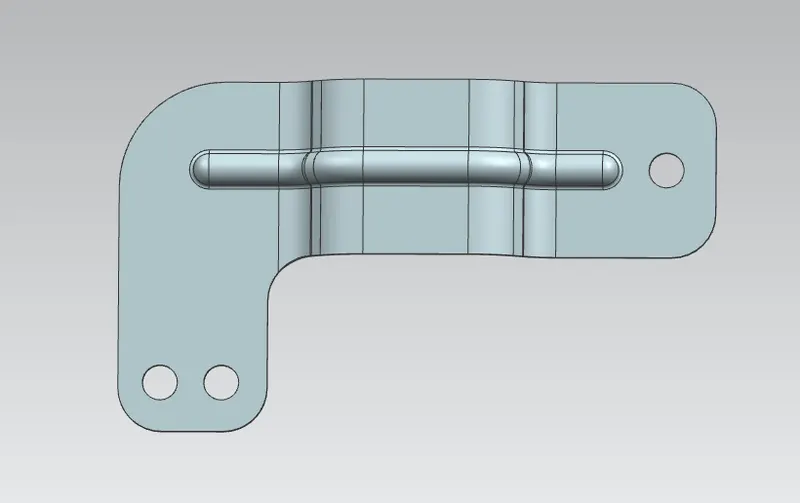
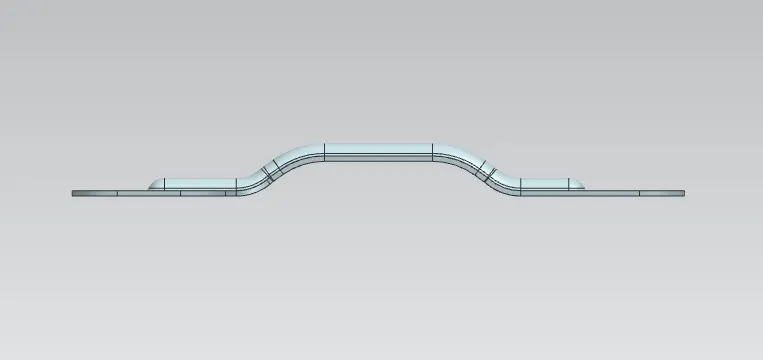
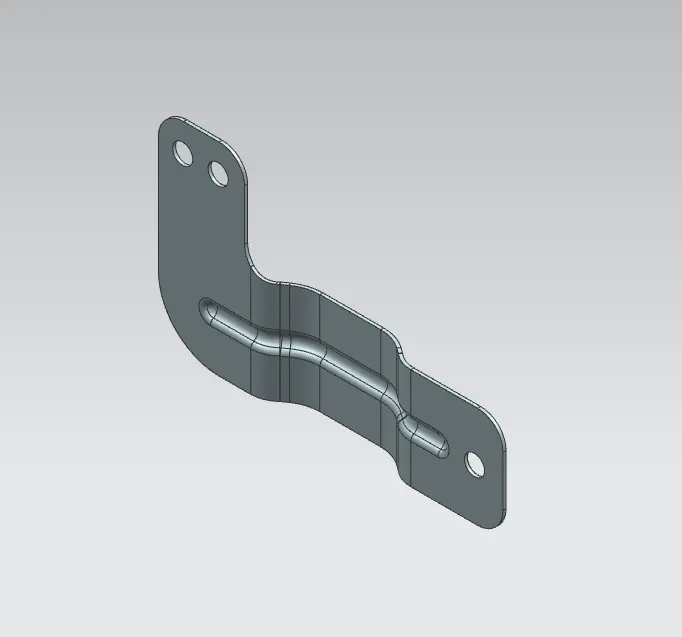
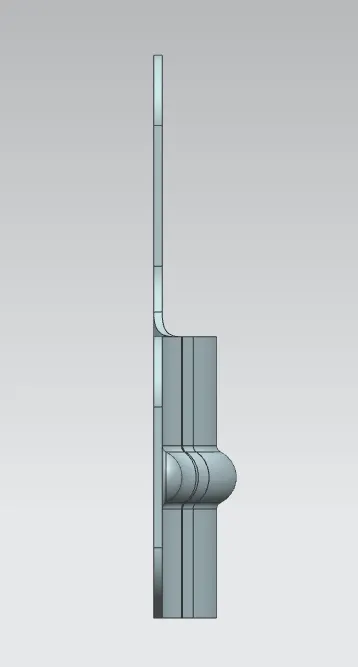
Model View :
Conclusion:
l learned various tools for sheetmetal design