Advanced Sheet Metal Design Using NX Cad Challenge_6_Bracket
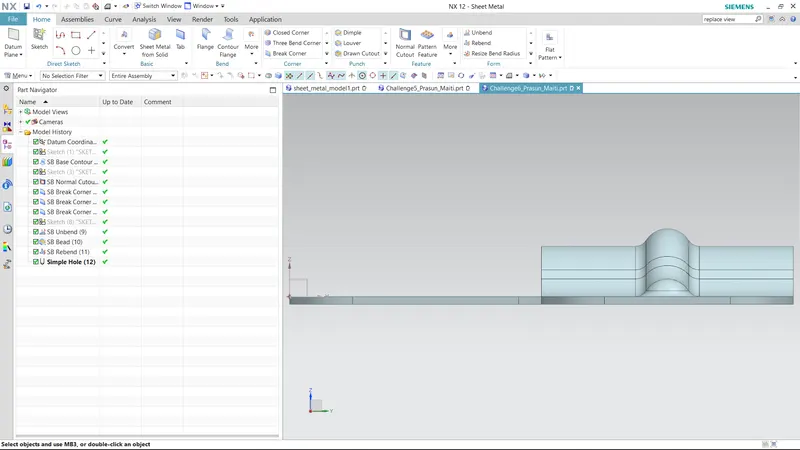
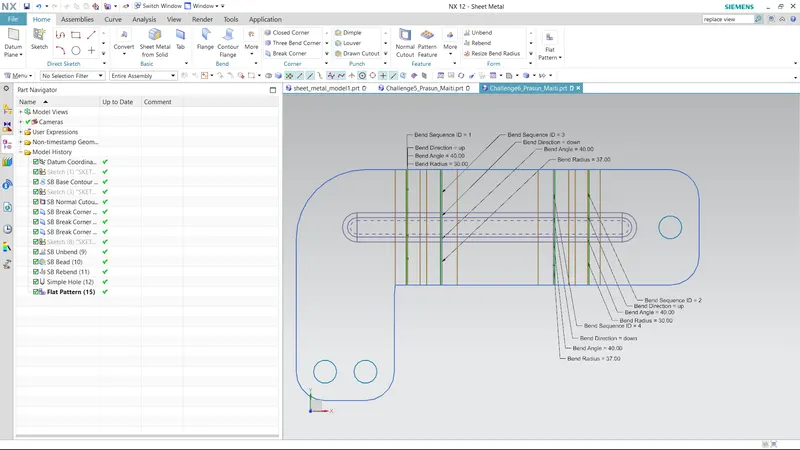
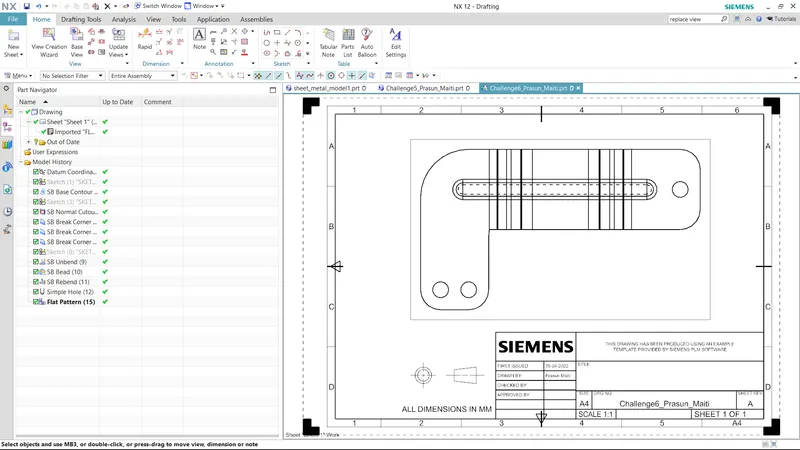
TITLE-CHALLENGE 8
OBJECTIVE-CREATE BRAKET USING NX CAD
INTRODUCTION-Learn abOut how to draw a braket using 2d drawing.
DESIGN METHODOLOGY-
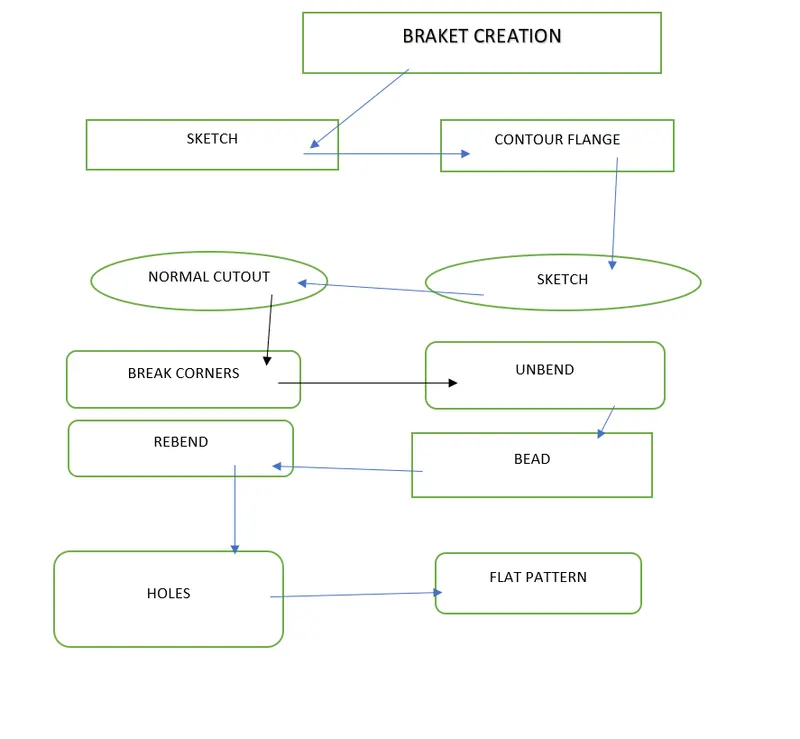
FEATURED USED-
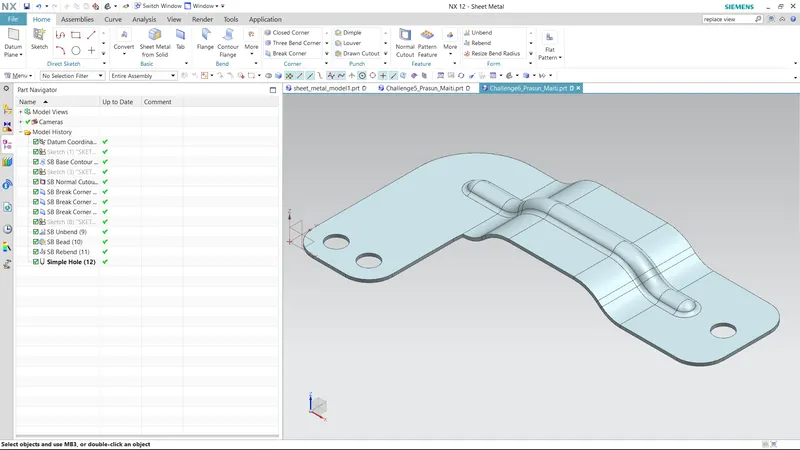
- CONTOUR FLANGE-Contour flage is used to dra a sheet metal form a 2d line or automatically generate a sheet metal from a 2d open sketch.
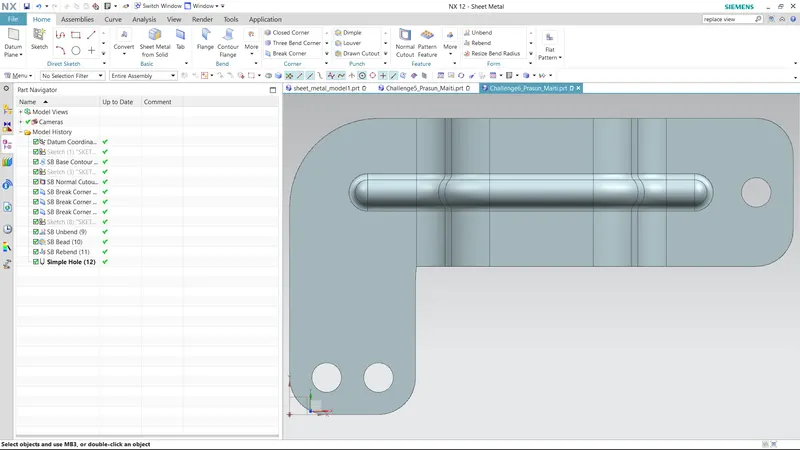
- NORMAL CUT-Normal cut is used to cut a sheet metal eventually using 2d drawing.
- BREAK CORNER-Break corner is used to give fillets on the corners on the edges of sheet metal.
- UNBEND-Unbend is used to convert sheet metal into a flat plate.
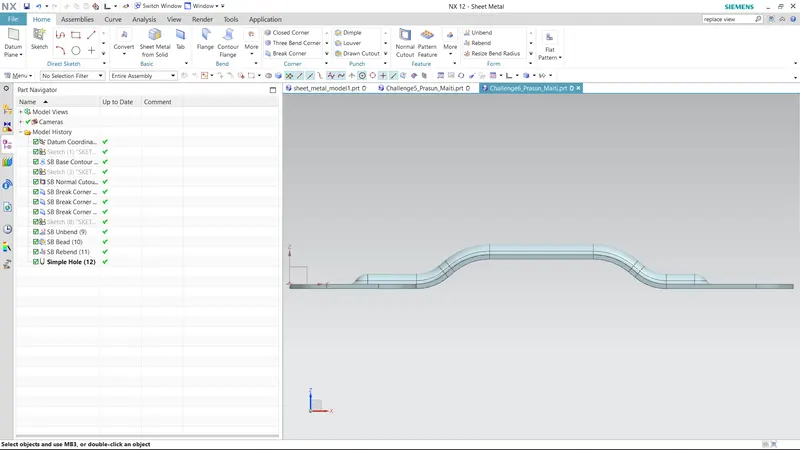
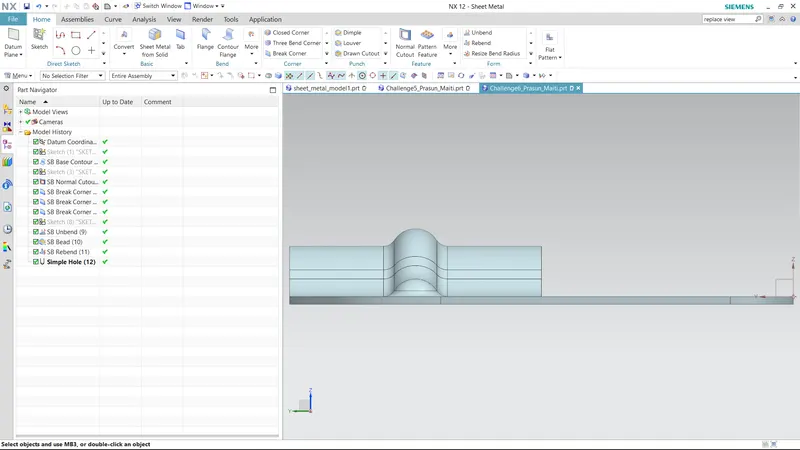
- BEAD-Bead is stiffening feature which gives strength to sheet metal.
- REBEND-Rebend is used to get last position befor unbend.
- HOLE-Hole command is used to creat holes on the sheet metal.
- FLAT PATTERN-Flat pattern commant is used to create a 2d drwing of the Unbend sheet metal which contains all the details like radius, length etc.