Advanced Sheet Metal Design Using NX Cad Challenge_6_Bracket
SHEET METAL BRACKET
OBJECTIVES
To design a bracket using NX cad software
INTRODUCTION
NX CAD (formerly Unigraphics) is a robust 3D solution that provides fast and realistic concept design and modeling. Superior in power and flexibility, NX CAD design tools are a breakthrough in the industry, setting new standards for speed performance and ease of use. Product design is about innovation.
Custom sheet metal brackets can be made from Cold Rolled Steel, Galvanneal, Stainless Steel, Aluminum and Copper. Finishes: Protocase-manufactured custom sheet metal brackets can be finished with: Powdercoat
DESIGN METHODOLOGY
create the sketch
↓
create the contour flange
↓
create sketch for normal cut out
↓
create break corners
↓
unbend the file
↓
create bead and holes
↓
rebend the file
↓
save the file by adding your name
DESCRIPTION
SKETCH
draw a 2D sketch with an given diamention
FLANGE
use conture flange to extrude the 2D sketch
normal cut out
draw an profile as given and make an normal cut out
break corners
use break corners option to create an blend the corners
unbend
use un bend option to create an flate surface
bead
this command is used to create a bead which provide aditional strength to the material
hole
the command is used to create an hole by placing an mark on the desired locations
rebend
now rebend the file so the mterial comes to the normal position
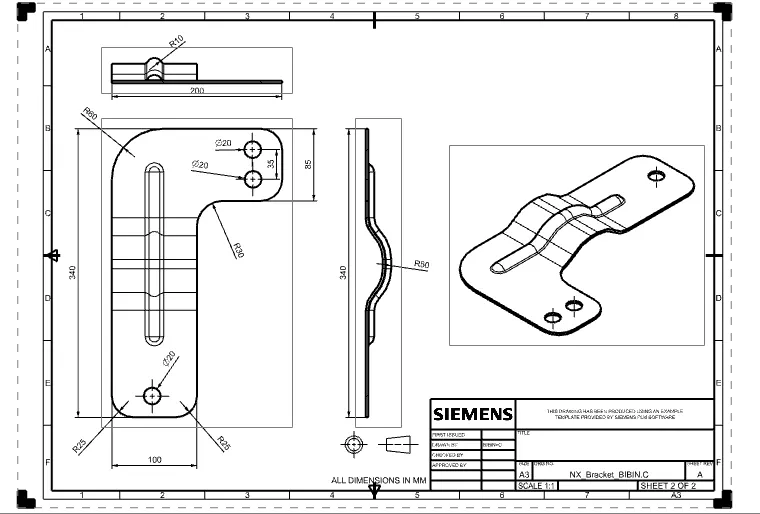
DIFFERENT TYPES OF VIEWS
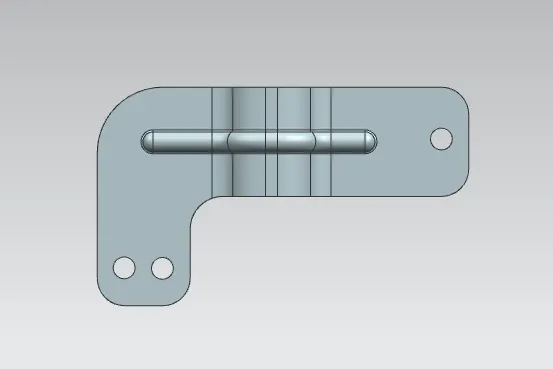
TOP VIEW
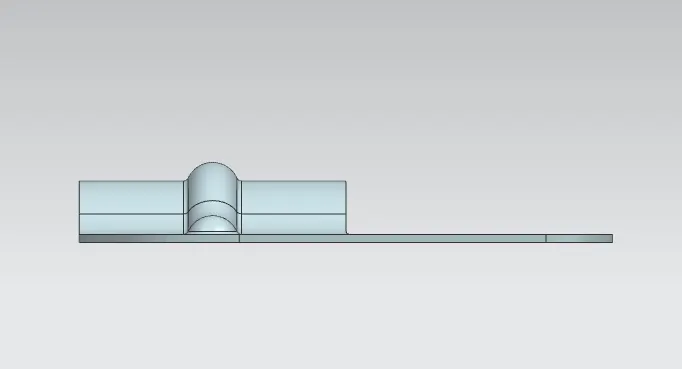
SIDE VIEW
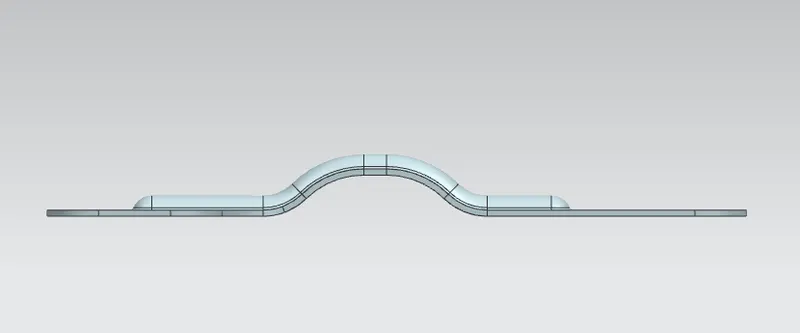
FRONT VIEW
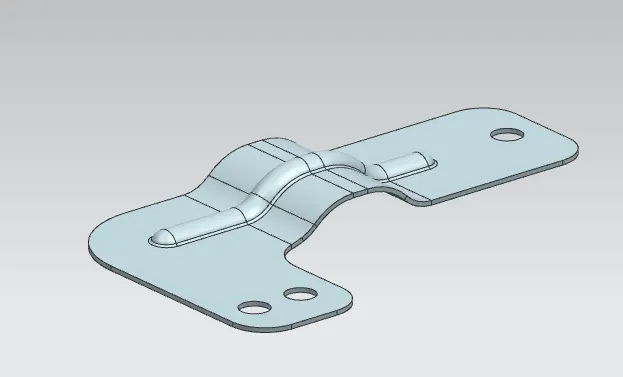
ISOMETRIC VIEW
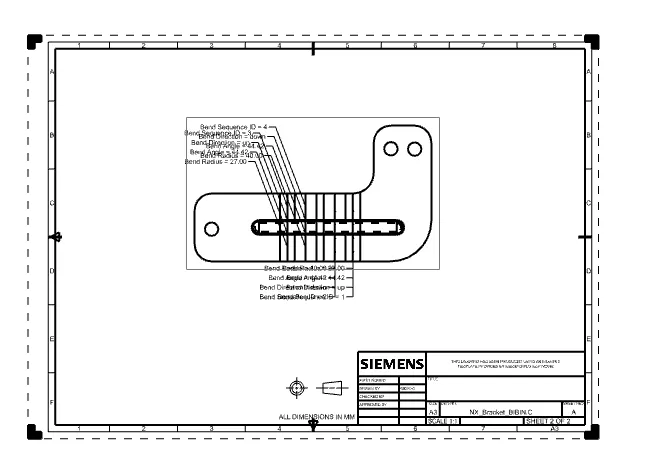
DRAFTING MODE
CONCLUSION
thus the sheet metal Bracket is designed uing the NX CAD software