Advanced Sheet Metal Design Using NX Cad Challenge_6_Bracket
NX_EXTRACTION OF BRACKET 2D TO UNIGRAPHICS 3D
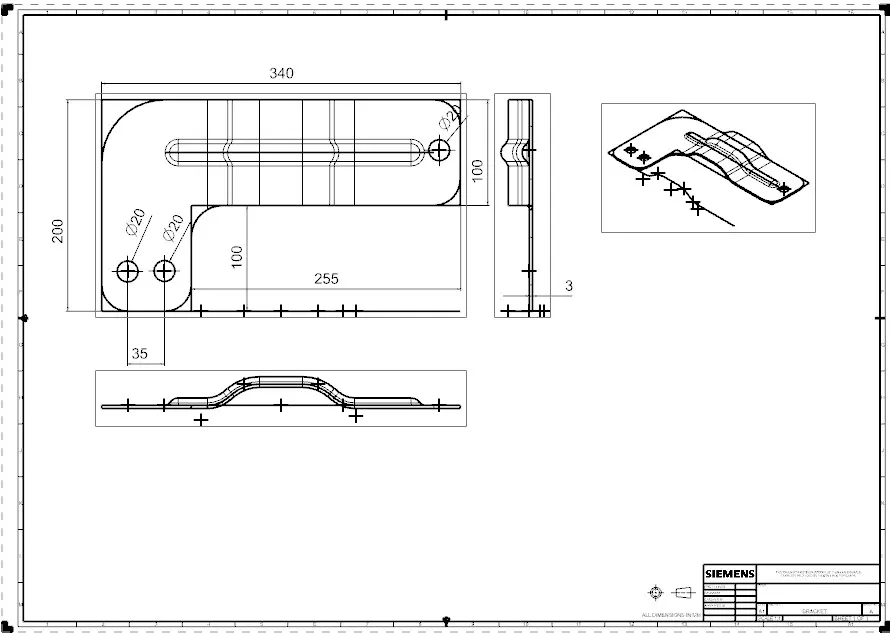
OBJECTIVE : To design a advanced extraction of bracket 2d to 3d using the sheet metal aplication in NX
Intruduction
sheet metal design is a vast domain in the design of any sheet metal industry , it is used many sectors including the aeronautics & automotive sectors , in this sheet metal casing design we will look at the design approch using NX (CAD) SOFTWARE through various design , images , explaination and images .
Design Approach

figure 1 above shows the flow chart of the method used to achive the final design of the extraction of 2d to 3d
Description
firstly we need to design desire sketch after that , using the counter option a desired sketch was then created on to the counter flange.later to that desired sketch was then created on the surface of the previously created flange to to the to make perfect shape of bracket, after sketching the line created and it should be normal cutout to the angled profile .
break corner are added by 'break corner command' to break corner for the required shape .sketch the profiled surface for the straight bead as per requirement .
unbend is done through unbend option will make the pdofiled sheet metal to unflap to the size and shape of sheet to manageable requirement .the bead is added on to the surface were the unbend is done .
rebend is added to previously unbended surfaceby using rebend option , the sketch is added for the holing the surface , then holes are added to previously setched surface and the dimension is mantained as per the layout given .
Then the 3d is completed after the procedure of 2d is completed.
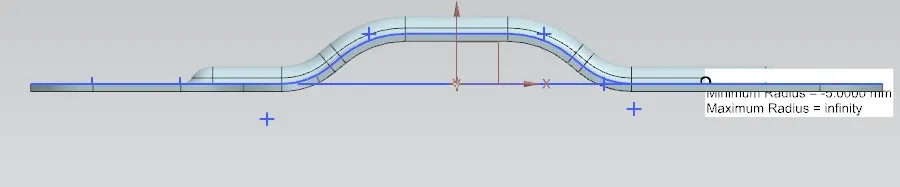
front view of bracket
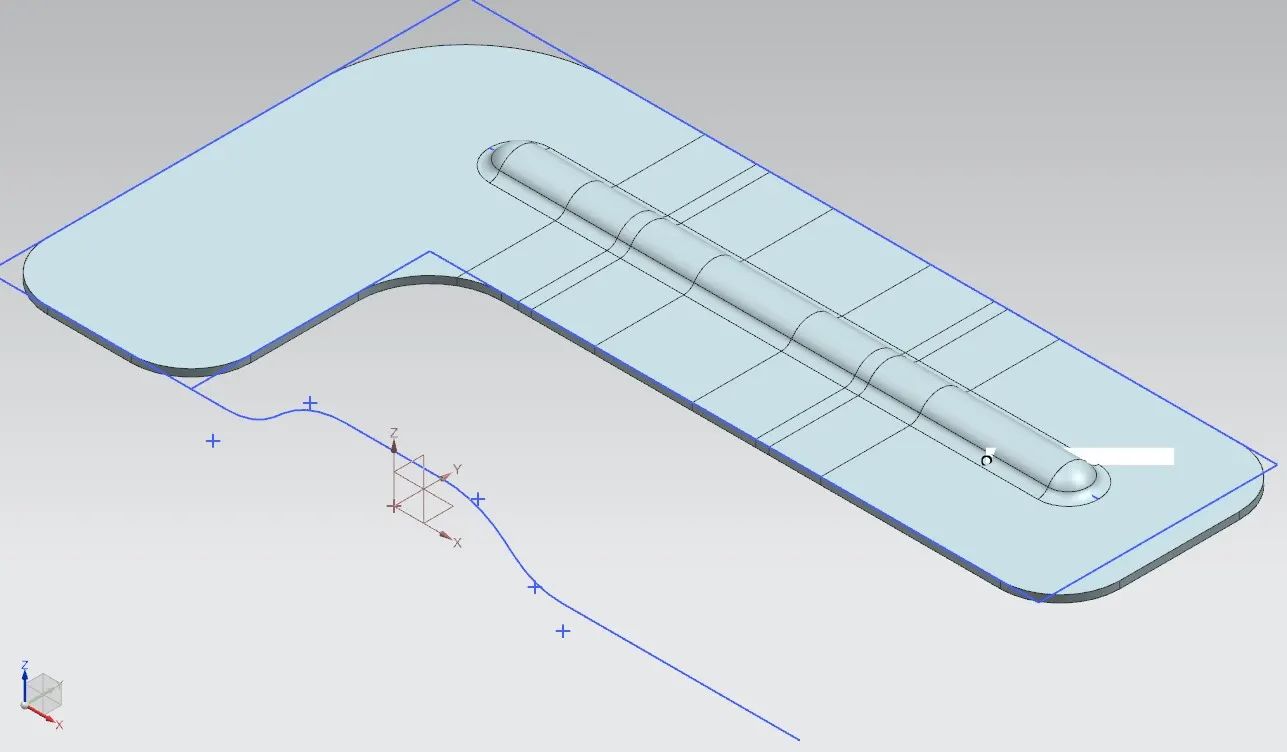
iso unbend view of bracket
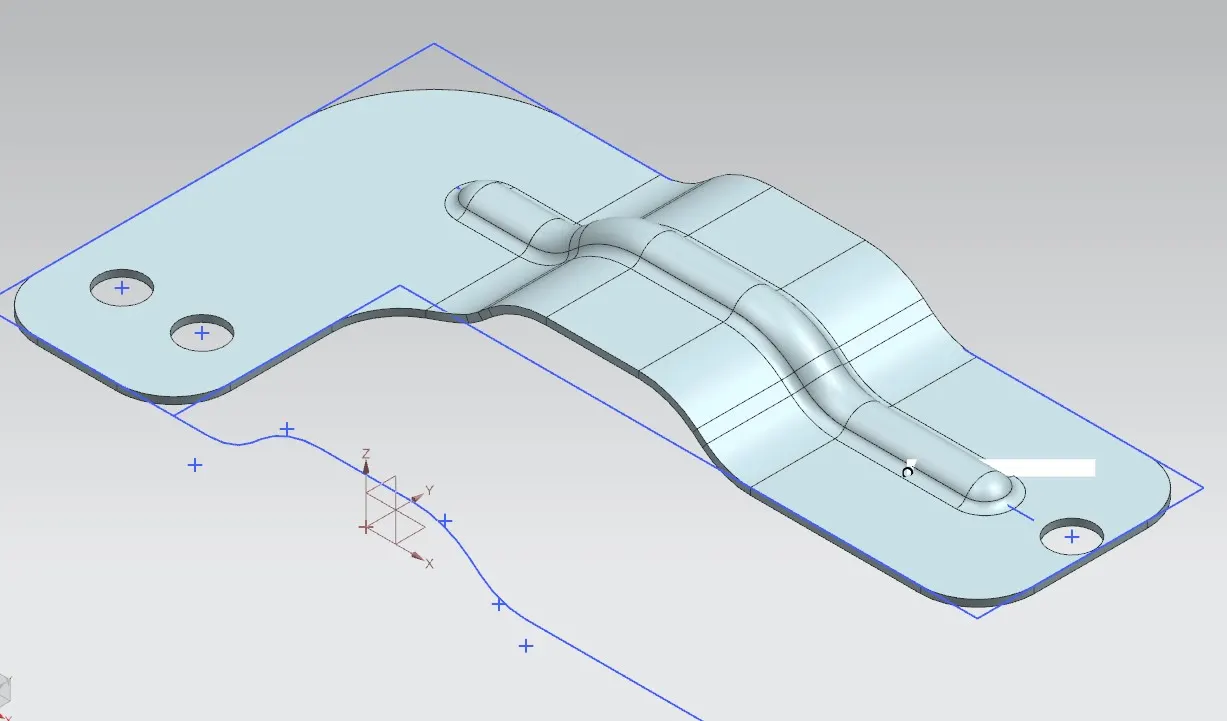
iso view of bracket
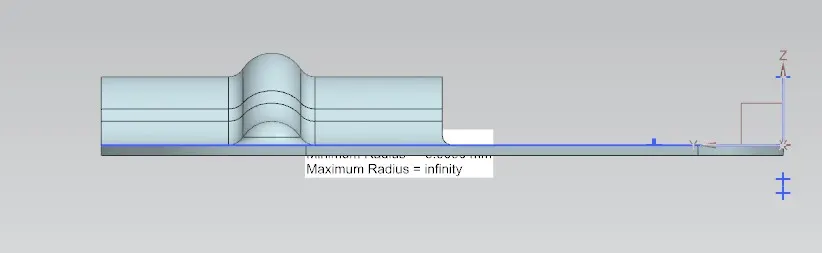
left view of bracket
.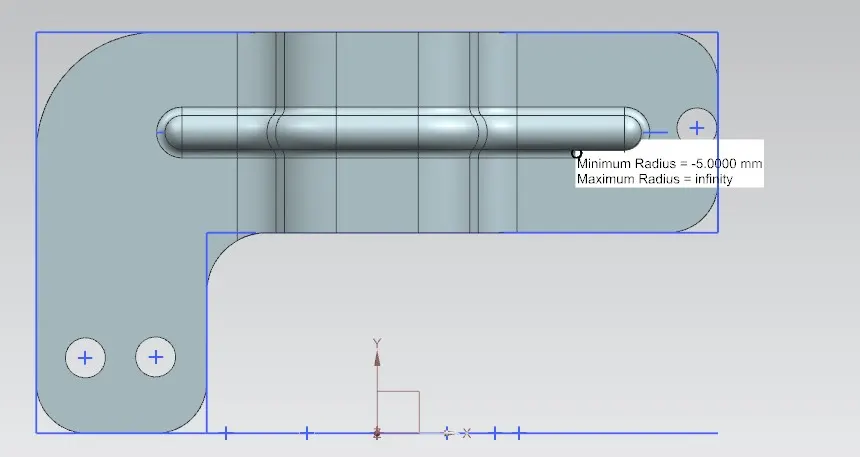
top view of bracket