Advanced Sheet Metal Design Using NX Cad - BRACKET From a 2D Drawing
BRACKET From a 2D Drawing
Objective
Create Bracket from the 2D drawing.
Introduction
Sheet Metal Brackets are the small metallic components which are used in various different industrial utilities for fitting, fixing, holding and fastening. In this challenge we are designing a bracket from its 2D drawing.
Methodology
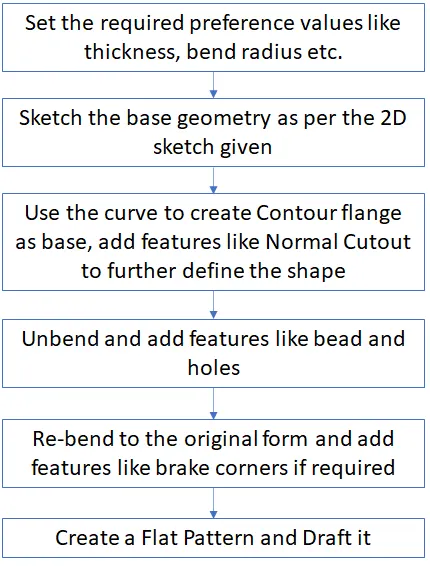
Description
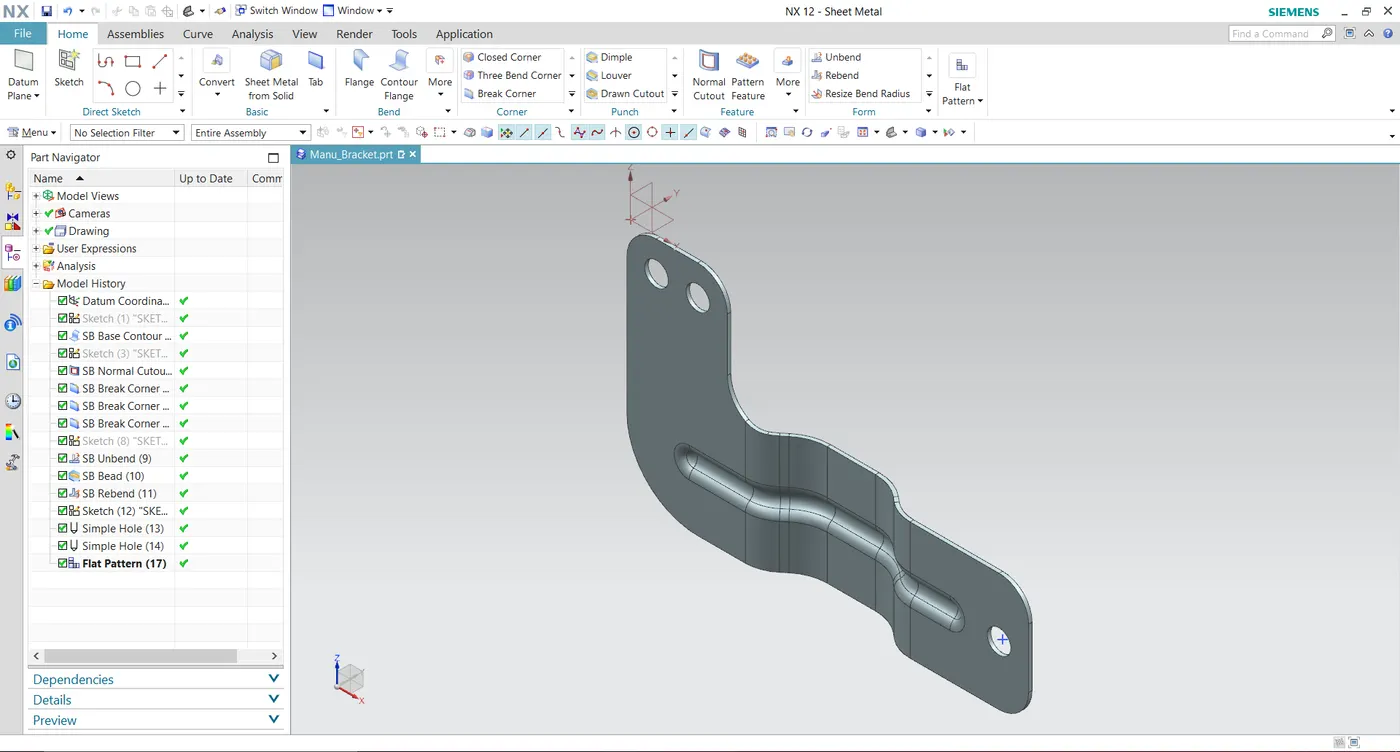
Contour Flange: Creates a base feature by extruding sketch along a vector or adds material by sweeping along an edge or chain of edges.
Normal cutout: Use this command to make a hole or cutout using a sketch on the sheet metal.
Unbend: It will flatten the bend region.
Rebend: After unbend the rebend command will bend the bend region to its original form.
Bead: It is also a punch function, used to stiffen the surface.
Hole: Add holes to one or more solid bodies in a part or assembly.
Images
Top view
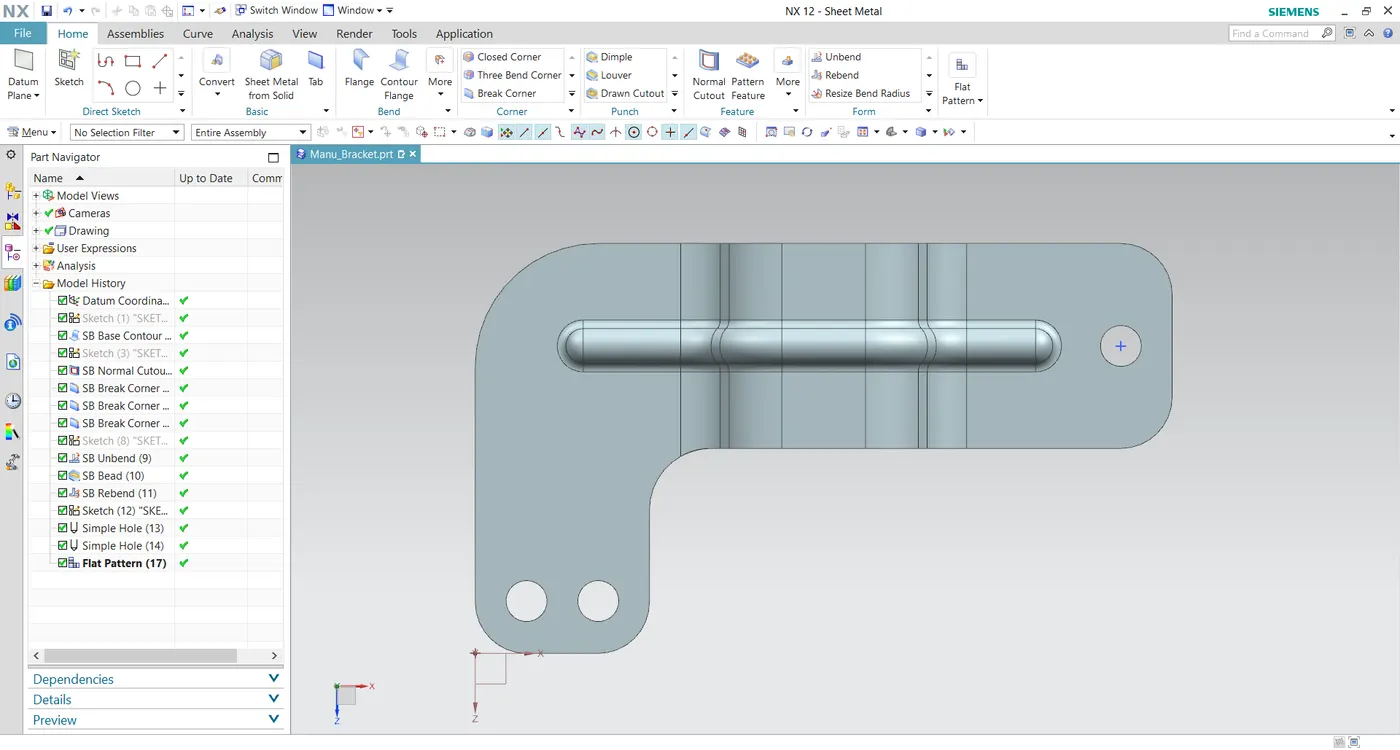
Front view
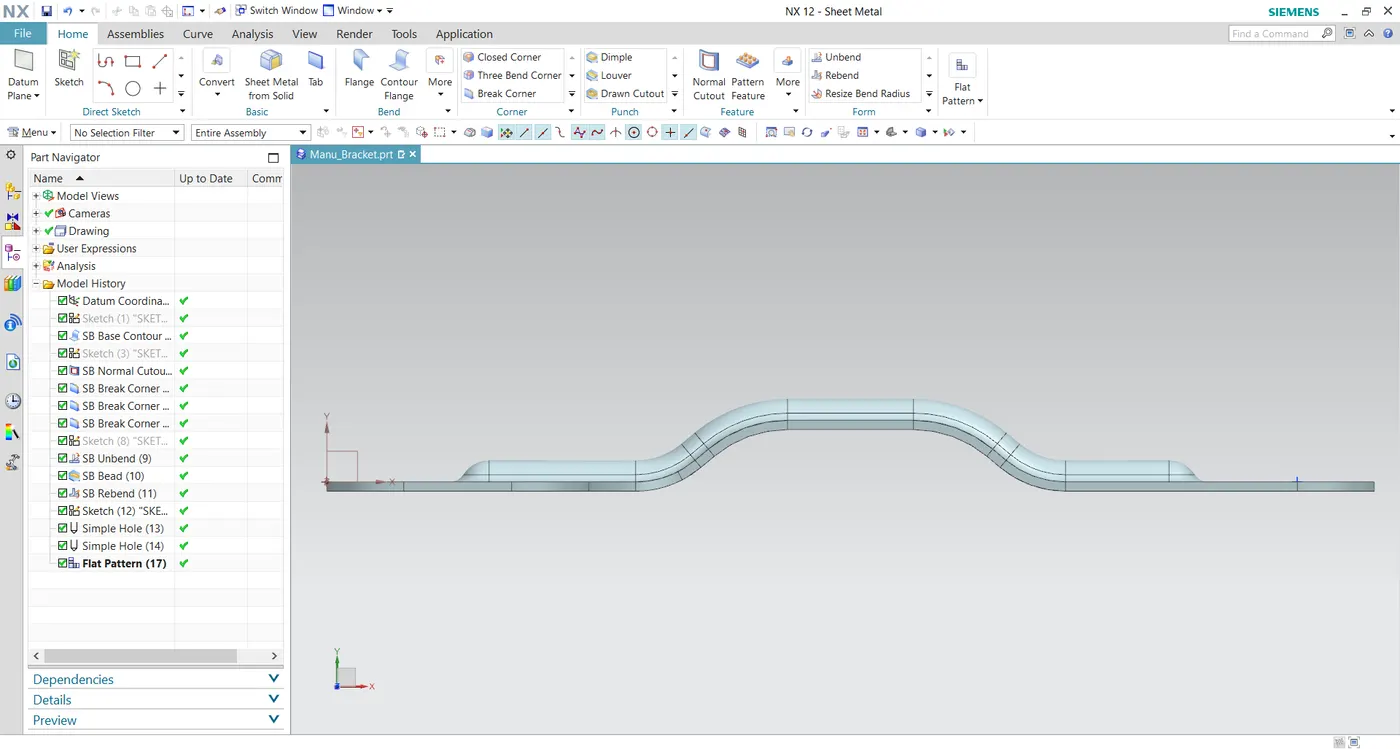
Side view
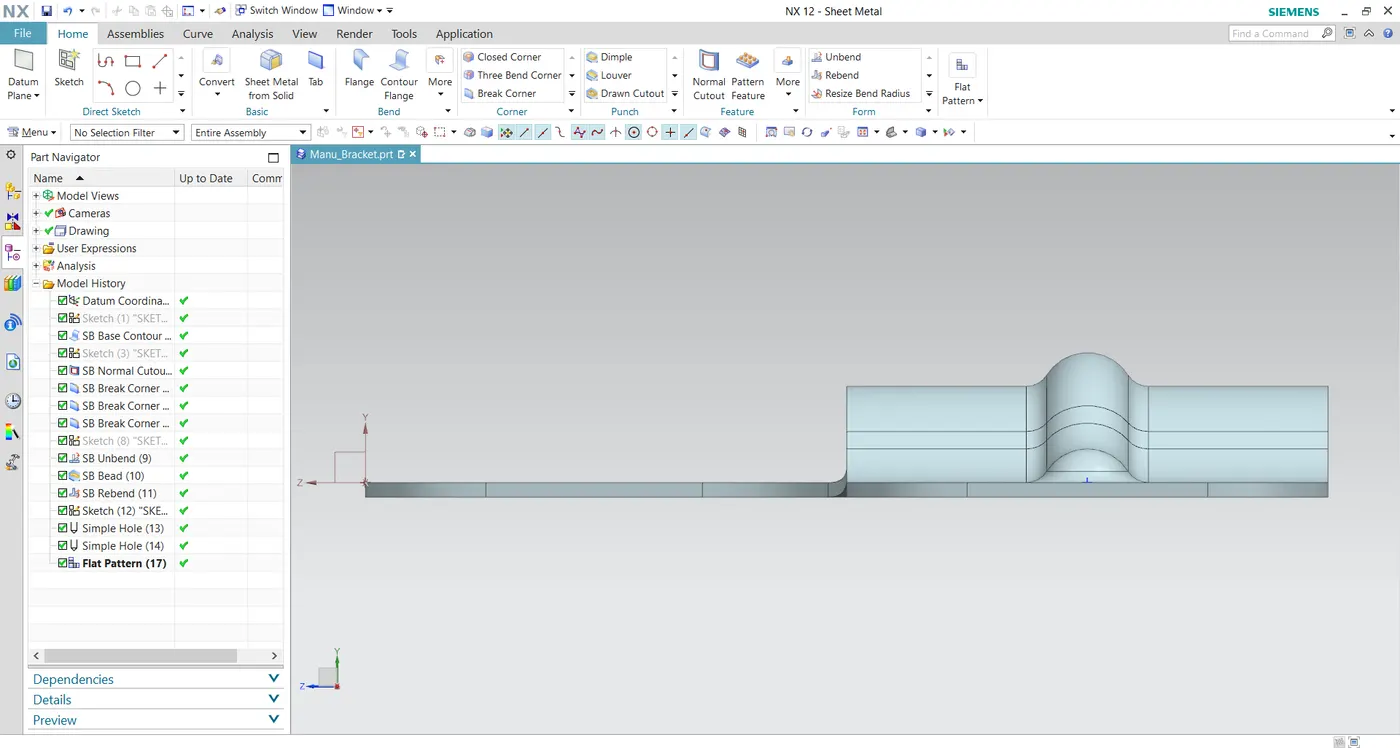
Isometric view
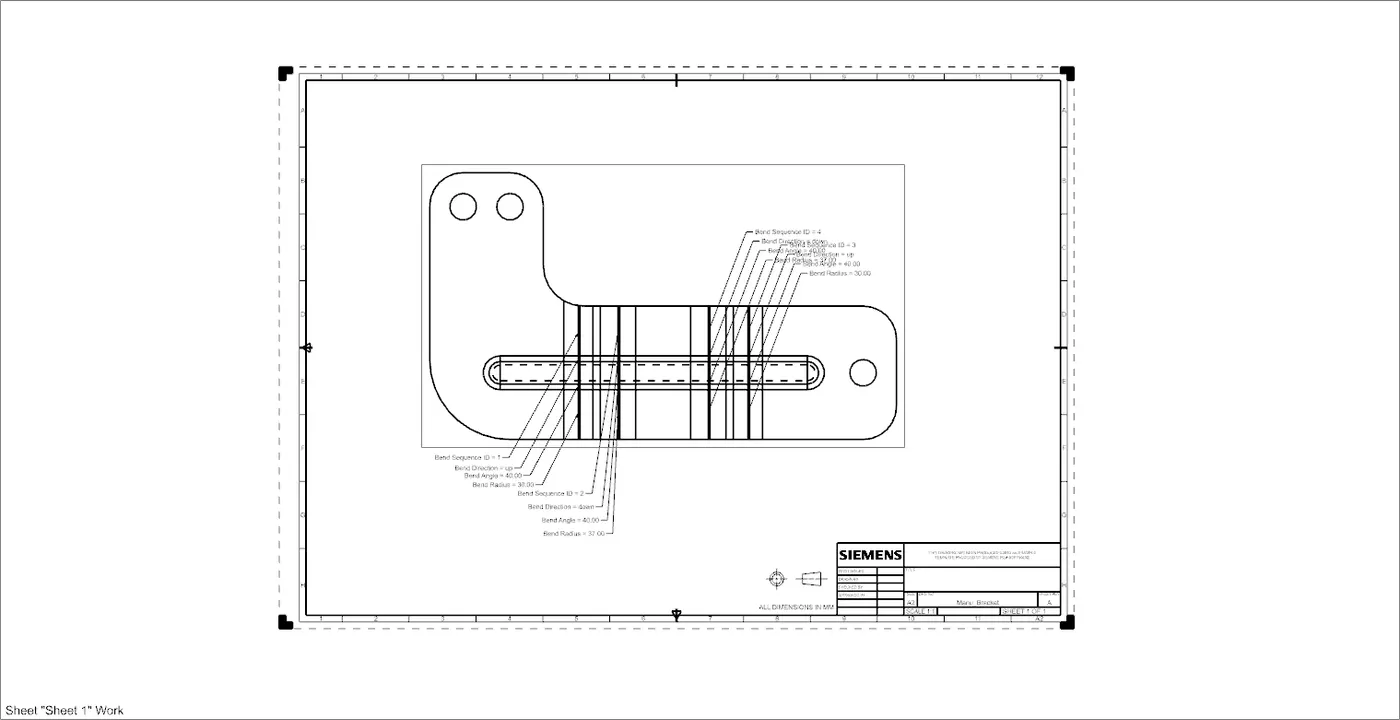
Drawing Sheet
Conclusion
Created Bracket from the 2D drawing, Flattened and Drafted.