Advanced Sheet Metal Design Using NX Cad Challenge_5_Odd Shaped Enclosure
SOLID SHAPE TO SHEETMETAL PART
Aim: Create a solid body and convert it to a sheetmetal part.
This tool can be used to convert a solid body or any other imported bodies/shapes/solids to a sheet metal wrap of the same solid body. This is a very handy tool to operate or to create a sheetmetal part of any solid objects.
| SKETCHING A SHAPE |
| CREATING A SOLID BODY |
| SOLID BODY TO SHEET METAL |
| FLANGE |
| JOG |
| UNBEND |
| BEADS |
| HOLES |
| REBEND |
| FLAT PATTERN |
| REPLACE VIEW TO FLAT PATTERN VIEW |
So we can start our designing. for that we can import or design the solid body. Here iam creating a solid body. for that create a sketch of any shapes in a plane and then extrude it to a length. then a solid body is thus created.
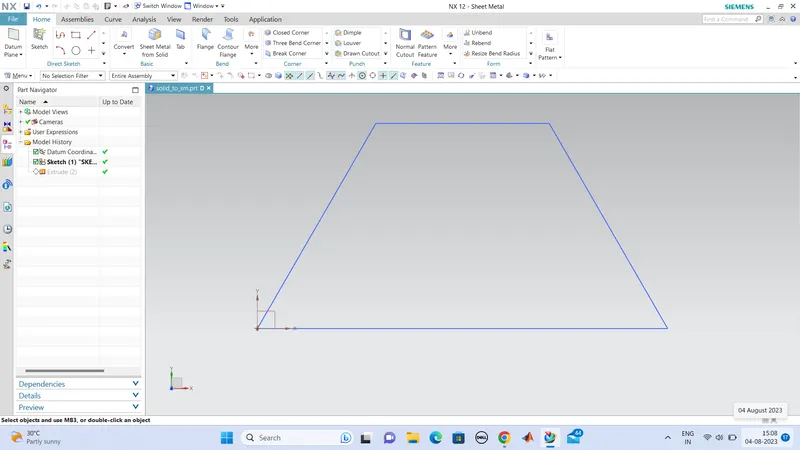
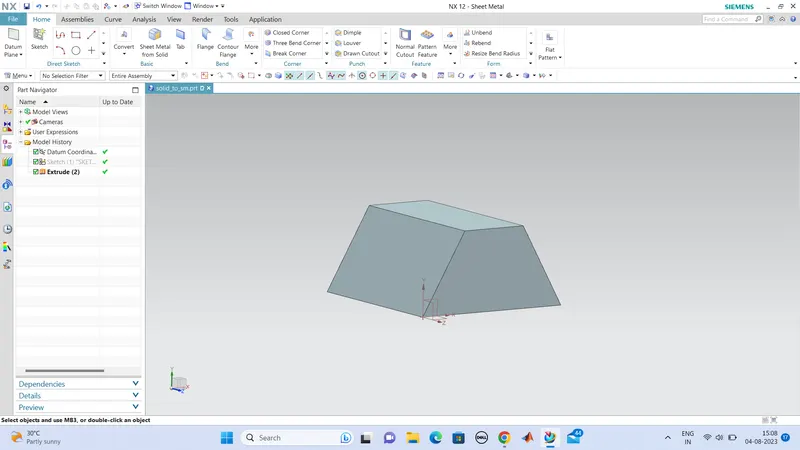
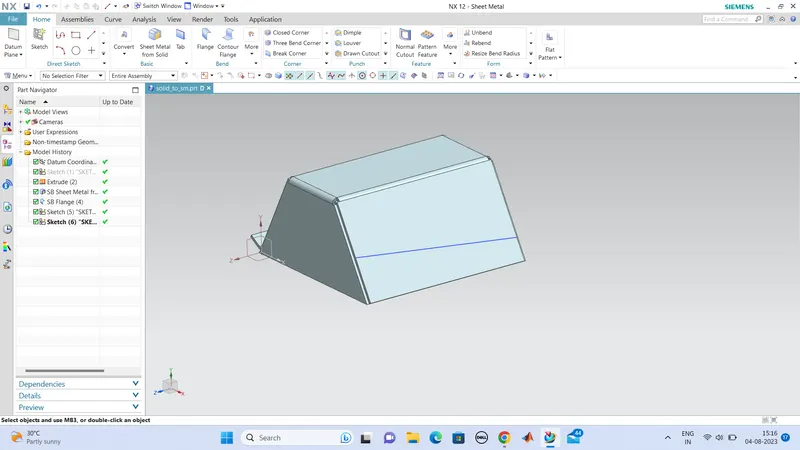
Now we can unwrap a sheetmetal portion from this body surface. for that we use the command 'sheetmetal from solid'. and select the faces we want to make it to a sheet metal part and edges of the corresponding faces.
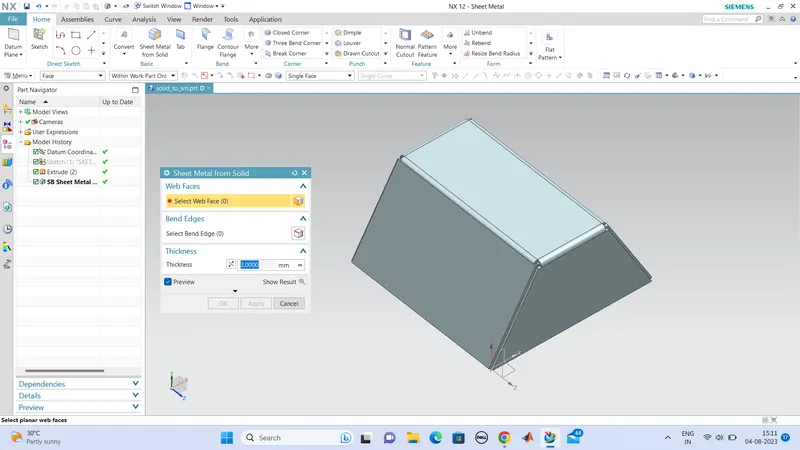
hence the sheetmetal part is thus extracted from solid. now we can implement some features such as flanges,..
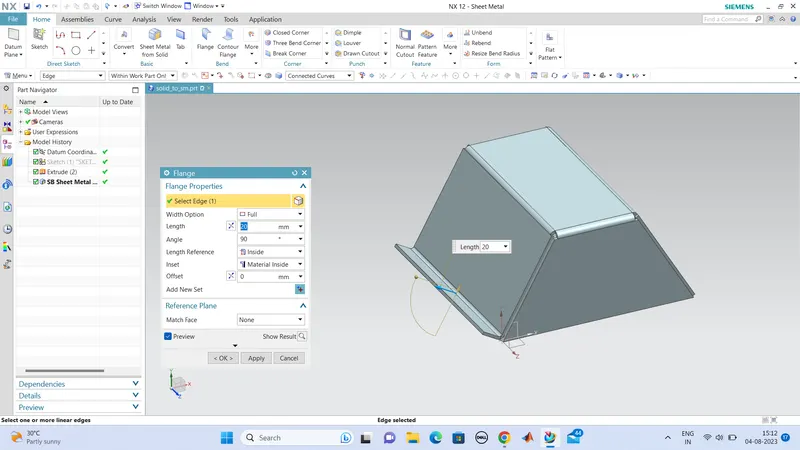
a flange is created iin one side. and other side we can go for jog.
for the jog on the other side, we can create a sktech which is inclined to the face in which we are going to crete the jog.
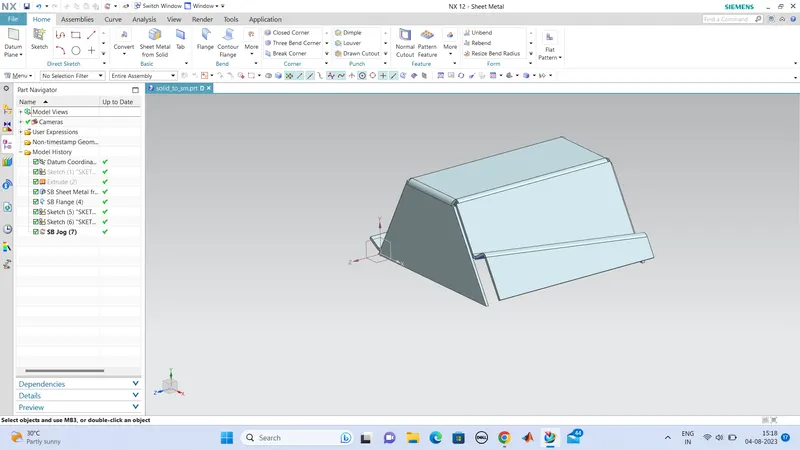
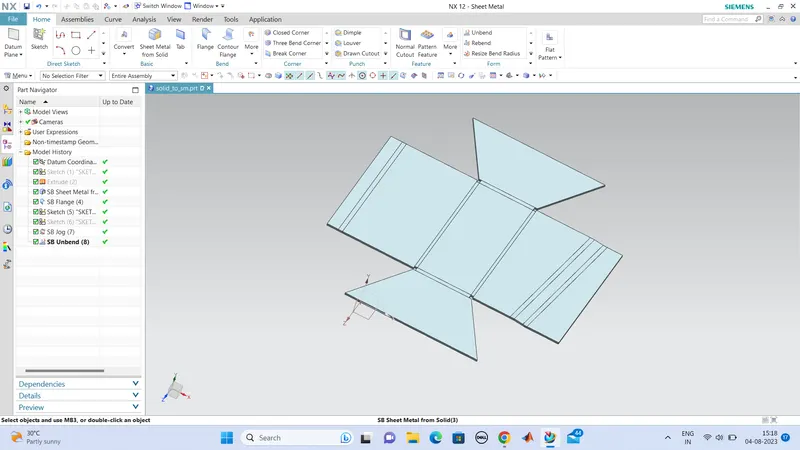
next we can create some holes and some beads on the body, so we can unbend the sheetmetal part.so that unbend the part using unbend tool.
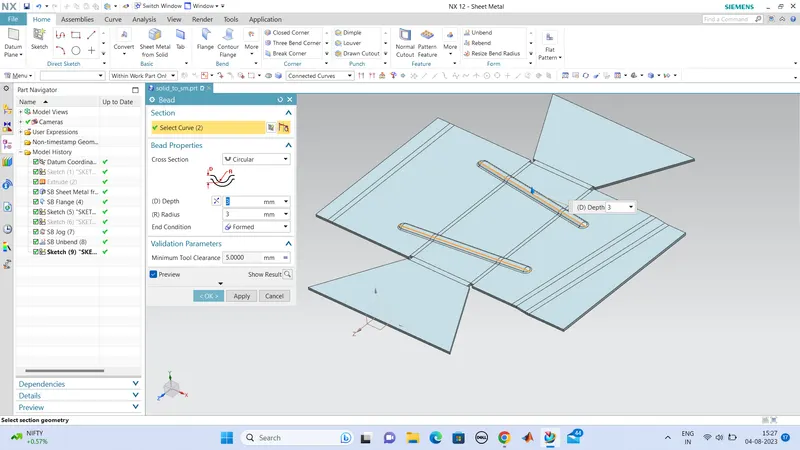
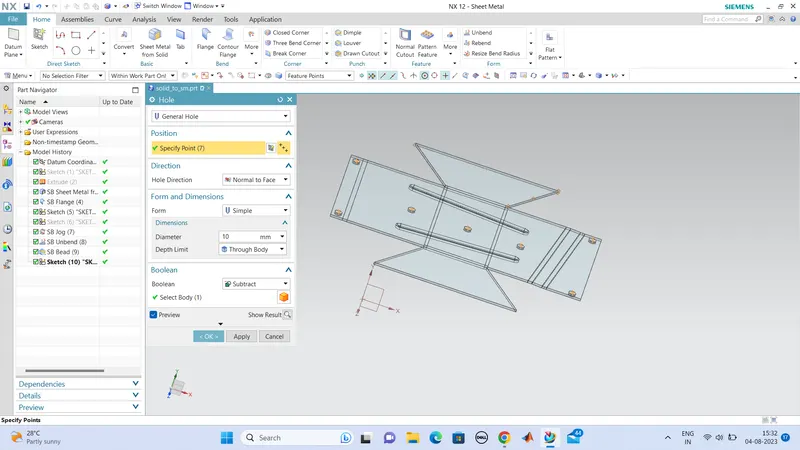
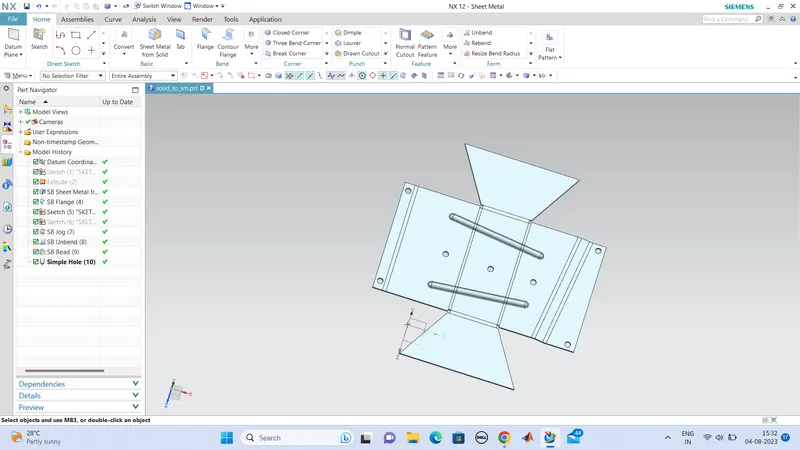
thus beads and holes are created, now we can rebend this sheetmetal part. so the process is completed.
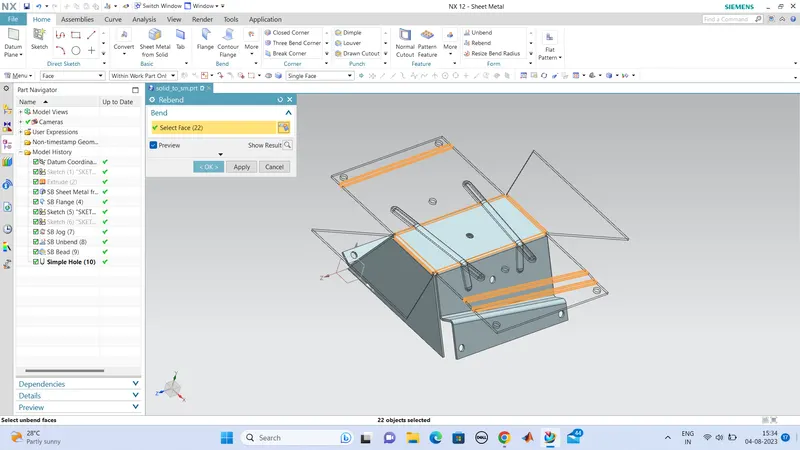
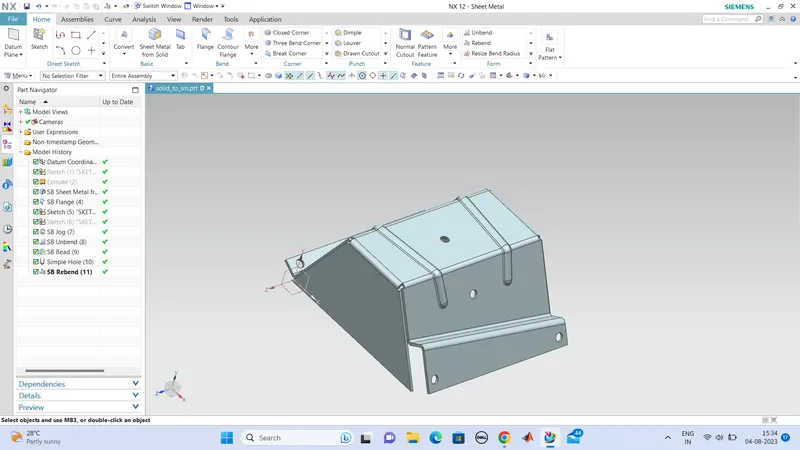
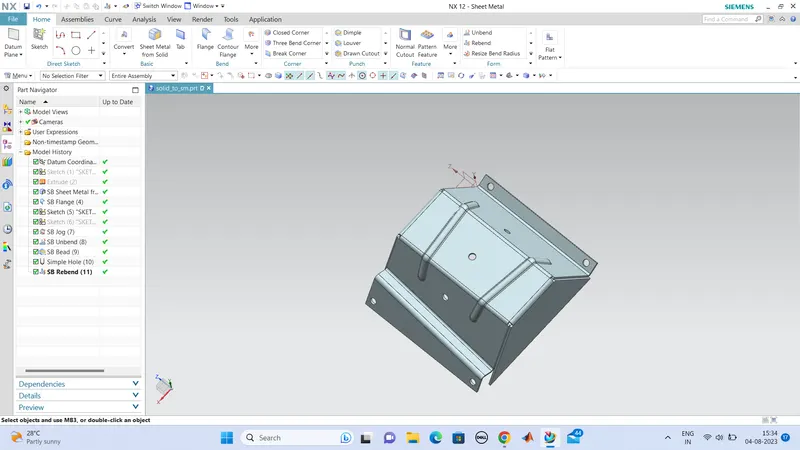
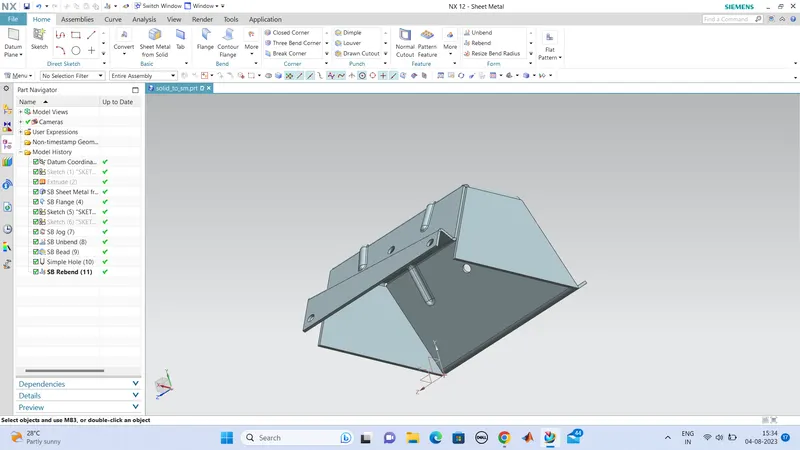
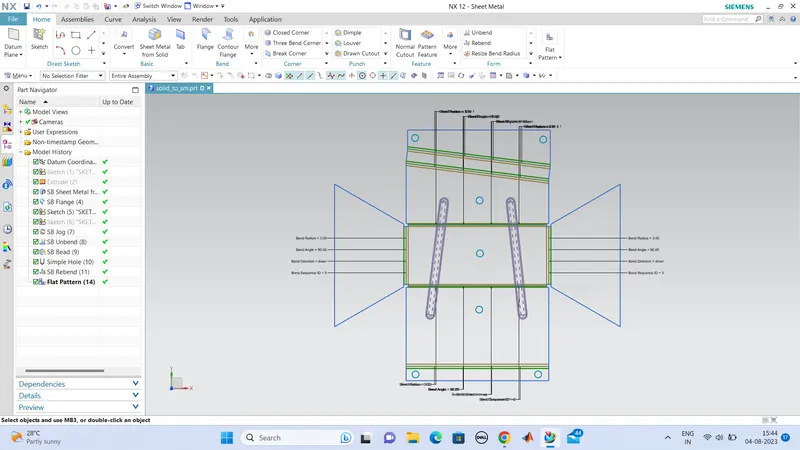
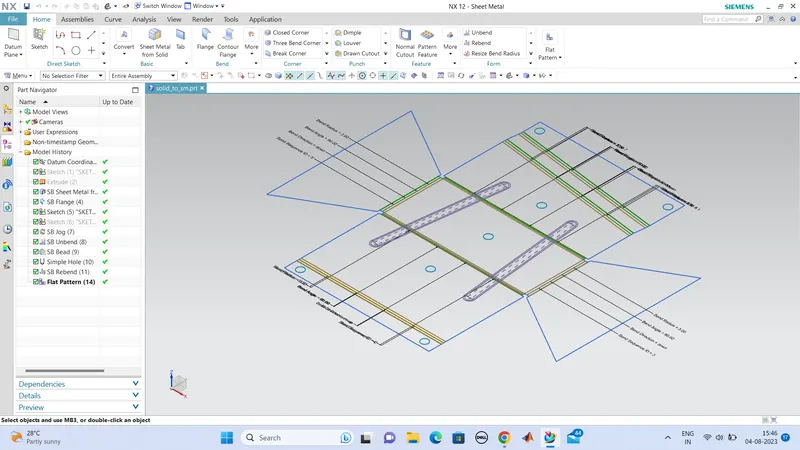
next we can create the flatpattern of this sheetmetal component.
for that use the command flat pattern and select the face and edges. and change the view to flatpettern view.
Conclution:
Hence the convertion of solid body to sheetmetal body is hence completed and the command used to create are specified.