Advanced Sheet Metal Design Using NX Cad Challenge_5_Odd Shaped Enclosure
Title: Advanced Sheet Metal Design Using NX Cad Challenge_5_Odd Shaped Enclosure
Objective: To Design an Odd shaped Enclosure Using Siemens NX.
Introduction: Due to its many benefits, sheet metal components are frequently utilised in machinery, enclosures, brackets, and automobiles. Typically, a break press is used to create the pieces. The term "sheet metal" simply refers to the thin metal sheets, which can range in thickness from 0.5 to 6mm. For this project, I created the sheet metal bracket using the NX CAD tool. For design purposes, more than 85% of the sheet metal industries use NX CAD.
Design Methodology:
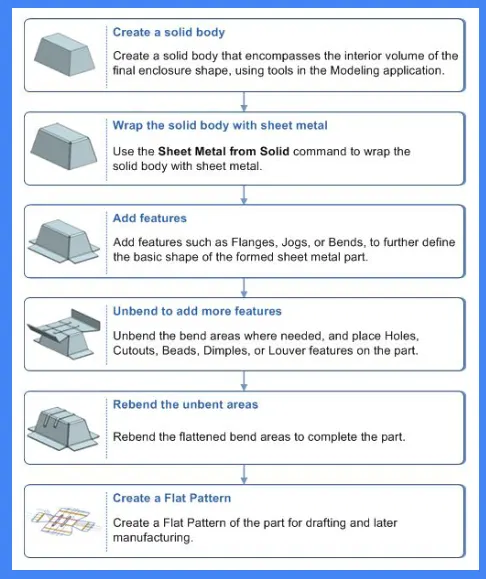
Description of the Tools Used:
Extrude: It is used to convert 2D sketches to 3D bodies.
Convert to Sheet Metal: This feature is used to creates a sheet metal model from generic solid body.
Flange: Flange is used to add extra material to the existing edge at any angle and of any size.
Jog: Jog feature is used to modifies the model by lifting material on one side of the line, adding a flange between two sides.
Hole: It is used to create holes in the body.
Unbend: Unbend feature allows us view a flat sheet metal body by removing all the bends created.
Bead: Bead is similar feature like dimple the only difference is that by using dimple we lift an area while in bead we lift the contour of the sketch.
Rebend: It is used to restore the unbend feature to its previous bent state.
Flat Pattern: Flat pattern feature allows us to covert 3D sheet metal component into 2D form.
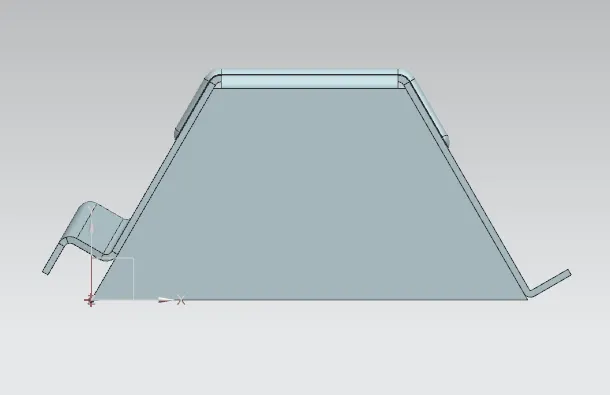
Draft View:
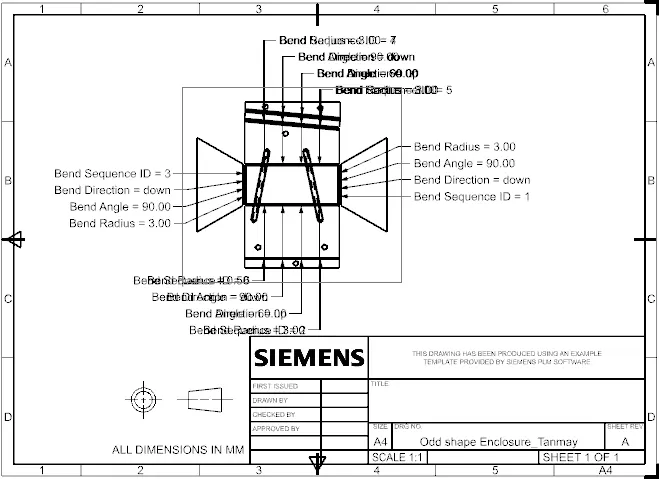
Front View:
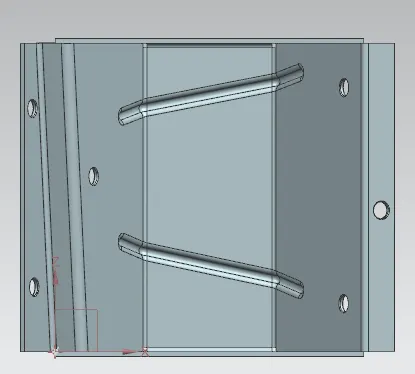
Side View:
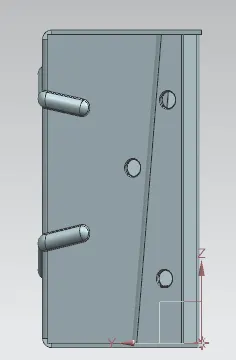
Top View:
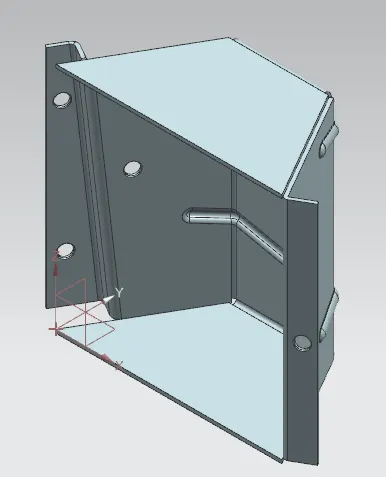
Isometric View:
Conclusion: Odd Shaped Enclosure was created using Siemens NX.