Advanced Sheet Metal Design Using NX Cad Challenge_5_Odd Shaped Enclosure
ODD SHAPED ENCLOSURE
OBJECTIVE:- To design an odd-shaped enclosure and create a draft of it using the Siemens NX Sheet metal application.
INTRODUCTION:-
Sheet metal is metal formed by an industrial process into thin, flat pieces. Sheet metal is one of the fundamental forms used in metalworking, and it can be cut and bent into a variety of shapes. Countless everyday objects are fabricated from sheet metal. Thicknesses can vary significantly extremely thin sheets are considered foil or leaf, and pieces thicker are considered plate steel.
Design methodology:

Description :
Extrude: Creating features by extruding the sketch.
BEND: Bends sheet metal model through a line. Modified the model by bending material.
Flange: Ads flange on an edge and create a bend between two walls. The flange can only be made on a straight edge. To activate the command. Click on the command on (When sheet metal application activated.) “ Home => Bend Group => Flange” Activate the command from “Menu => Insert => Bend => Flange”
Unbend: It allows all the bends to unbend the sheet. It is necessary to choose the bend, it can also be to box select all the bends at once.
Hole: The hole feature is just the same as putting a hole in the sheet with respective measurements of the sketch.
Dimple: Dimple in the sheet metal which will make more rigidity and strength to that flat sheet component.
Beads: Beads are the features added to the sheet metal to increase the stiffness of the component.
Flat pattern: Create a flat pattern from the formed sheet.
Screenshots of Model:
Front View
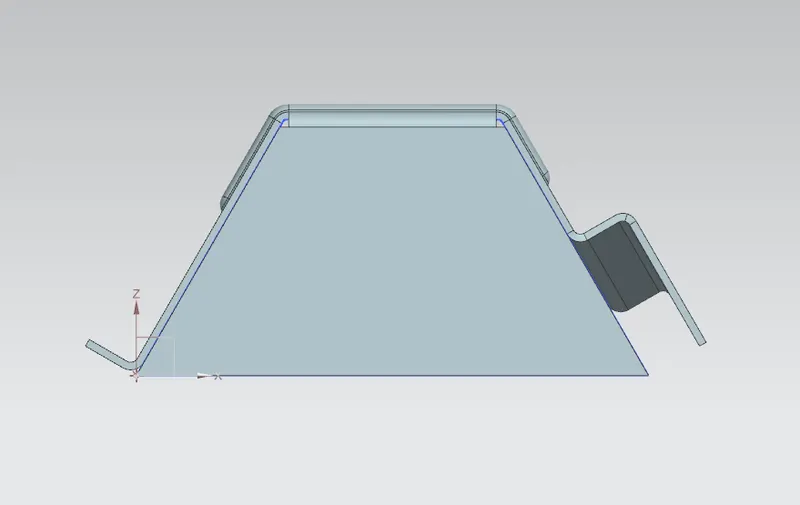
Side View
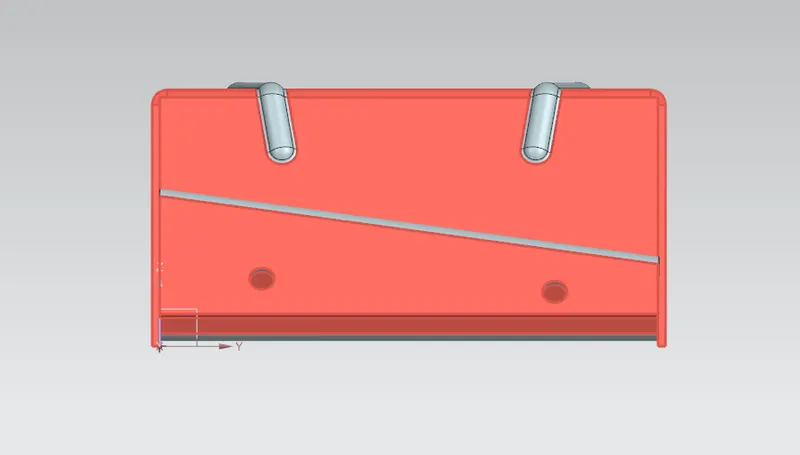
Isometric View
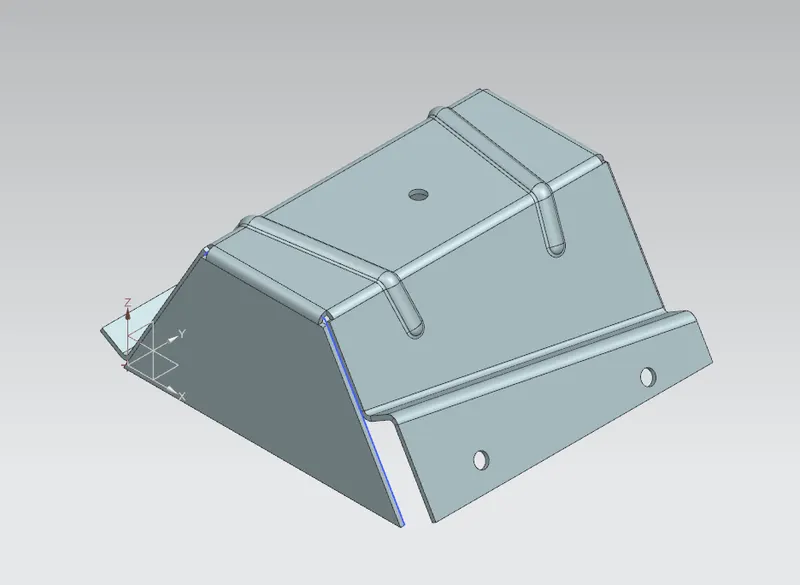
Top View
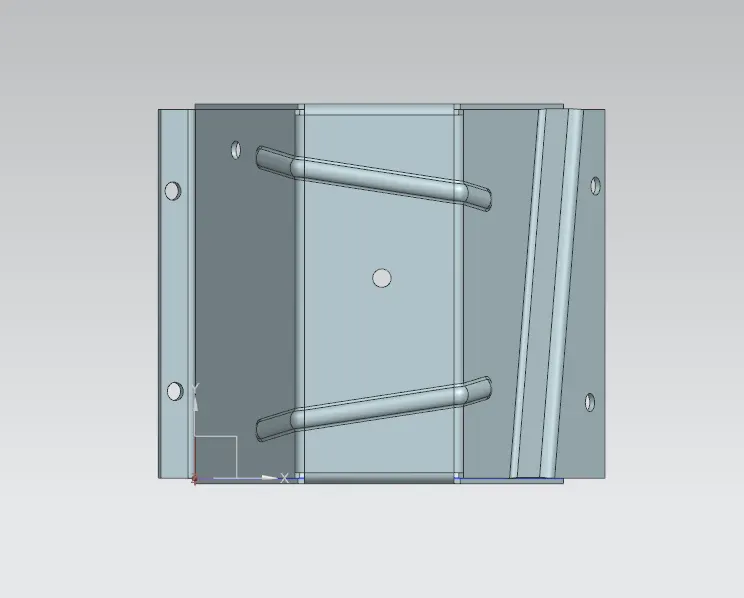
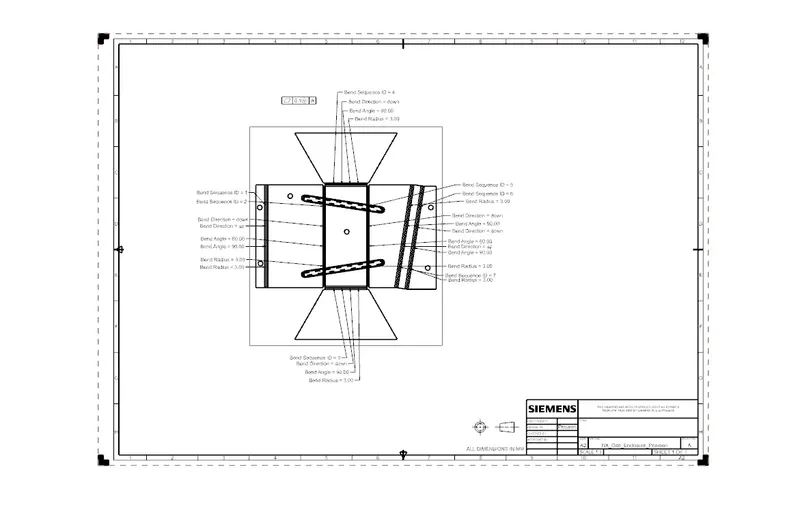
Drawing Sheet
Conclusion
While designing an Odd Shaped Enclosure I have understood and learned different tools such as Extrude to sheet metal, Flange, Bending, Jog & creating holes.