Advanced Sheet Metal Design Using NX Cad Challenge_5_Odd Shaped Enclosure
Title : Project report on modelling of Odd shaped enclosure using NX CAD
Objective : To design 3D CAD model of Odd shaped enclosure using NX 12
Introduction :
NX is the the most powerful, flexible,and innovative product development solution in the industry. NX for Design has the features,performance, and capabilities to help you get product to market faster than ever before
NX for Design enables you to deliver products "right to market,first time" using more virtual product models and fewer, more costly, physical prototypes. This leads to market gains, lower development costs, and improved product quality.
In this project we will learn the recommended workflow procedure to design a 'Sheet Metal part for odd shapes' using Siemens NX Sheet Metal Application.
Design Methodology-
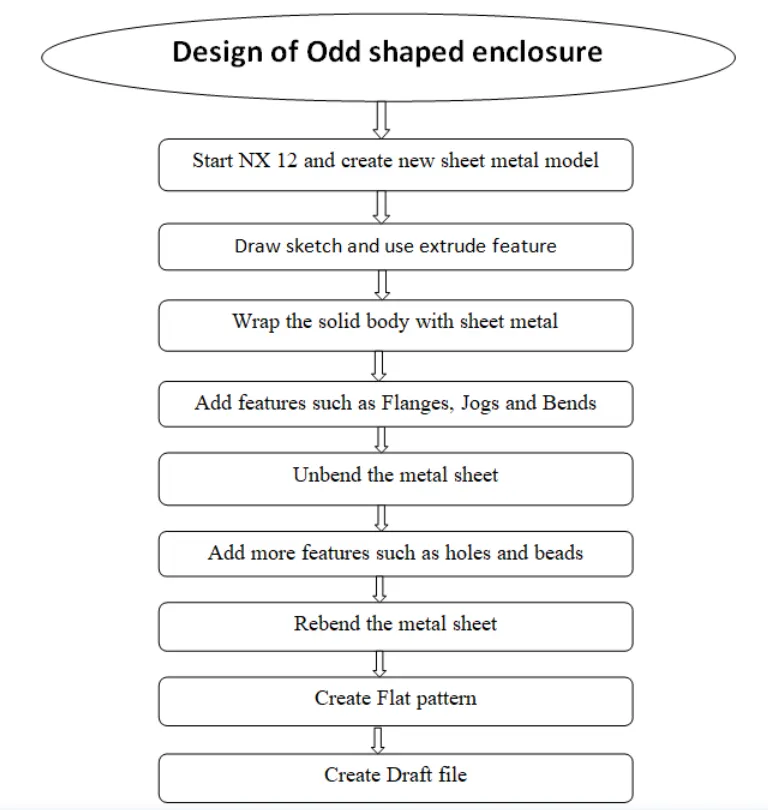
Description :
The design procedure of the odd shaped enclosure is expla ined in detail as follows
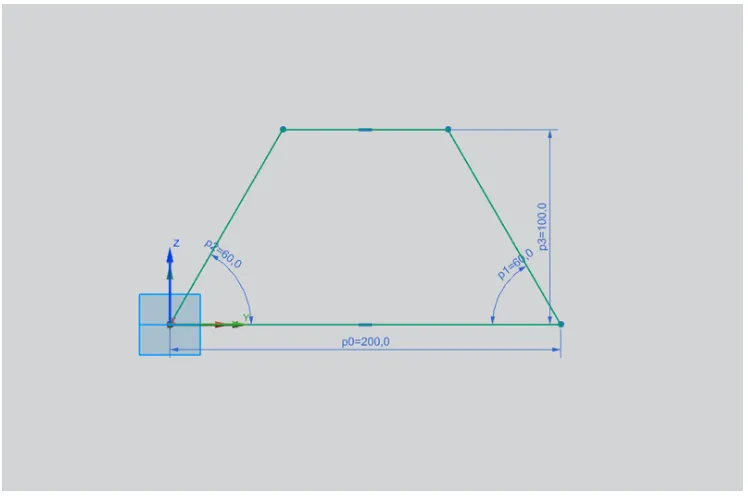
- Sketch
Draw new sketch on YZ plane using given dimensions
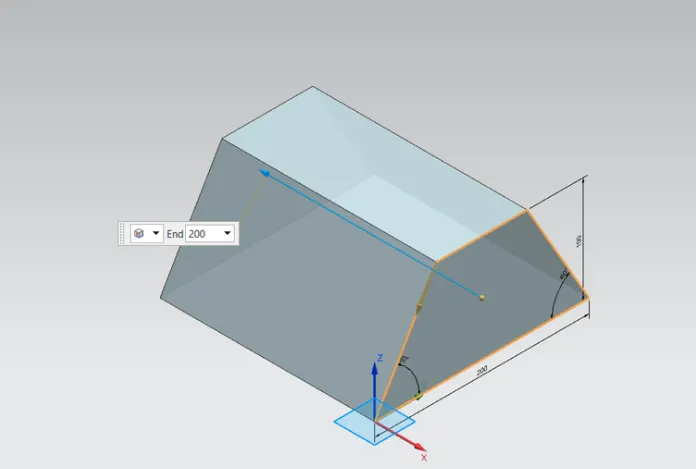
2. Extrude
Use extrude feature to create the solid body using given dimensions
3. Sheet metal from solid
Create sheet metal using 'Sheet metal from solid' command in the workbench
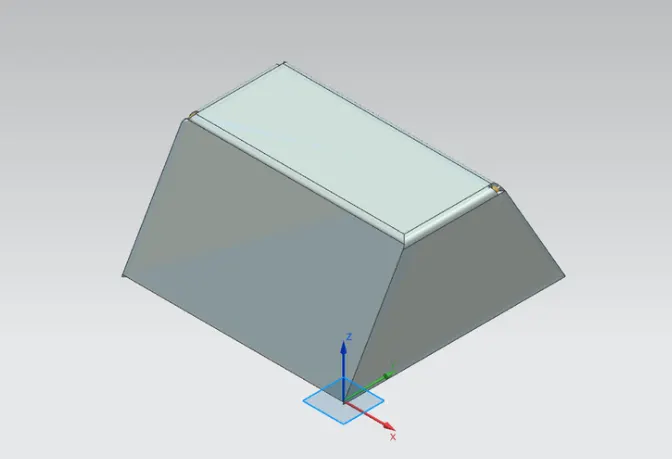
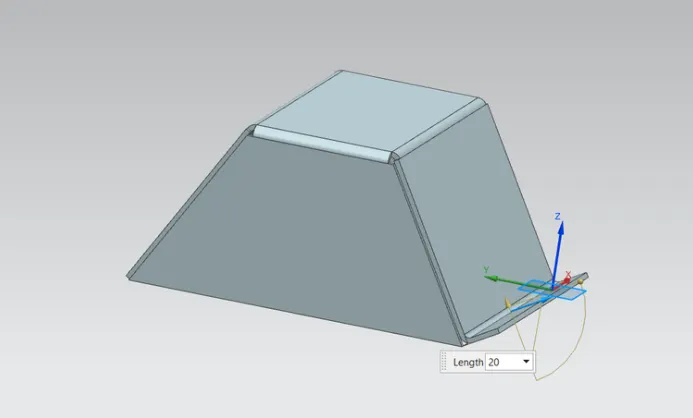
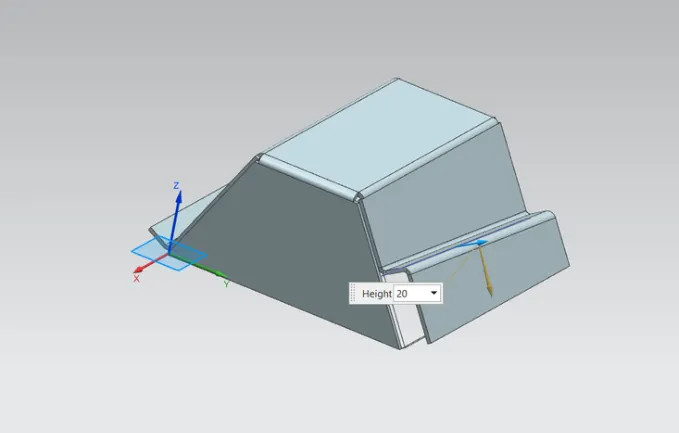
4. Add Flange and Jog
Add flange and jog aloing the edges of sheet metal using given dimensions
5.Unbend
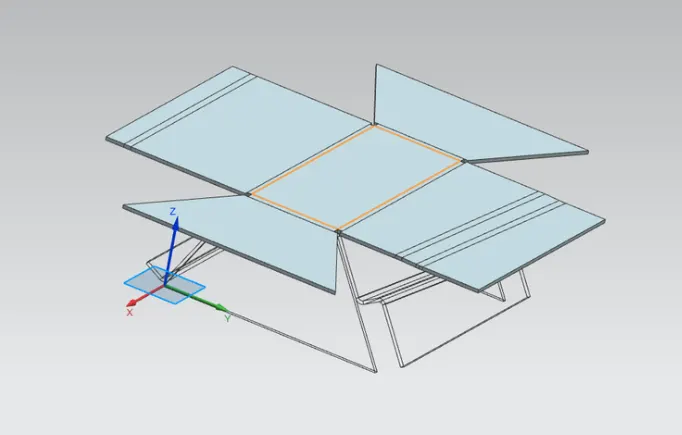
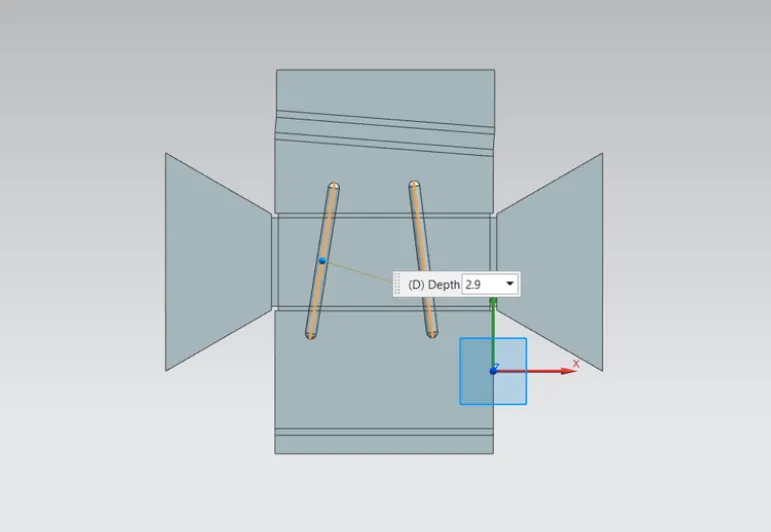
Unbend the sheet metal to add more feature such as beads and holes as per given dimensions
- Add Beads and Simple holes
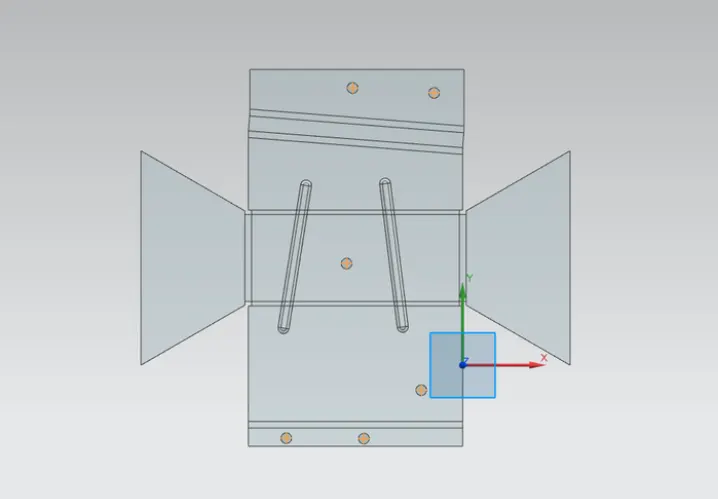
7.Rebend and Flat Pattern
Rebend the sheet metal using rebend command and create flat pattern
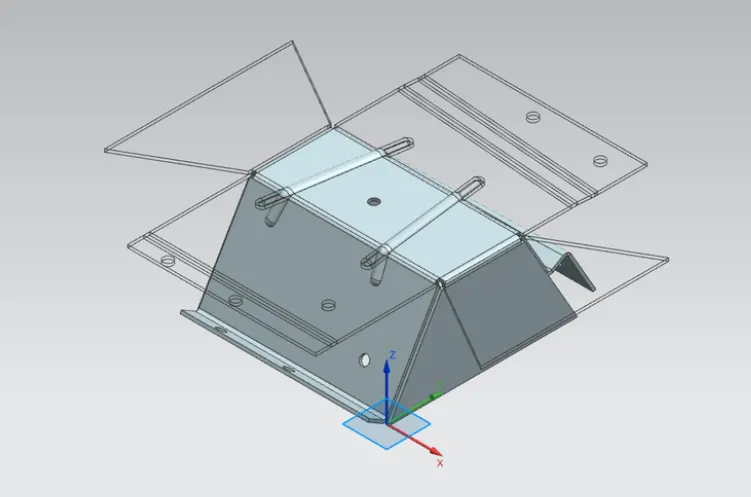
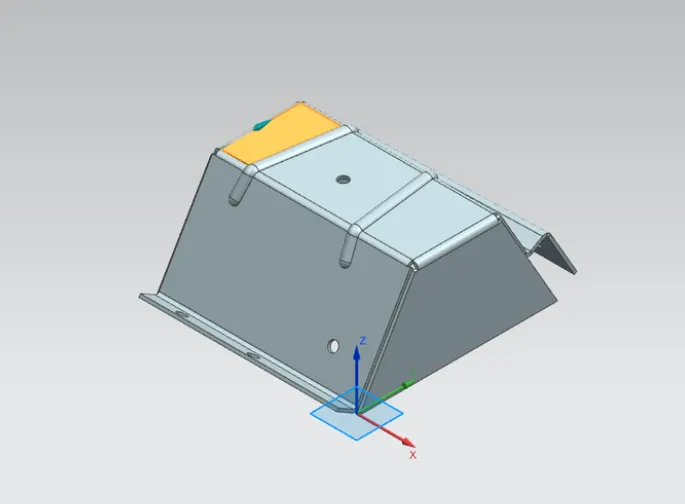
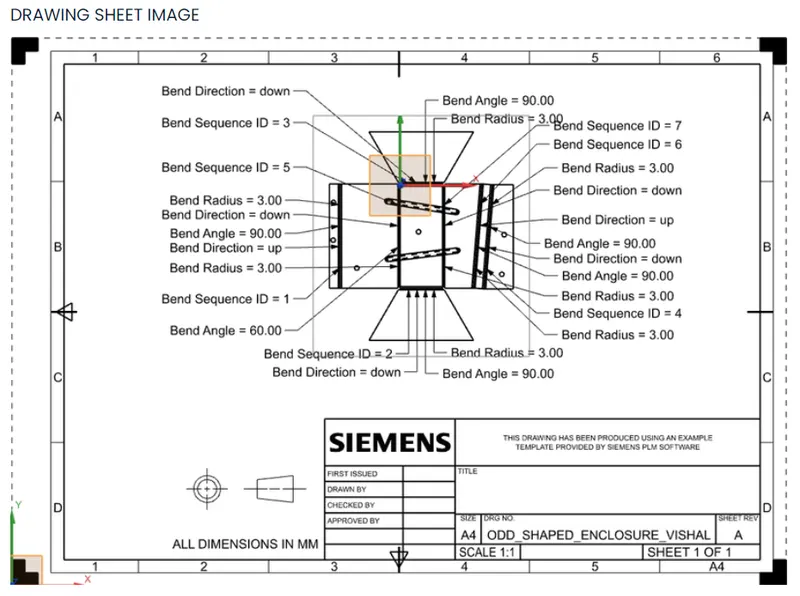
8. Drafting
Create draft file on A4 sheet using Drafting apllication
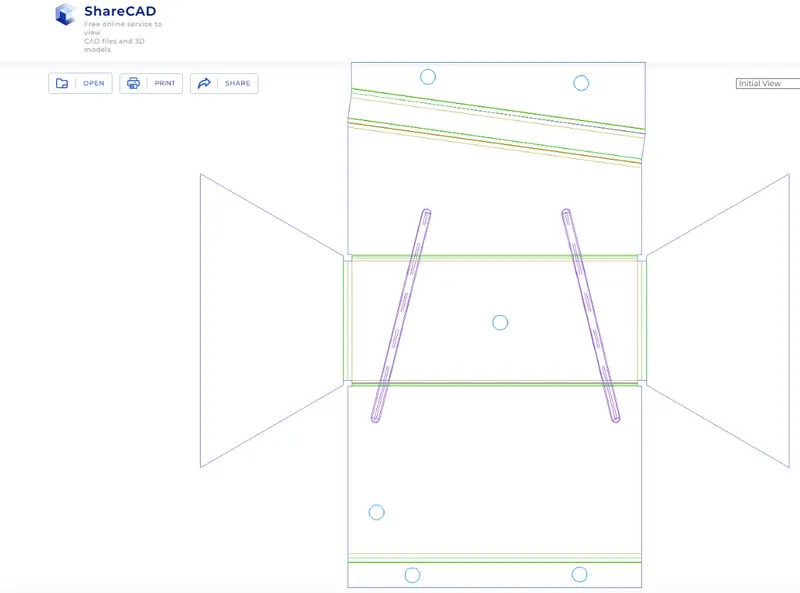
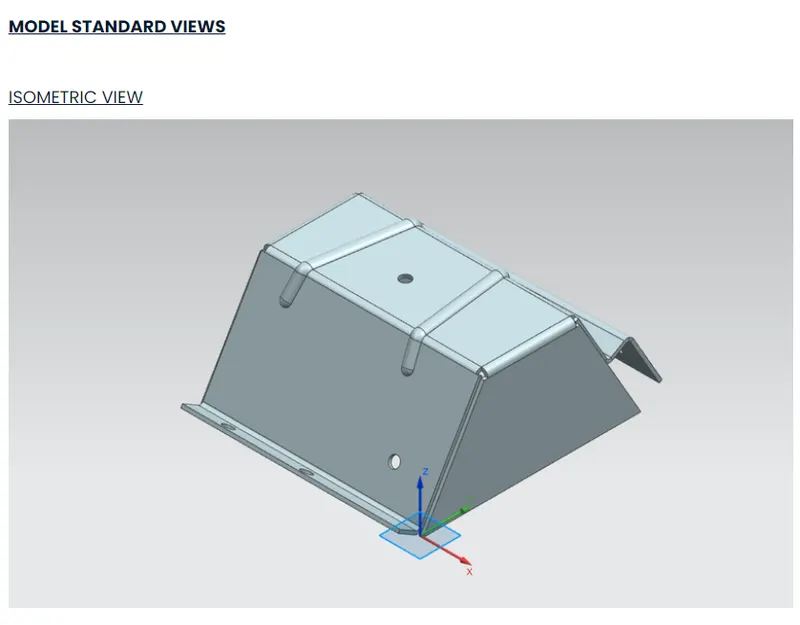
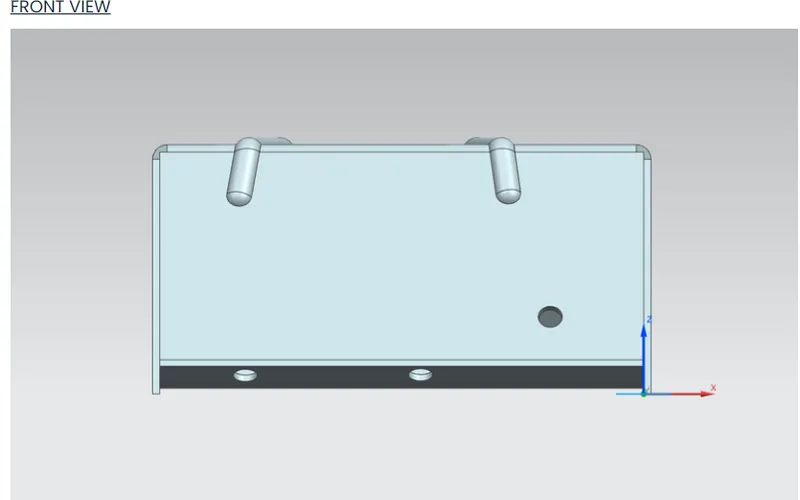
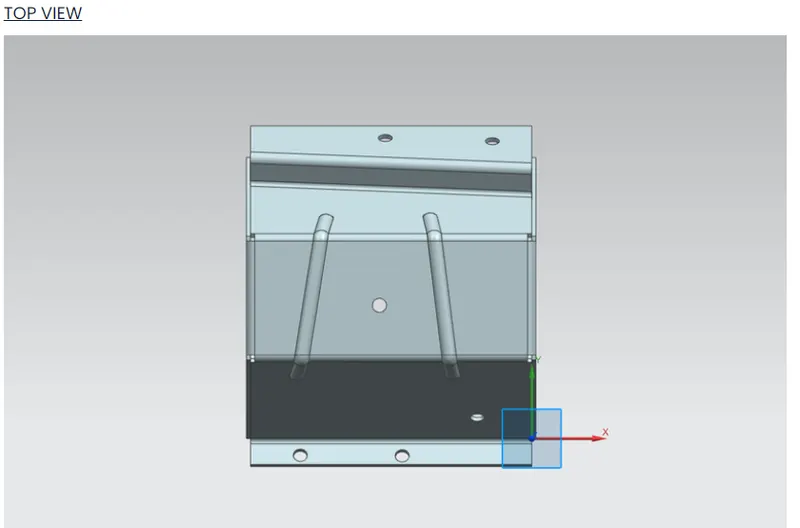
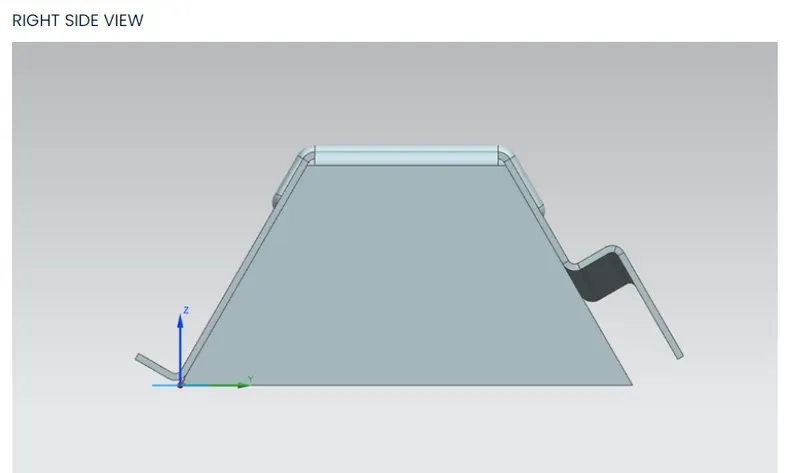
Conclusion :
Modelling of Odd shaped enclosure is done successf ully using NX 12