Advanced Sheet Metal Design Using NX Cad Challenge_5_Odd Shaped Enclosure
Title of project – Odd Shaped Enclosure.
Objective – To get familiar with the basic interface and different functions as well as options in Nx CAD for Sheet Metal design and drafting by creating an odd shaped enclosure .
Introduction – An odd shaped enclosure is designed in Nx CAD in this project for sheet metal design application using basic commands like SM wizard, Bend, Unbend, Flange, Beads, Rebend and different options in Sketcher.
Design methodology/Approach (to be explained with the help of flowchart)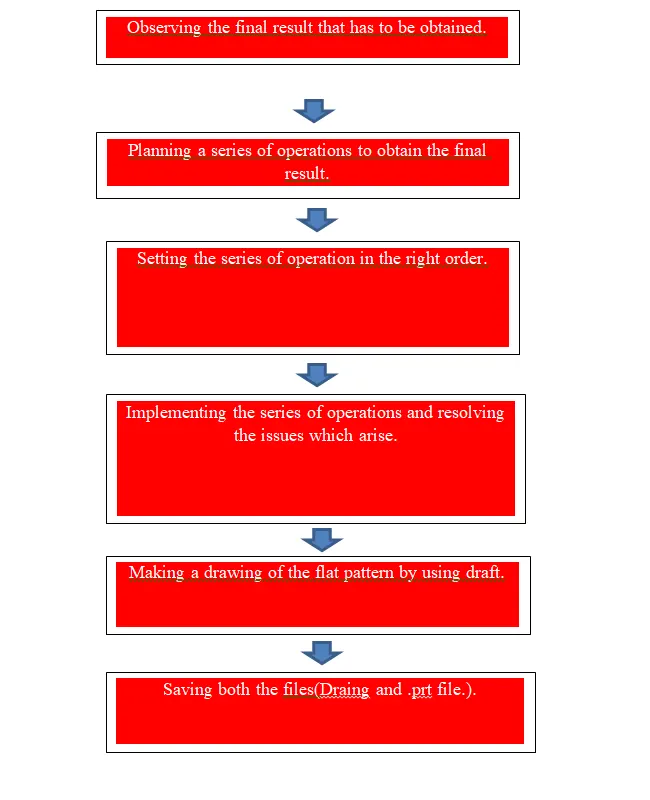
Description (Need to explain tools/ Features used while designing) along with images of part files.
The basic tools used were
- Tab – creates a base with specified thickness.
- Cutout – Creates a cutout in the tab.
- Bend - bends the sheetmetal in specified direction and angle.
- Unbend – Unbends the bent sheet to give a flat pattern temporarily so that other operations can be performed.
- Dimple - Creates an impression according to the sketch defined for it.
- Beads – Creates an impression similar to dimple but also has a projection.
- Rebend – Reverses unbend.
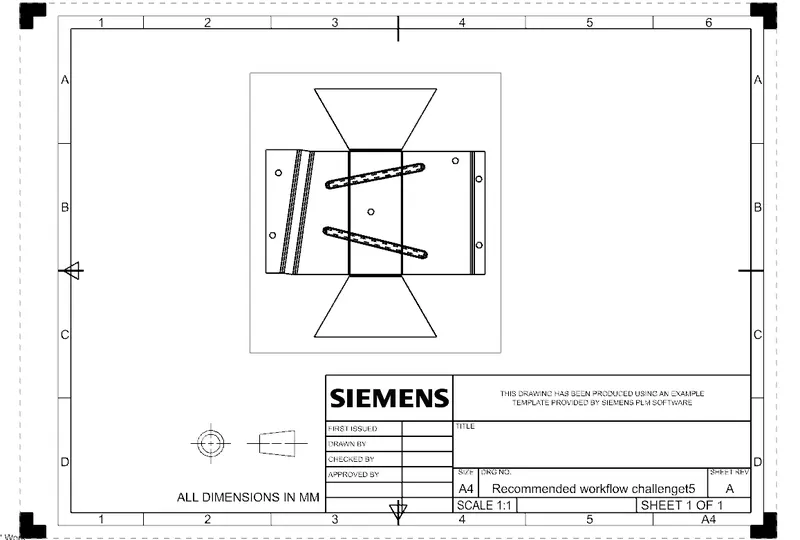
- Draft – Creates a 2D drawing for the Part.
- Hem – Creates a full bend or a circular bend
- Flange – creates an extended bent sheet for selected edge.
- Cut borders - Creates a smooth transition for selected border.
- SM wizard – Converts non SM part into Sheet Metal Part.
- Flat Pattern – Creates a flat pattern of the sheet metal part.
Five screenshots of assembly model
Side View
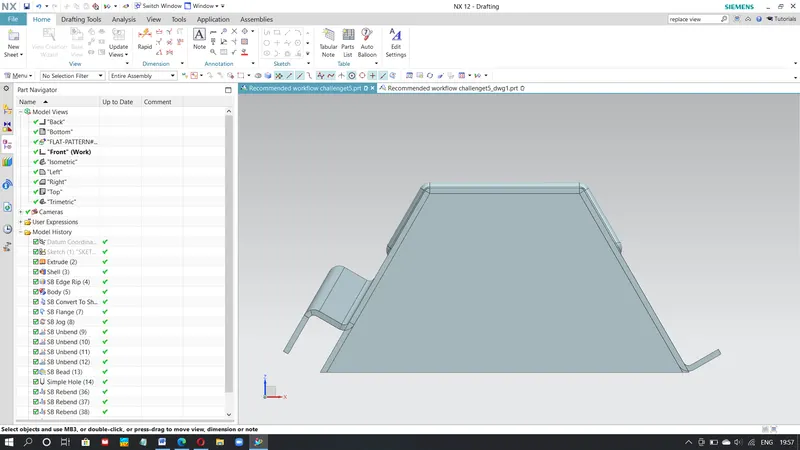
Front view
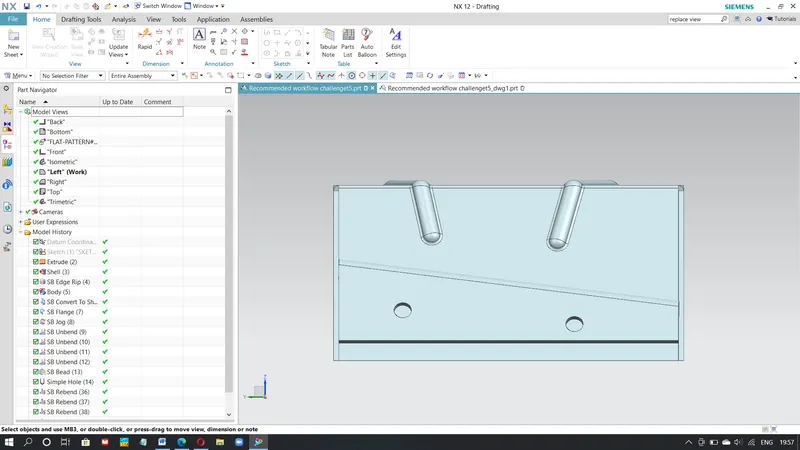
Top view
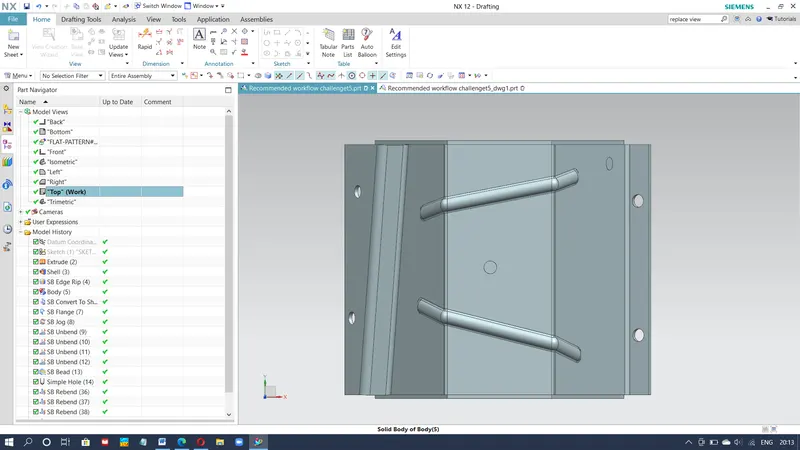
Isometric view
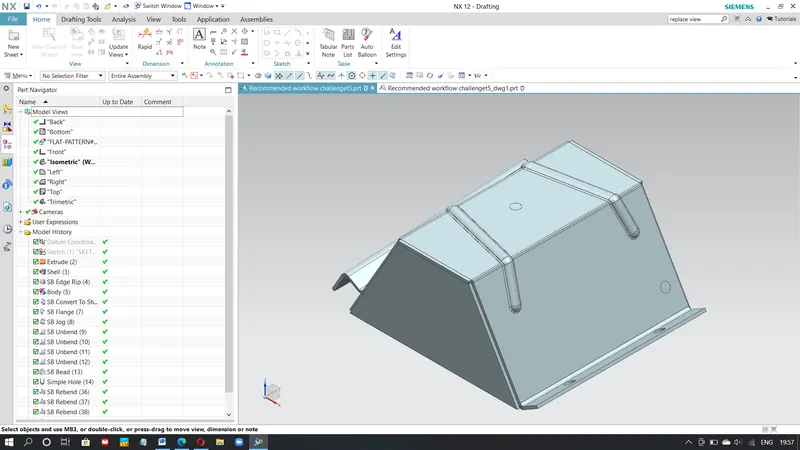
Drawing
Feature trees are present in all images above.
Conclusion
The Project helped in understanding different tools and features that can be used in Nx CAD to design, model different Sheet Models we designed. The project covered many tools used in Nx CAD and helped in understanding those tools due to practical application of the same.