Designing a Box Assembly using SIEMENS NX sheet-metal application
BOX ASSEMBLY
Objective :
To design a Box Assembly in SIEMENS NX Sheet-Metal application, as per the required dimensions.
Introduction :
Sheet Metal Fabrication is the process of forming parts from a metal sheet by punching, cutting, stamping, and bending.
Sheet metal parts are known for their durability, which makes them great for end use applications (e.g. chassis).
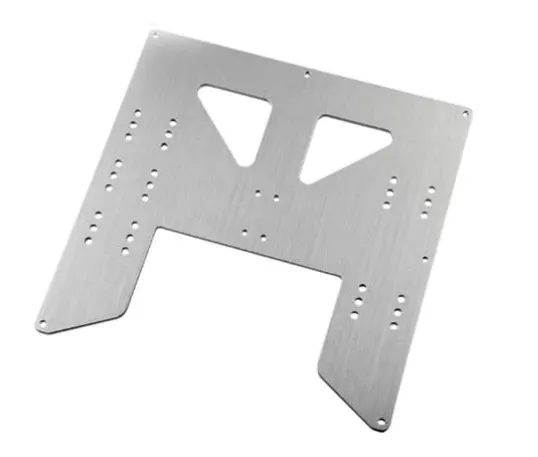
Because parts are formed from a single sheet of metal, designs must maintain a uniform thickness.
Design Methodology :
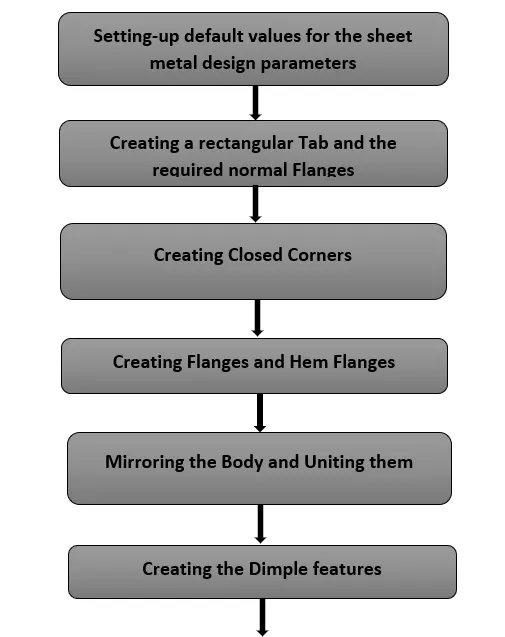
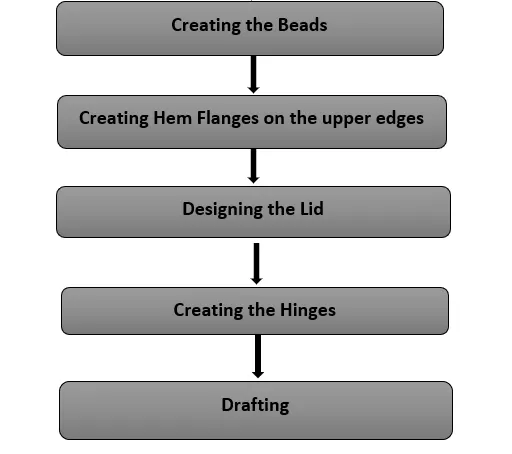
Description :
(I) Setting up default values for the sheet-metal design parameters :
- First off, the application is switched to Sheet Metal.
- To set the default design parameter values, Menu - Preferences - Sheet Metal option is used.
Here, all the global parameters are set to 1mm, while the neutral factor (k-factor) value is kept at 0.33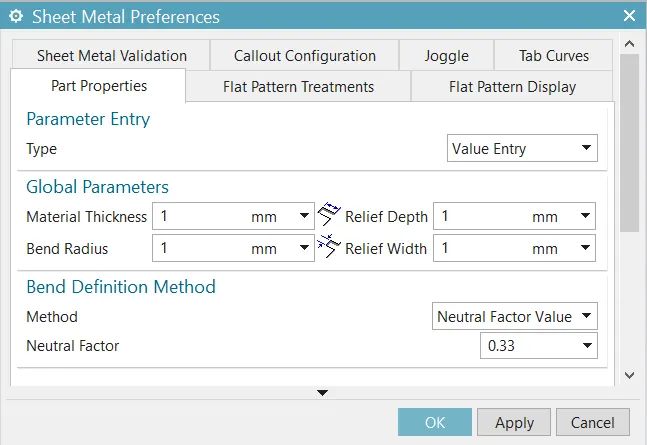
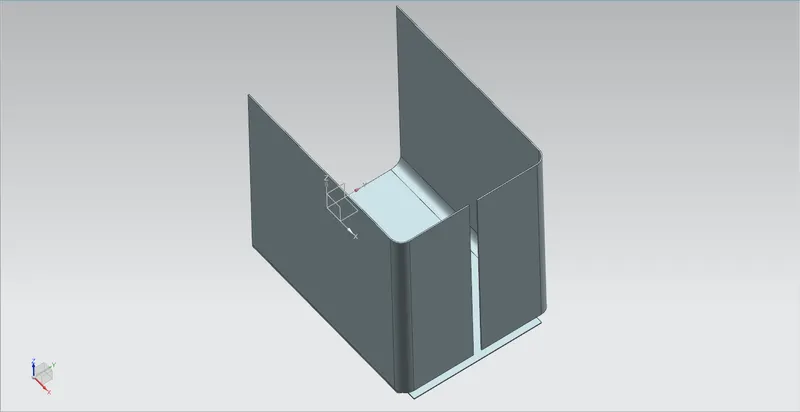
(II) Creating a rectangular Tab and the required normal Flanges :
- A rectangular sketch of dimensions 200x150 is created, in the XY plane and origin at the mid of the left edge..
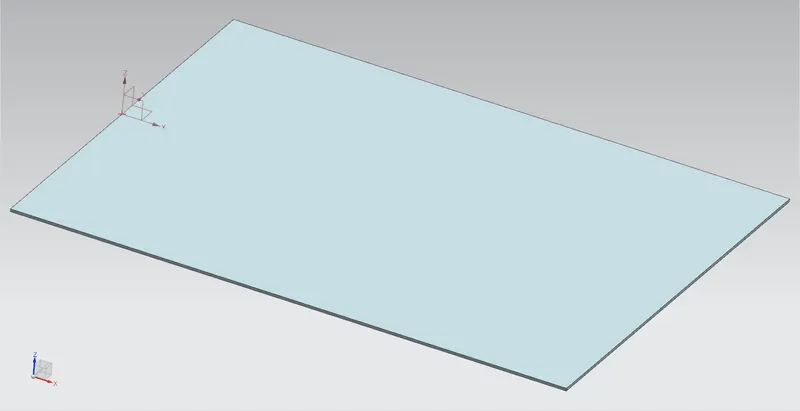
This sketch is then used to created to create a Tab of default 1mm thickness using the Tab feature.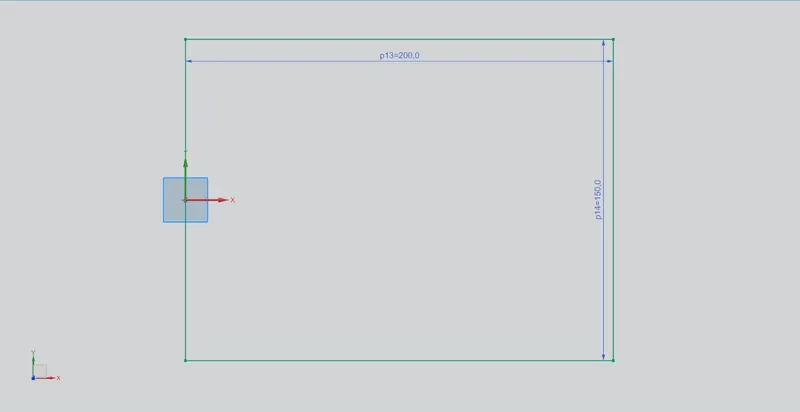
- Normal flanges of length 200 mm are created with a bend radius of 10 mm. For this the Flange feature is used.
Here, the Length Reference is given as Inside and the Inset provided here is Material Inside.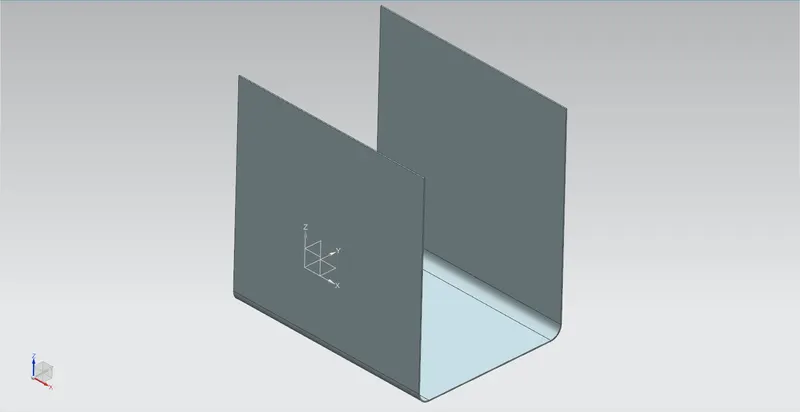
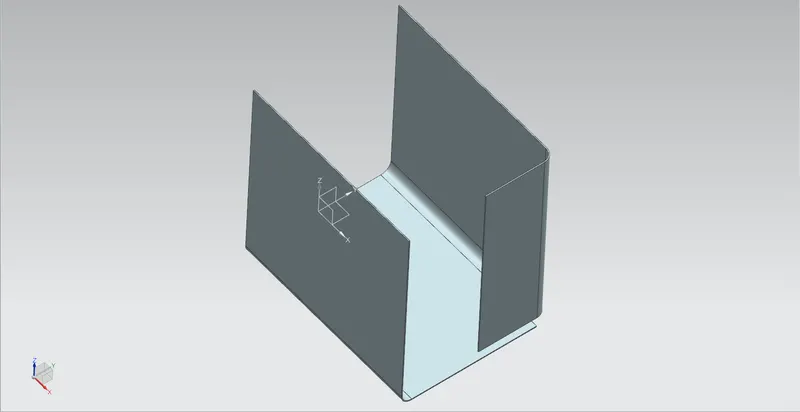
- Again, normal flanges are created to these initially created flanges, with a flange length of 70 mm.
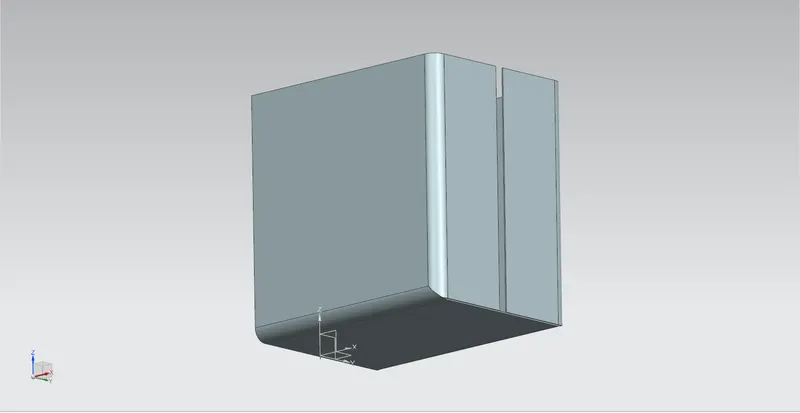
(III) Creating Closed Corners :
- For this purpose, the Closed Corner feature is used, by selecting appropriate bend surfaces. The Blend method is used with a readius of 10 mm.
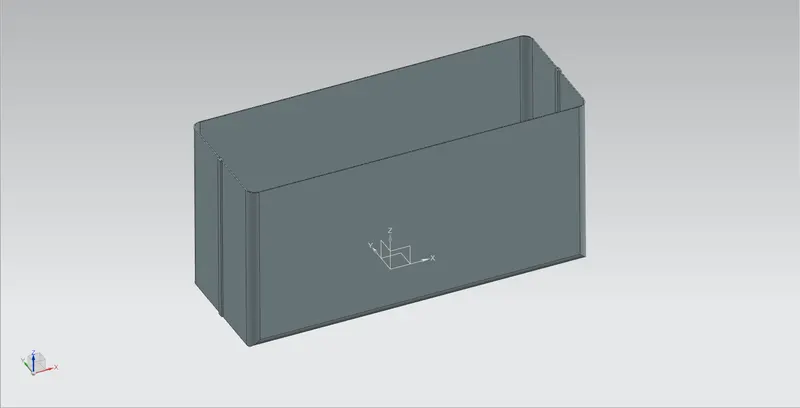
(IV) Creating the Flanges and Hem Flanges :
- Small flanges and Hem flanges are created with bend radius as 0.5 mm and flange length as 4 mm, to act as ajoint between the two lateral flanges. The features used here are Flange and Hem.
The Hem type is chosen as Open.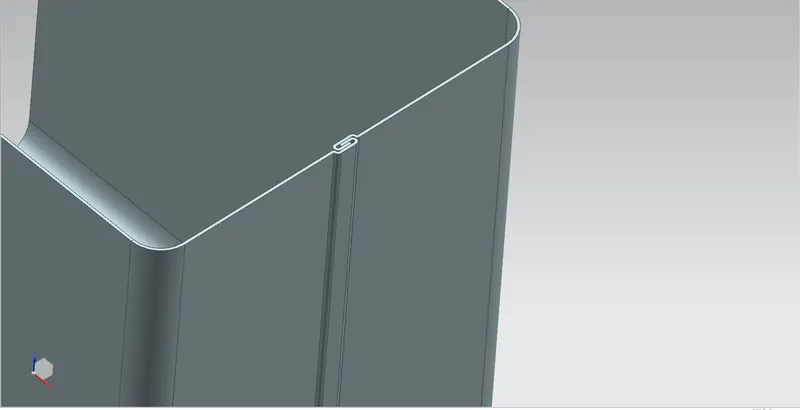
(V) Mirroring and Uniting the bodies :
- This body is now mirrored w.r.t the Y-axis, by using the Mirror Body command.
These 2 bodies are then combined using the Unite feature, so that the complete sheet-metal model acts as one single body.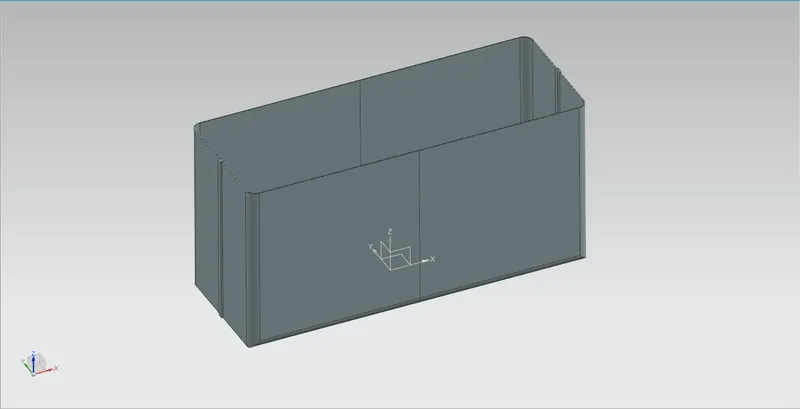
(VI) Creating Dimples :
- To create the Dimple on the vertical faces, a sketch is created first, as shown below.
Since is very much symmetric, Mirror Curve option can be used.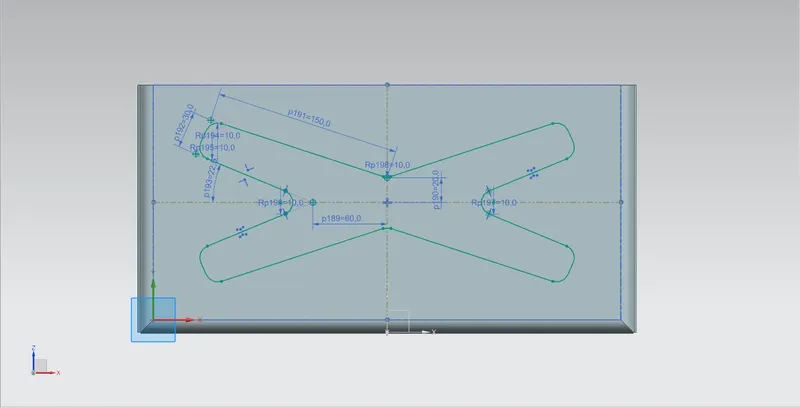
This curve is then selected in the Dimple feature. with a depth value of 1 mm.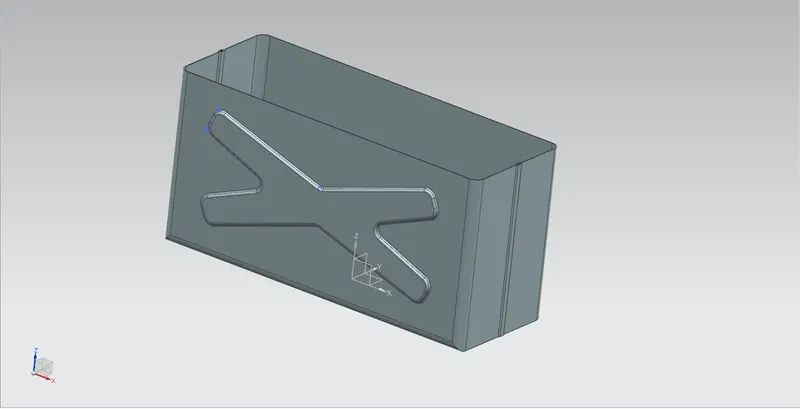
This feature is then mirrored w.r.t. the XZ plane to create a similar Dimple on the opposite side. The Mirror Feature command is used here.
One thing to be noted here is, both the feature as well as the feature curve need to be selected while using the Mirror Feature option.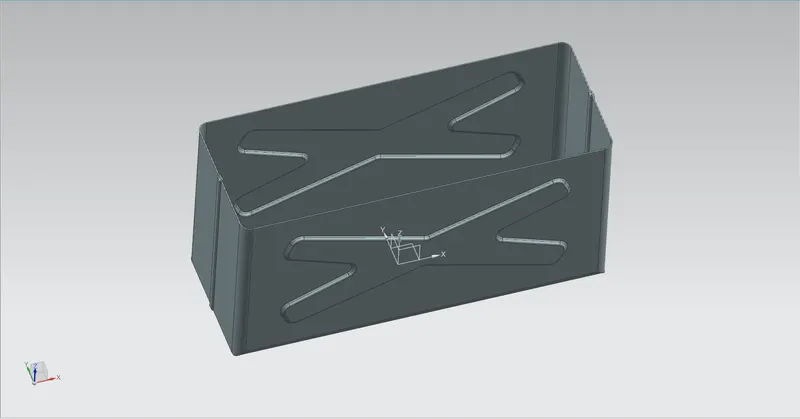
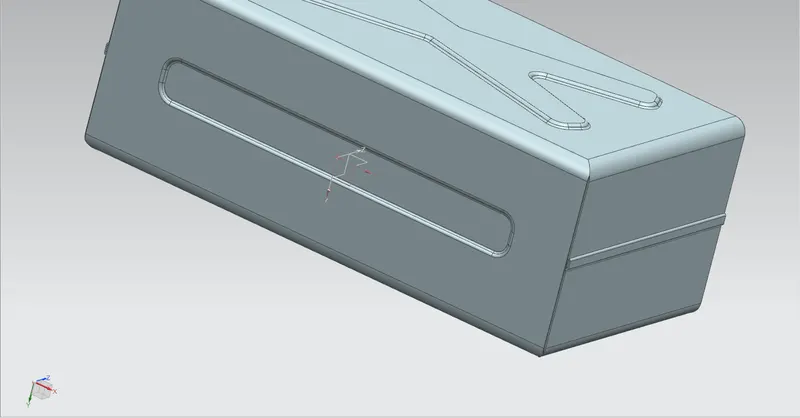
- Similarly, a rounded-rectangular shaped Dimple is created on the bottom face (Tab) as shown below.
(VI) Creating Beads :
- Beads are created on the bottom Tab. For this circle of diameter 5 mm are sketched.
This circle is then selected in the Bead feature and a Depth of 1 mm along with the Radius of 3 mm is specified, to create the bead.
This bead is then mirrored using the Mirror Feature option to create the rest of the beads.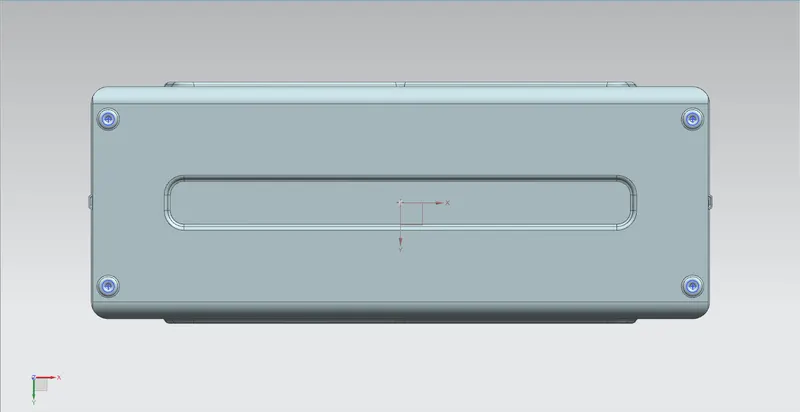
(VII) Creating Hem flanges on the upper edges :
- Closed Hem flanges are created with a flange length of 2 mm on the upper edges with the inset as Bend Outside.
The Hem Flange feature is used for this purpose.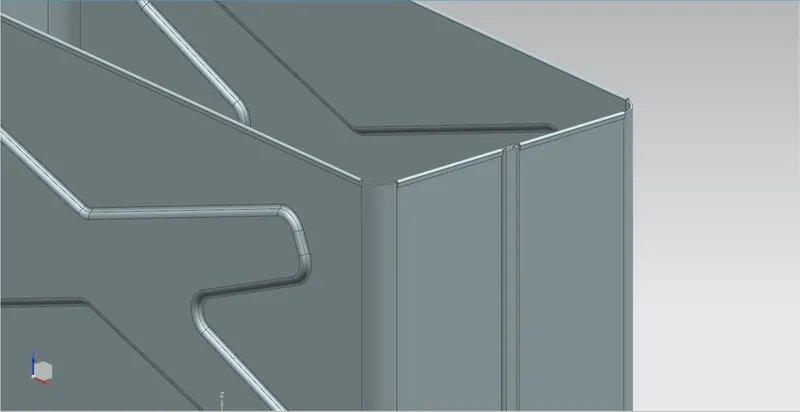
(VIII) Designing the Lid :
- To design the lid, firstly, an offset Datum plane is created at the position with the help of the Datum Plane option. The shape of the lid is then sketched on this plane.
By selecting this curve, and using the Tab - Base feature, a lid of 1 mm thickness is created.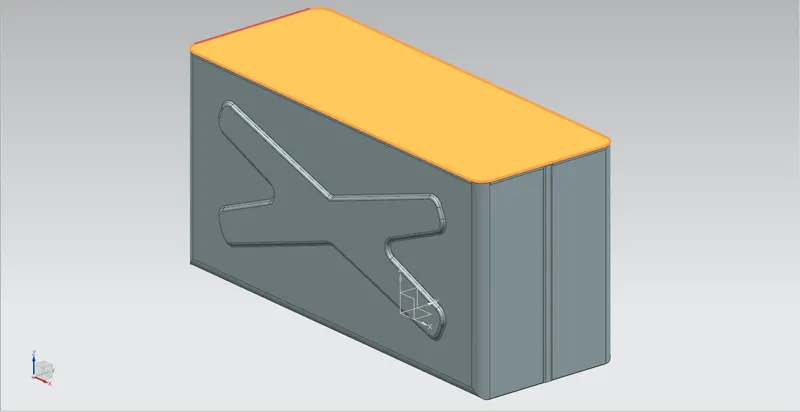
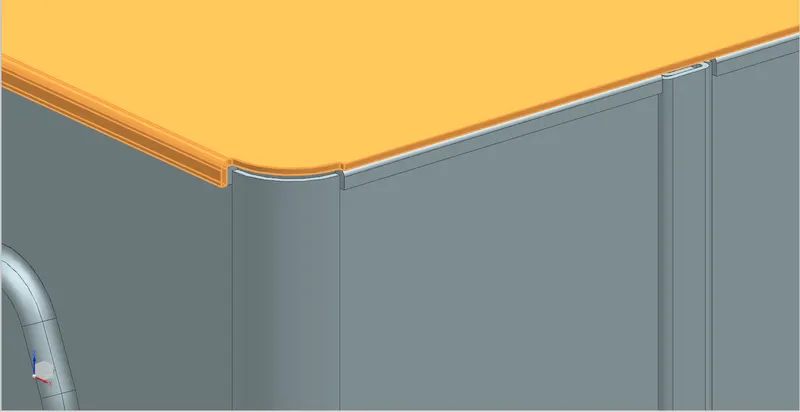
- Small Flanges of length 3 mm and a bend radius of 0.5 mm are provided on the two larger sides of the lid.
(IX) Creating the Hinges :
- To create the Hinges, Tab, Flange and Hem features are used. The Hem type chosen here is Open with an angle of 325°.
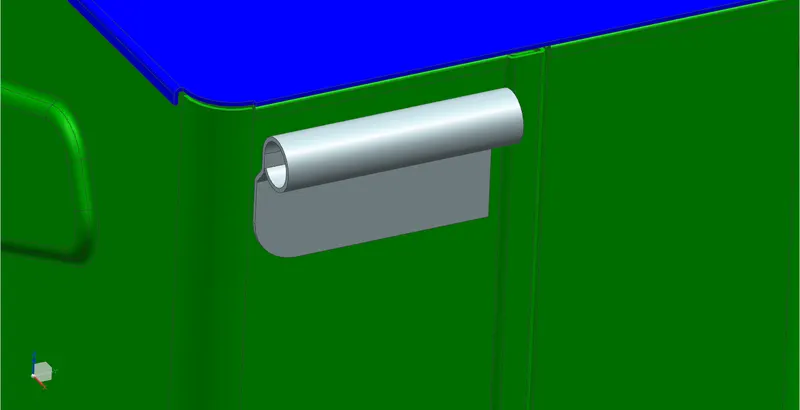
The formed shape is then flattened using the Unbend command to create cuts using the Normal Cutout option. It is then again re-bent using the Rebend command.
This hinge body is then mirrored w.r.t to the XY plane, using the Mirror Body option.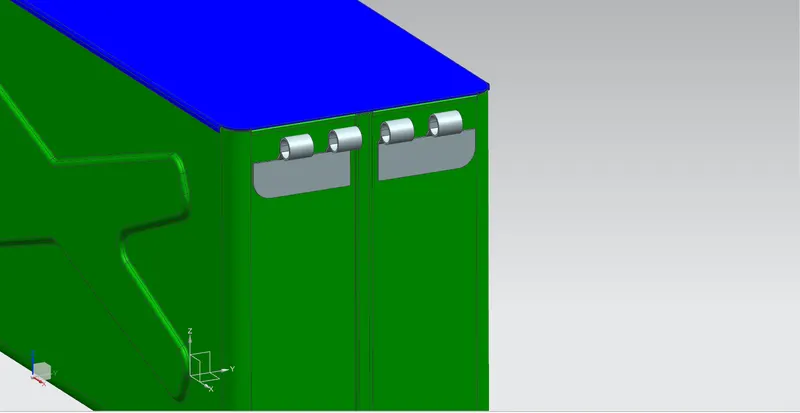
- Similar hinges are created on the Lid as well.
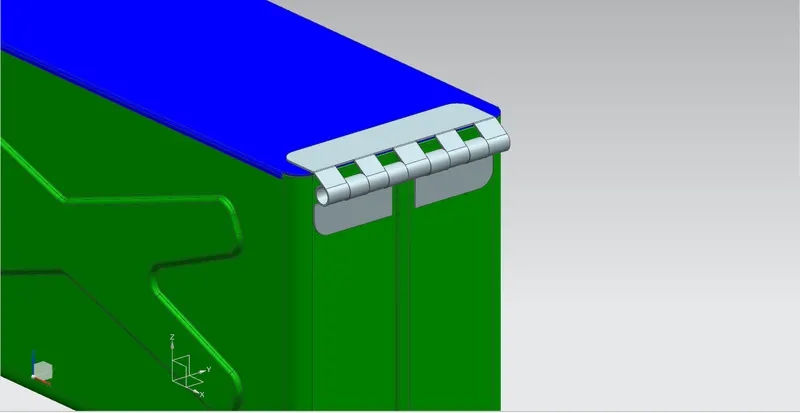
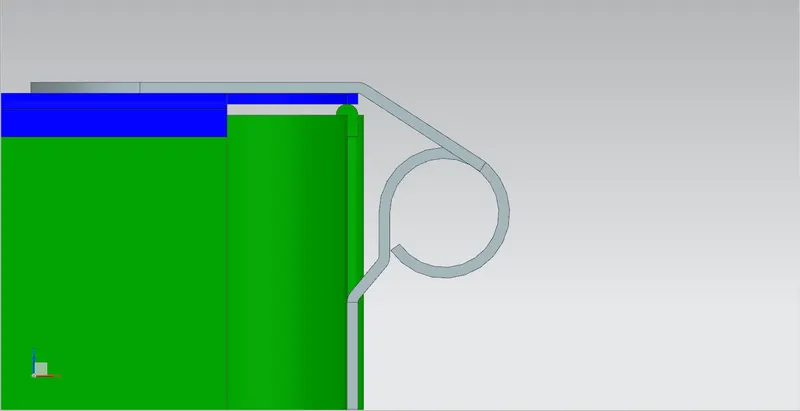
This completes the entire procedure of designing the Box Assembly.
- Shown below are the different veiws of the sheet-metal model -
Front View :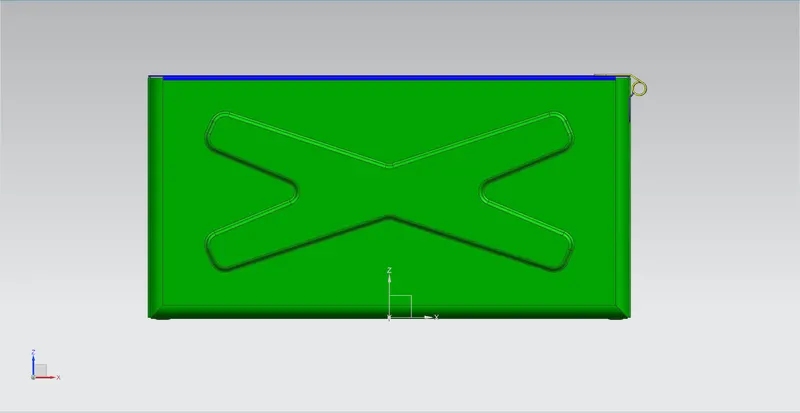
Side View (Right) :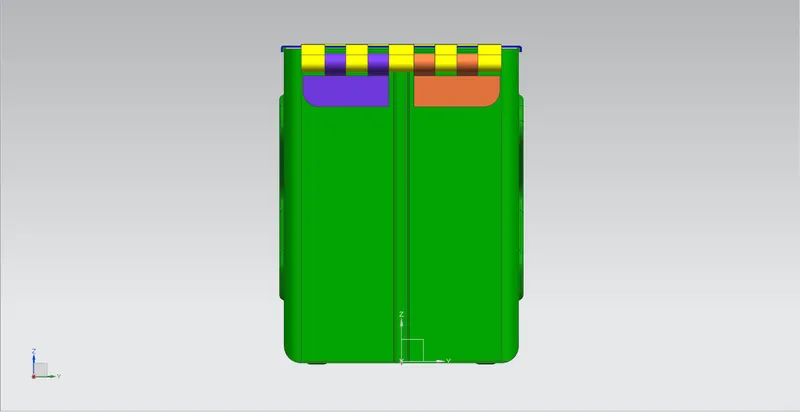
Top View :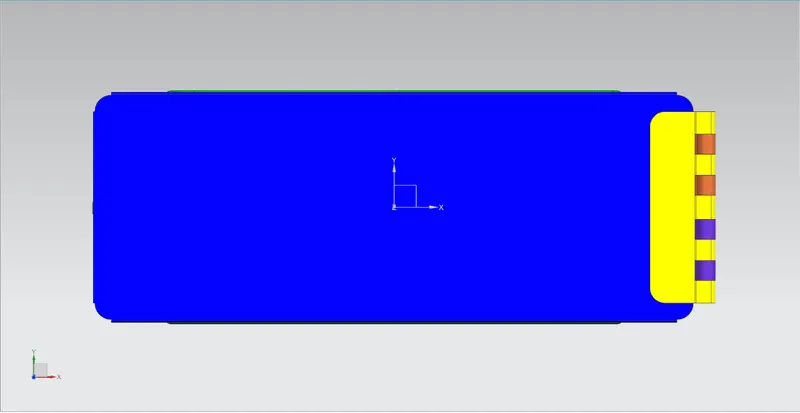
Isometric View :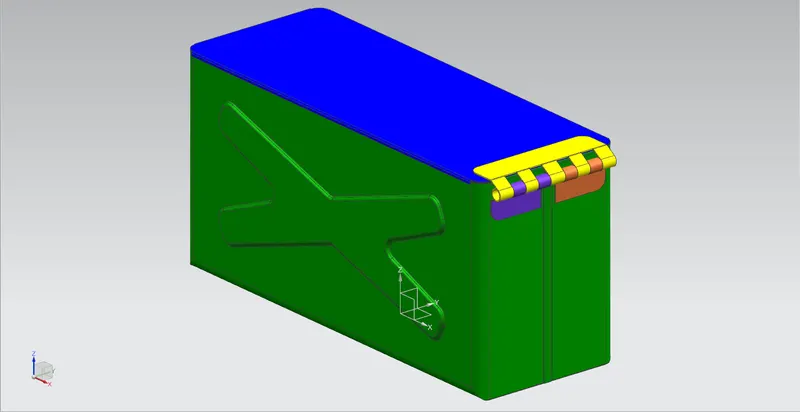
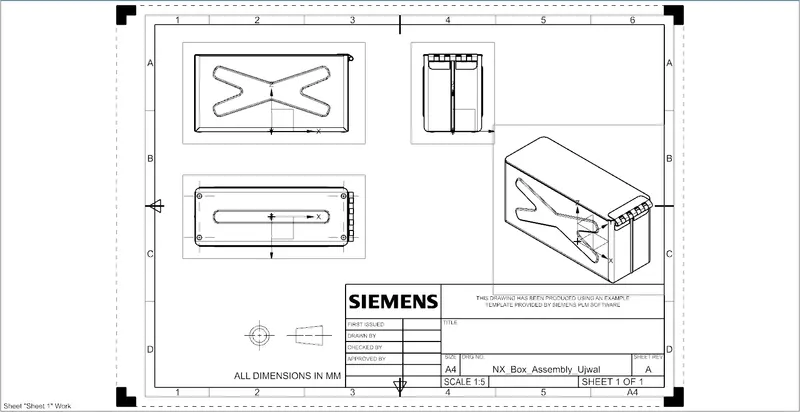
(XI) Drafting :
- The Drafting Application is now opened to create a drawing sheet of A4 size.
Conclusion :
Successfully designed the Box Assembly using the SIEMENS NX Sheet Metal application.
Also, learnt quite a lot of interesting things, such as -
- what are the different features/commands available in the Sheet Metal application, what are their applications and how do the feature options affect the design.
- how a sheet-metal design differs from a solid body design.
- how to create drawing sheet and perform drafting operation.