Advanced Sheet Metal Design Using NX Cad Challenge_2_Box Assembly
Title of the Project : Box Assembly.
Objective : Design Box Assembly Using Nx Sheet metal.
Introduction : In this challenge we have Designed Box Assembly.
Box Assemly contains
- Box
- Upper lid
- Handel
we have Design Box Assembly using various key features of NX sheet metal as below.
- Tabs
- Flanges
- Cutouts
- Corners
- Mirror
- Hemming
- Unite
- Break Corner
- Dimple
- Bending
- Unbending
Design methodology / approach.
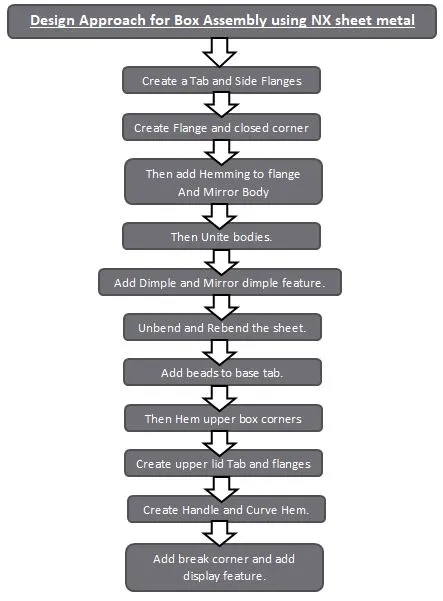
Description
Start sheet metal Module in Nx.
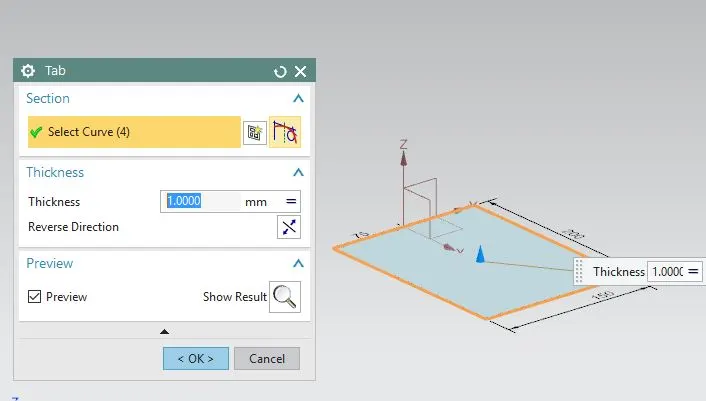
sketch Base tab.
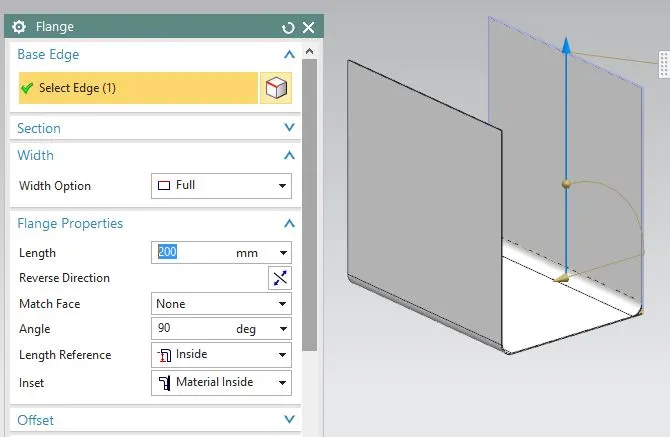
Create Side Flanges.
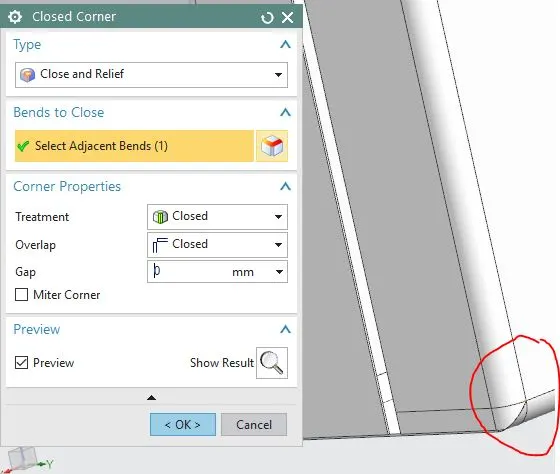
Create Flange and Close lower corner using Closed Corner feature
Add flanges and create Hem to close patch two flanges
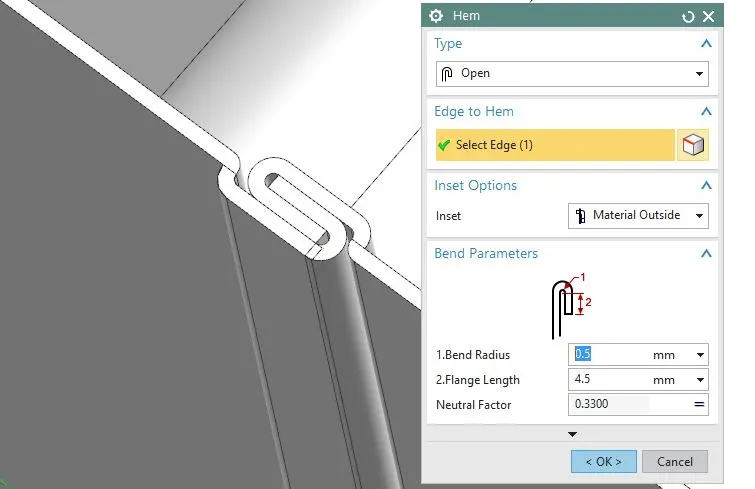
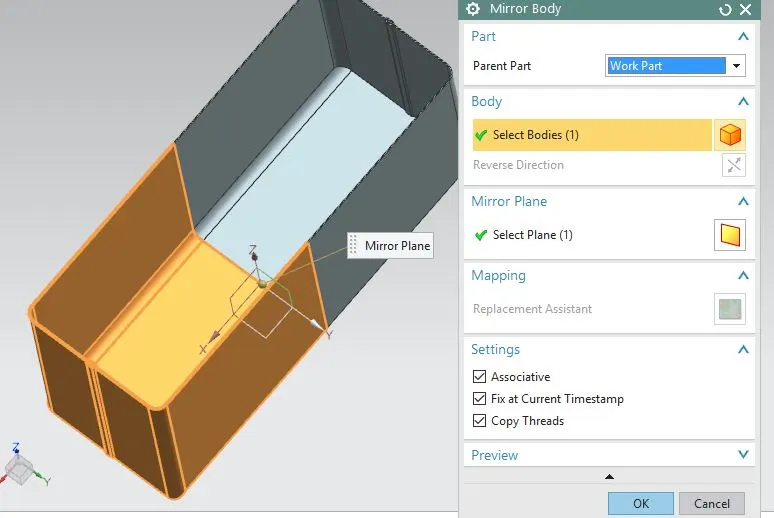
Then Mirror body and Unite two bodies.
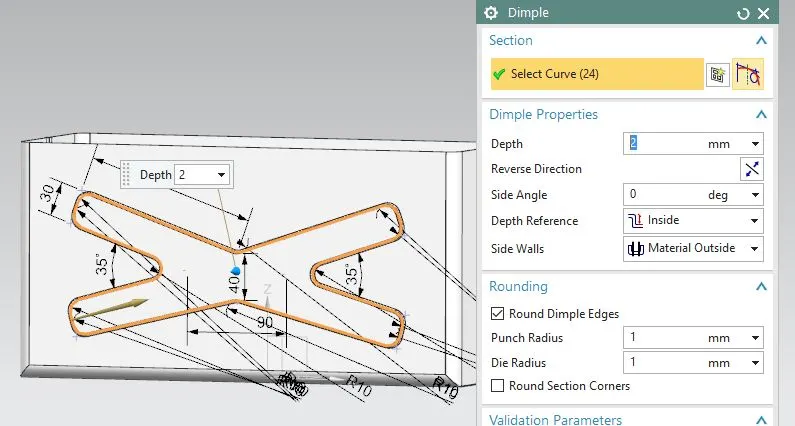
Create Dimple on side of Box and then Mirror dimple to other side of box.
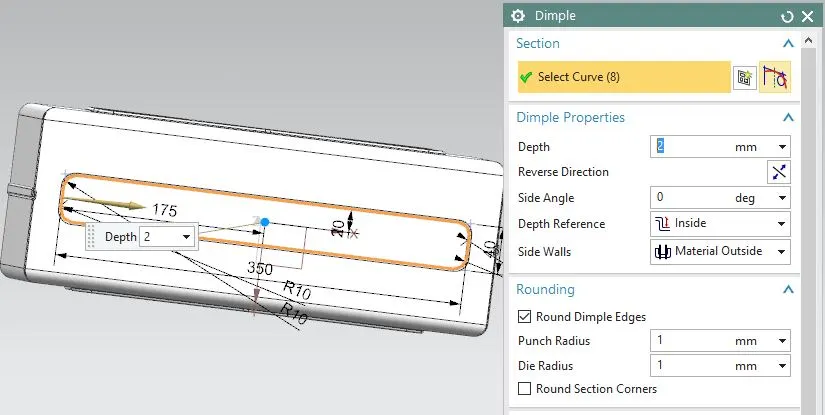
Create Dimple on lower side of Box
Then Unbend Box and Rebend it.
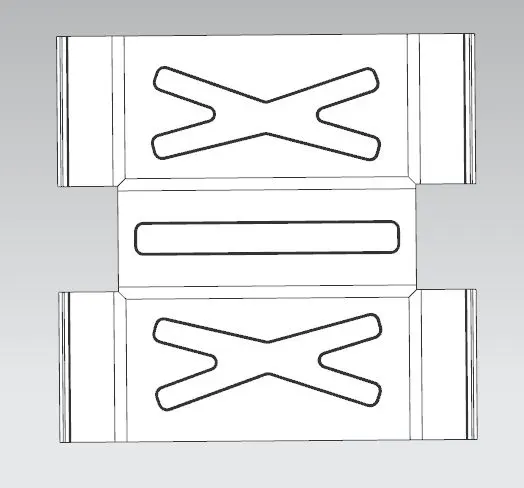
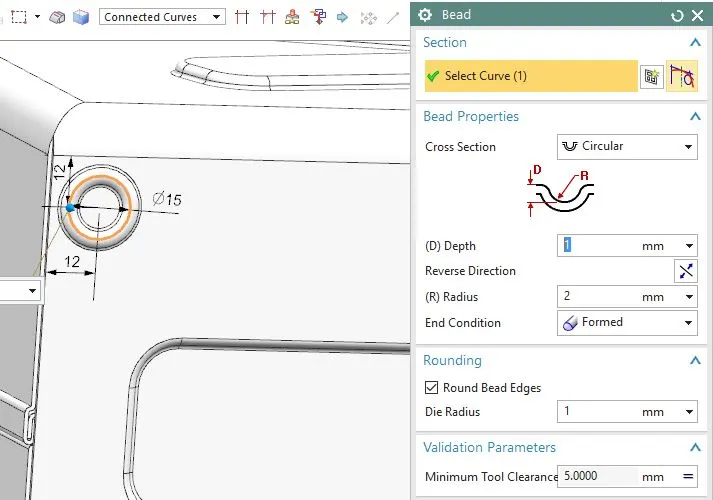
Create 4 beads at lower part of Box.
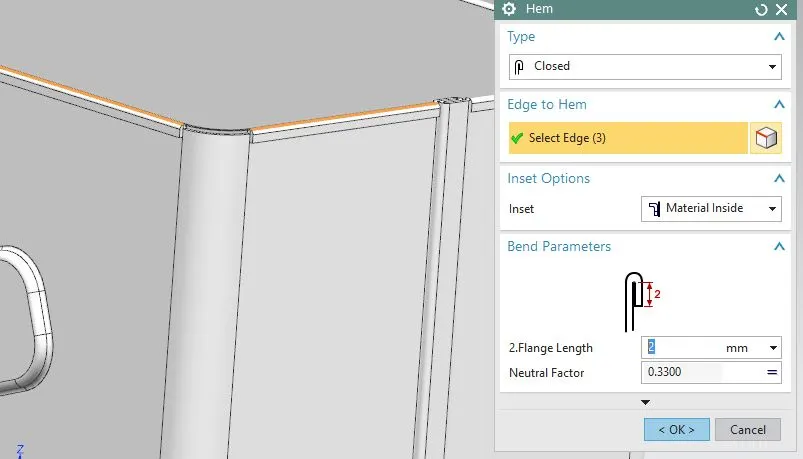
Create Hem to upper edge of box.
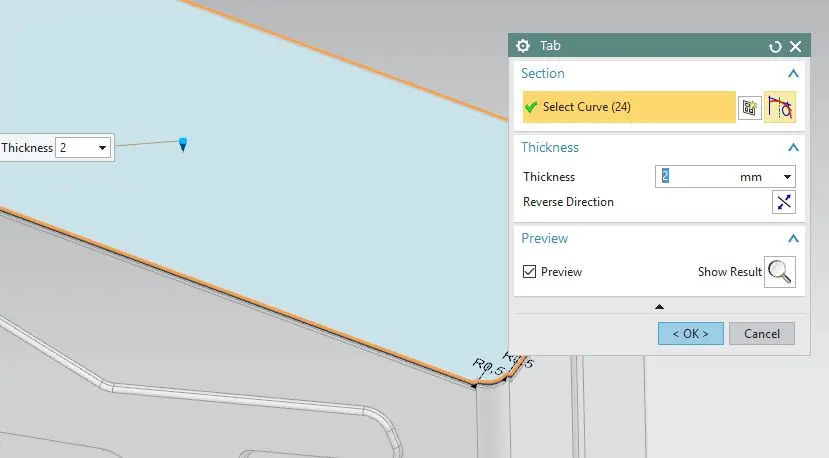
Create upper Lid by using Bas Tab.
Add Flanges to upper lid corner.
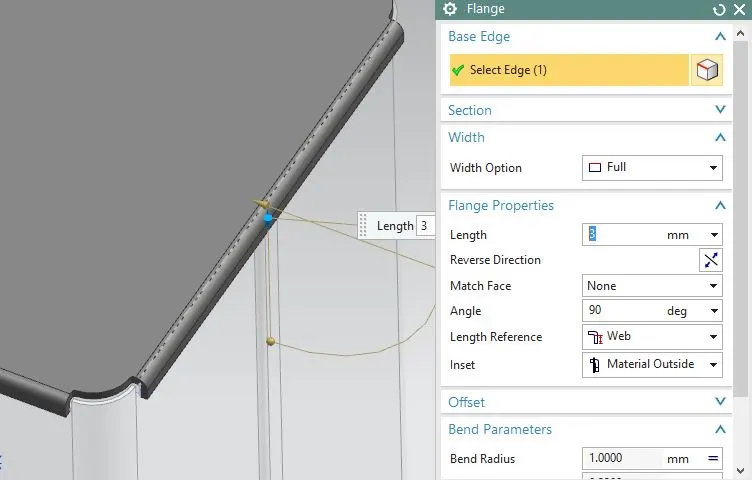
Create Base tab on side of Box
Add Flanges at desired angle
and add open loop Hem
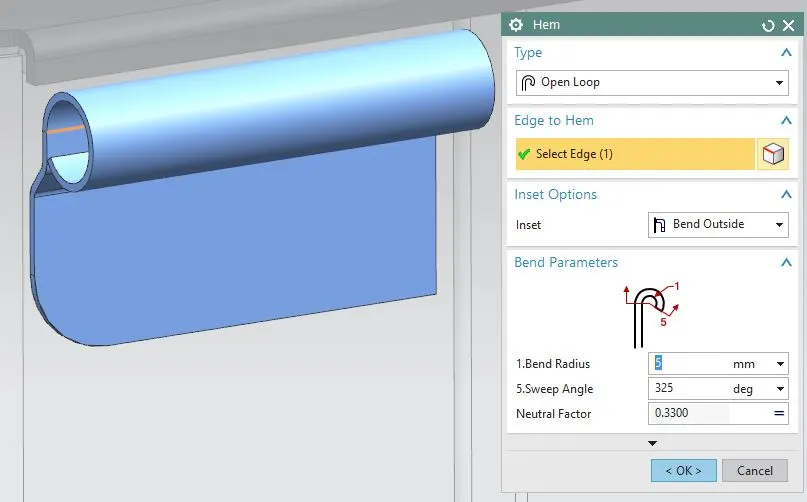
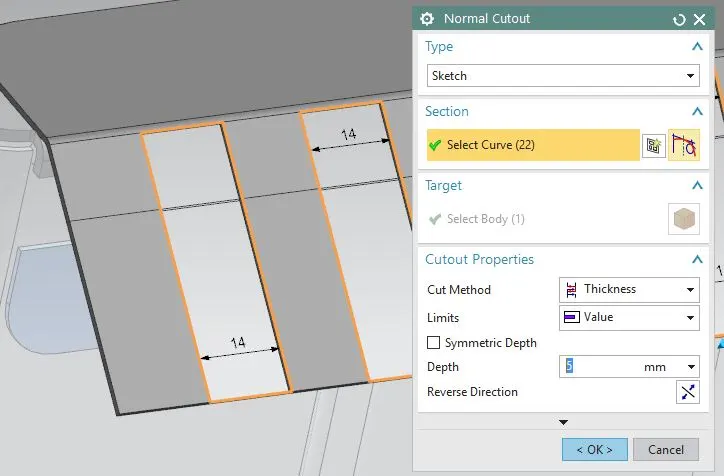
Then unbend Hem and flange. Add break corner and create sketch to use Normal cutout and Rebend.
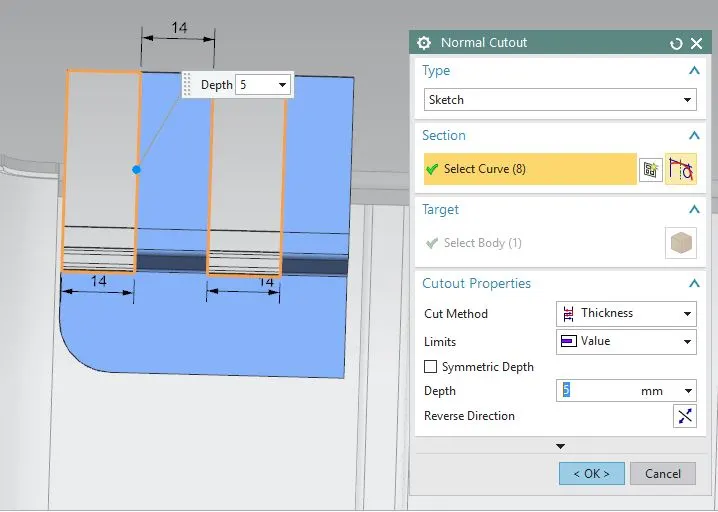
Then Mirror above body on other side.
Create base Tab on Lid and add Break corner to tab.
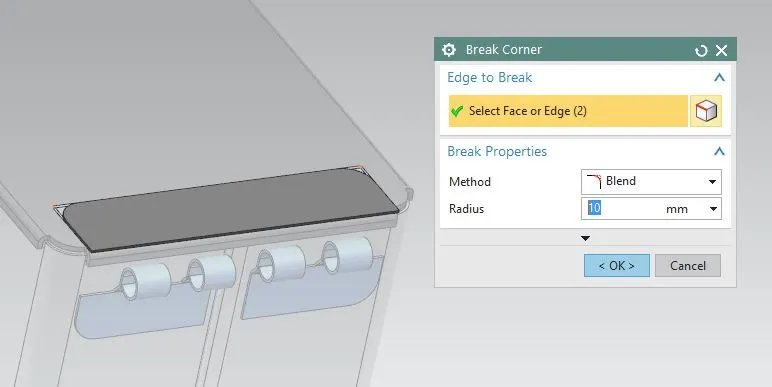
Add flanges and create open Loop Hem
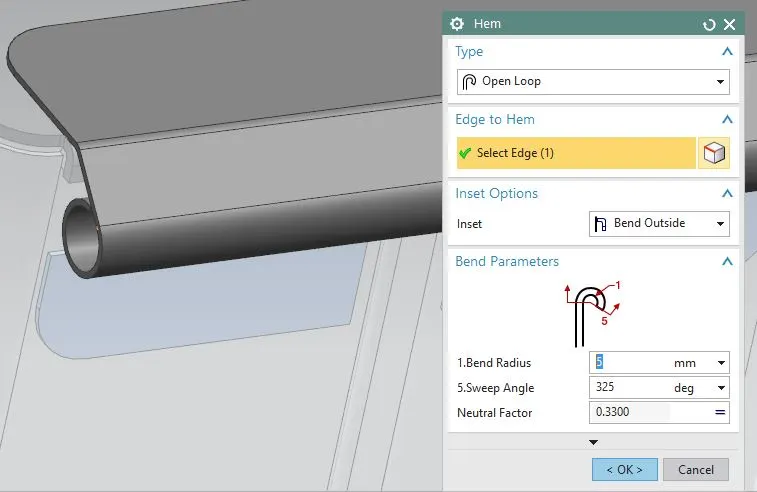
Then unbend Hem and flange. Create sketch to use Normal cutout and Rebend.
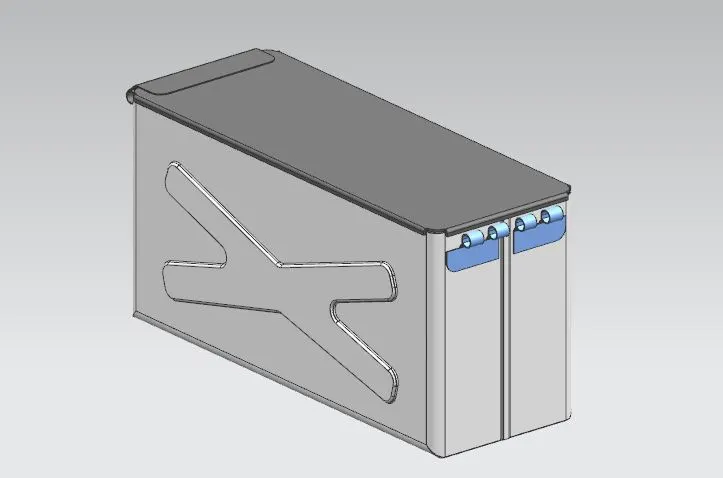
Isometric View
Top View
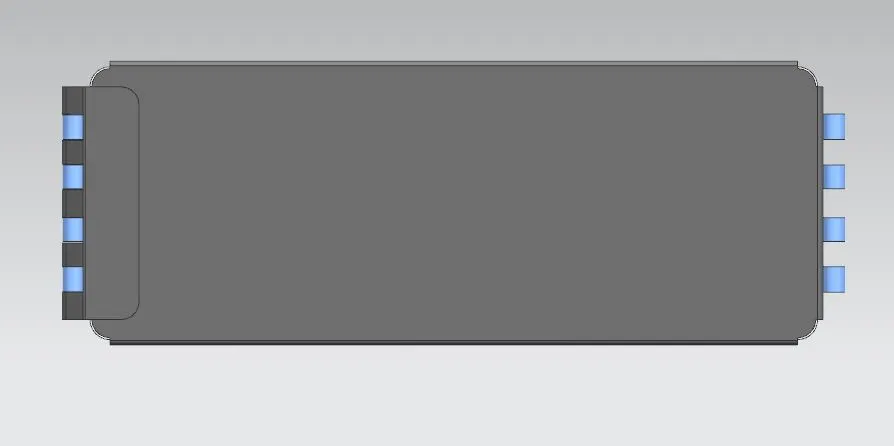
Bottom View
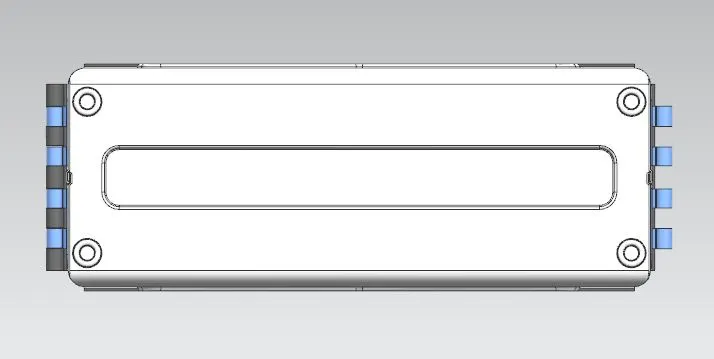
Side View
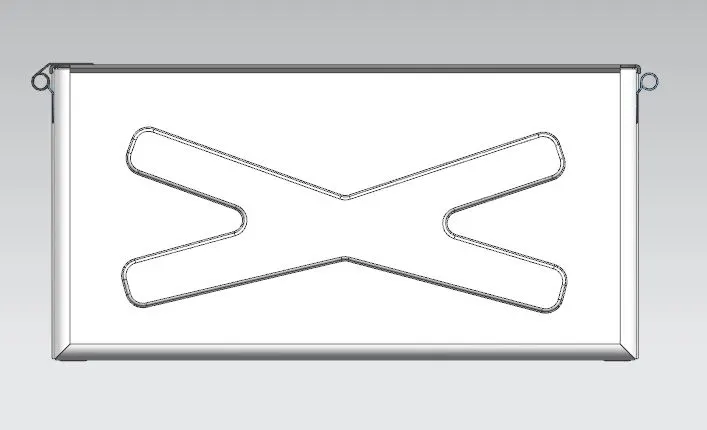
Drafting
Flattern surface
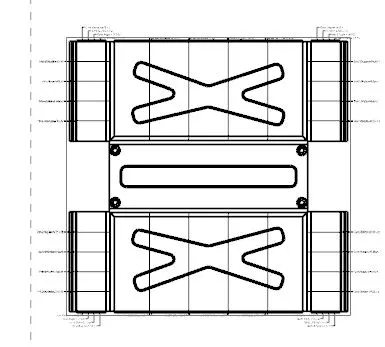
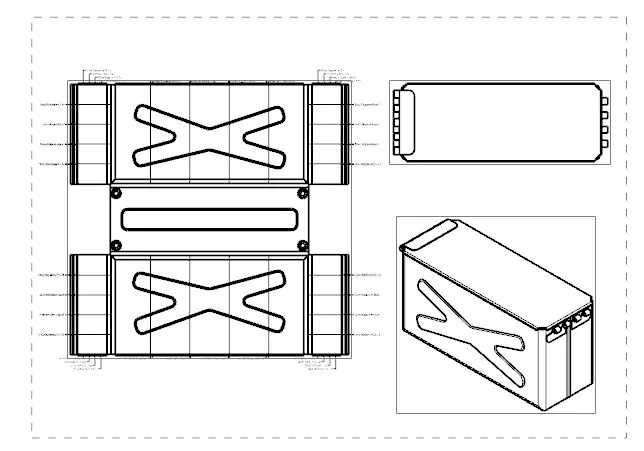
Conclusion: In this way we have design Box Assembly using NX Sheet Metal.