Advanced Sheet Metal Design Using NX Cad Challenge_2_Box Assembly
BOX ASSEMBLY
Objective : To design box assembly using NX CAD
Introduction : NX CAD is used for more innovation in the design field and also helps to achieve results faster.
Sheet Metal Application have wide range importance in automotive, defence fields.
Design Approach :
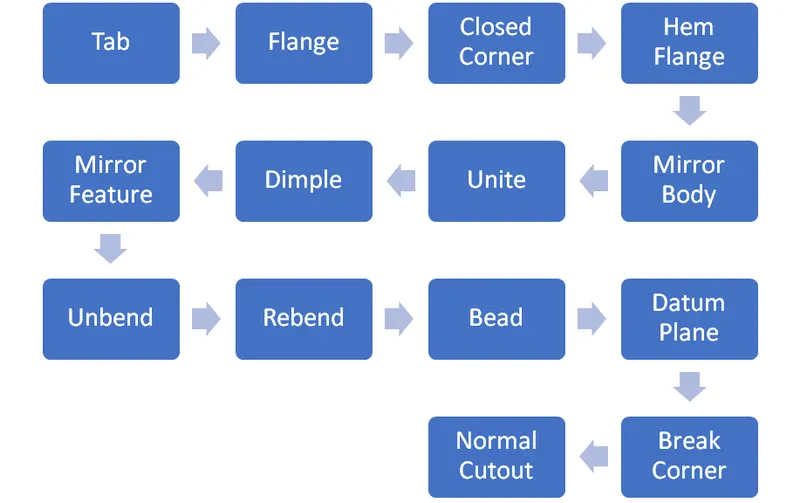
Description :
Tab - Used to make base for model and to add material to the sketch.
Flange - To create flange on the edges and to add bend between two walls.
Hem Flange - To fold the sheet metal onto itslef for the safe handling and to increase stiffness.
Dimple - To lift an area of the model inside a sketch that creates a stamping tool
Mirror feature - Used to mirror features/sketches about an axis line.
Mirror Body - To mirror the body about a reference line.
Unite - To combine two or more bodies to make a single body.
Unbend - To flatten the sheet metal
Rebend - To bend the unbent surface.
Break Corner - To create round to the edges of sheet metal
Normal Cutout - To remove the material from the sheet metal.
Bead - To strengthen the sheet metal.
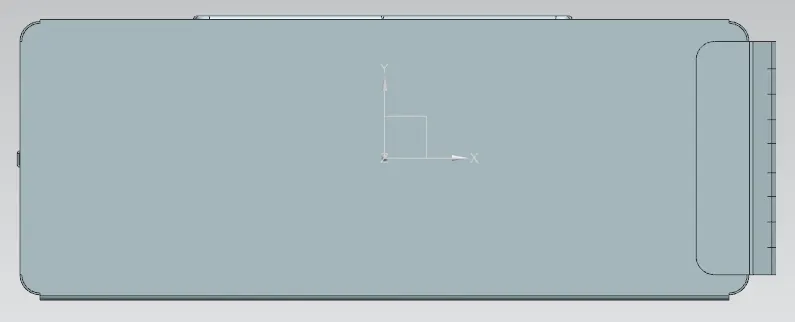
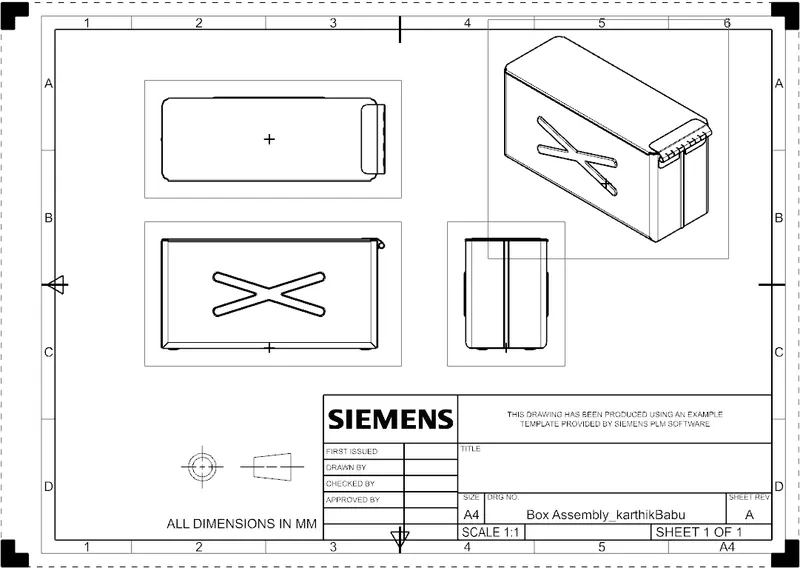
Top View
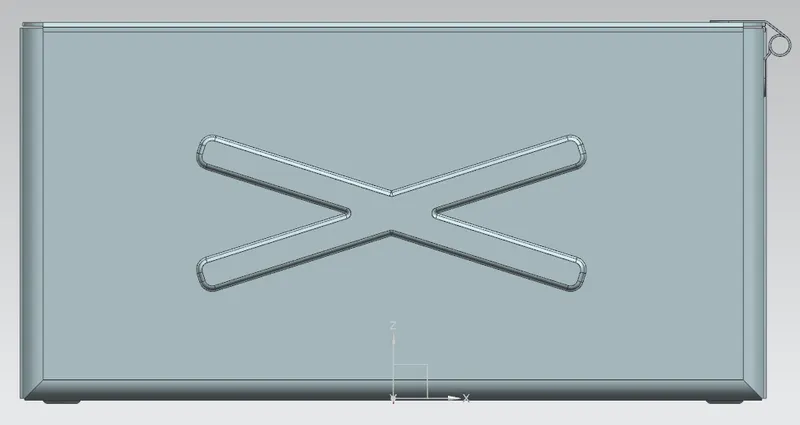
Front View
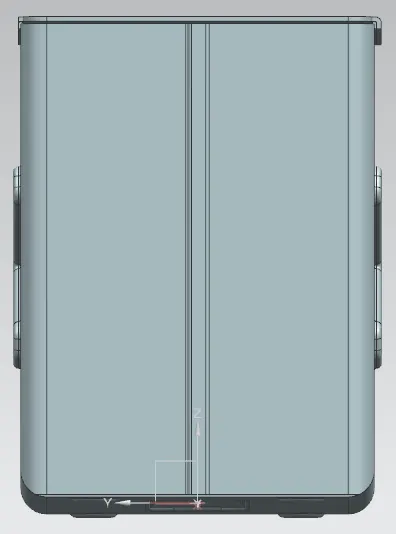
Side View
Isometric View
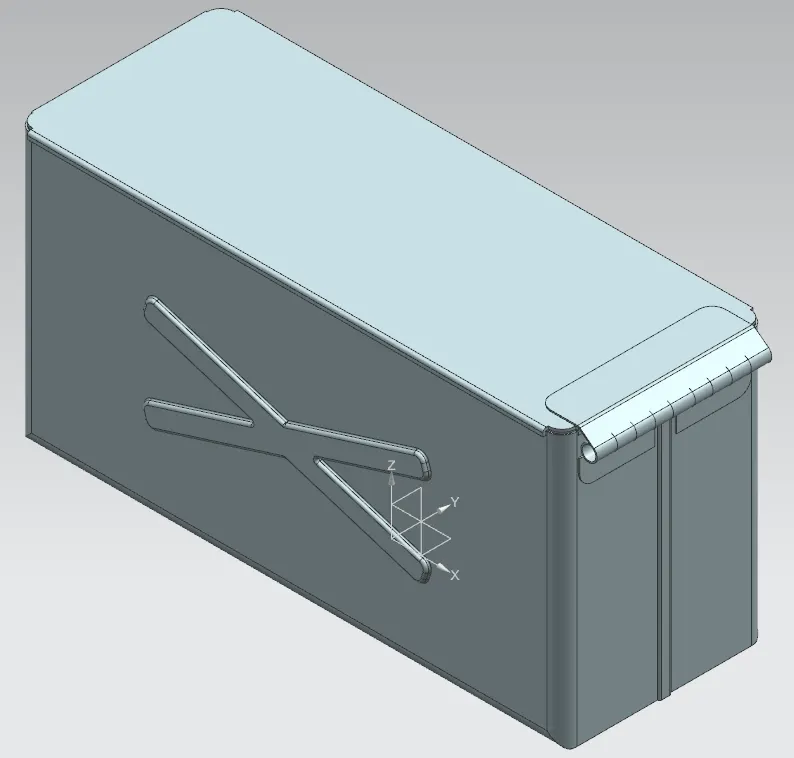
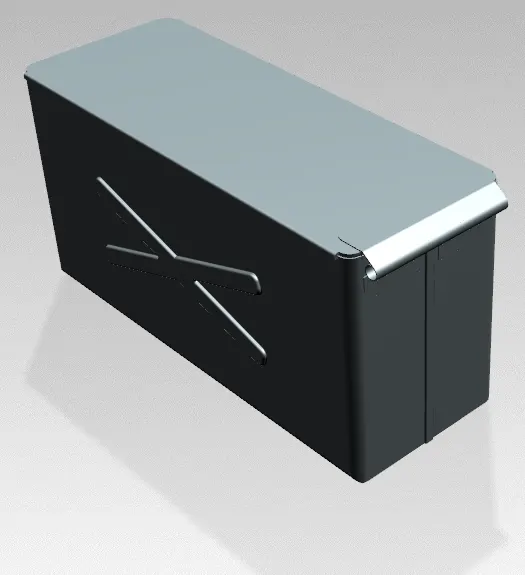
Rendered Image
Draft Image
Conclusion : Box Assembly design is created using Sheetmetal feature in NX CAD