Advanced Sheet Metal Design Using NX Cad Challenge_1_Casing Design
CASING DESIGN :
MAIN OBJECTIVE :
To Write a detailed report on Sheet Metal Component with good explanation on Sheet Metal modelling tools applied throughout the modelling of Sheet Metal Casing.
INTRODUCTION :
To construct the Casing using sheet metal by using the NX CAD and the steps I have followed to construct the complete design.
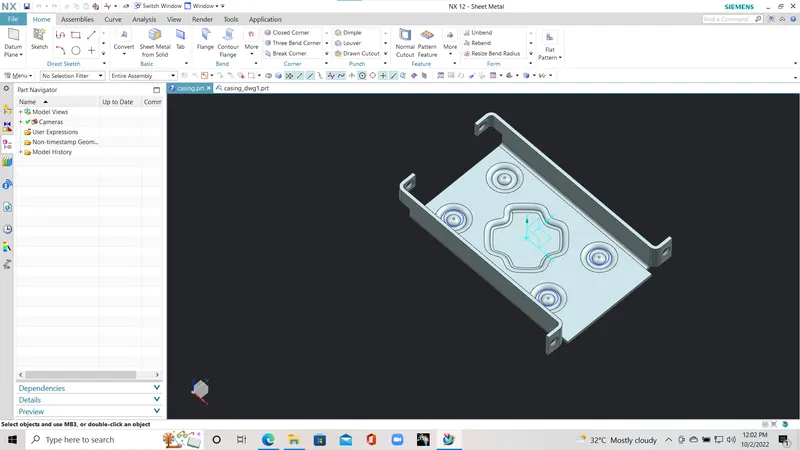
- I have sketched the base part first and made it into thick component using TAB Command in the NX CAD.
- After that I have drawn another sketch with specific geometry and used NORMAL CUTOUT Command to make a cutout on the thickened plate.
- I have drawn one line the specific casing and mirrored it to other side After completing the sketch I've used BEND command to the casing
- And I have added flanges to the edges in the respective manner.
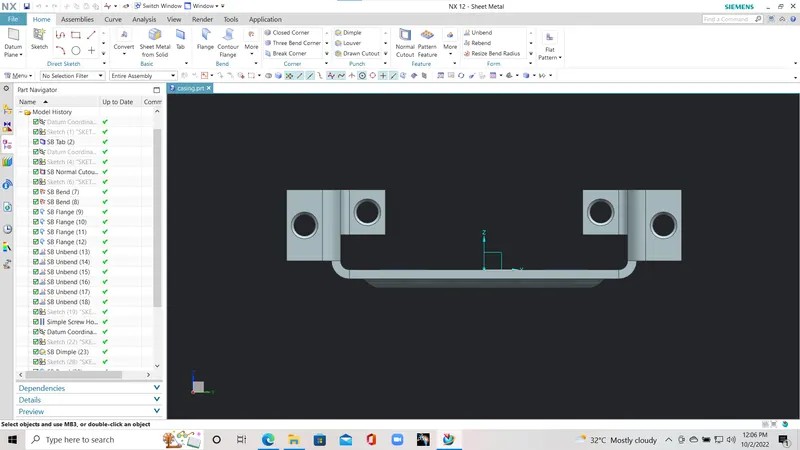
- I've added holes to the flanges using the sketches.
- And provided The DIMPLE in the center of the casing using the respective sketches.
- After that I've drawn another sketch of circle and provided a BEAD to the sketch.
- I've used mirror featuer to mirror the beads to the respective places.
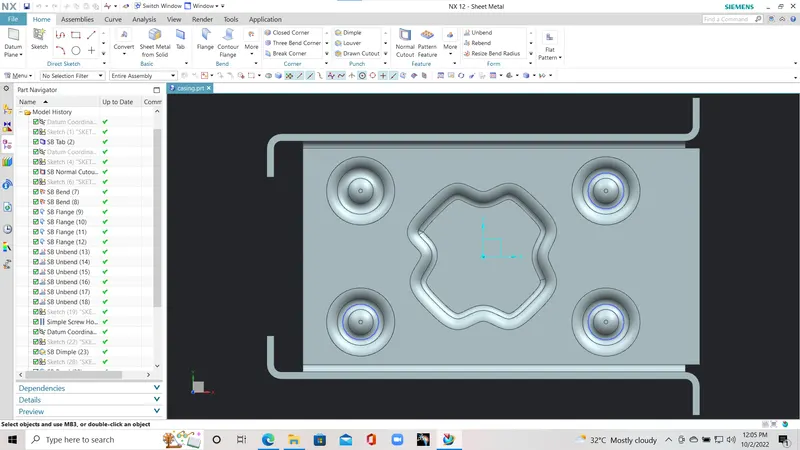
- I have used unbend command to provide the respective shape and complet the casing
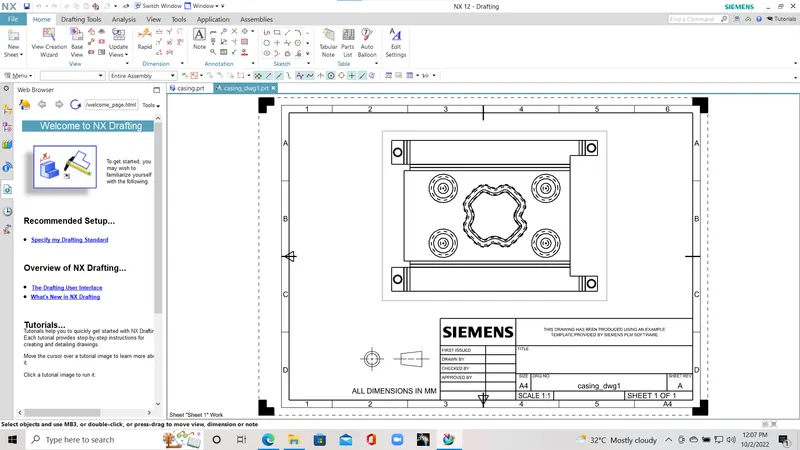
- After that I've used flat profile to provide respective sketch to the drafting.
- And I have drafted the flattend profile on the drafting work bench as below.
DRAFTING OF THE CASING IS PROVIDED BELOW :
CONCLUSION :
I have followed the above steps to complete the casing and provide draft to the casing design.
NOTE : The part file of the Casing and Drafting of the Casing is provided below.