Advanced Sheet Metal Design Using NX Cad Challenge_1_Casing Design
CASING_ DESING
sketch a rectangle at 60mm and 50mm dimension
make a surface at 1mm thickness using tab command
make a another sketch on the 50mm side at make a rectangle of 5mm and 30mm dimension
cut the suface by using sketch 3 and normal cut
make 2 line parallel to the 60mm sides at offsets upto 10mm
bent the outer side of surface to top by usng sketch 5 and bend command
apply flange on the 4 edges at 5mm length , the the 2 edges inside and another 2 edges ouside
sharpe egdes of all corners can be remove at break corner at imm radius
then unbent the all surface in to single plane
make sketch on the base plane , create a given sketch at 5mm ditsance
then create a spline by using 16 points and move the spline at 45 deg by using move spine
create a dimple by using the spline sketch at 1mm depth
make a hole at the 4 wings of surface by using simple hole
make circle at the 4 corners of base surface at 8mm distance
create bead by using all the circles sketches at1mm inside direction
make all surface in orginal position by using rebend command
flat pattern commad used to make the pattern
then select the flat pattern from the model views
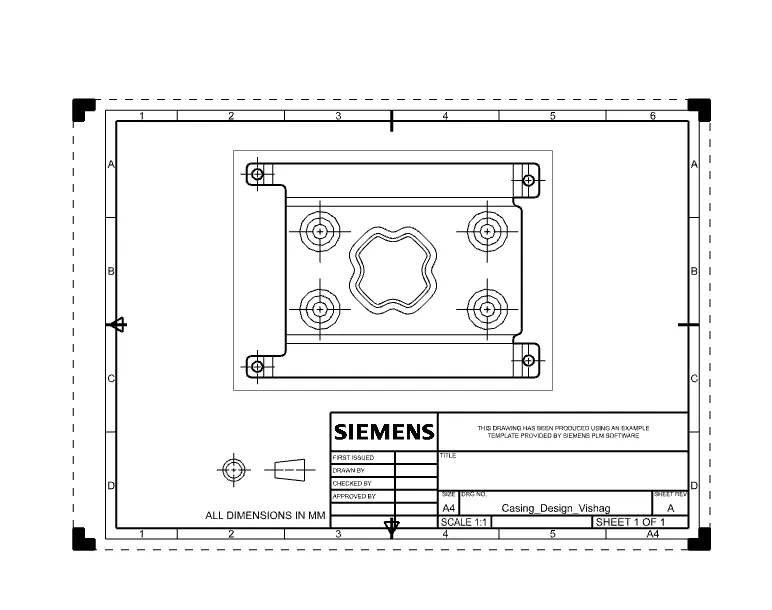
make a drawing sheet at A4 size , then place the base view at ratio of 2:1
save the part file as casing_design
PART VIEWS:
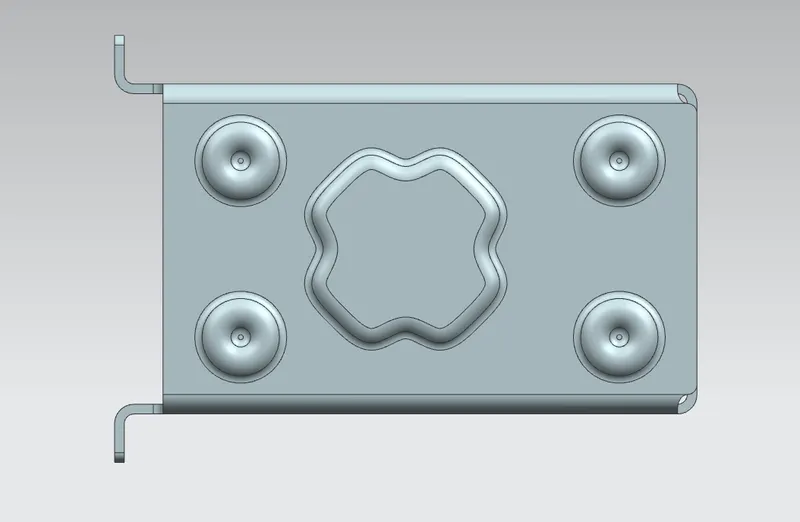
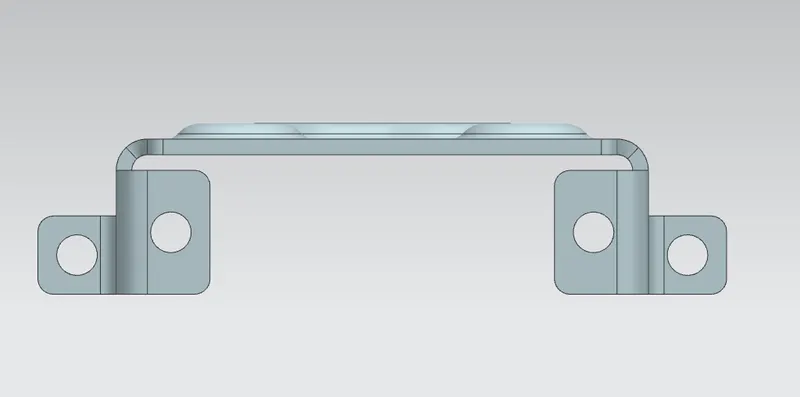
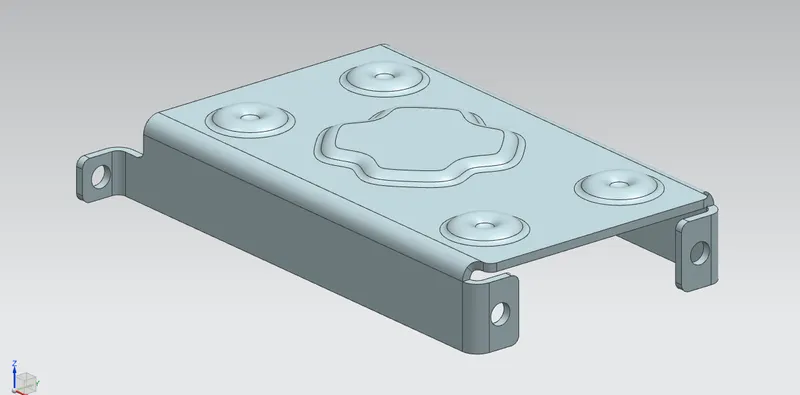
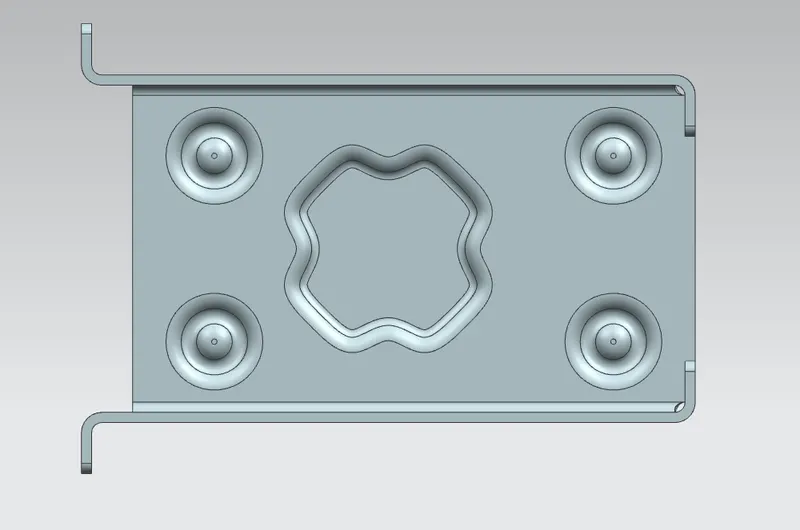
drafting image:
conclusion:
i learned various tools for sheetmetal design