Advanced Sheet Metal Design Using NX Cad Challenge_1_Casing Design
Designing of a Sheetmetal Casing
Objective: To design a ‘Sheetmetal Casing’ using Siemens NX Sheetmetal Application.
Introduction: For studying different tools and features used for designing sheet metal design parts, this project was selected. This project was mainly focused in providing an idea about the workflow in creating a part design and to familiarize certain tools in this application.
Design Methodology:
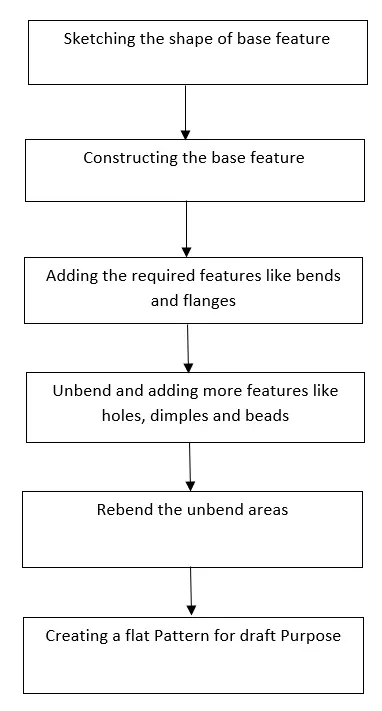
As shown in the flowchart, I started by sketching the base feature and it was constructed by using the tab feature. Then certain additional features like bends and flanges were added to the base feature. Then after unbending certain feature like holes beads and dimples were applied on the base feature. Using rebend feature the unbend areas were bended and a flat pattern was applied for creating a draft image.
Description:
For designing of a Sheetmetal casing the following features were used:
- Tab: This tool was used to create a base feature by extruding the sketch along a direction by thickness value.
- Normal Cut-out: To create a cut based on the sketch input.
- Bend: To create a bend specified to a edge or sketch input.
- Flange: This is used to add a flange at any angle to a planar face producing a bend between the two faces.
- Break corner: To round the sharp edges of tabs and flanges.
- Hole: To make a hole at a certain point by required feature.
- Dimple: Is used to lift an area of the model based on the input sketch.
- Bead: To lift material along the contour of the sketch.
- Mirror: To pattern features along plane
- Unbend: To flatten the bend features.
- Rebend: The unbended features are bended using this feature.
- Flat Pattern: Used to create a flat pattern for draft purposes.
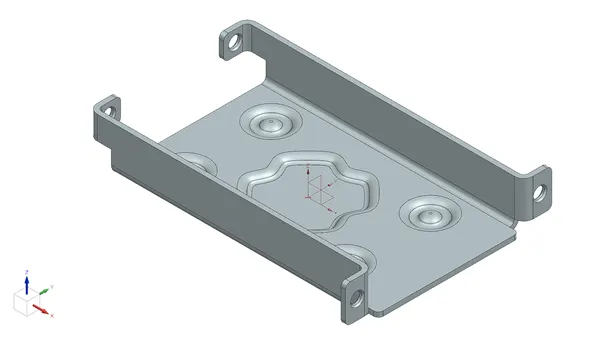
Sheetmetal casing
1.Isometric View
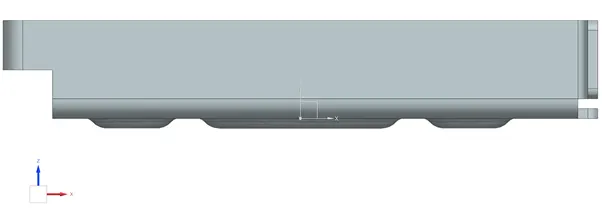
2.Front View
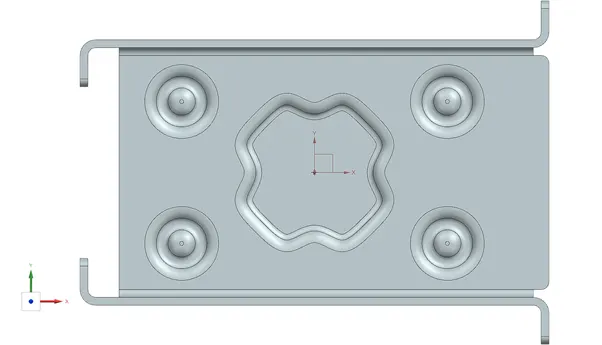
3.Top View
4.Side View
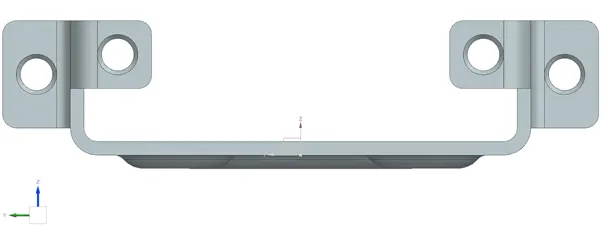
5.Draft
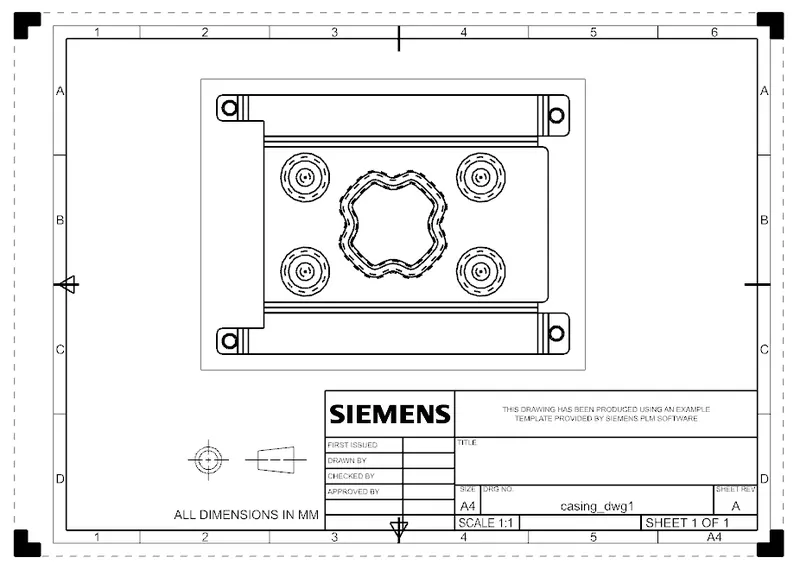
Conclusion: A ‘Sheetmetal Casing’ was designed using Siemens NX Sheetmetal Application.