Adams suspension creation
Steps:
-open adams in template builder mode
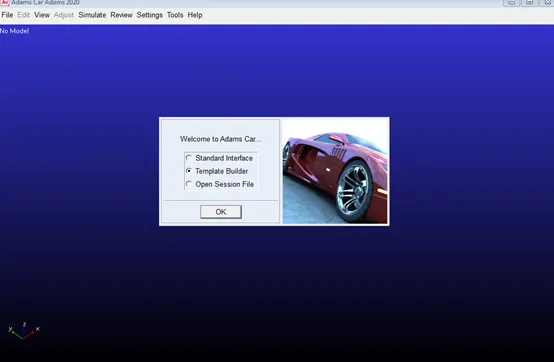
-then a template is opened
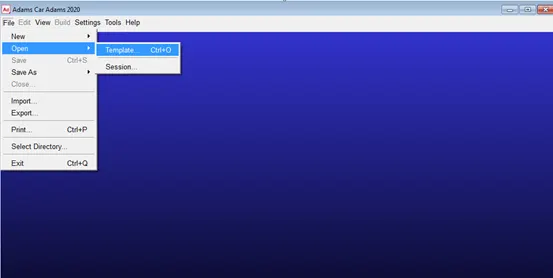
-Then get the double wishbone template from a_car shared
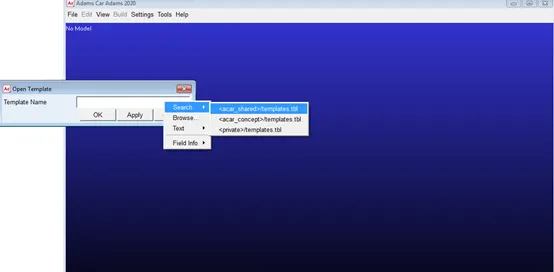
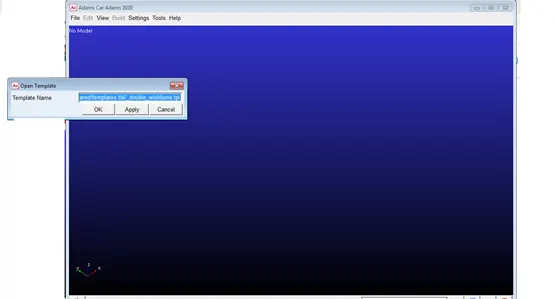
-then templat is saved in directory
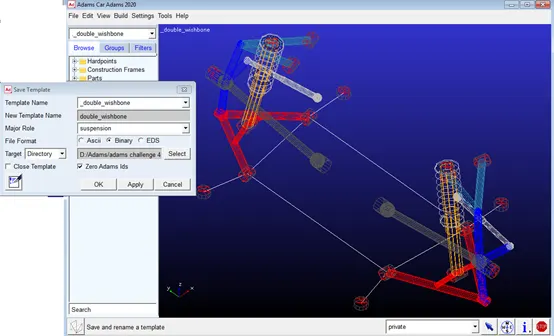
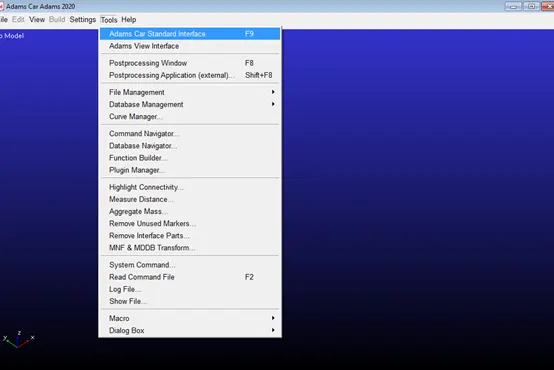
-then adams car standard interface is used
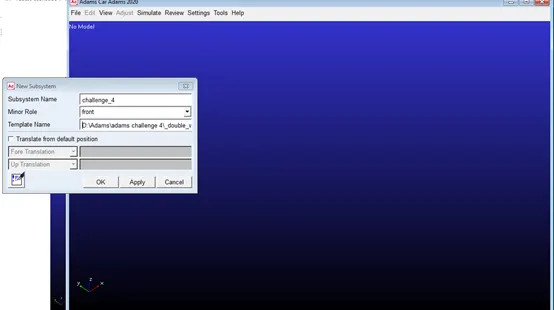
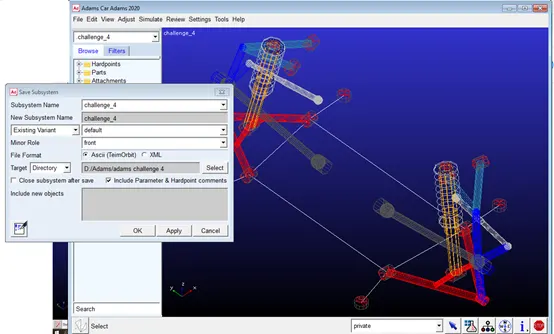
-then new sub system is created using the saved template ,and its role is set to front as it is a front suspension system
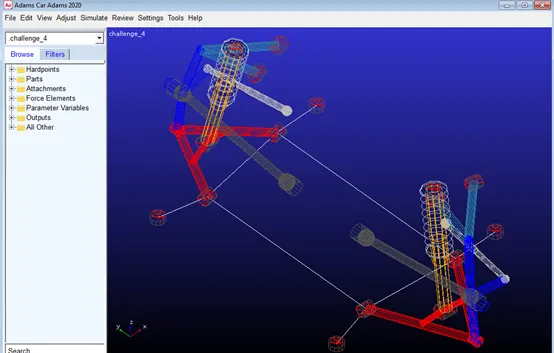
-then sub system is saved
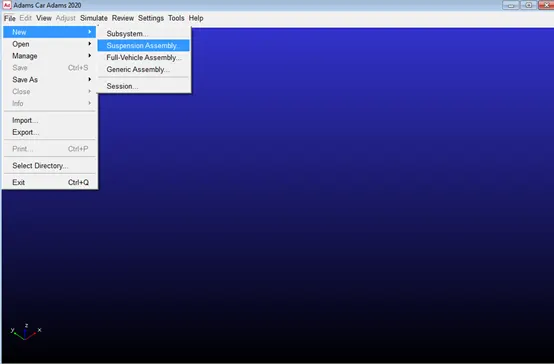
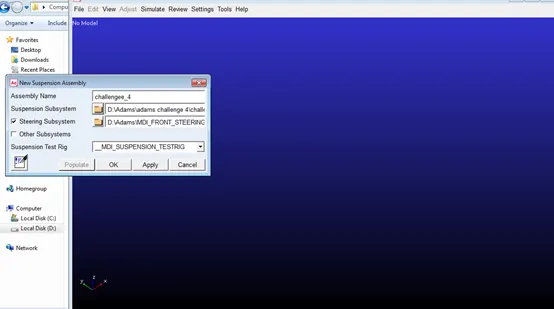
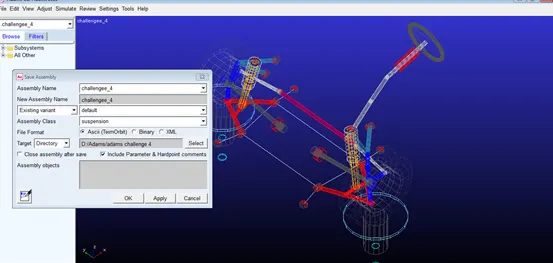
-then anew suspension assembly is created from the saved subsystems in addition to the steering subsystem
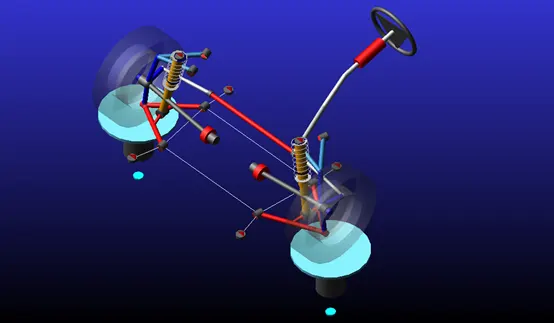
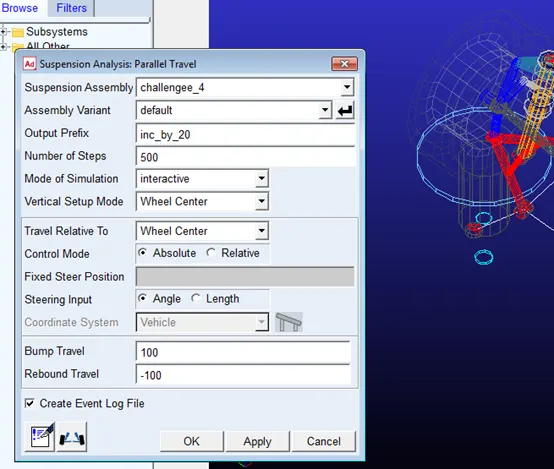
-then parallel wheel travel simulation is run and number of steps and and rebound distance are specified
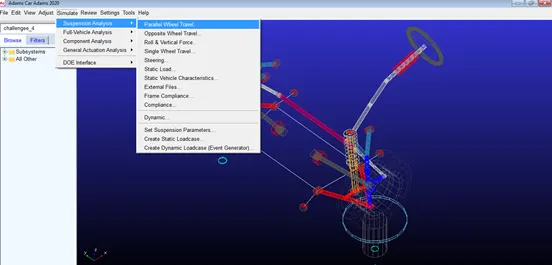
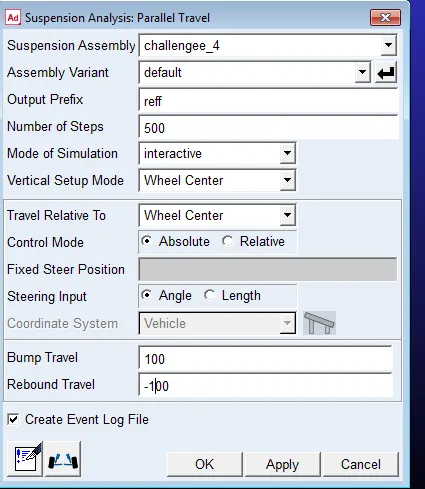
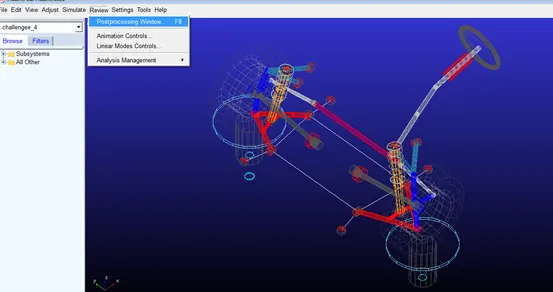
-then post processor menu is opened
-then x-axis parameter is specified
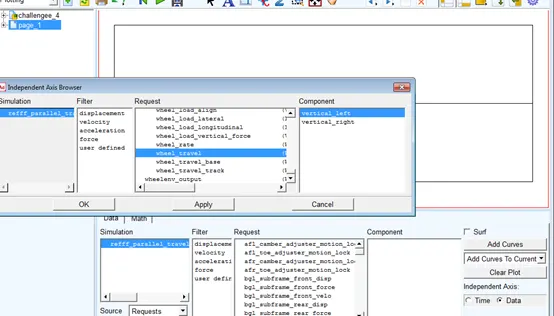
-then y-axis parameter is specified and curve is drawn
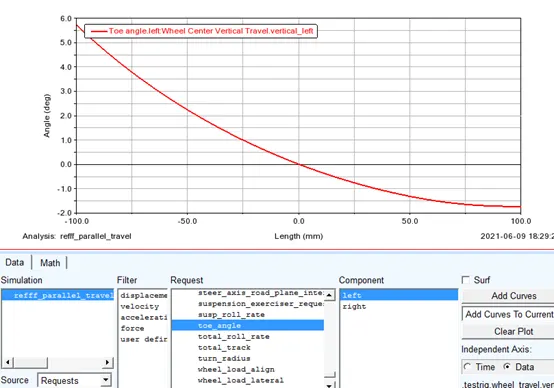
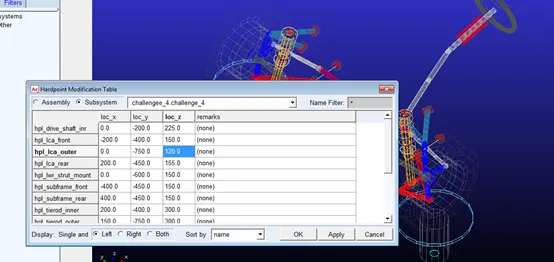
-then HPL_LCA_OUTER point is changed
-then simulation was re-run
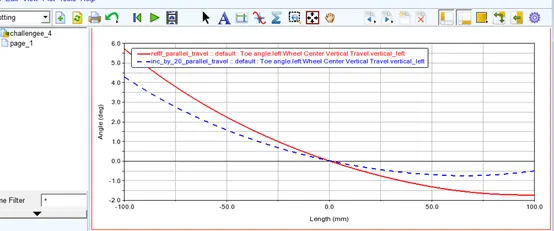
-then the two curves were overlayed
-then the assembly can be saved in the directory
files:
https://drive.google.com/drive/folders/11dMWSYyxy29eGEyevNXEFDjwFzn5zvYQ?usp=sharing