Adams postprocessor
STEPS:
-assembly is opened
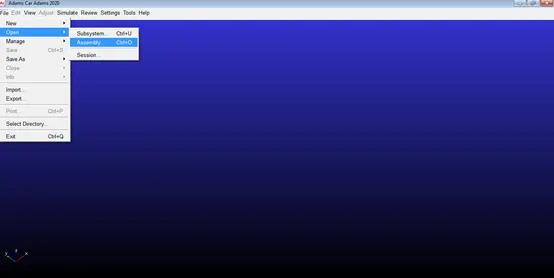
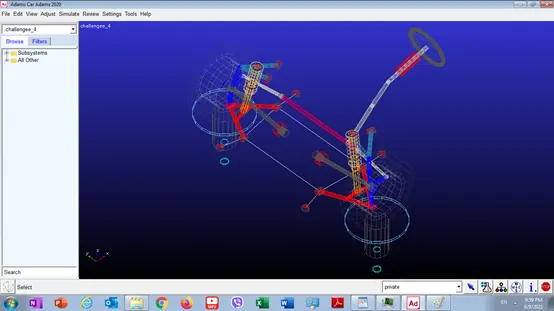
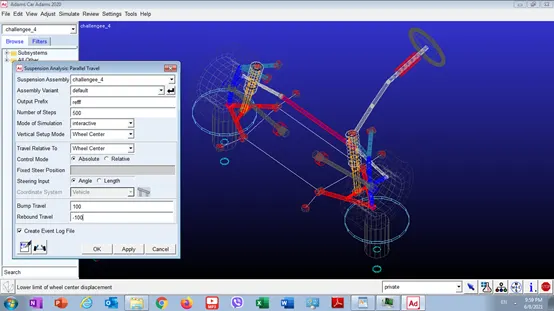
-then parallel wheel travel simulation is run and number of steps and wheel bump and rebound specified
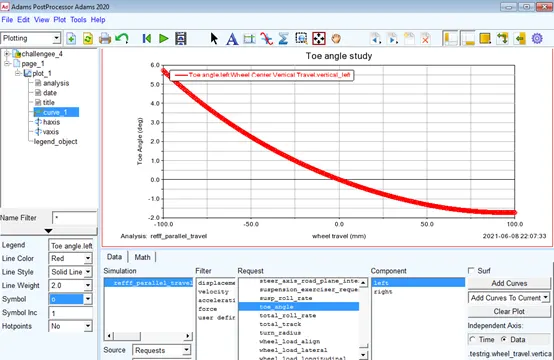
Then toe angle vs. wheel travel graph is plotted
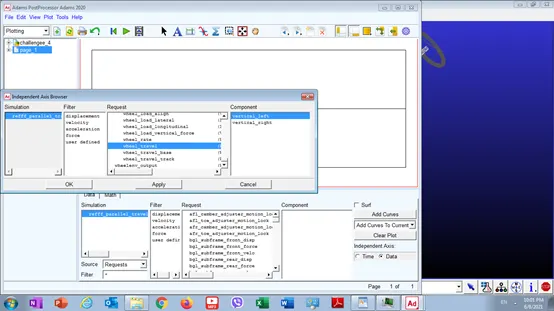
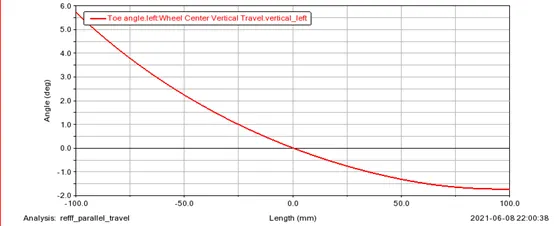
-then graph title was added
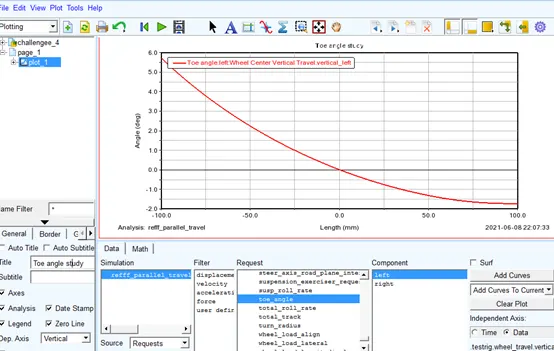
-then x-axis label was changed
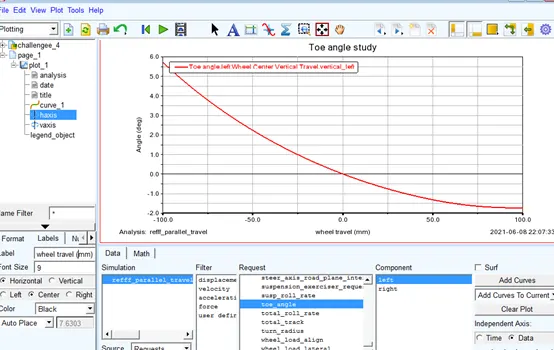
Then y-axis label was changed
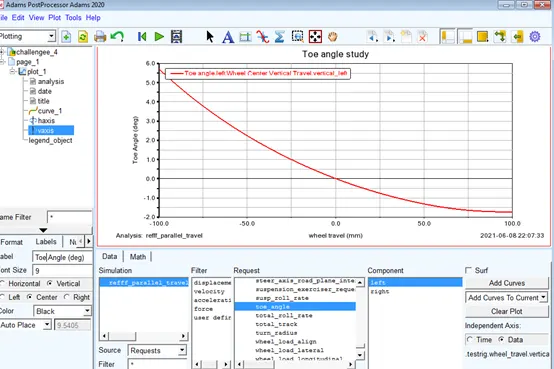
Then the plot line was changed by adding “o” symbol
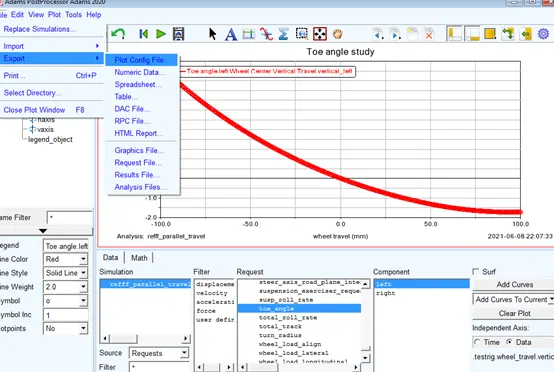
The plot configuration was then exported
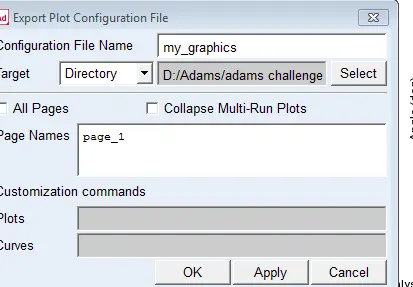
It was exported to a file name my_graphics in a specific directory and only first page was specified which contained the toe angle plot
-then existed plot was deleted
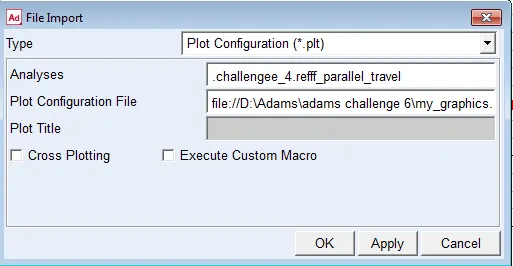
-then an import to plot config was made
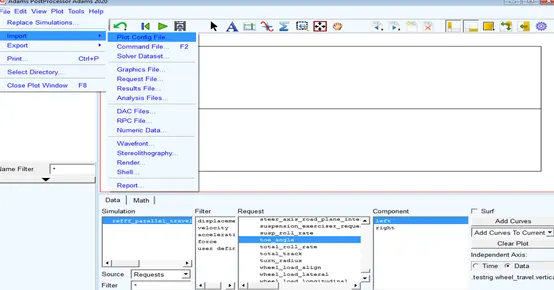
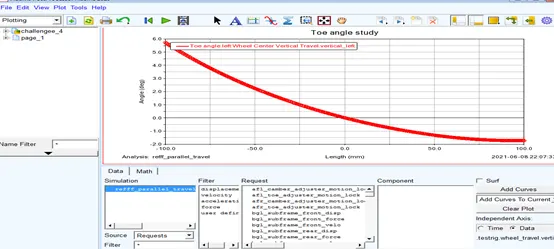
-then imported plot reappears with previous settings
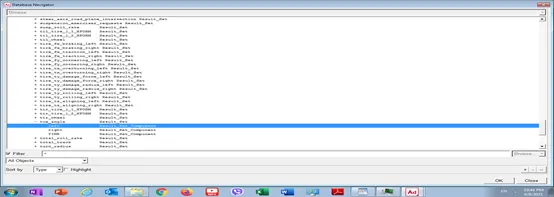
-then numeric data was exported to a file named “toe_study”,this was done by using the browse feature to specify exactly which data on the x and y axis we need to export
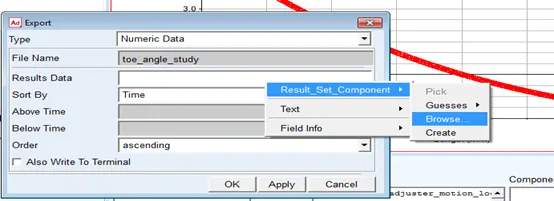
-the x-axis data was first selected which is wheel travel
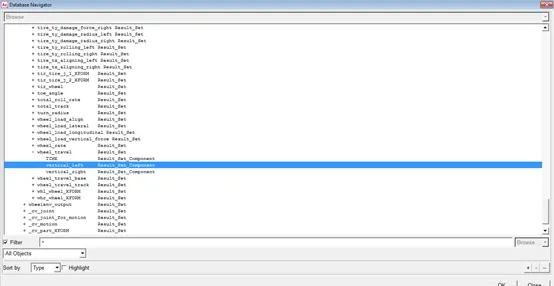
-then y-axis data was selected which is toe angle
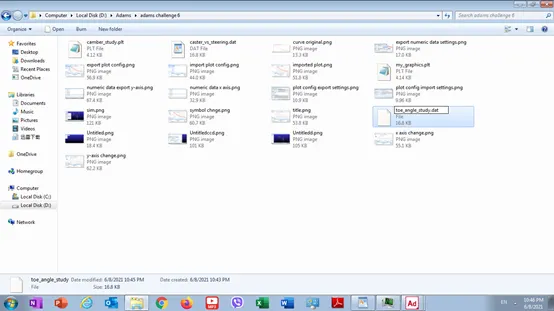
-then the file was renamed to have “.dat”extension
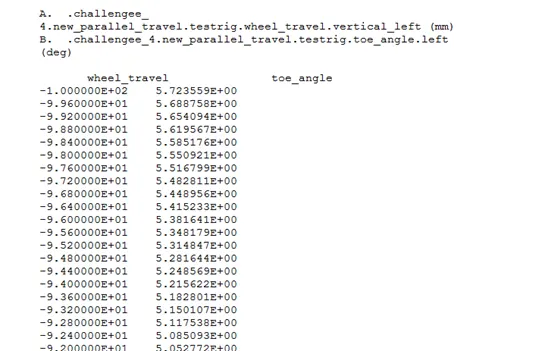
-then the file column titles was changed from length and angle to wheel travel and toe angle
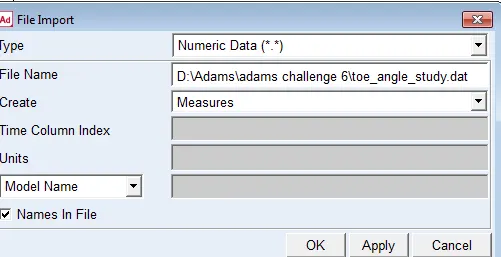
-then the numeric data was imported
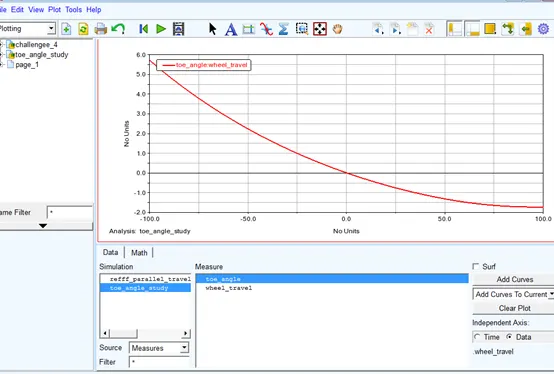
-then it was plotted
-first x-axis data was selected
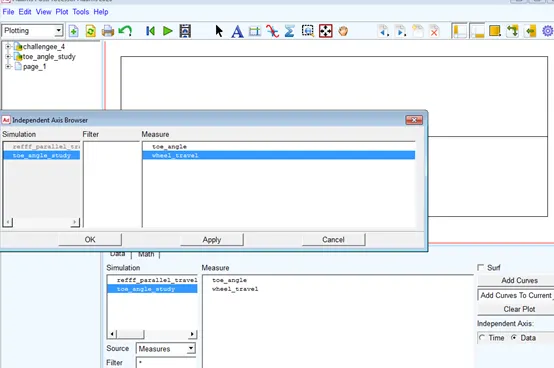
-then y-axis data
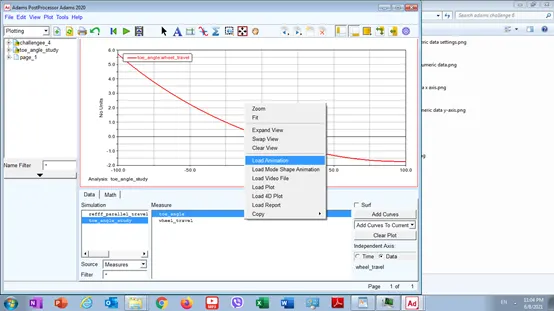
-then animation is loaded
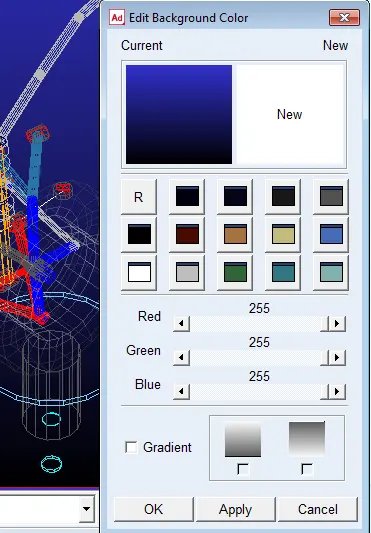
-then background was changed to white
-then recording is made to oscillate once from loop options in order to go back and forth one time
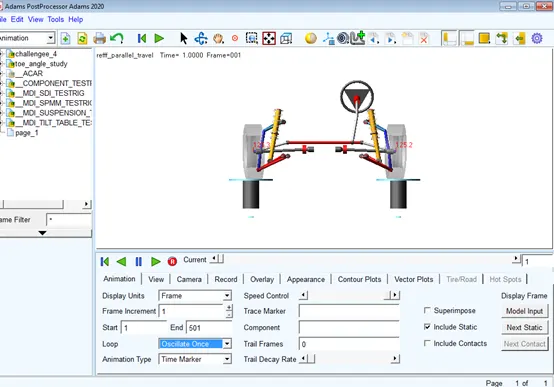
-then movie was recorded and it automatically exports to the database
Files:
https://drive.google.com/drive/folders/1SG8G4VMsSV_d4esa8bTPrs4suZdbSgIG?usp=sharing