Adams challenge 5 - post processing
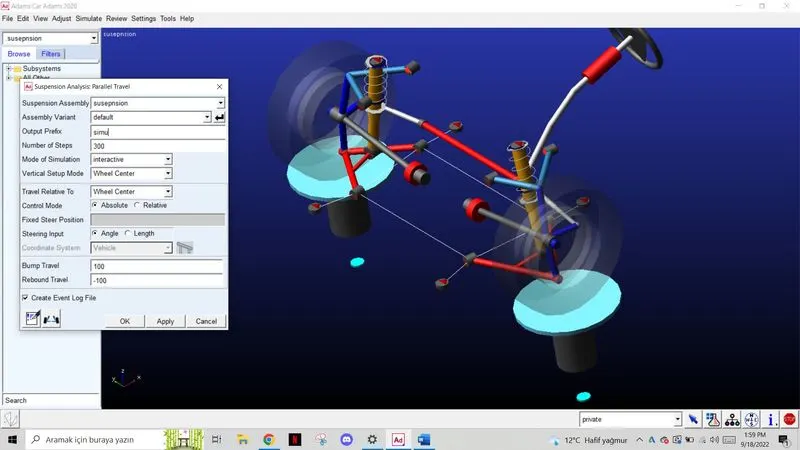
Firstly I opened the assembly and run a parallel wheel travel simulation.
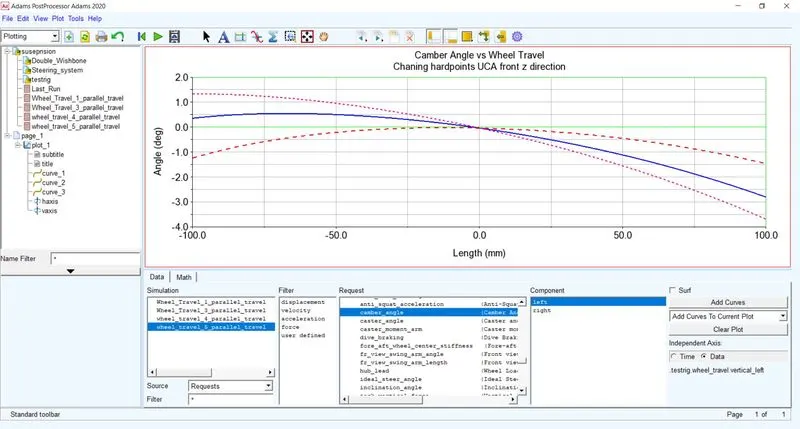
Then I opened the post processing and plot the camber angle vs wheel travel. Then I changed the hardpoint of the UCA front of z direction to see the differences of camber gain.
----------------------------------------------------------------------------------------------------------
Plot Configuration export
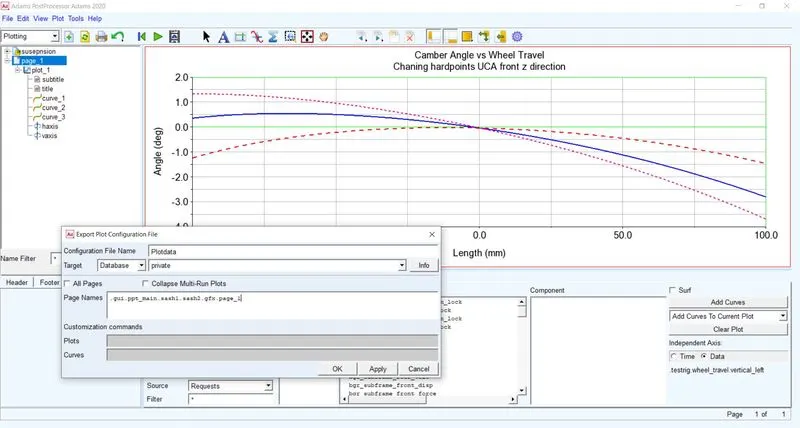
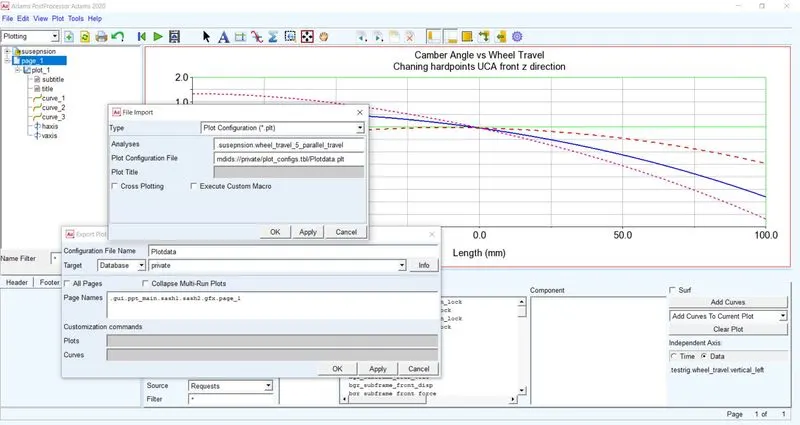
I clicked on the file then cliked on the export then plot configuration.
I right clicked on the empty page name to chosse the page 1.
Then I saved it to my private database
Plot Configuration İmport
Acctually it is the same thing what we do in the export.
I just cllicked file then import plot configuration and chosse the data that we export before, that's all.
İmport Numeric Data
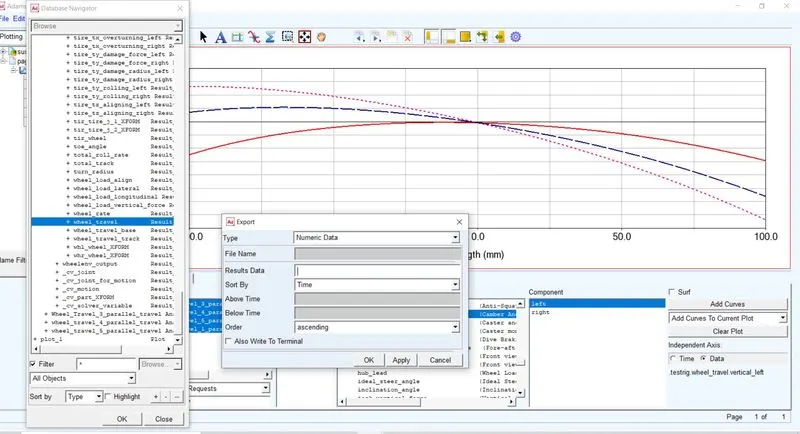
I clicked file in post processing then export numeric data. Then I chosse the wheel travel and camber angle in the result data to export this datas.
Animation Record
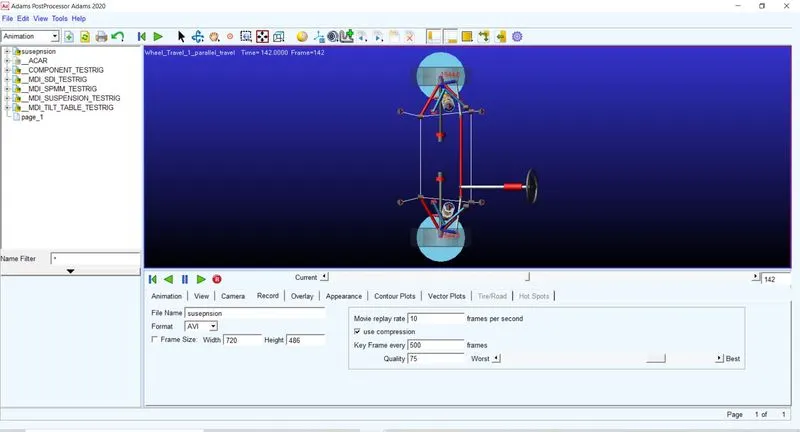
I right clicked on the empty page and clicked load animation. Then I chosse one of the simulaiton I runned. I didnt use the camera because the suspenion system does not go any where so camera was not neccesary. In the animation page I chosse the Osscilate Forever as a loop to get a better view in my animation. Then I clicked record and run the animation.