2R Robotic Arm Simulator with Python
Aim:- Write a program in python to simulate the forward kinematics of a 2R Robotic Arm and create a animation file of the plots.
Solution
code:-
#program by Dakshkumar Jadav
#2R Robotic Arm Simulator
import math
import matplotlib.pyplot as plt
#inputs
# length of two robotic arm
l1 = 1
l2 = 0.5
# total number of theta
n_theta = 10
# calculating both theta1 and theta2
theta_start=0
theta_end=math.pi/2
theta1 =[]
theta2 =[]
for i in range(0,n_theta):
tmp = theta_start + i*(theta_end-theta_start)/(n_theta-1)
theta1.append(tmp)
theta2.append(tmp)
# calculating coordinates for two robotic arms
#Base of Robot
x0 = 0
y0 = 0
ct=1
for t1 in theta1:
for t2 in theta2:
#link 1 and link 2 connector
x1 = l1*math.cos(t1)
y1 = l1*math.sin(t1)
#Co-ordinate of Manipulator
x2 = x1 + l2*math.cos(t2)
y2 = y1 + l2*math.sin(t2)
filename= str(ct) + '.png'
ct= ct+1
plt.figure()
plt.plot([x0,x1],[y0,y1])
plt.plot([x1,x2],[y1,y2])
plt.xlim([0,2])
plt.ylim([0,2])
plt.savefig(filename)
OUTPUT:-
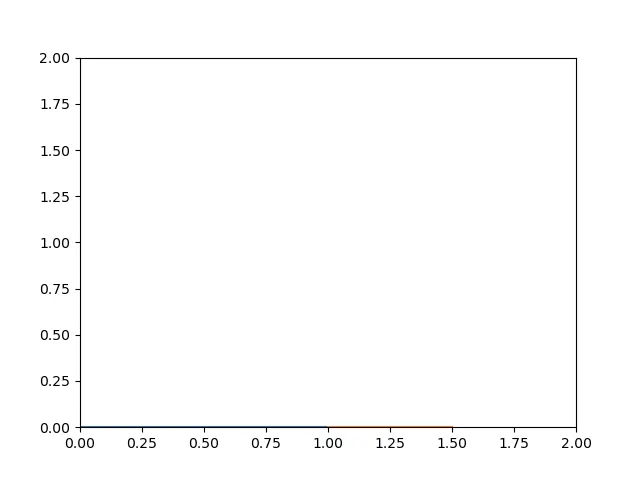
Report:- In this project, to write a program to simulate the Forward Kinematics of 2R robotic Arm and also
to generate the animation file of the plots. This robot has 2 arm of different length (l1=1 , l2 =0.5). In which
l1, l2 refers to the length of robot arm and t1,t2 are the value of theta. Then we choose the total number of
theta1 and theta2 for simulation . I used 10 values for both theta1 and theta2. for each value of theta1 we get 10
value of theta2. so we get 100 combinations. To calculate all the 3 co-ordinates , i used the formula and
#Base of Robot:- x0 = 0 , y0 = 0
#link 1 and link 2 connector:- x1 = l1*math.cos(t1), y1 = l1*math.sin(t1)
#Co-ordinate of Manipulator x2 = x1 + l2*math.cos(t2), y2 = y1 + l2*math.sin(t2)
After this we get 100 plots. Using this 100 plots i made Animation i converted it into gif with the help of Image-Magick.