Mechanical · Course

Automation using TCL/TK for HyperMesh

A comprehensive course on Automation in Structural Analysis using TCL/TK. This course is highly suited for beginners

Duration
12 weeks
Content
11 hours
Projects
2
Mode
Online
Overview

What you'll
be able to do.

  • In this course, you will learn about basics of TCL.
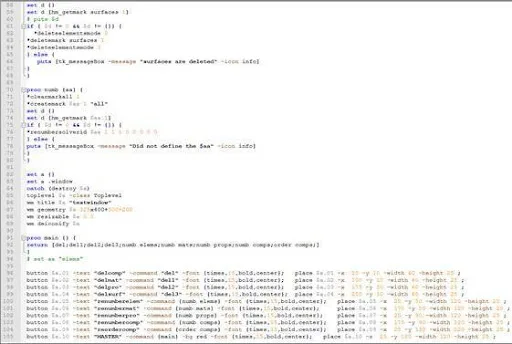
  • You will get an overview of Hypermesh Window and creating buttons by using the TCL.
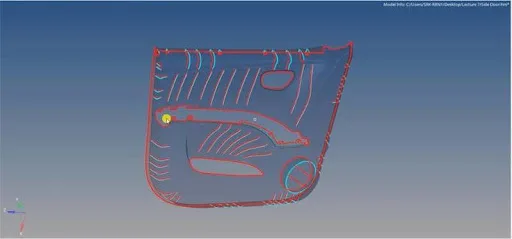
  • You will be creating a TCL macro to resolve the preprocessing problems such as symmetry, renumbering for elements and components, etc.
  • You will also be generating reports for the given file creating a TCL macro for spot weld and rigid connections.
  • After completing the course you will develop expertise in writing code for HyperMesh using TCL/TK and are well on the road to be a CAE automation engineer for HyperMesh.
Tools you'll use
HyperMesh
Curriculum

12 modules,
built with industry.

Get the full syllabus ↓
  1. 01Automation using TCL/TK for HyperMesh12 modules
    1. Get to know your toolsW01
      • In this module, you will learn HyperMesh GUI, what is TCL compiler and hands-on practice of the TCL commands in Notepad++
        • HyperMesh GUI overview
        • TCL compilers
        • Notepad ++
        • “Hello World” TCL code
    2. Let’s learn a new languageW02
      • In this module, you will learn TCL commands like loops, arrays and how TCL is linked with HyperMesh
        • Looping structures
        • Array manipulation
        • TCL wiki
        • HyperMesh and TCL linkage
    3. Dissecting HyperMesh using TCL commandsW03
      • In this module, you will learn several commands and how they can be used in HyperMesh to perform operations
        • “ * ” and “hm_” commands
    4. Let’s build the GUIs with TKW04
      • In this module, you will learn how to build a GUI using TK for the TCL command used in HyperMesh
        • Introduction to TK
        • Creating TK popup box
        • Creating TK buttons
        • Creating TK input boxes
    5. Problem of normalW05
      • In this module, you will be able to understand the problem of normals in pre-processing and how it will affect the results in a simulation. You will also learn how to automate to align the normal in a few quick mouse clicks.
        • Element normals and their significance
        • Fixing normals: code vs. standard
    6. Let’s take care of “zero”W06
      • In this module, you will learn how to handle a null case when you write a code in HyperMesh to automate a process
        • Handling null cases
        • Delete displayed
        • Delete empty
        • Isolate displayed
    7. Let’s meet the CAE nightmare – Free edgesW07
      • In this module, you can understand the concept of free edges and how it will affect the simulation, and also you will be able to write a code to automate the fix for the Free edge issue that occurs during meshing.
        • Free edge and their significance
        • Detecting free edges using available tools
    8. CollectorsW08

      In this module, you will learn the significance of a collector, property card, and material card along with a manual method to assign them. Once you understand that you will also be writing code to automate the process.

      • Different collectors and prop and material assignment
      • Renaming- as per thickness
    9. Auto reflectW09
      • In this module, you learn the importance of Reflect command for the symmetrical models along with the manual renaming of the components and their material and property cards. Once you understand that this method is time consuming and tiring, you will also learn how this can be automated with a few lines of codes.
        • Explain the physics
        • Explain procedure
        • CAD manipulation using TCL
    10. The importance of orderW10
      • In this module, you will understand the significance of numbering in a model for nodes, elements, components, sets, etc., and learn how to automate them with learn the code and its logic
        • Creating ordered sets
        • “Remembering” the selection order
        • Midline generation
    11. Element Quality CheckW11
      • In this module, you will understand the importance of mesh quality. You will also understand the importance of automating this process
        • Quality criteria check
        • How to highlight these elements
        • Popup and report generation
    12. MiscellaneousW12
      • In this module, you will learn how to code to automate the part list and how to read and understand the Userpage.mac
        • Auto part list
        • Userpage.mac understanding
        • Automatic deck setup
Industry projects

2 projects
you'll ship.

Our projects are designed by experts in the industry to reflect industry standards. By working through our projects, Learners will gain a practical understanding of what they will take on at a larger-scale in the industry. In total, there are 2 Projects that are available in this program.

Master Utility Creation

Master Utility Creation

In this project, you will be creating a Master GUI using TK. This “Master” utility can then be used by the attendees to access any of the macros in the future as needed.
Model Report in HyperMesh

Model Report in HyperMesh

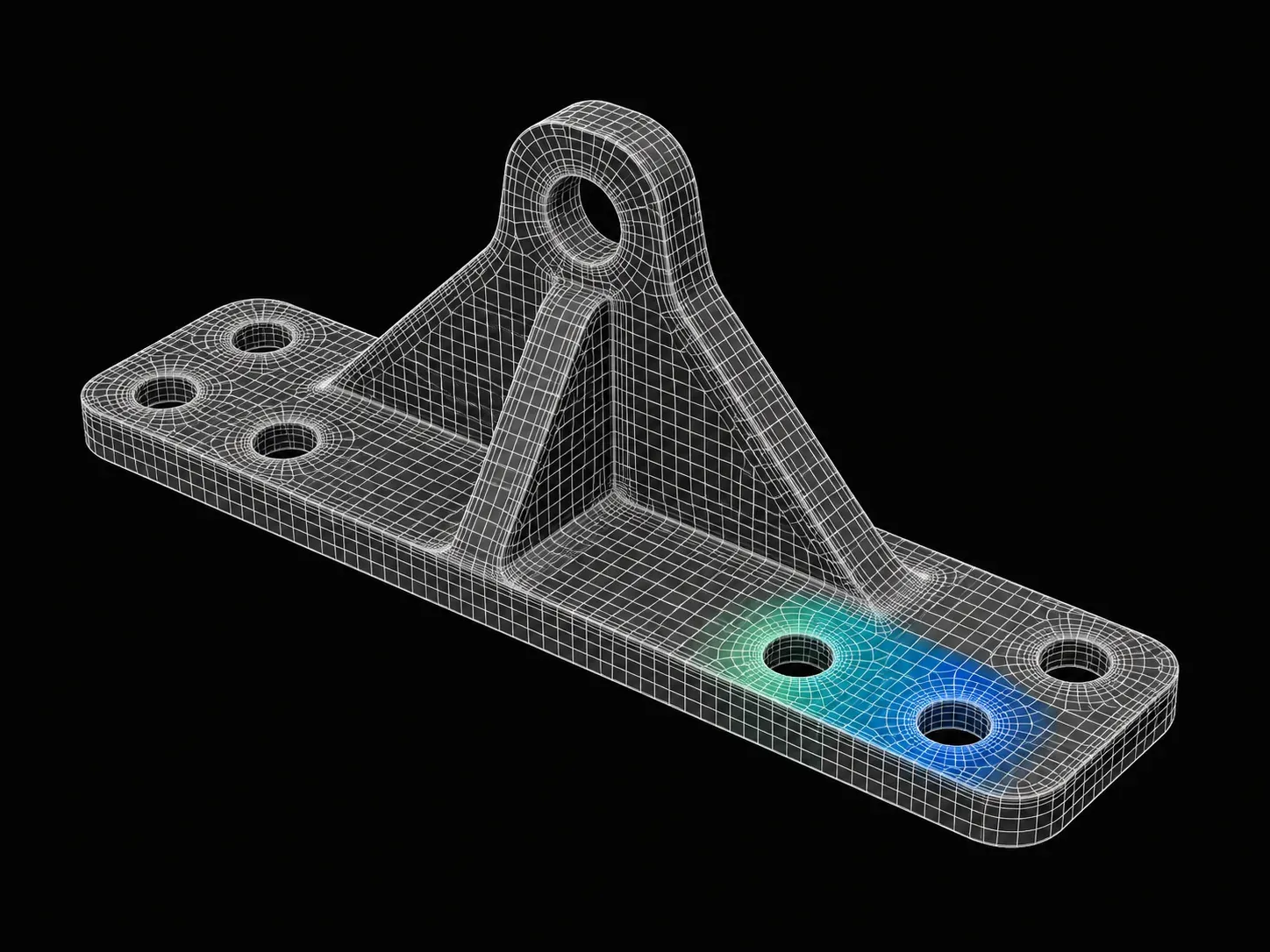
In this project, the students will generate a “Model Report” in excel by asking HyperMesh to write a file containing the necessary inputs.

Fee

One fee.
Everything included.

Become job ready with our comprehensive industry focused curriculum for freshers & early career professionals

Premium
₹40,000
Inclusive of all charges
  • 1 Year Access
  • Personalized Page
  • Live Individual & Group Sessions
  • Personalized & Hands-On
  • Job-Oriented Industry Relevant Curriculum
Check eligibility →
FAQ

Questions,
answered.

How long is the Automation using TCL/TK for the HyperMesh course?

The course is three months long, and you will get a certificate upon successful completion.

What is TCL/TK?

TCL stands for Tool Command Language, whereas TK stands for Tool Kit. They make it easy to implement any application, from games to network analyzers.

Who can enroll in this course?

You must be pursuing or have graduated with a B.E/B.Tech in Mechanical or Automotive Engineering.

What should I do if I have doubts while completing the course?

The support system will communicate with you personally via video calls, WhatsApp calls, messages, etc., in case you face any difficulty while completing the course.

How is this course different from what I have already learned in college?

This course has been strategically designed keeping in mind the current industry trends. Additionally, current industry experts will teach you the course allowing you to stay on top of the game in the industry.

Will we be provided HyperMesh software?

All the candidates will be provided with a student version of HyperMesh software with a license of one year. The license provided would be node-locked.

Next step

Not sure it's
the right fit?

A counsellor will walk you through the syllabus, projects and fee options — and tell you honestly if another course suits you better.

Get the syllabus + a call back

We'll email the full syllabus and call within one working day.

By submitting you agree to our Terms and Privacy Policy.

Call usEnquire
Talk to a career counsellor

Talk to a career counsellor

Free 20-minute call. We'll map the right course to where you want to work.

By submitting you agree to our Terms and Privacy Policy.