 Free · 3 lessons · no payment
Introduction to OpenFOAM Development: 3 free lessons
Three free lessons from Skill-Lync's Introduction to OpenFOAM Development course. They explain what OpenFOAM is, how a case is organised into 0, constant and system folders, and how the main versions differ. They also cover installing it on Linux or Windows with WSL, basic terminal commands, and why OpenFOAM suits learning CFD as code.
Last updated 16 Nov 2026 · 3 free lessons (54 min) · full course: 49 lessons (18 h 16 min), paid · ₹40,000
 Free lesson 1 · 16 minWhat OpenFOAM Is and How an OpenFOAM Case Is Structured
What will you learn in the free Introduction to OpenFOAM Development lessons?
- OpenFOAM as a toolbox of solvers and utilities
- Case folders: 0, constant and system
- Linux commands needed to work in the terminal
- Installing OpenFOAM on Windows through WSL
Free lessons you can watch now
- Lesson 1 · 16 minWhat OpenFOAM Is and How an OpenFOAM Case Is StructuredThe instructor sets course expectations (some C++, Linux and fluid mechanics) and explains that OpenFOAM is a C++ toolbox of solvers and utilities, not a single solver. The lesson then walks through the 0, constant and system case folders and compares the ESI OpenCFD, OpenFOAM Foundation and foam-extend versions.
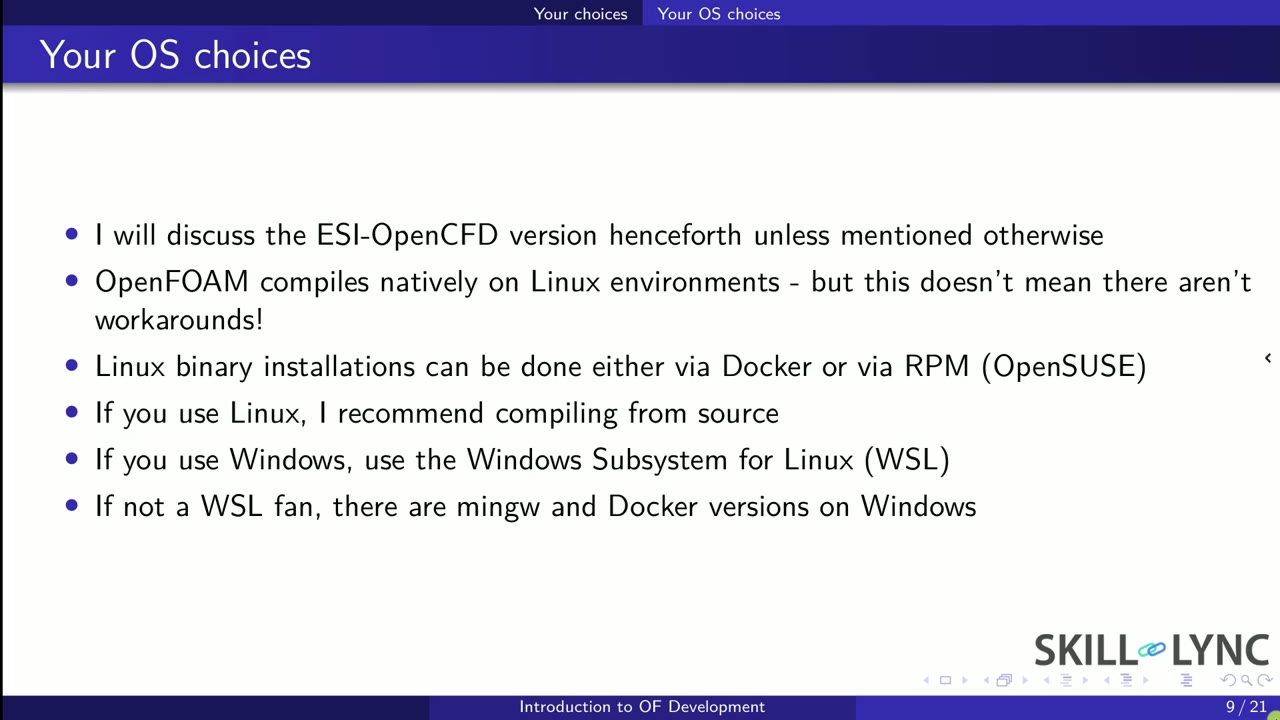 Lesson 2 · 22 minRunning OpenFOAM on Windows and Linux, and Why Learn ItThe instructor explains that OpenFOAM compiles natively on Linux, so Windows users need an interface, and recommends Windows Subsystem for Linux over Docker, virtual machines or MinGW. The lesson then shows a transport equation written as solver code and closes with the strengths of OpenFOAM, such as its GNU license, free source code and wide use.
 Lesson 3 · 16 minBasic Linux Commands, Building OpenFOAM and Setting Up WSLThe instructor introduces the Linux terminal commands needed for OpenFOAM: pwd, ls, cd, cp, rm, mv and mkdir, with a warning that removed files cannot be recovered. The lesson then shows building OpenFOAM from source tarballs, sourcing the bashrc file, and enabling WSL2 on Windows through PowerShell.
Which lessons of Introduction to OpenFOAM Development are free?
The first 3 lessons are free on Grow by Skill-Lync: 54 min of video from Skill-Lync's Introduction to OpenFOAM Development course that you can watch here at no cost: leave your name and phone number once and they play (as of 16 Nov 2026). The full course is paid (₹40,000); its other 46 lessons are listed in the outline below so you can see what each one covers.
How long is the Introduction to OpenFOAM Development course?
The full course has 49 lessons and 18 h 16 min of recorded video, plus the projects and assignments that come with enrolment. The free lessons alone take about 54 min, so you can finish them in an evening and decide whether to continue.
What comes after the free lessons?
Lesson 4 onwards is in the paid Introduction to OpenFOAM Development course on Skill-Lync, with mentor support and a certificate. For a career in CFD, the Post Graduate Program in Computational Fluid Dynamics goes further with industry projects and placement support.