 Free · 3 lessons · no sign-up
Basics of CATIA V5: 3 free lessons
Free lessons from Skill-Lync's Basics of CATIA V5 course: a beginner's start in CATIA V5, Dassault Systèmes' CAD software used across automotive and aerospace design. The first three sessions take you from the user interface to fully constrained 2D sketches of a handset, a wheel cover and a spanner.
Last updated 15 Nov 2026 · 3 free lessons (57 min) · full course: 16 lessons (5 h 9 min), paid · ₹40,000
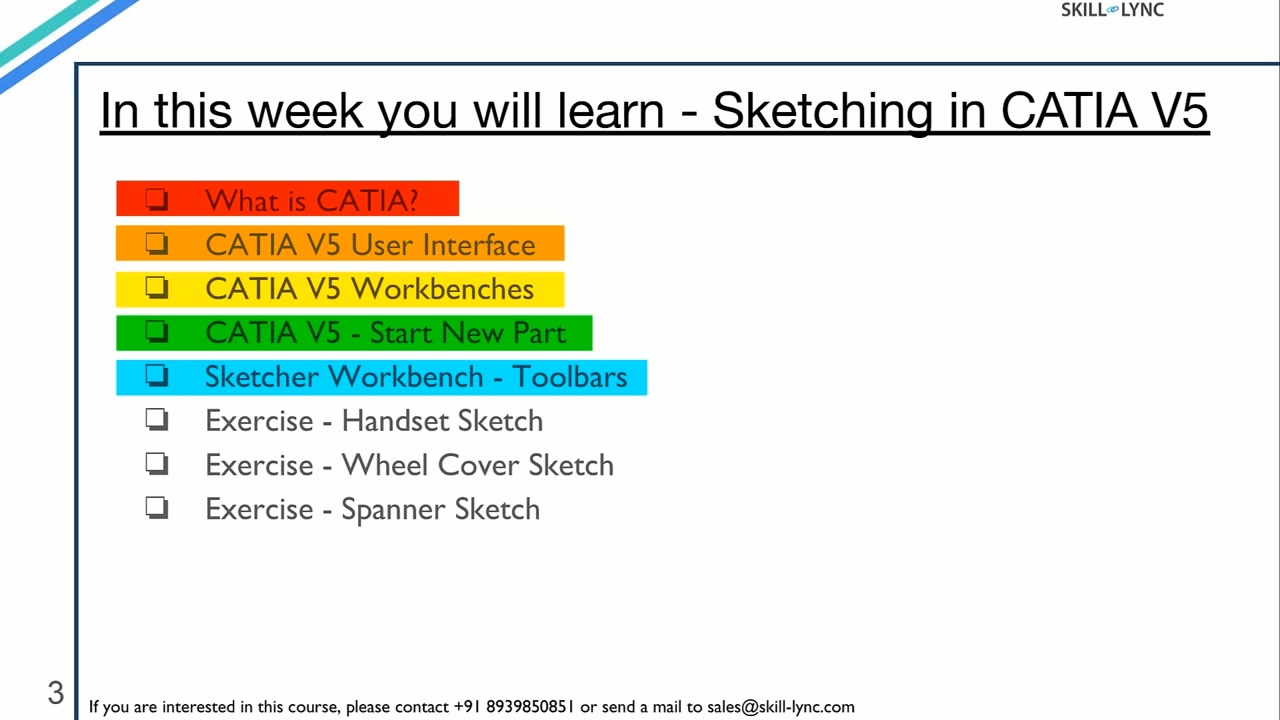 Free lesson 1 · 23 minCATIA V5 Interface, Workbenches and Your First Sketch
What will you learn in the free CATIA V5 lessons?
- What CATIA V5 is, where industry uses it, and how its workbenches are organised
- The CATIA V5 user interface, specification tree, mouse controls and starting a new part
- Sketcher tools: profiles, circles, axis, mirror, translate, corner, trim and rotate
- Geometric and dimensional constraints, and how to get a sketch fully constrained
- Three guided exercises: a phone handset, a wheel cover cut-out pattern and a spanner
Free lessons you can watch now
- Lesson 1 · 23 minCATIA V5 Interface, Workbenches and Your First SketchWhat CATIA V5 is and where it is used, a tour of its user interface, workbenches, specification tree and mouse controls, then the Sketcher workbench toolbars. The lesson ends by planning and starting a phone handset sketch, explaining why a CAD model should be designed with manufacturing in mind.
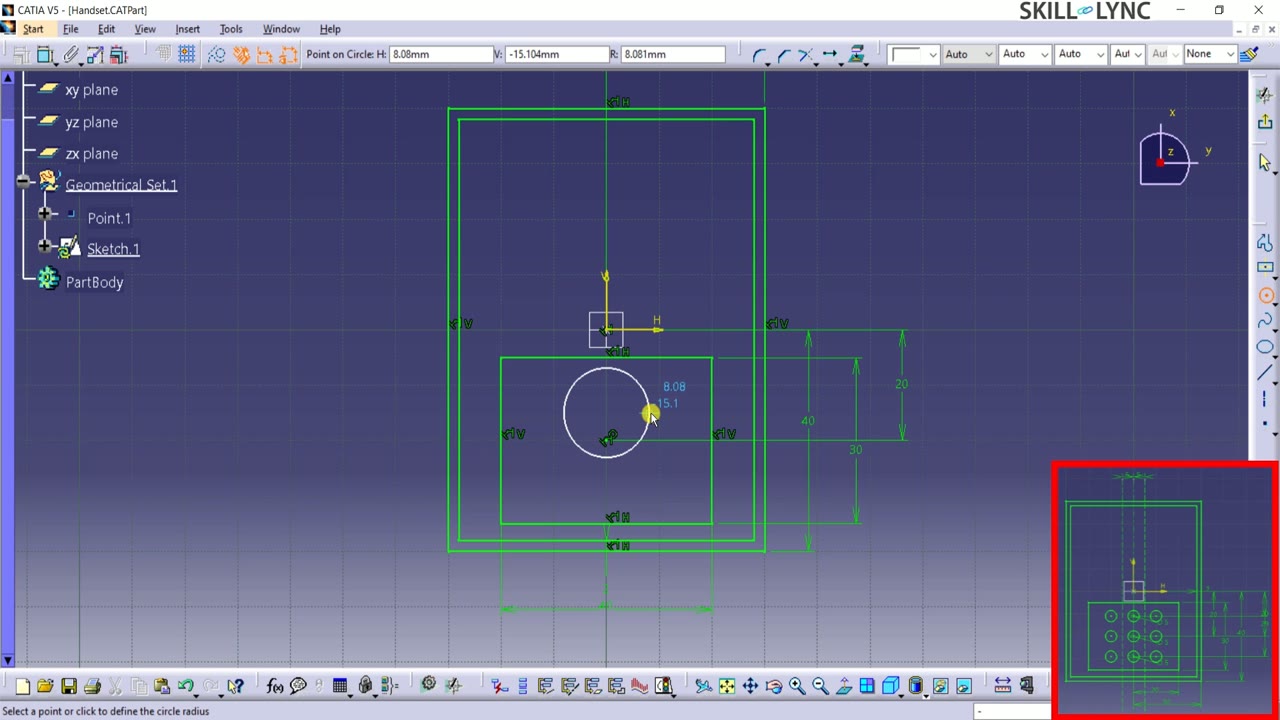 Lesson 2 · 18 minCATIA V5 Sketcher: Circles, Translate, Mirror and ConstraintsContinues the handset sketch in CATIA V5: drawing the keypad's circular cut-outs with Axis and Circle, duplicating them with Translate and Mirror, adding coincidence and dimensional constraints, and finishing the antenna with Trim until the whole sketch is fully constrained and ready for a 3D feature.
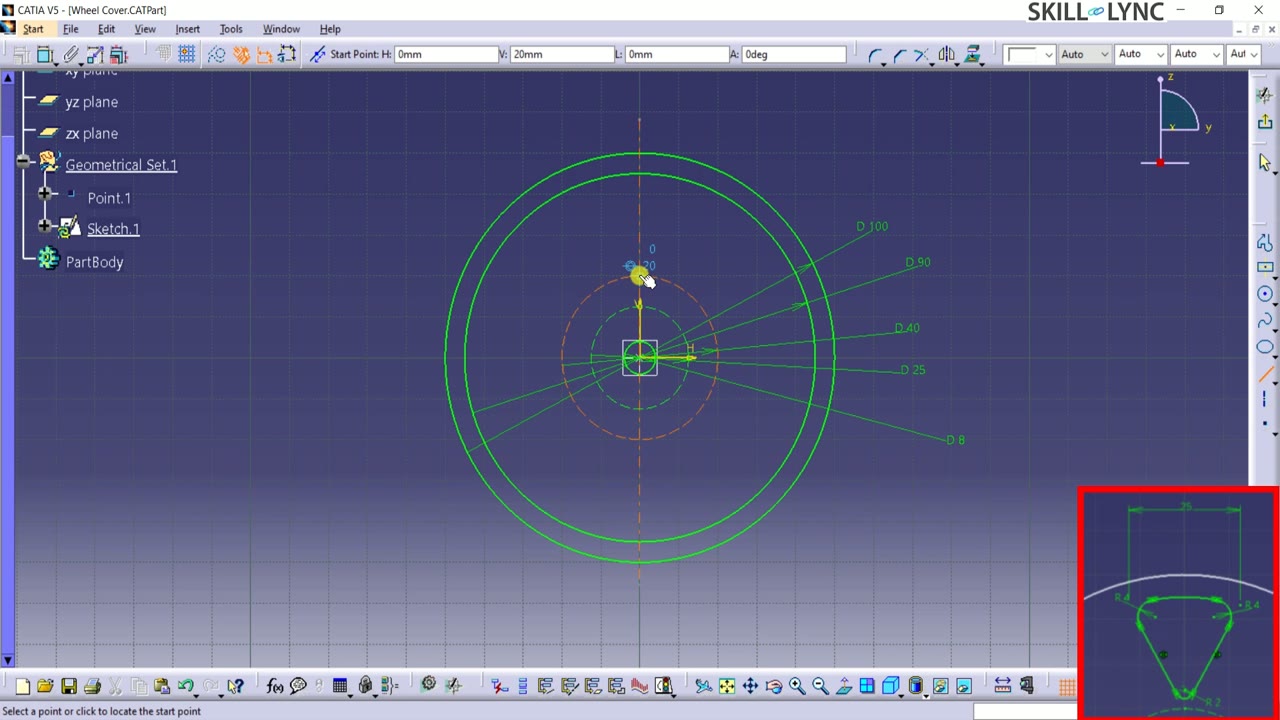 Lesson 3 · 16 minCATIA V5 Sketcher: Corners, Rotate Patterns and a SpannerBuilds a wheel-cover sketch in CATIA V5 with triangular cut-outs made from Line, Mirror, Corner and angular constraints, then repeats them around the centre with Rotate. The second exercise starts a spanner from a reference point using Position Sketch, axis alignment and construction geometry.
Which lessons of Basics of CATIA V5 are free?
The first 3 lessons are free on Grow by Skill-Lync: 57 min of video from Skill-Lync's Basics of CATIA V5 course that you can watch here with no sign-up or payment (as of 15 Nov 2026). The full course is paid (₹40,000); its other 13 lessons are listed in the outline below so you can see what each one covers.
How long is the Basics of CATIA V5 course?
The full course has 16 lessons and 5 h 9 min of recorded video, plus the projects and assignments that come with enrolment. The free lessons alone take about 57 min, so you can finish them in an evening and decide whether to continue.
What comes after the free lessons?
Lesson 4 onwards is in the paid Basics of CATIA V5 course on Skill-Lync, with mentor support and a certificate. For a career in CAD & design, the Post Graduate Program in CAD goes further with industry projects and placement support.