 Free · 3 lessons · no payment
AutoCAD Essentials for Civil Engineers: 3 free lessons
Three free lessons from Skill-Lync's AutoCAD Essentials for Civil Engineers course. They cover AutoCAD's history, file formats, licensing and the Autodesk programs built on it, then show how to start the software and read its interface. They finish with dialog boxes, the startup setting and the units and angle options of a new drawing.
Last updated 16 Nov 2026 · 3 free lessons (1 h 5 min) · full course: 60 lessons (29 h 55 min), paid · ₹40,000
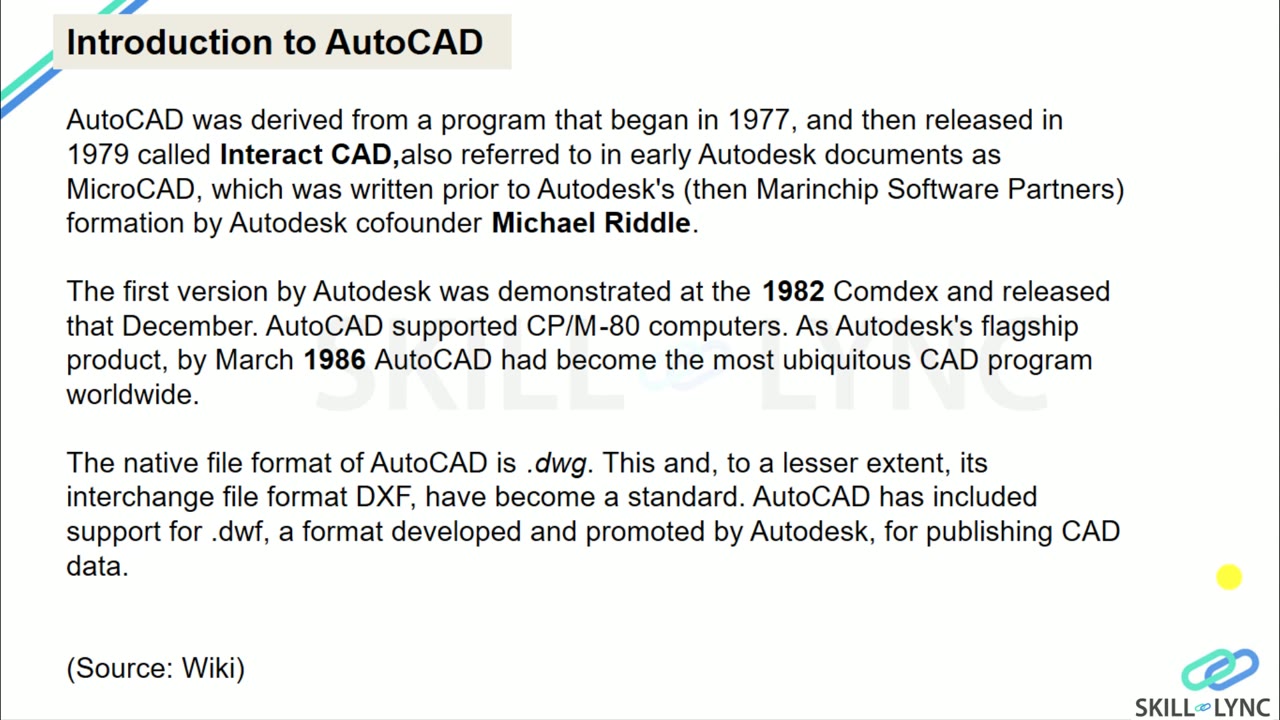 Free lesson 1 · 13 minAutoCAD History, File Formats, Versions and Licensing
What will you learn in the free AutoCAD Essentials for Civil Engineers lessons?
- AutoCAD file formats: DWG, DXF and DWF
- Differences between AutoCAD LT and the full version
- Interface parts: ribbon, palettes, view cube
- Setting units, angles and startup for a new drawing
Free lessons you can watch now
- Lesson 1 · 13 minAutoCAD History, File Formats, Versions and LicensingThe instructor covers the history of AutoCAD from its 1982 release, the DWG, DXF and DWF file formats, and the industry-specific programs built on AutoCAD such as Civil 3D, Architecture and MEP. The lesson then compares AutoCAD LT with the full version, explains the free one-year student license, and mentions AutoCAD 360.
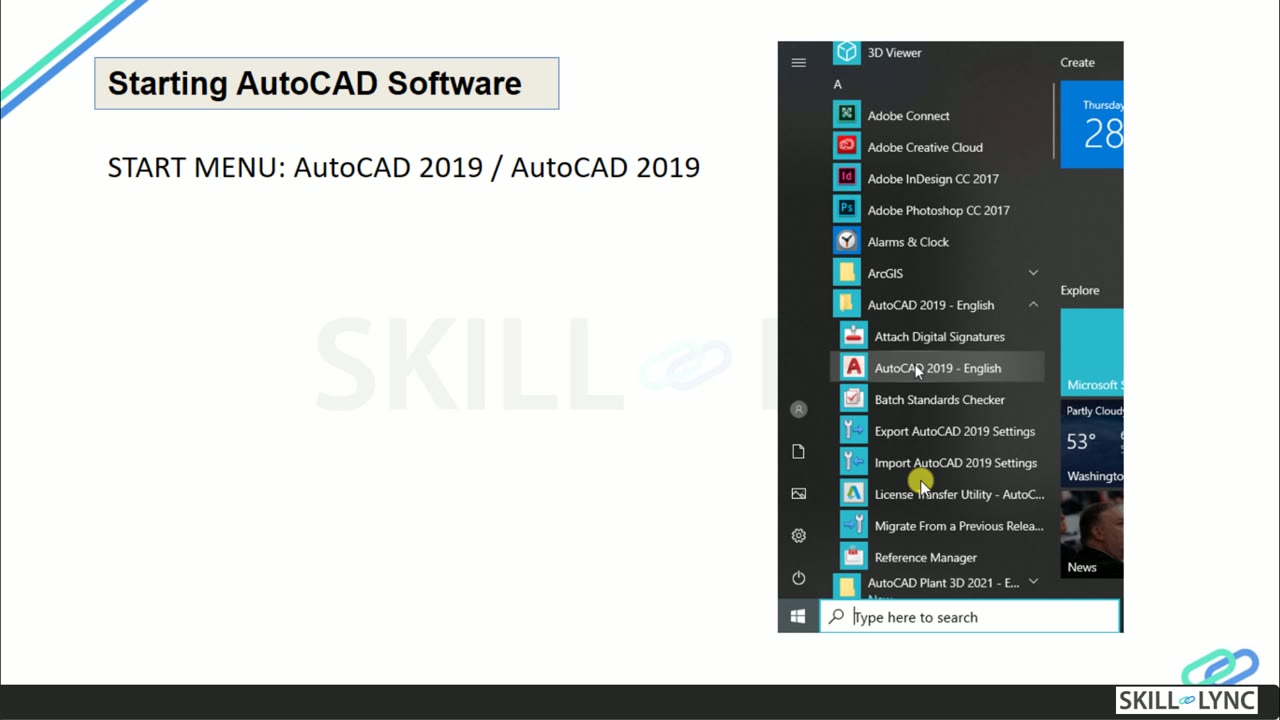 Lesson 2 · 32 minStarting AutoCAD and a Tour of the Interface and RibbonThe instructor shows how to start AutoCAD 2019, use the start screen with templates and sample drawings, and identify the file name, application menu, quick access toolbar and ribbon tabs. The lesson then changes the cursor size with a command, explains WCS and UCS, and lists the ways to invoke tools.
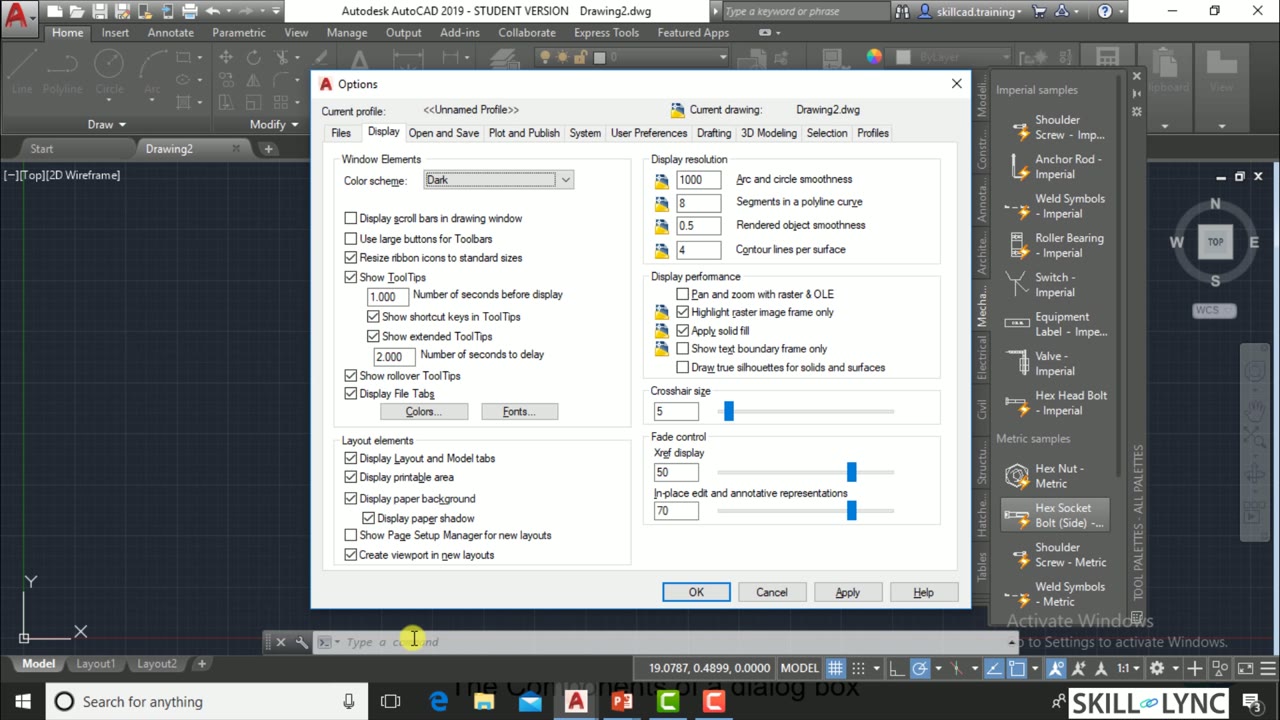 Lesson 3 · 20 minAutoCAD Dialog Boxes, Startup Setting and Drawing UnitsThe instructor explains dialog box components such as tabs, check boxes, radio buttons, sliders and previews, using the Options dialog as the example. The lesson then shows how to start a new drawing, sets the startup system variable to 1 to skip the template dialog, and goes through the setup choices for units, angles and drawing area.
Which lessons of AutoCAD Essentials for Civil Engineers are free?
The first 3 lessons are free on Grow by Skill-Lync: 1 h 5 min of video from Skill-Lync's AutoCAD Essentials for Civil Engineers course that you can watch here at no cost: leave your name and phone number once and they play (as of 16 Nov 2026). The full course is paid (₹40,000); its other 57 lessons are listed in the outline below so you can see what each one covers.
How long is the AutoCAD Essentials for Civil Engineers course?
The full course has 60 lessons and 29 h 55 min of recorded video, plus the projects and assignments that come with enrolment. The free lessons alone take about 1 h 5 min, so you can finish them in an evening and decide whether to continue.
What comes after the free lessons?
Lesson 4 onwards is in the paid AutoCAD Essentials for Civil Engineers course on Skill-Lync, with mentor support and a certificate. For a career in Civil & structural, the Post Graduate Program in Infrastructure - Engineering Design and Project Management goes further with industry projects and placement support.