 Free · 3 lessons · no payment
Additive manufacturing & 3D printing using Ansys SpaceClaim: 3 free lessons
Three free lessons from Skill-Lync's Additive Manufacturing and 3D Printing using Ansys SpaceClaim course. They explain 3D printing as layer-by-layer manufacturing and why basic modeling matters, then teach SpaceClaim navigation, sketch mode and basic shapes, and selecting, trimming and joining sketch geometry with the trim away and create corner tools.
Last updated 16 Nov 2026 · 3 free lessons (25 min) · full course: 31 lessons (10 h 7 min), paid · ₹40,000
 Free lesson 1 · 7 min3D Printing and 3D Modeling Overview with Ansys SpaceClaim
What will you learn in the free Additive manufacturing & 3D printing using Ansys SpaceClaim lessons?
- 3D printing as layer-by-layer additive manufacturing
- Rotating, zooming and panning in SpaceClaim
- Sketching shapes and editing dimensions precisely
- Trim away and create corner tools for sketch cleanup
Free lessons you can watch now
- Lesson 1 · 7 min3D Printing and 3D Modeling Overview with Ansys SpaceClaimThe lesson introduces the course and defines 3D printing as additive manufacturing, built layer by layer like Lego. It explains why 3D modeling knowledge is needed to repair or adapt models for printing, mentions model sharing sites, and previews Ansys SpaceClaim.
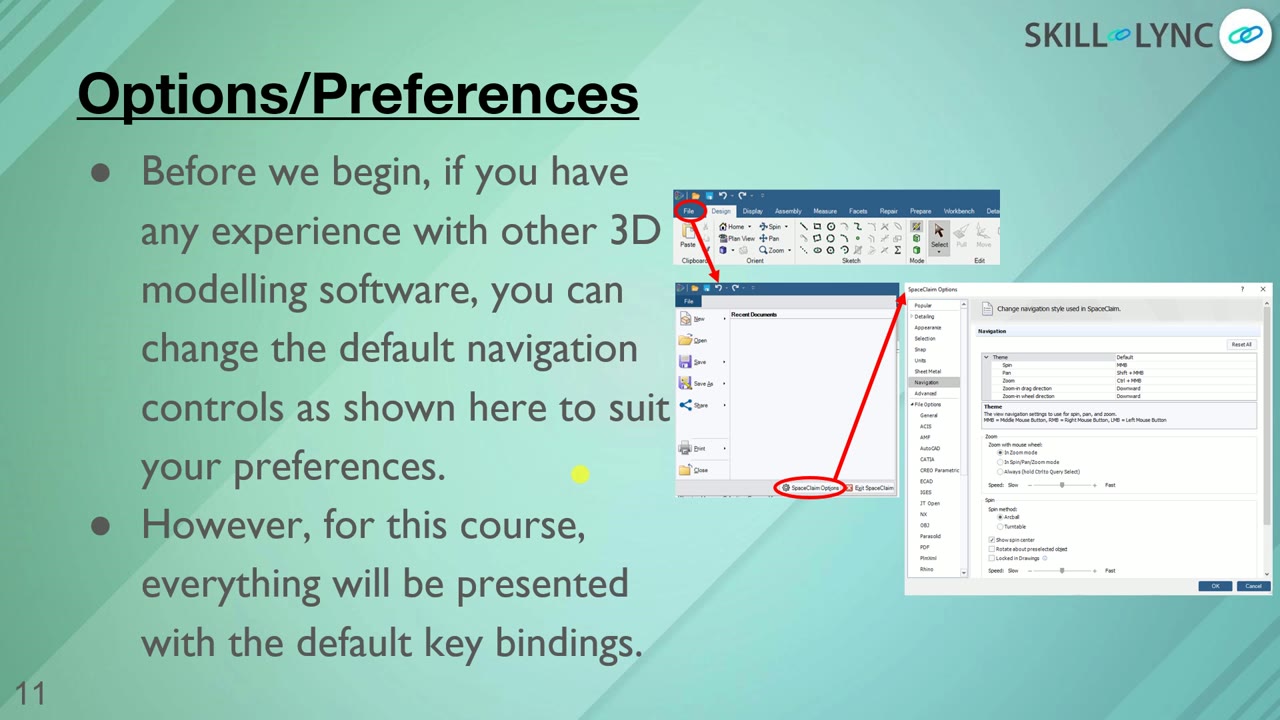 Lesson 2 · 10 minSpaceClaim Navigation Controls and Sketch BasicsThe lesson shows the SpaceClaim workspace, its navigation key bindings and the axes indicator for setting views. It then starts a sketch with the K hotkey and draws a rectangle, circle and line with editable dimensions, plus undo and redo shortcuts.
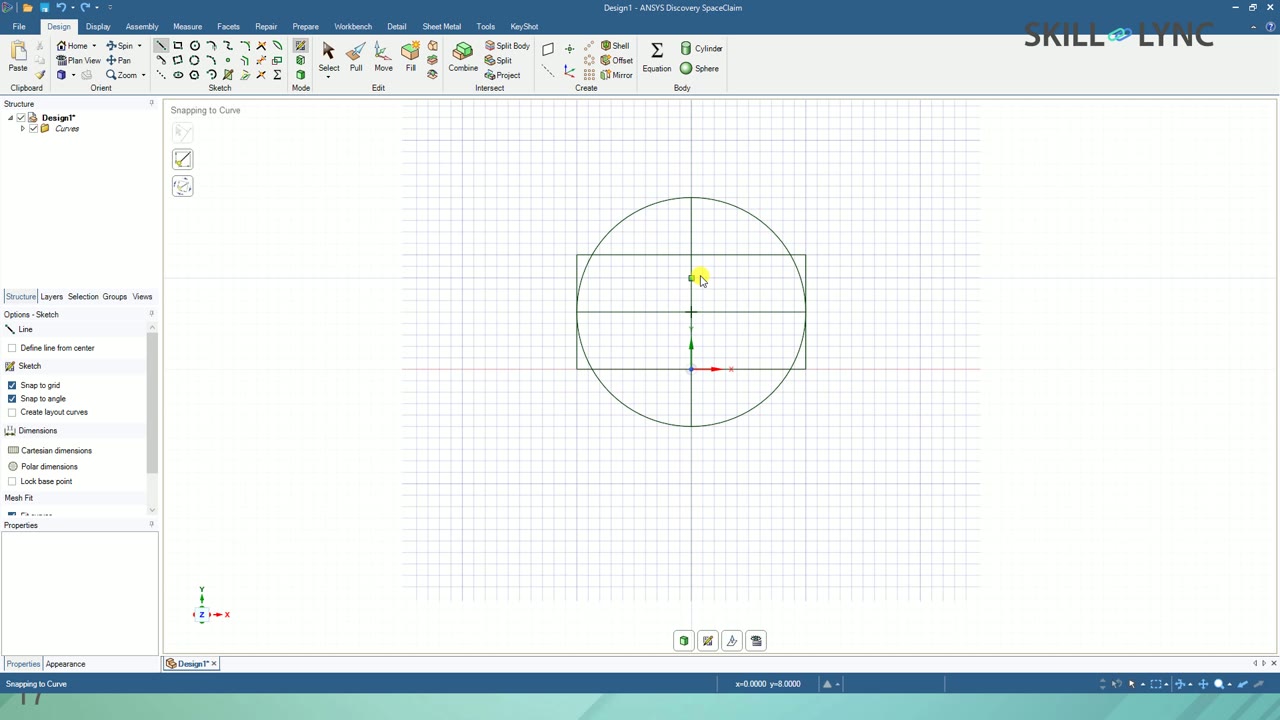 Lesson 3 · 8 minSelecting and Editing Sketch Geometry in SpaceClaimThe lesson shows how to leave a tool with Escape, use the select tool and pick curves from the structure tree. It covers changing dimensions live, then the trim away tool to remove line segments and the create corner tool to join them.
Which lessons of Additive manufacturing & 3D printing using Ansys SpaceClaim are free?
The first 3 lessons are free on Grow by Skill-Lync: 25 min of video from Skill-Lync's Additive manufacturing & 3D printing using Ansys SpaceClaim course that you can watch here at no cost: leave your name and phone number once and they play (as of 16 Nov 2026). The full course is paid (₹40,000); its other 28 lessons are listed in the outline below so you can see what each one covers.
How long is the Additive manufacturing & 3D printing using Ansys SpaceClaim course?
The full course has 31 lessons and 10 h 7 min of recorded video, plus the projects and assignments that come with enrolment. The free lessons alone take about 25 min, so you can finish them in an evening and decide whether to continue.
What comes after the free lessons?
Lesson 4 onwards is in the paid Additive manufacturing & 3D printing using Ansys SpaceClaim course on Skill-Lync, with mentor support and a certificate. For a career in CAE & FEA, the Post Graduate Program in CAE goes further with industry projects and placement support.