Installation of ML Libraries
An ML library is often a collection of readily usable functions and procedures. A developer's arsenal must have a strong collection of libraries to conduct research and create sophisticated programs without having to write a lot of code.
 Navin Baskar·3 Jul 2022·1 min read
Installation of ML Libraries
An ML library is often a collection of readily usable functions and procedures. A developer's arsenal must have a strong collection of libraries to conduct research and create sophisticated programs without having to write a lot of code.
The various ML libraries include:
- Math
- Matplotlib.pyplot
- Numpy
- Pandas
- sklearn
- TensorFlow
System Requirements for ML Libraries
- Python should be installed and preferably, it should be the latest version
- Visual Studio with Python / Anaconda
Steps for Installation: Using Anaconda IDLE
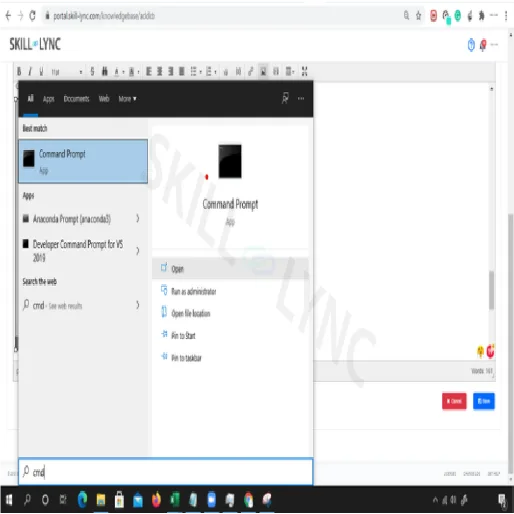
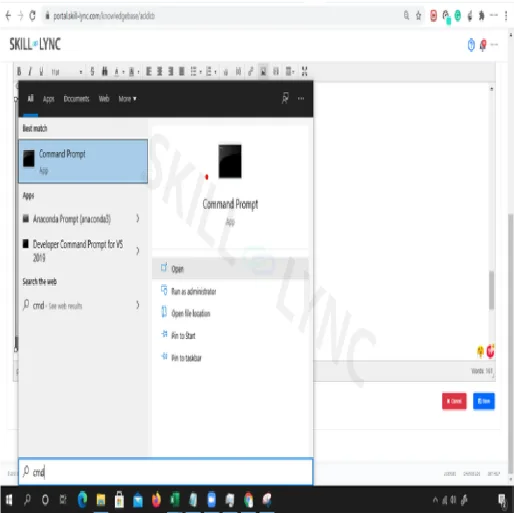
Step 1: Go to the command prompt by typing cmd in your search bar
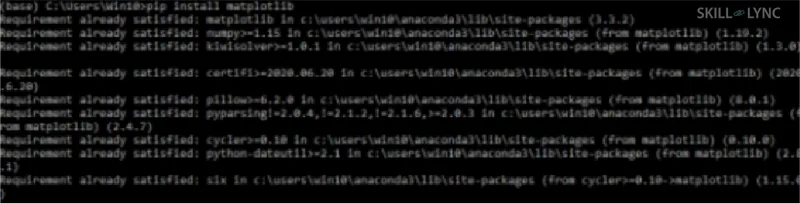
Step 2:Type in ‘pip install matplotlib
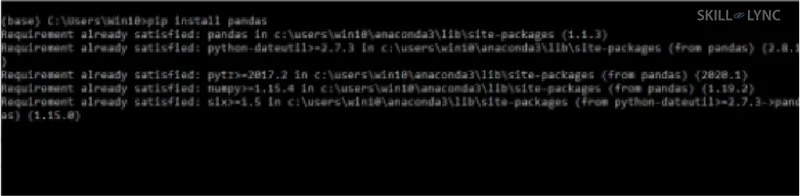
Step 3:’Type in ‘pip install pandas’
Step 4: Type in ‘pip install NumPy

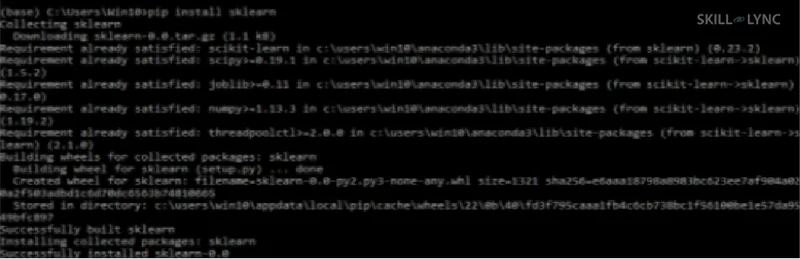
Step 5: Type in ‘pip install sklearn’
Step 6: Type in ‘pip install TensorFlow

Library Installation using “Visual Studio ”
You would need Visual Studio with Python
Note: Make sure that u have added the environment variable correctly
Step 1: Go to command prompt
type “python -m pip install matplotlib” and press enter
The installation will start as shown in the image above

Similarly, type the commands one after the other to install all the libraries
Type in ‘python -m pip install TensorFlow, python -m pip installs pandas, python -m pip installs numPy.