Wiring harness routing & packaging Rules Week 3 Challenge
Q1. Download following cad data & define it as Electrical support using Electrical Part design Workbench. Define all the necessary properties.
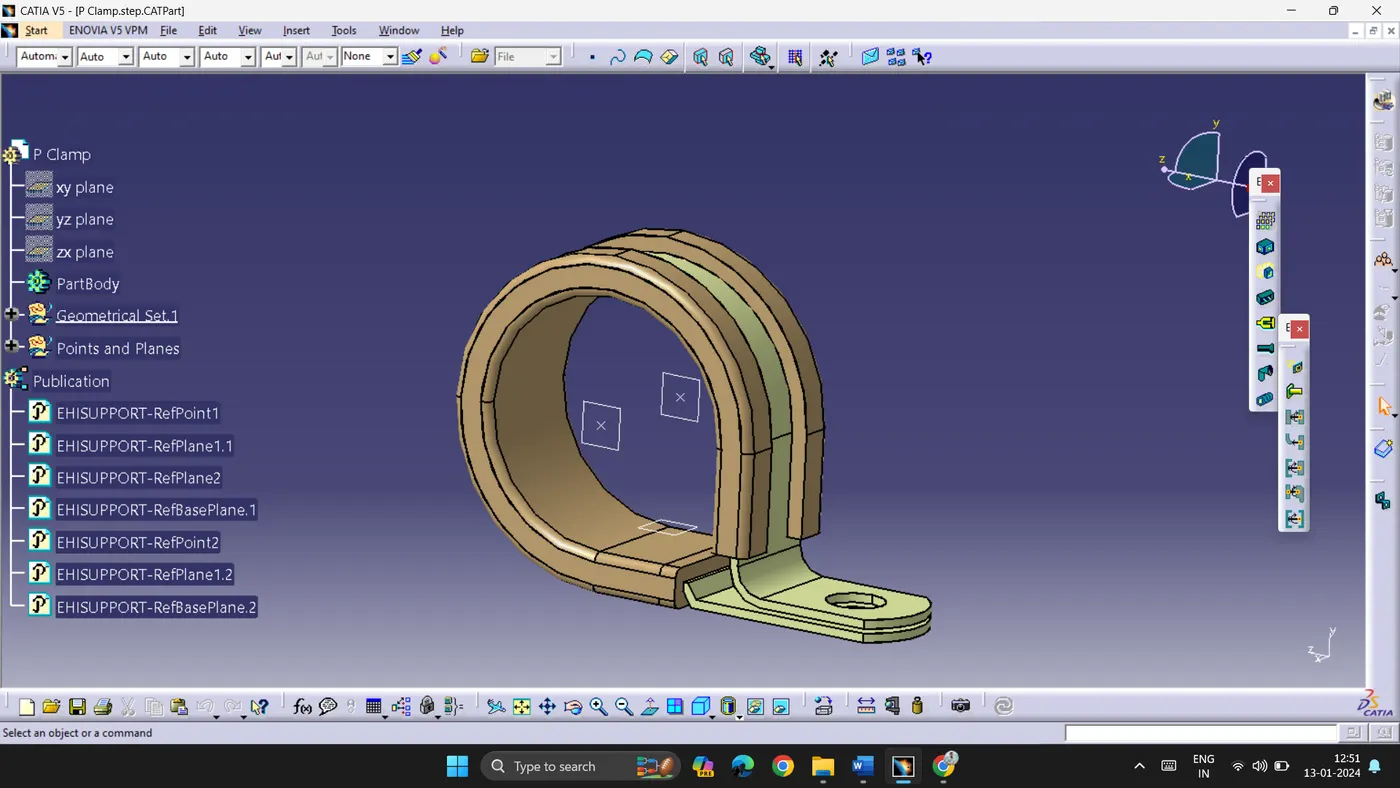
- P Clamp are used to assist bundling and clamping of pipes, tubes, hoses and wires.
- CAD file is downloaded in igs format.
- CAD file is opened in Catia V5 in Part workbench. Two points are created as shown in the image below as an entry and exit point.
- Two planes are created on the same points.
- P Clamp is provided electrical properties in Electrical Workbench, the model is defined as support.
- Considering entry and exit on the both sides of the model, properties are defined.
Q2. Download following Back shell cad data & define it as Electrical back shell using Electrical Part design Workbench. Define all the necessary properties.
- A Back shell is a component which reduces stress on the cables or connectors, thus providing firm connection.
- CAD file is downloaded and Imported to Catia V5, Part Workbench.
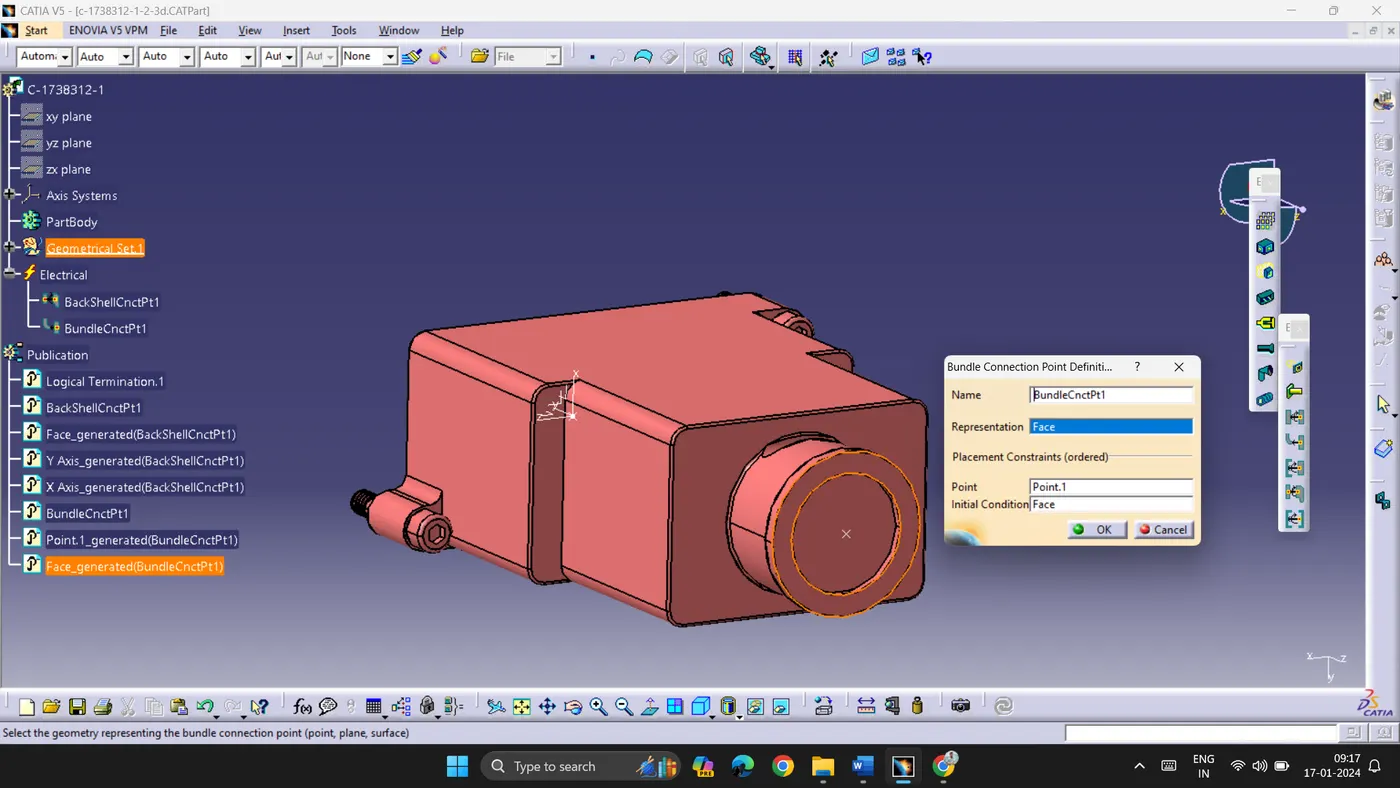
- Two points are created on either side of the model as shown below.
- An axis system is created on the back shell entry point.
- Define back shell in Electrical Workbench, also define bundle connection point and back shell connection point.
- Save the file.
Q3. Create Following Corrugated tubes & add them in Catalogue under “Slit COT” family.
|
Name |
ID (mm) |
OD (mm) |
Thickness (mm) |
|
15mm COT |
12 |
15 |
1.5 |
|
20mm COT |
17 |
20 |
1.5 |
|
35mm COT |
32 |
35 |
1.5 |
|
10mm COT |
7 |
10 |
1.5 |
|
5mm COT |
3 |
5 |
1 |
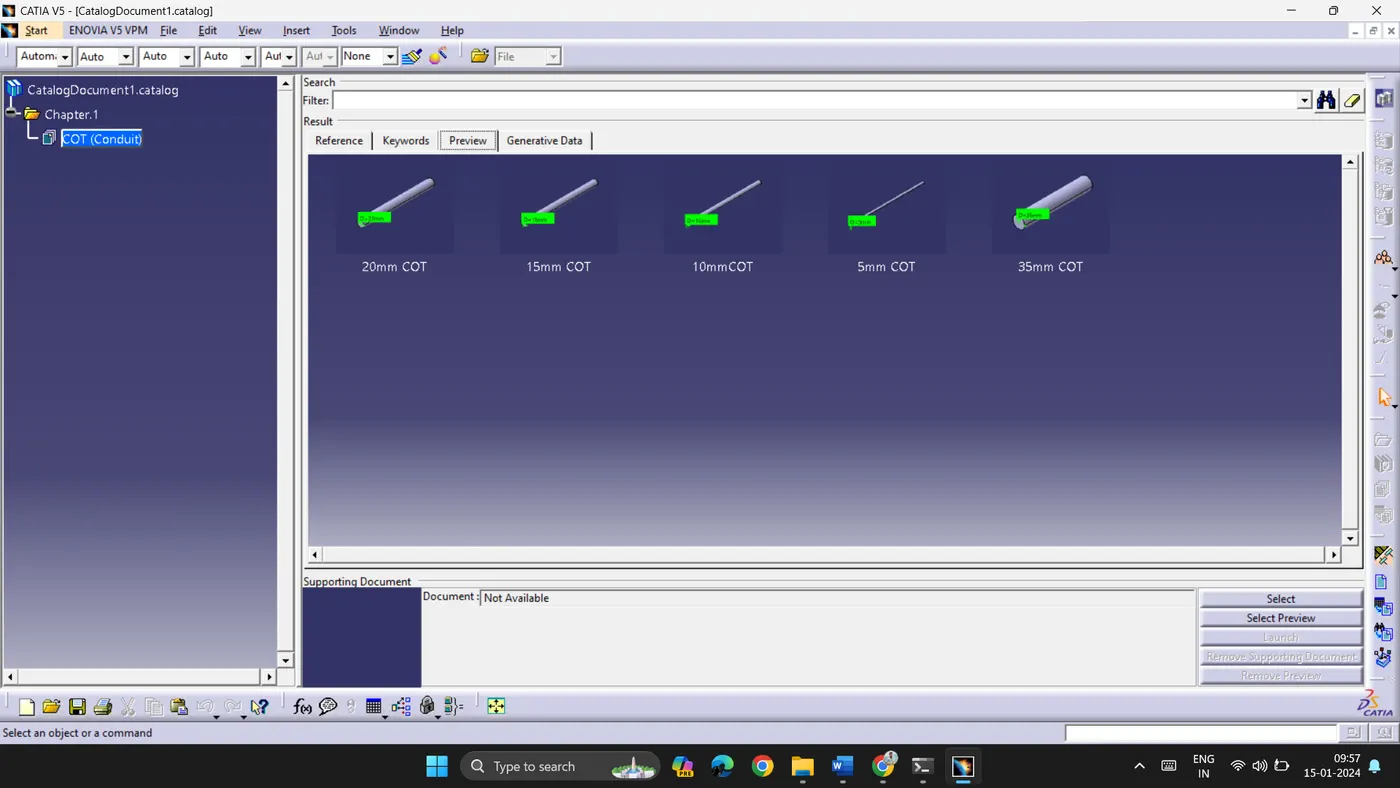
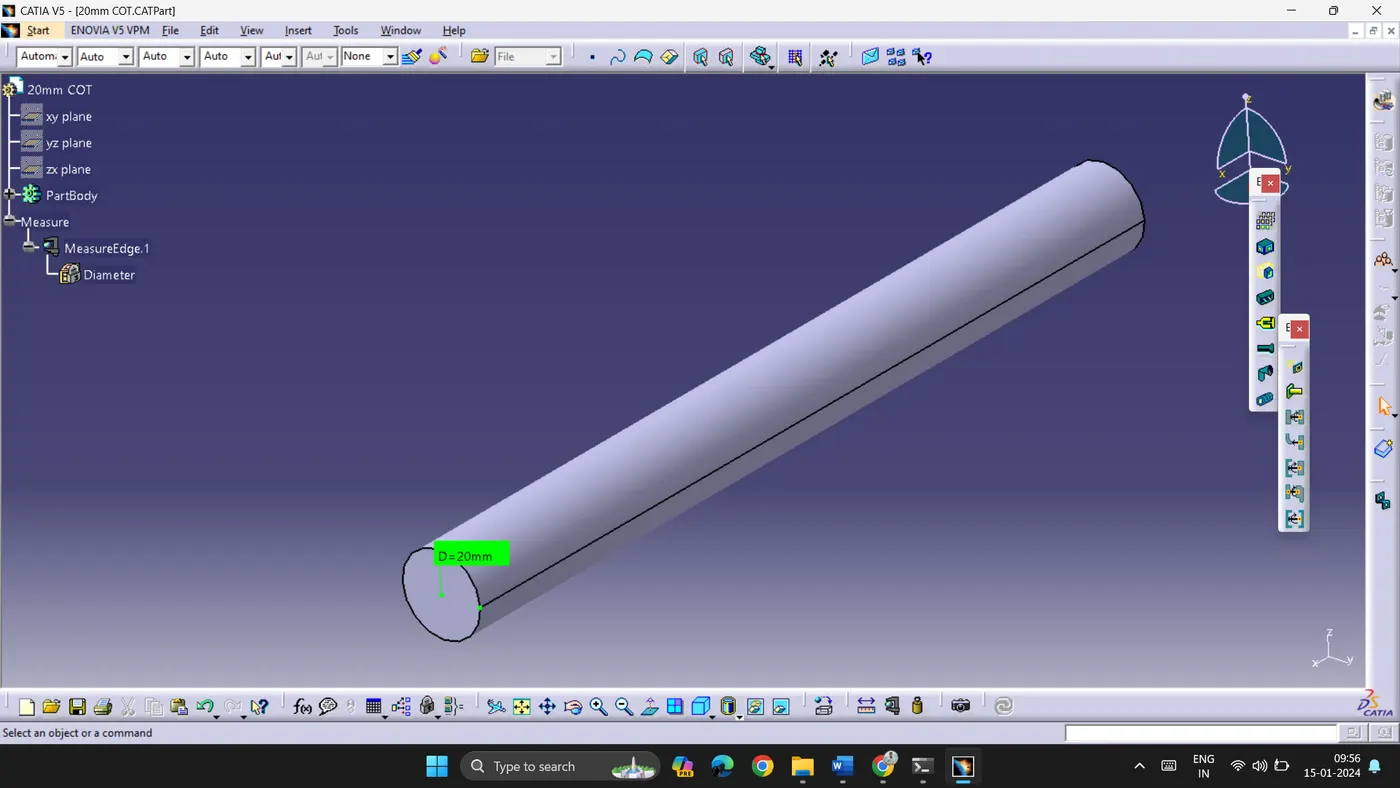
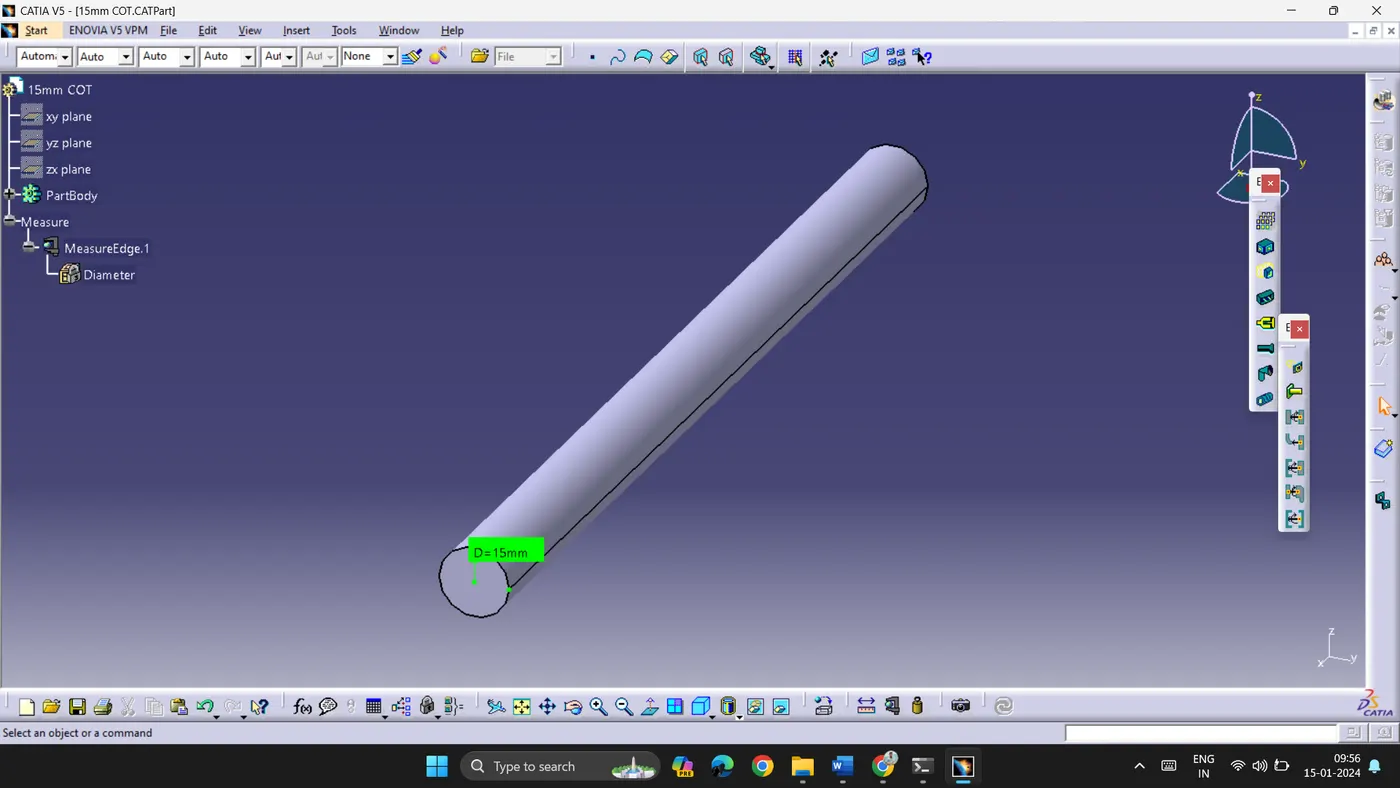
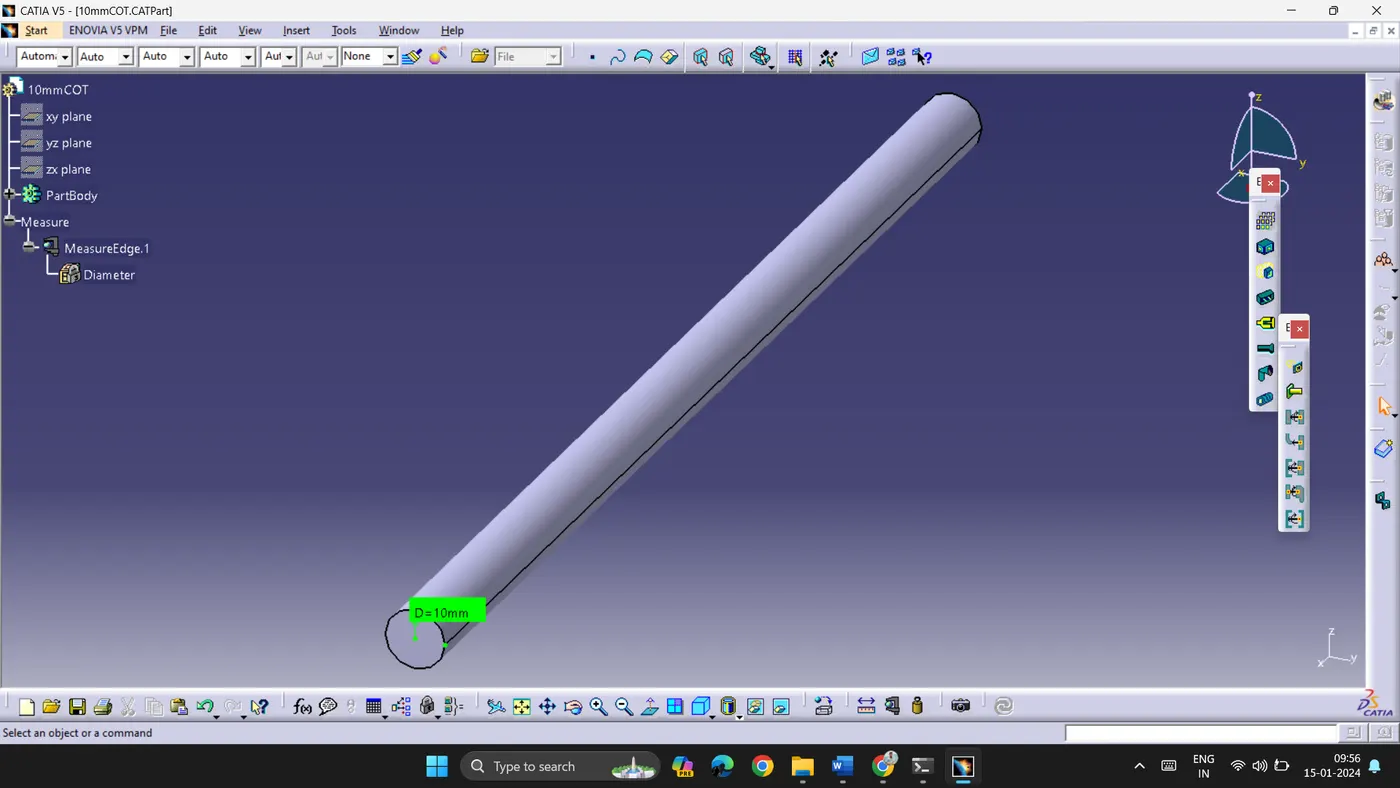
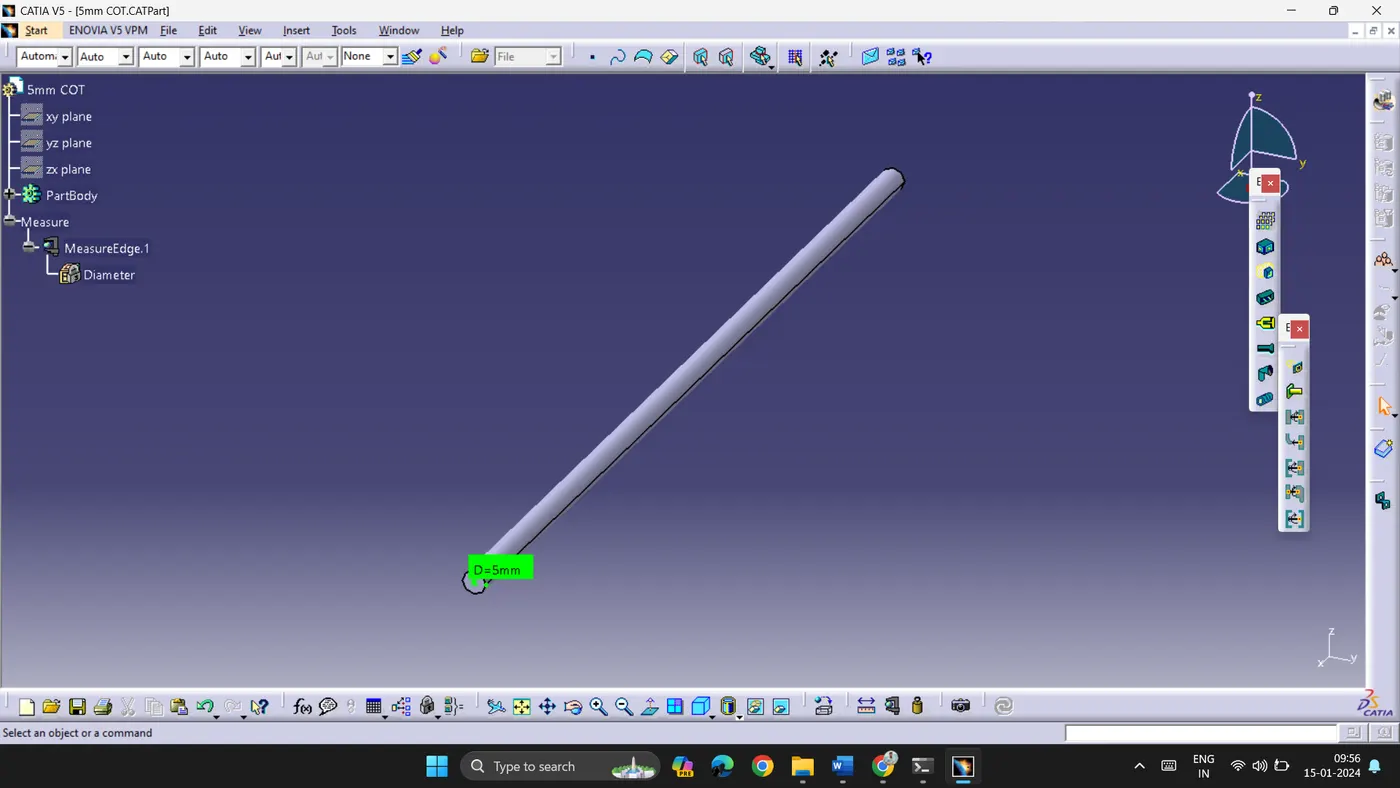
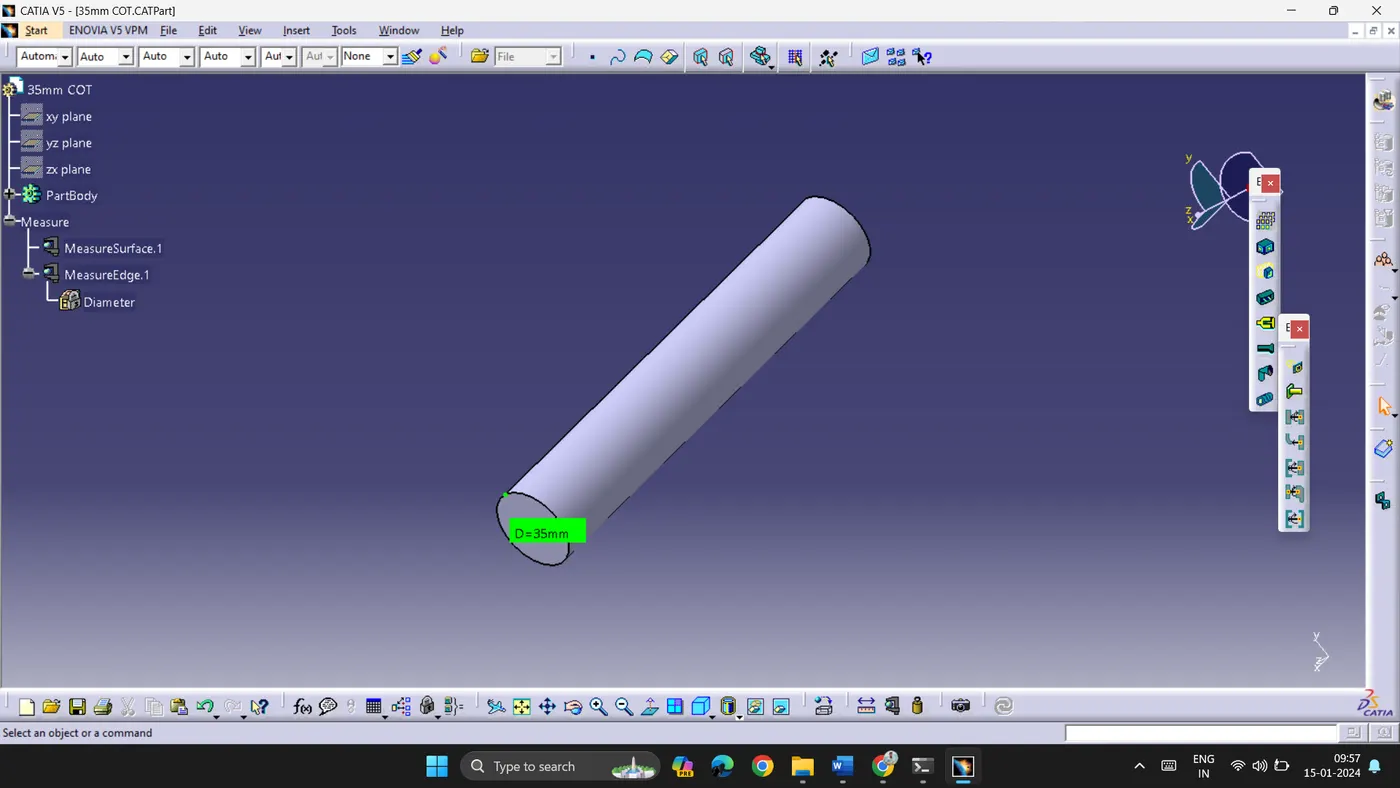
- 5 different types of corrugated tubes are created with the given data
- To create them, electrical workbench is used.
- Define protection part is selected to create COT tubes.
- The given data is used to create tubes and bending radius is 1.5 times the outer diameter.
- All the files are saved separately as .CATPart.
- A COT tubes Catalogue is created by creating new CatalogDocument in new file.
- Add family is selected to add the created COT tubes to Catalogue.
- All the created tubes are thus added to the Catalogue.
- File is saved in the same folder.
 |
 |
 |
 |
 |