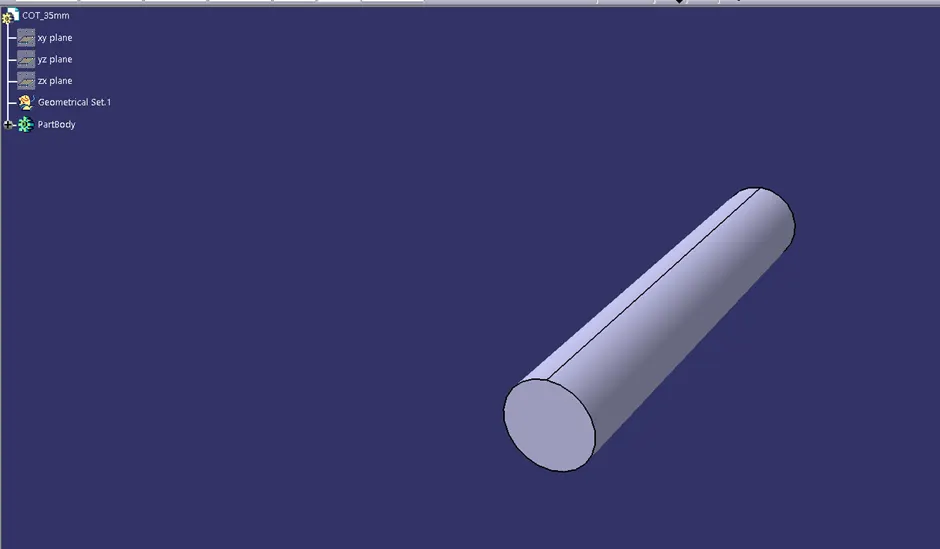
Wiring harness routing & packaging Rules Week 3 Challenge
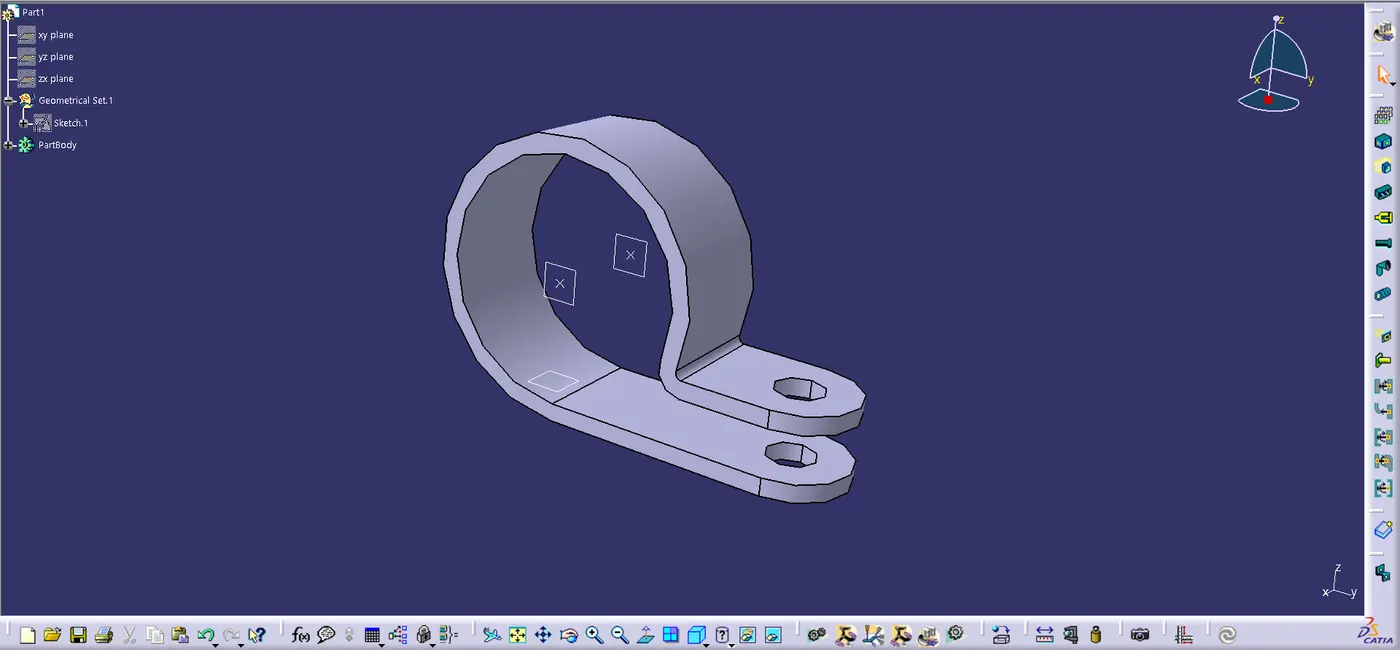
1. P-Clamp
- Create two points one as entry and another as exit point.
- create planes at two points and another at base.
- Switch to Electric part desgn
- Click on support defination - select part - select entry point - select entry plane, exit and base plane.
- Again Click on support defination - select part - select exit point - select exit plane and base plane as secondary plane is automatically taken.
2. Backshell
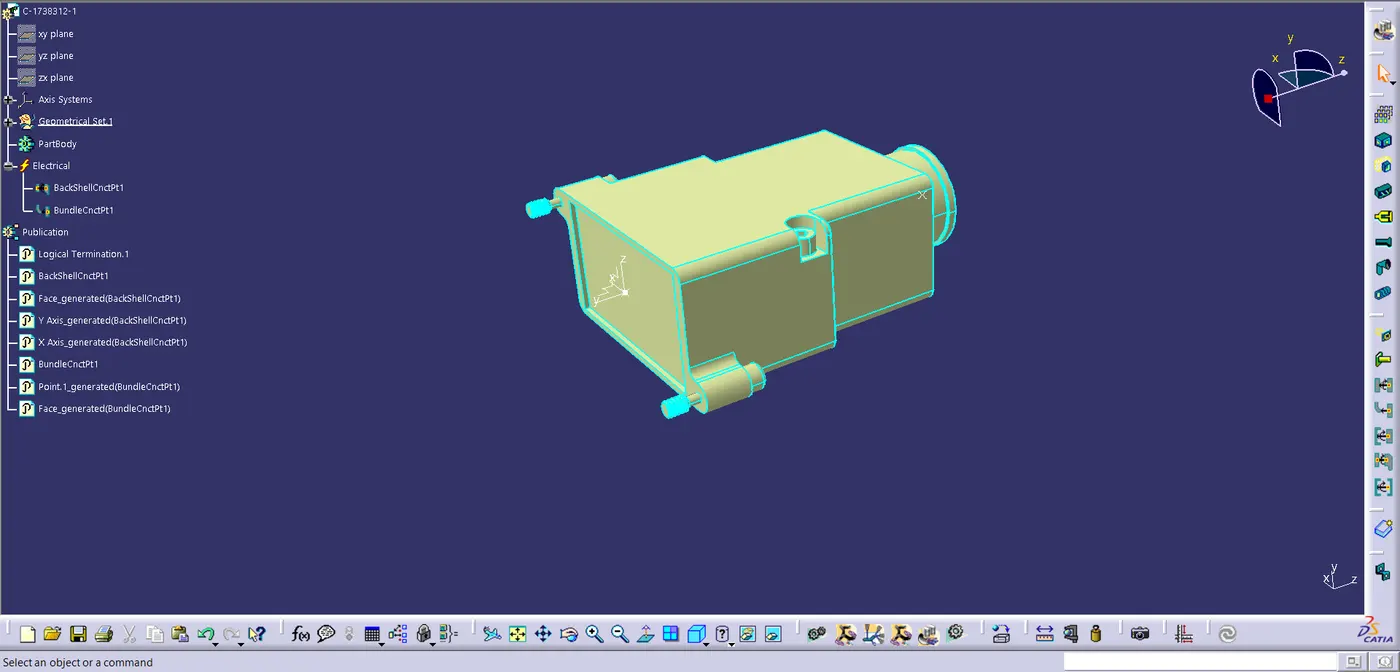
- create Back shell entry point.
- create axis system for back shell entry.
- create bundle connection point.
- switch to Electrical part design.
- Define part electricaly as back shell.
- Then define Back shell connection point.
- Define bundle connection point.
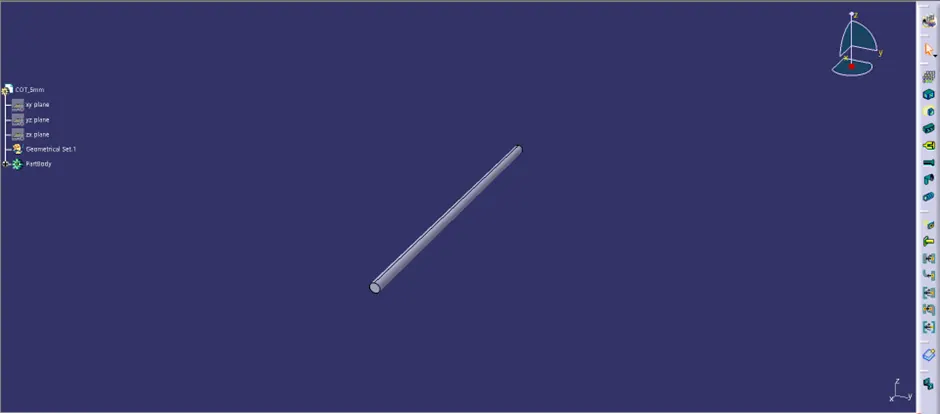
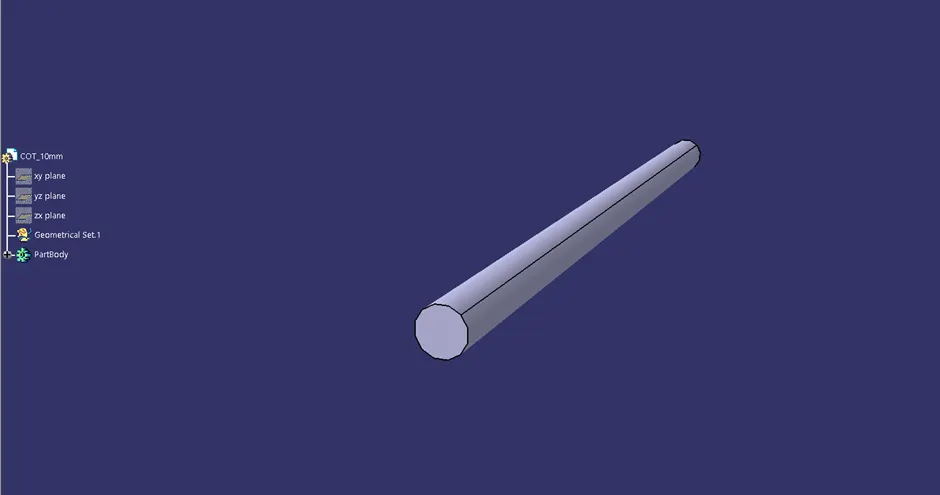
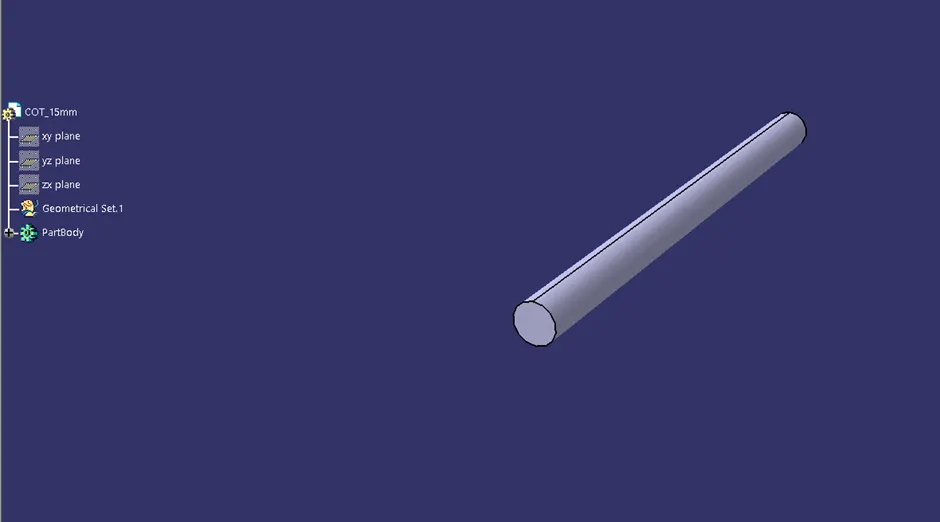
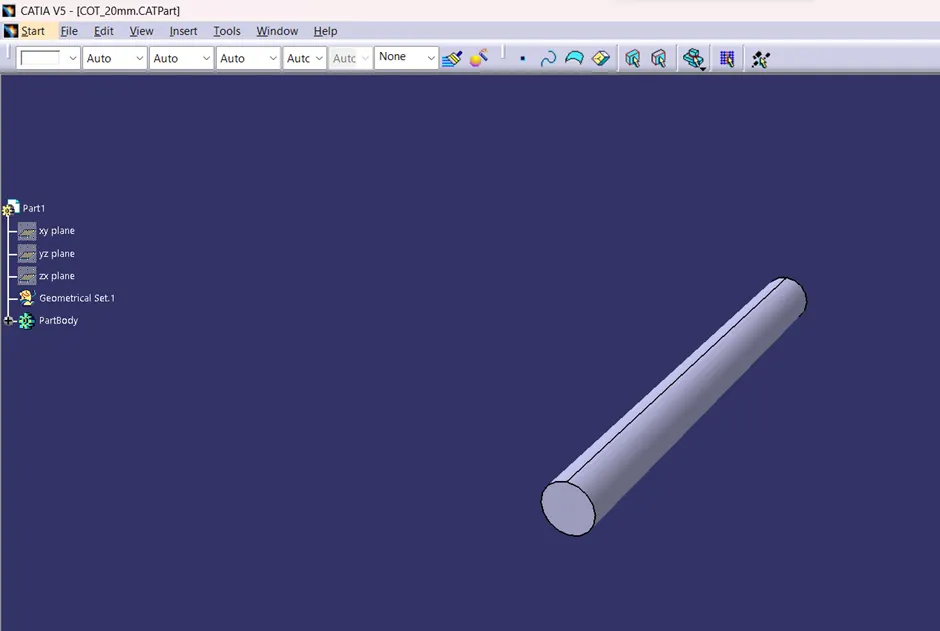
3.Corrugated tubes
- Switch to Electrical part design
- Select Define protection Part
- Click on part (on file name in specification tree)
- Provide given parameters and bend radius as '1.5 x Outer Dia'.