Wiring harness routing & packaging Rules Week 3 Challenge
(1) Answer:
P Clamp :- P Clamps lock Cables and Hoses in Place and help Ensure that machinery , Vehicles and equipment keep running. They Bracket wires, Cables or hoses together mechanically and are fastened securely to an anchor point - usually with a Screw or a Bolt.
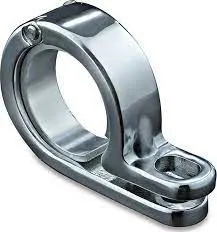
Procedure for Defining P Clamp Electrical Properties :-
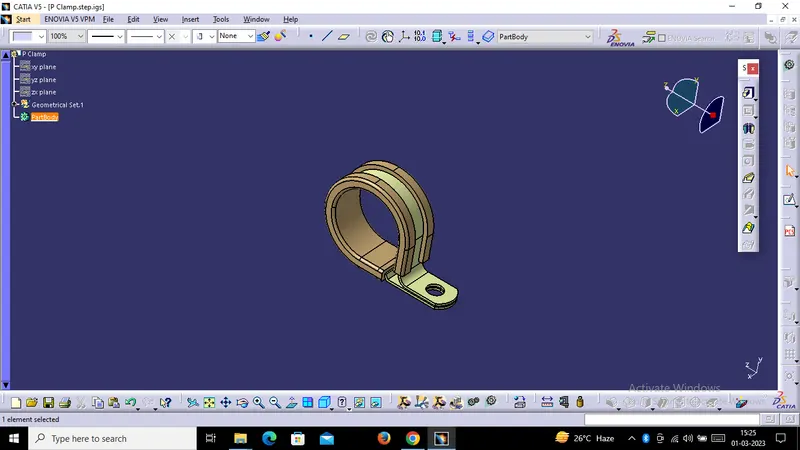
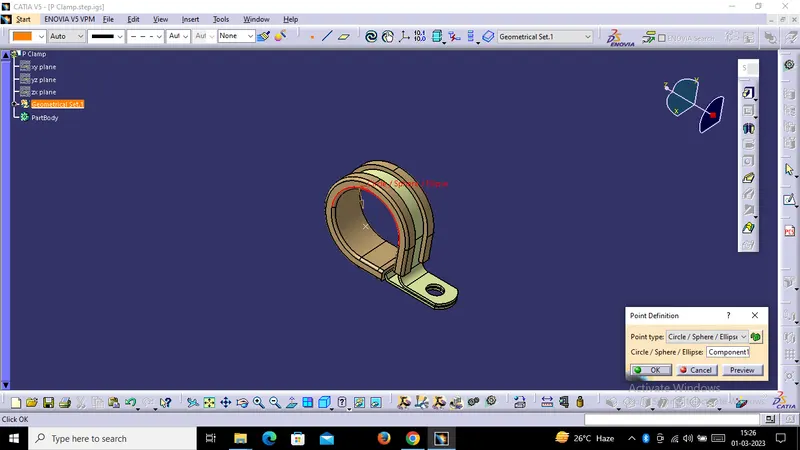
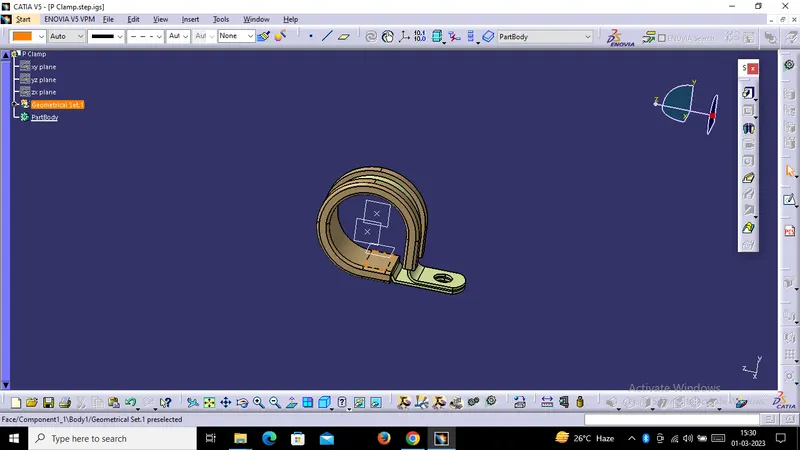
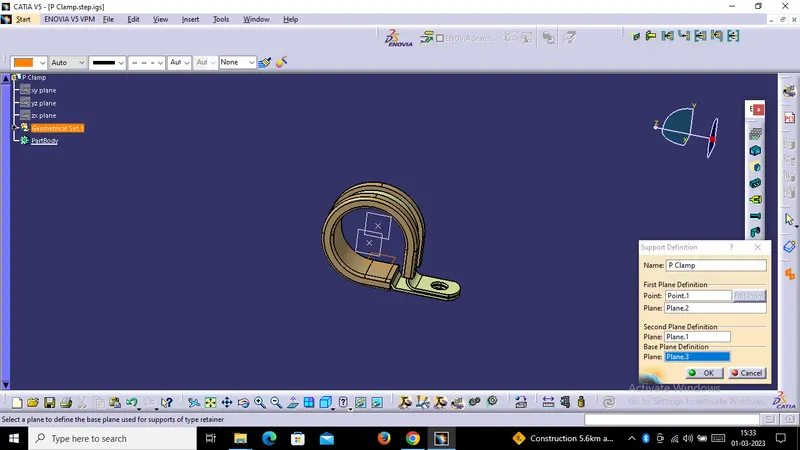
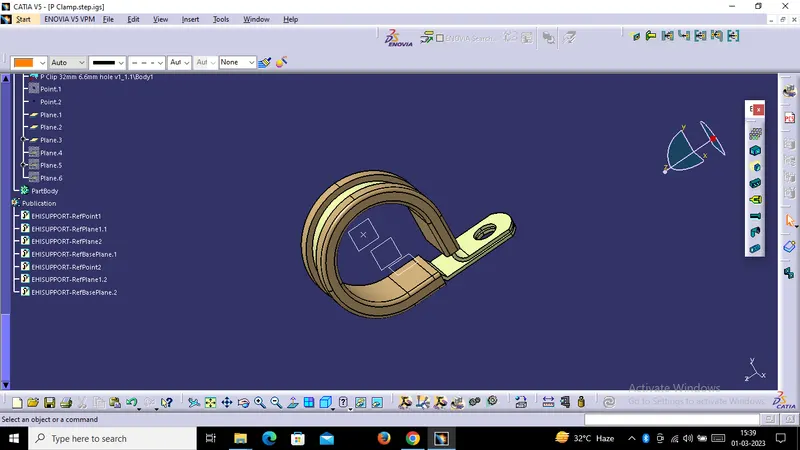
First of all we have to download the Cad data file, after that We have to Open it in Part Design. Create Entry Point & Plane and Exit Point & Plane, One Base Plane. After that go into the Electrical Part Design Workbench Use Define Support Part Tool and define all the Electrical Properties.
(2) Answer:
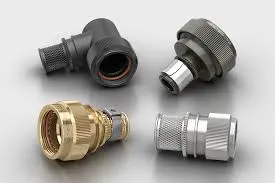
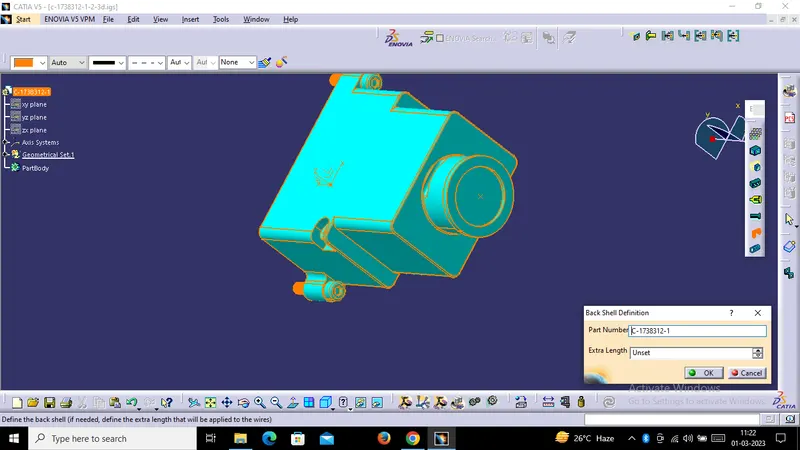
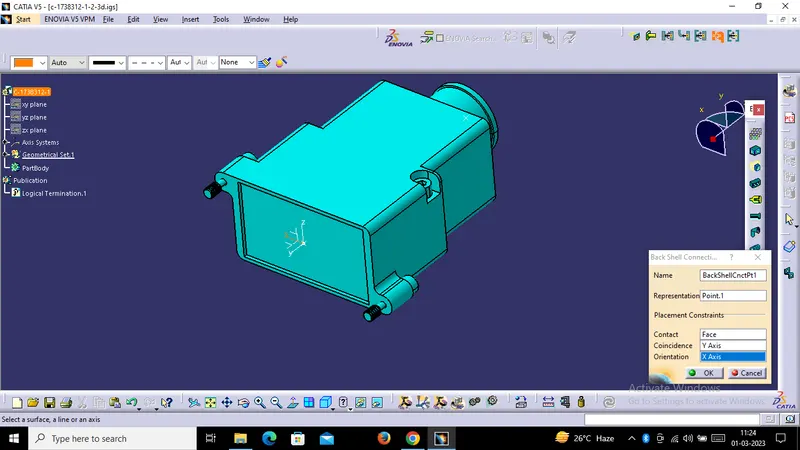
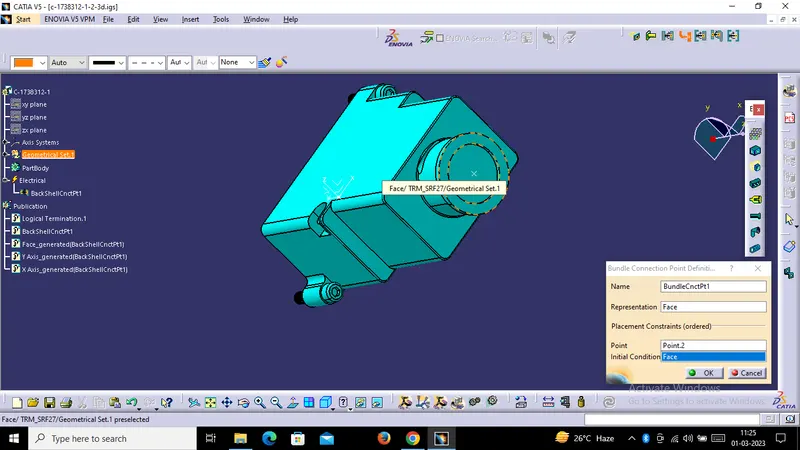
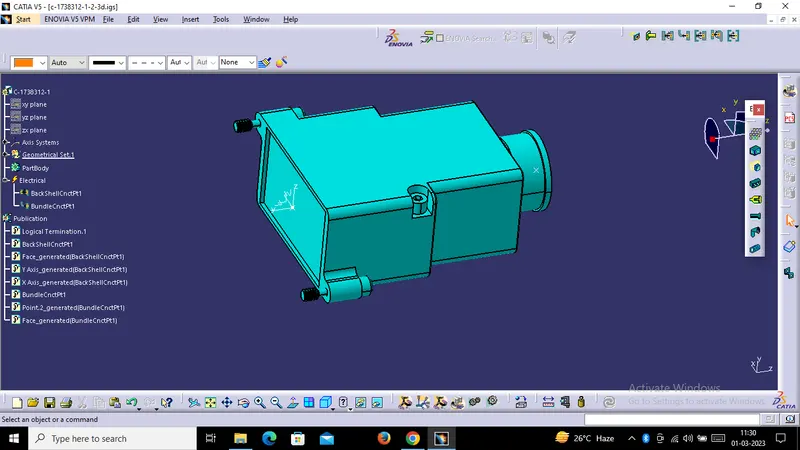
Back Shell :- It is a Rear Portion Of Onnector , Usually enveloping the Connector Housing, Designed to Provide additional Support and Protection for the Connector and its cable coming out of the back of the Connector.
Procedure For Defining Backshell Electrically :-
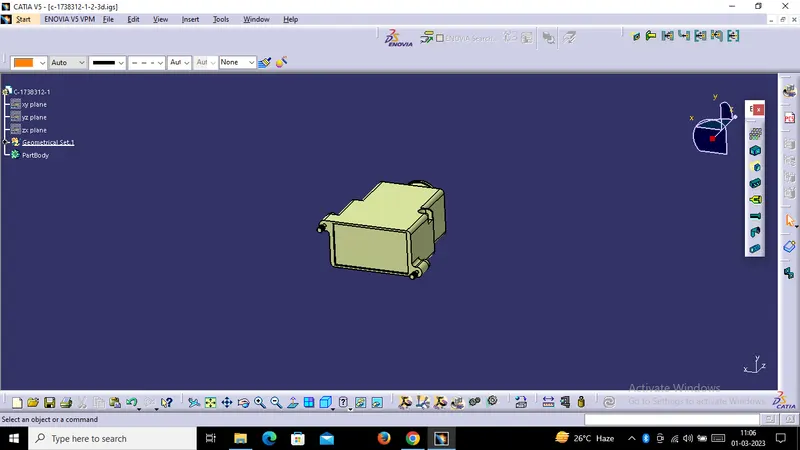
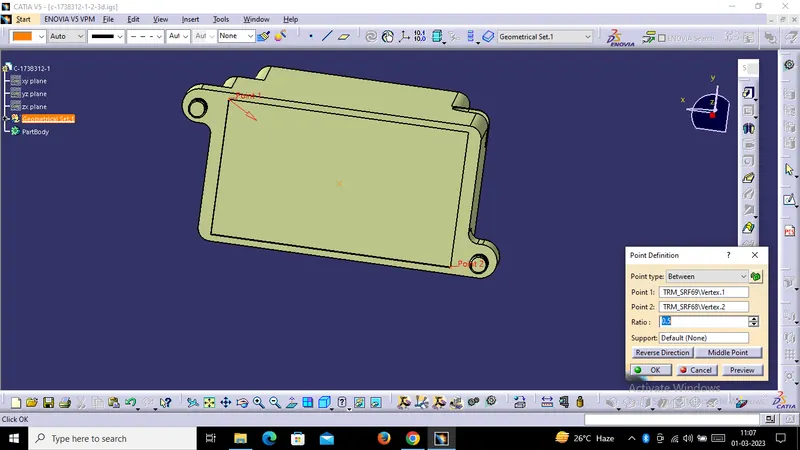
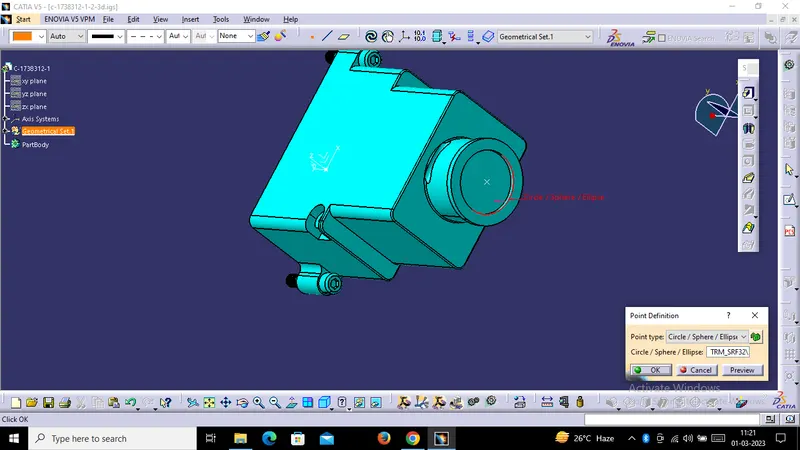
First of all we have to download the igs or step file of Tyco 1738312-1 Backshell. After that, Extract it and Create two Points Point 1 is mating Connection Point & point 2 is Bundle Connection Point. After that Create One Axis System & go to Electrical Part Design and Define the Electrical Properties.
(3) Answer:
Corrugated Tubes :-A Corrugated Tube is a Pipe with a helical groove obtained from a Plain tube by Cold forming. The number of starts of the helix can be changed as well as the angle to optimize the heat transfer and performance.
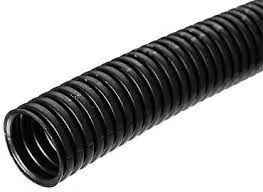
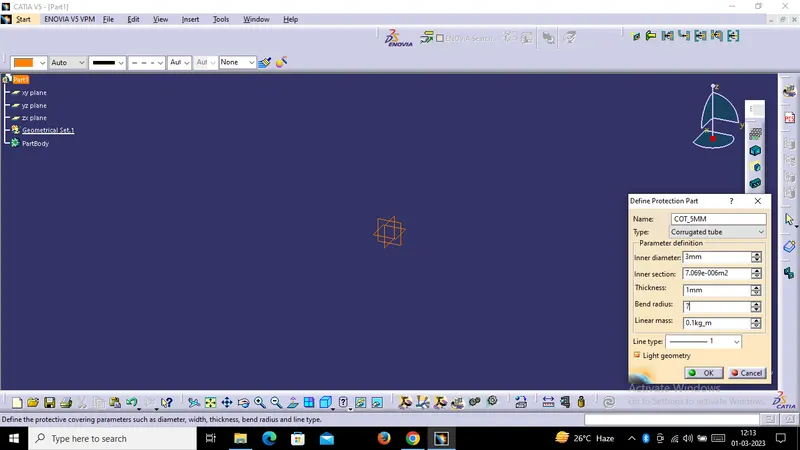
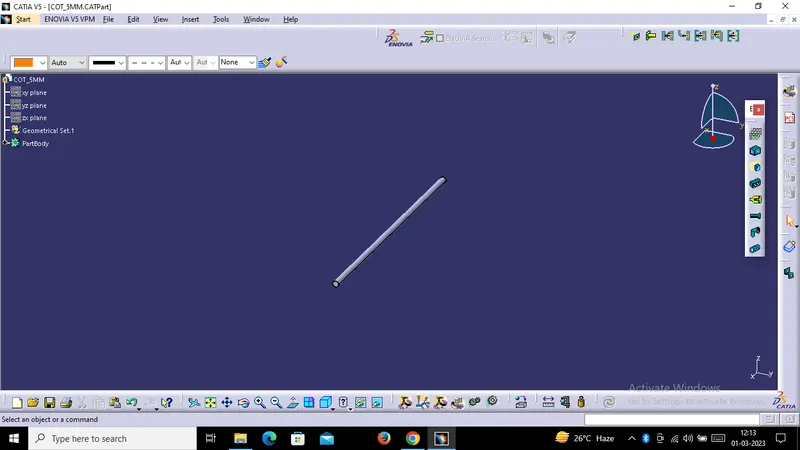
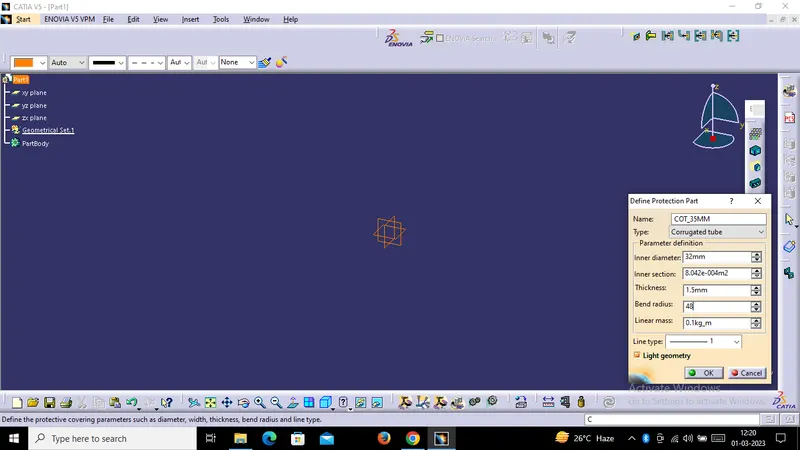
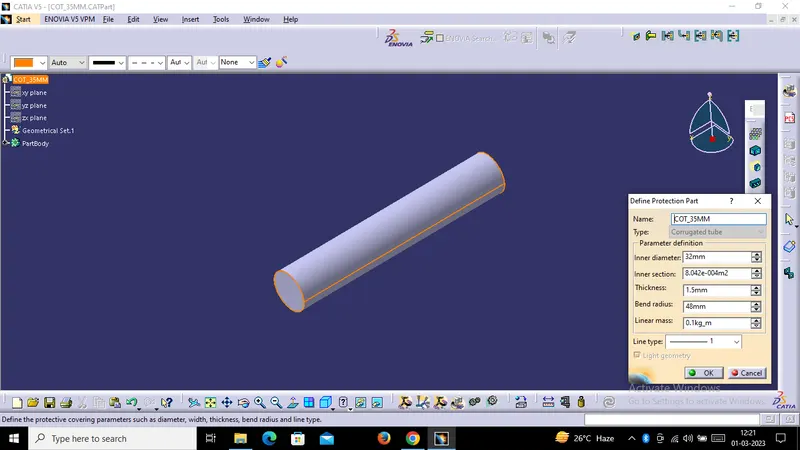
Design Procedure for Corrugated Tubes :- Firstly we have to go to file New, Part and Select Part Body and give the inner Diameter , Thickness & Bend Radius as given in the Chart. After that we have to add them in Catalouge.
|
Name |
ID (mm) |
OD (mm) |
Thickness (mm) |
|
15mm COT |
12 |
15 |
1.5 |
|
20mm COT |
17 |
20 |
1.5 |
|
35mm COT |
32 |
35 |
1.5 |
|
10mm COT |
7 |
10 |
1.5 |
|
5mm COT |
3 |
5 |
1 |
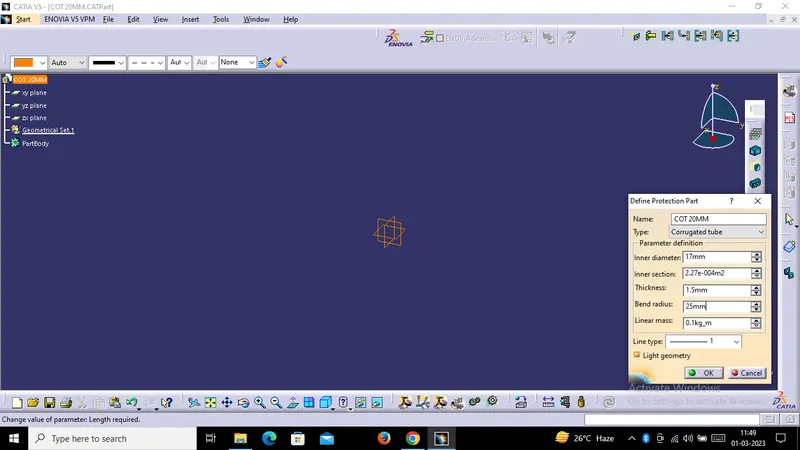
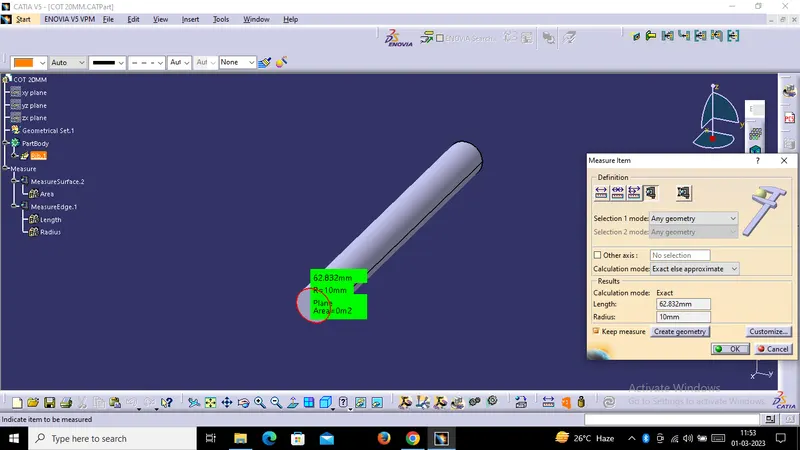
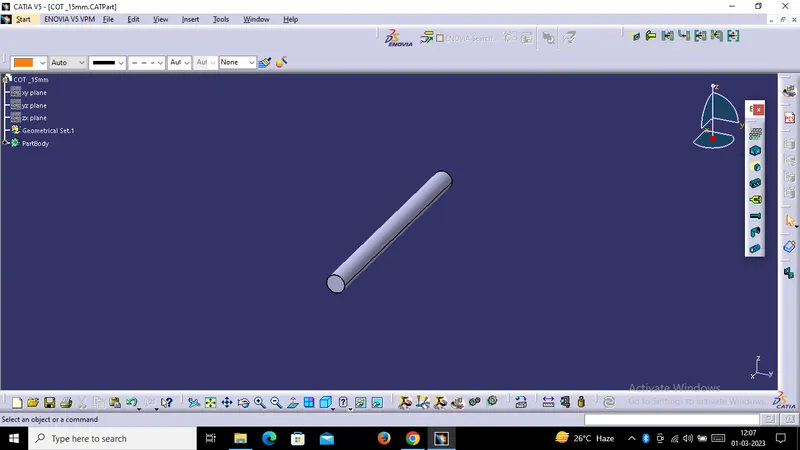
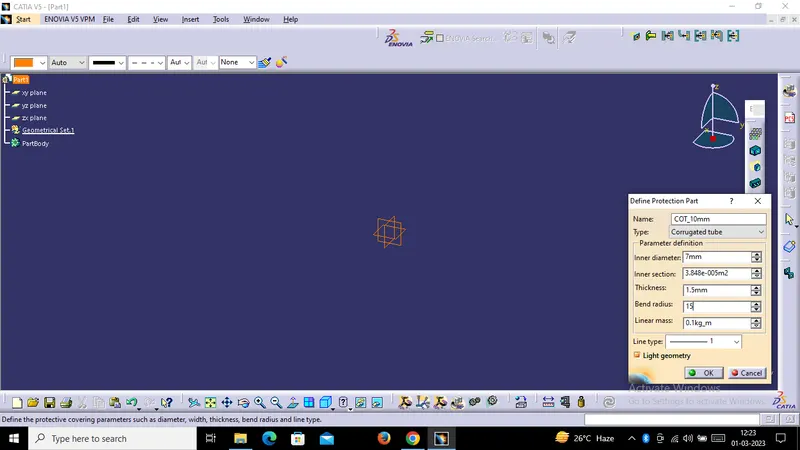
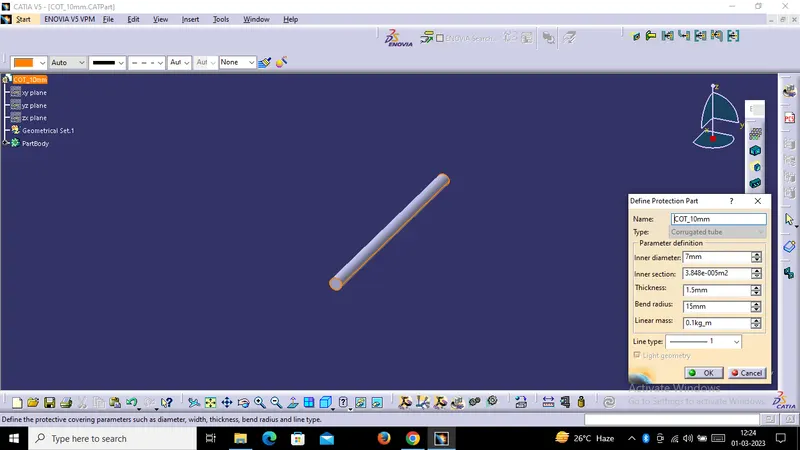
Catalouge Creation :
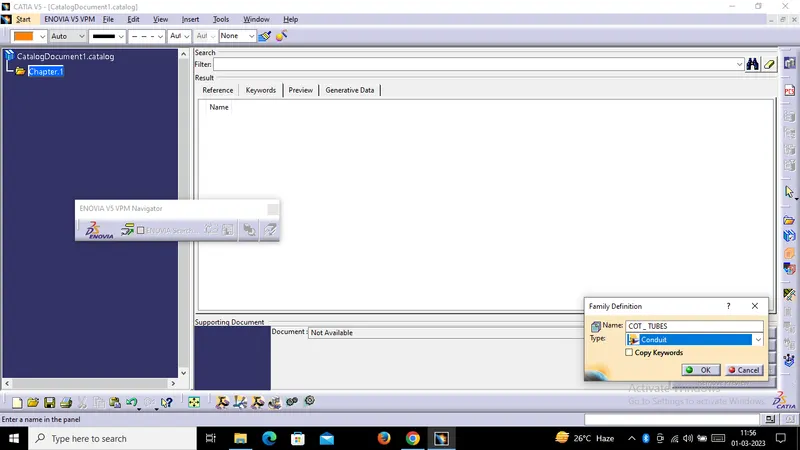
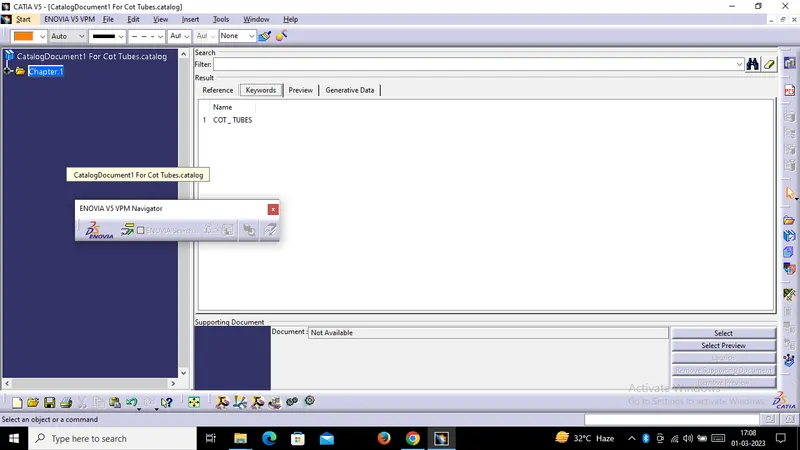
We have to Create One Catalouge and add all the COT in this file.