Wiring harness routing & packaging Rules Week 3 Challenge
P Clamp
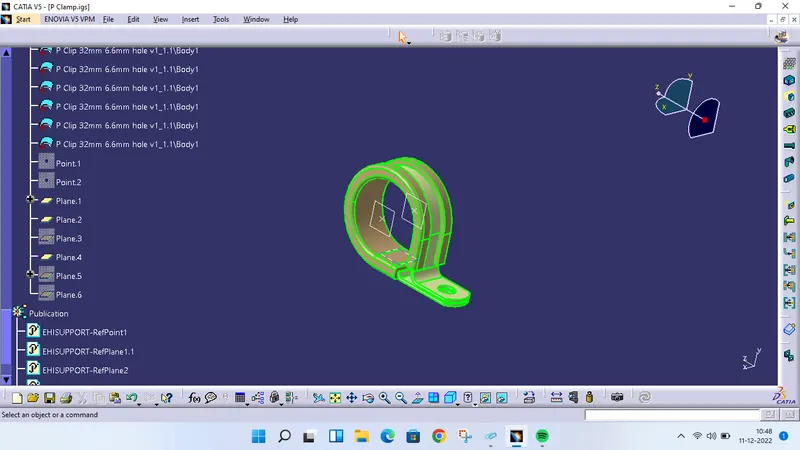
Downloaded the cad file and opened. In part design, defined necessary geometry as shown in figure. Then selected the command 'Define support part' to define clamp as support. In this window defined all points and planes as entry, exit and base plane. Defined them again for another side for same plane and points and saved the file.
Backshell
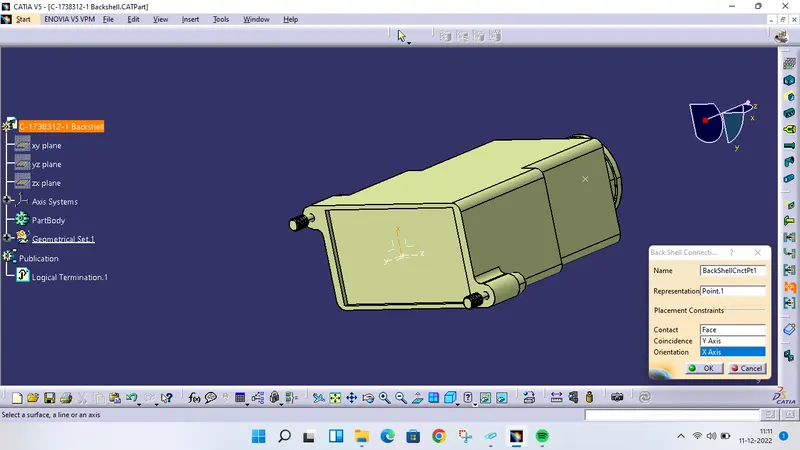
Downloaded file from TE Connectivity. Given required geometry in mechanical part design and entered in electrical part design. Defined part as backshell and used the command 'Define backshell connection point' for connection done for connector as shown in figure. Defined another side as bundle connection point and saved the file.
Corrugated tube
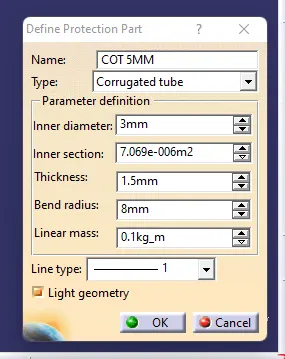
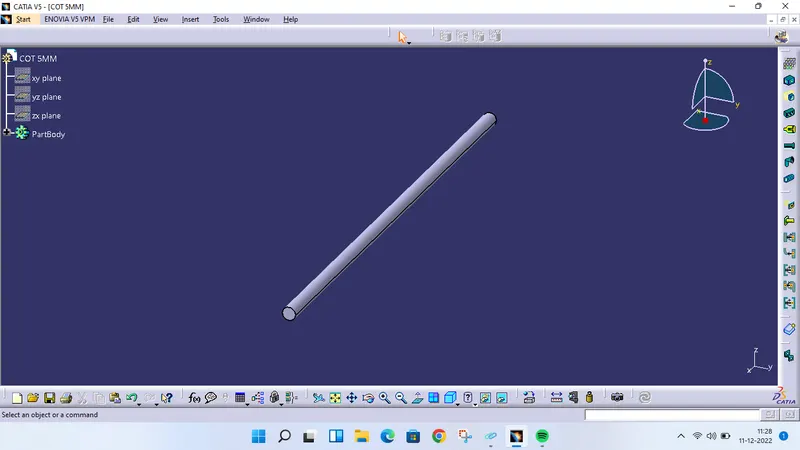
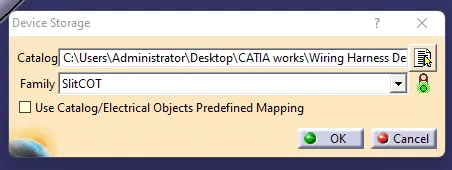
Created a catalogue of 'SlitCOT'. Created new part in electrical part design. Selected the command 'Protection covering', selected partbody and filled the required parameters as shown in figure. Saved file in catalogue as well as in folder.