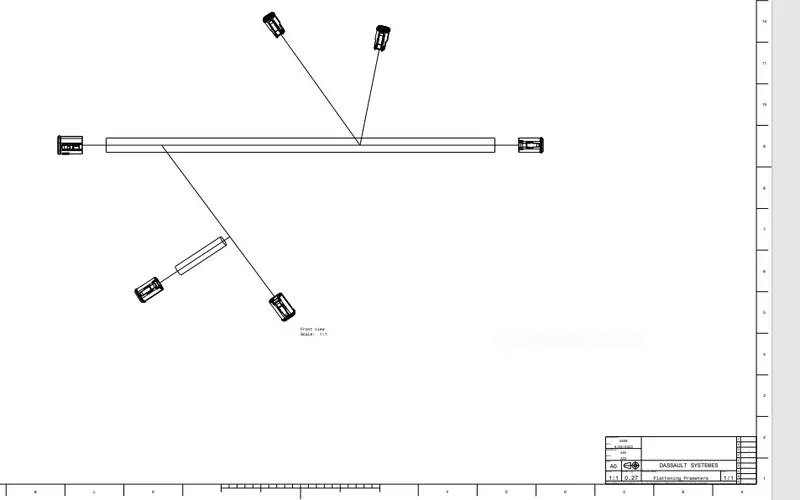
Wiring harness design in CATIA V5 - 3D modeling Week 7 Challenge
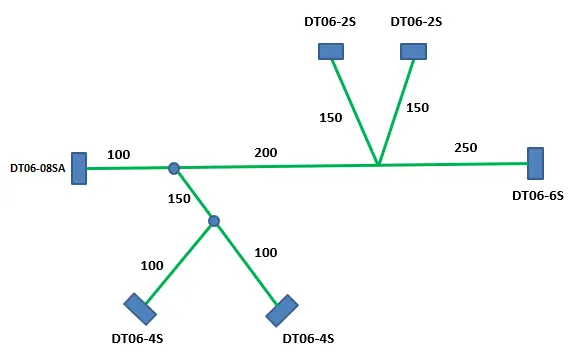
Q1. Flatten the harness assembly completed in “ week 4 challenge”. Place the flattened view on drawing sheet. Ensure bundles with protective coverings has different visuals on drawing view.
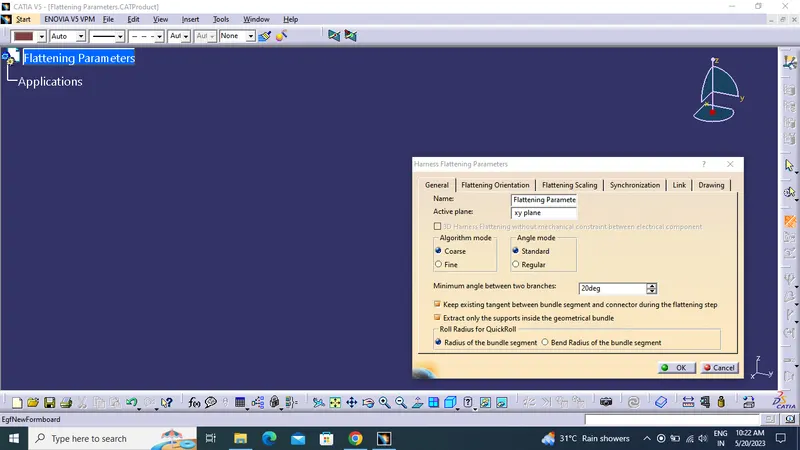
CREATING FLATENING PARAMETER:
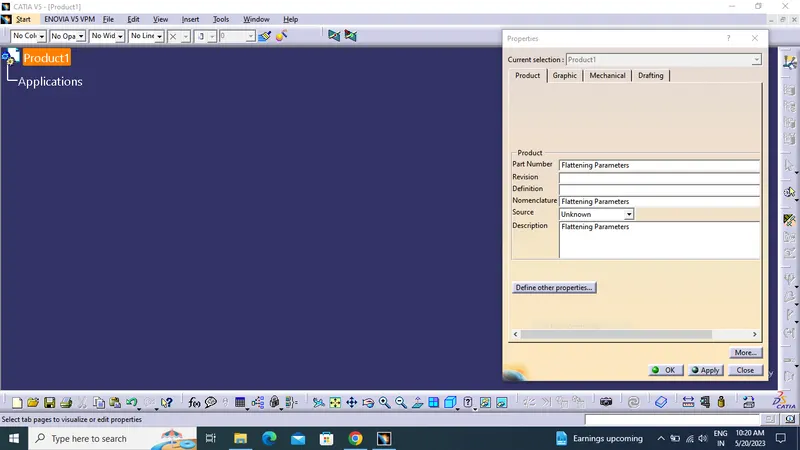
- First we create the new product file and add flatening parameter setting as required.
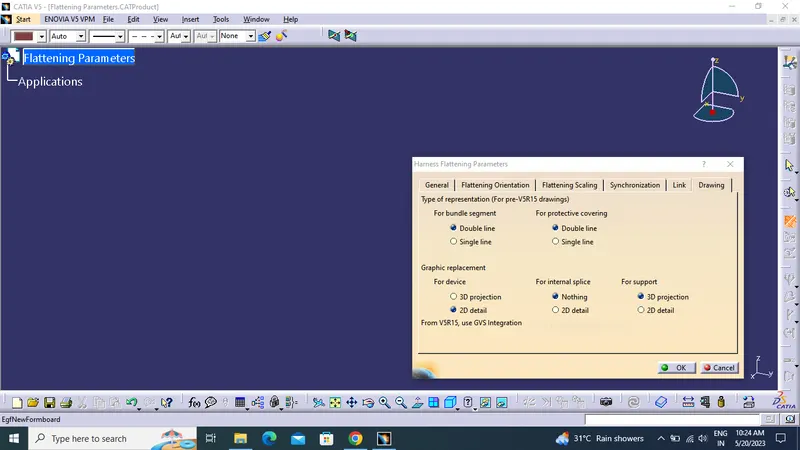
- Drawing setting for drafting.
- Rename the product file as the Flattening Product.
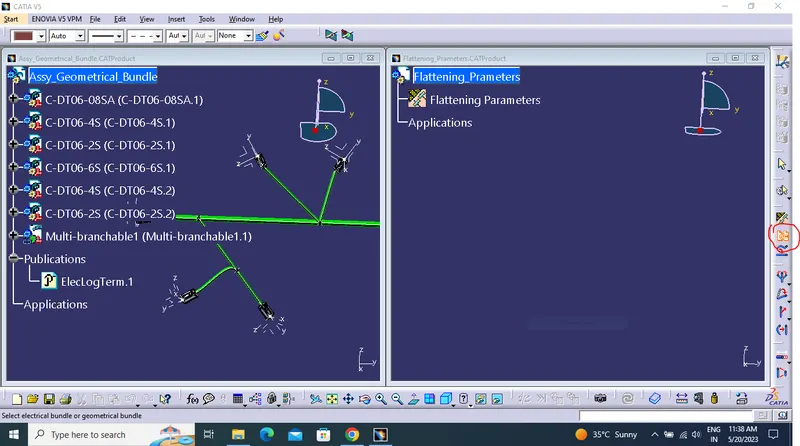
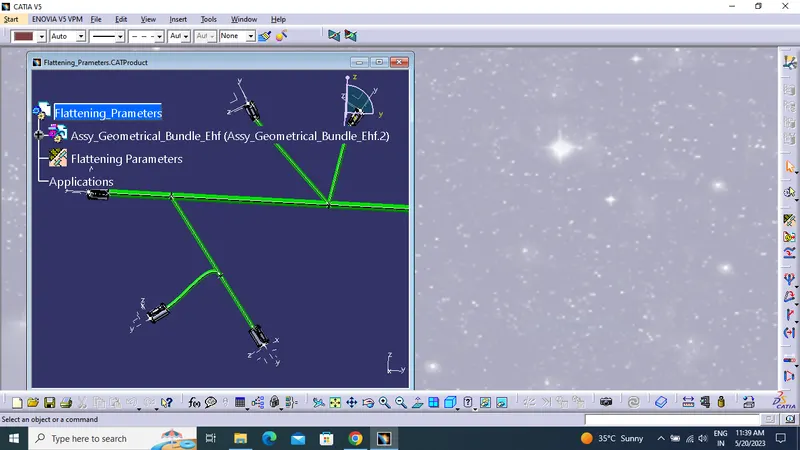
- Bring the harness assembly into the newly created Flattening Product by using the "Extract" feature.
CREATING DRAFTING:
- Creating new drawing file and rename the sheet.
- Click front view icon and select the any face that taken as front view
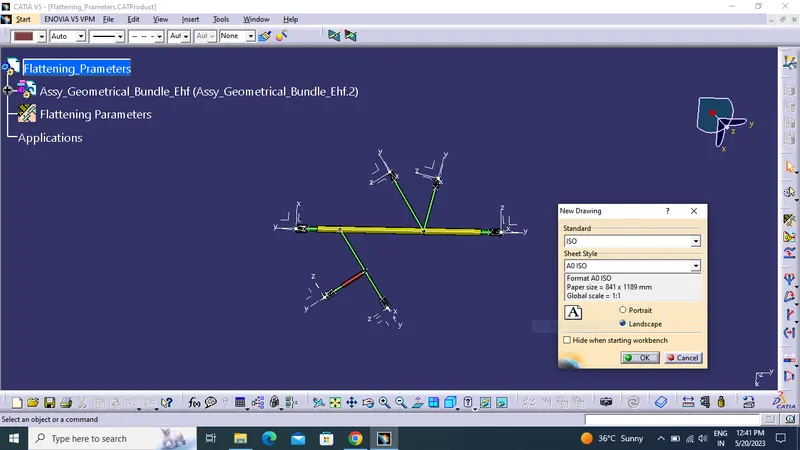
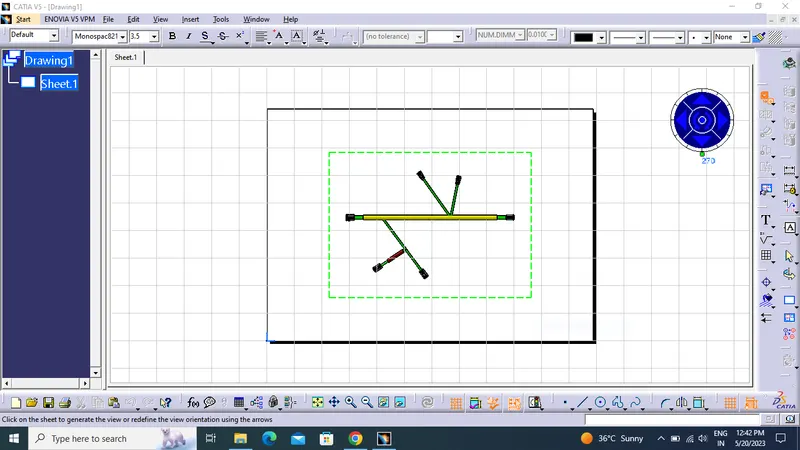
- Define drawing properties.
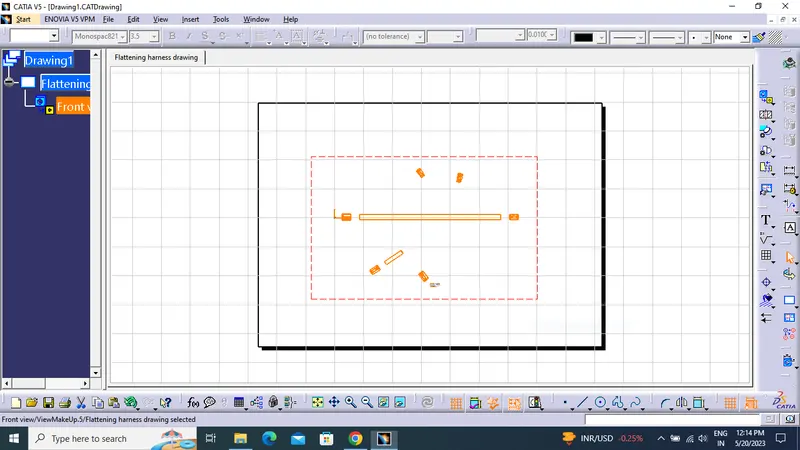
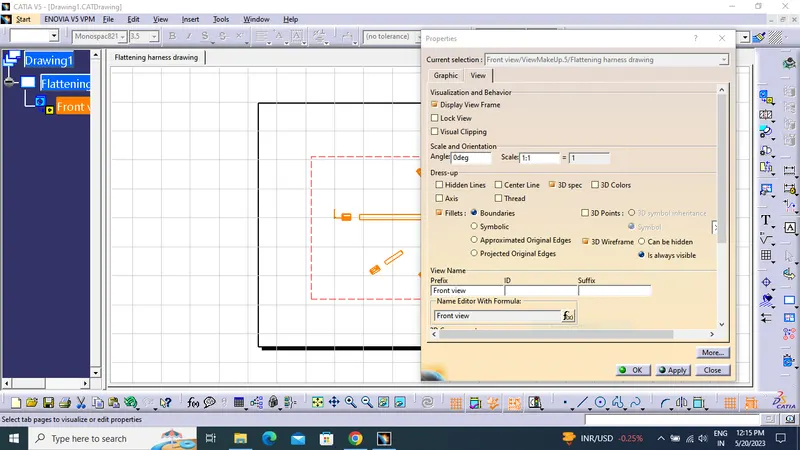
- Click "dress-up" settings 3D wireframe in always "ON". If this setting is not selected the bundle segments will not be visible on the drawing view.
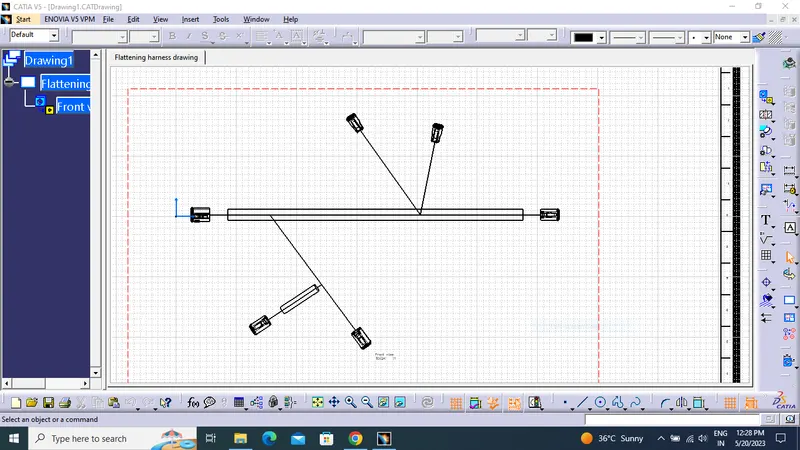
- Final flattened drawing was produced for the wiring harness.