Wiring harness design in CATIA V5 - 3D modeling Week 7 Challenge
Q1. Flatten the harness assembly completed in “ week 4 challenge”. Place the flattened view on drawing sheet. Ensure bundles with protective coverings has different visuals on drawing view.
step 1 : we need to prepare the harness assembly as the connetions given in the question which has been done already in our past week challenge even I prepared a new one here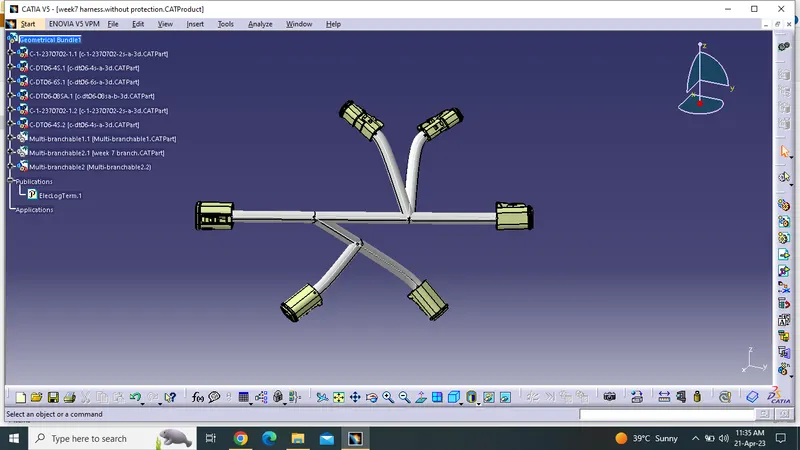
STEP 2 : Now we are going to add the protective covering to the geometric bundle in order to differentiate the bunle with and without protective covering
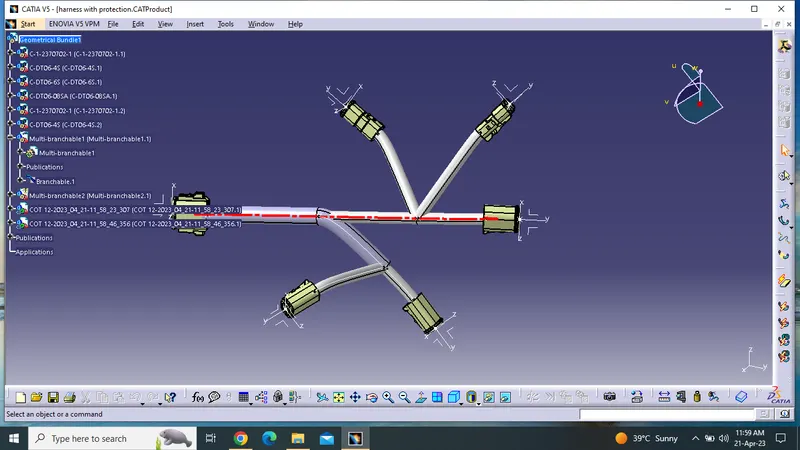
STEP3 : Now we need to go to The FLATTENING OPTION in order to flatten all the harness bundle to crete the drawing sheet
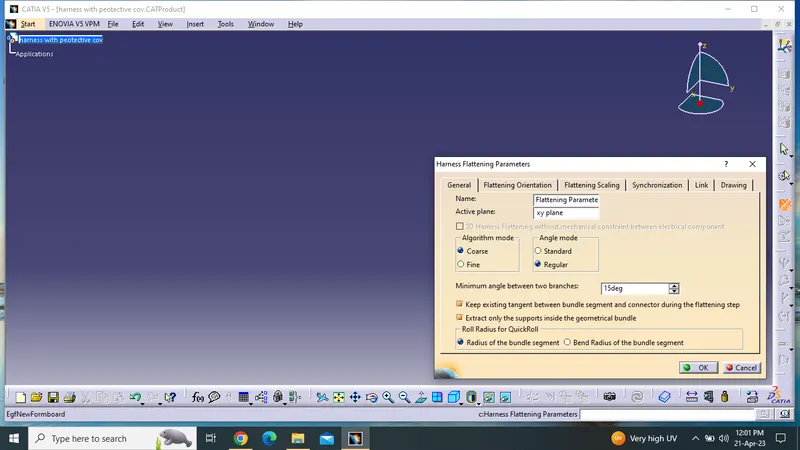
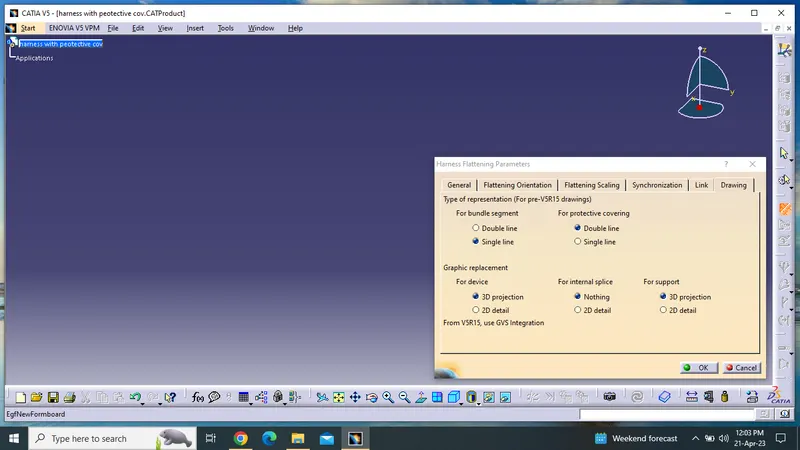
Step 4 : Now we need to do some design parameter changes in oredr to get the appropriate drawing sheet like setting the branch with single line and the protective covering with the double line
Step 6: Now we have to EXTRACT the harness file from the another window into flattern the harness file
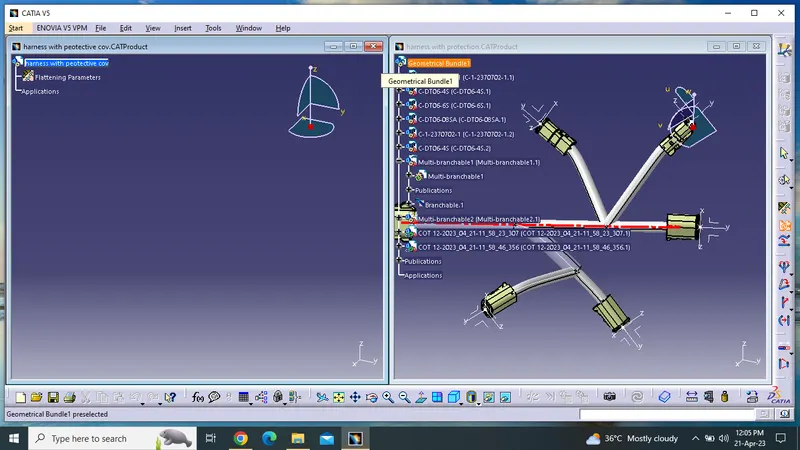
Step 7: Our harness ffile has to be flattened and need to create the drawing file
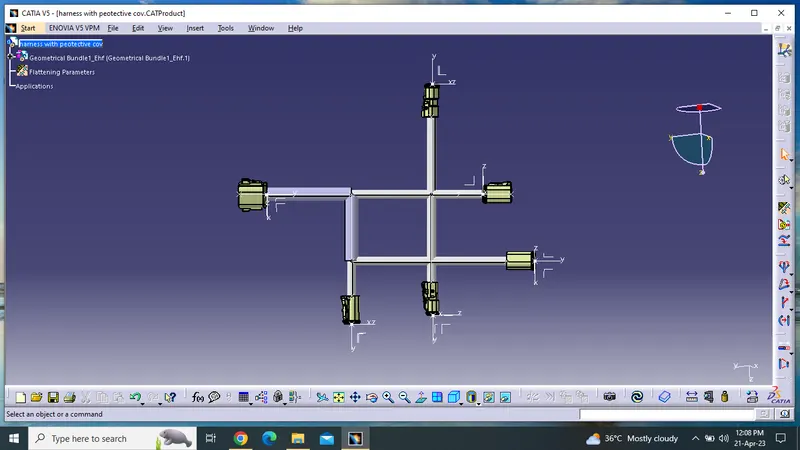
STEP 8: Creating the drawing sheet and preapering the design parameters
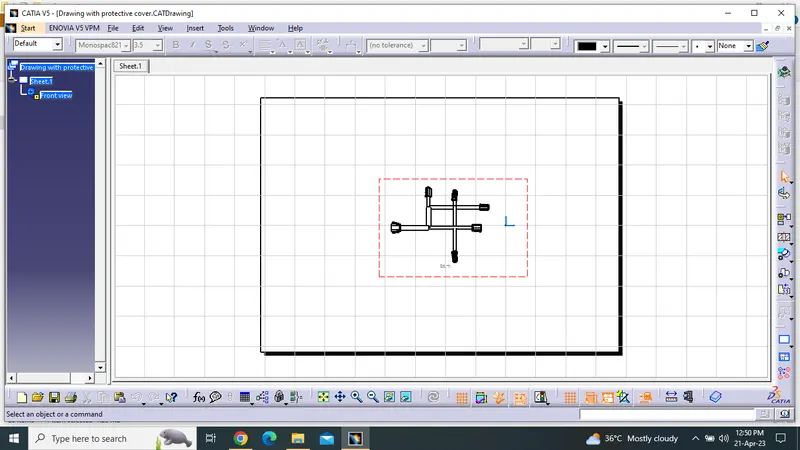
*****Same process has repeated for the harness file without the bundle protective covering is placed in below files************
*****ALL FILES ARE ATTACHED BELOW FOR WITH & WITHOUT BUNDLE PROTECTIVE COVERING***