Wiring harness design in CATIA V5 - 3D modeling Week 7 Challenge
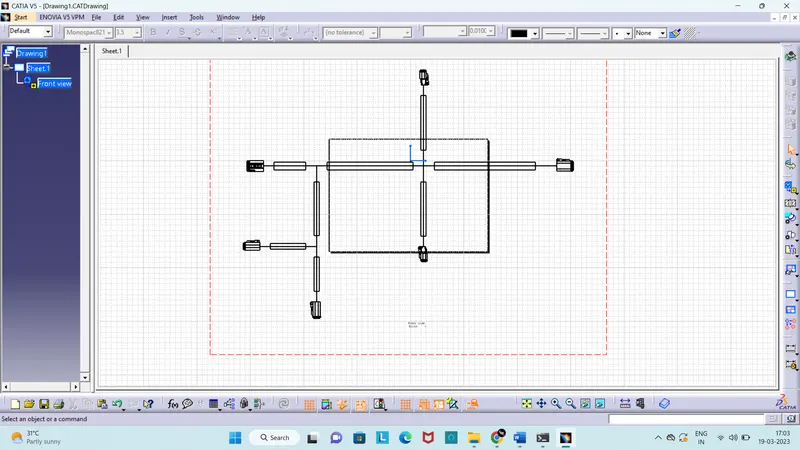
Aim - Flatten the harness assembly completed in “ week 4 challenge”. Place the flattened view on drawing sheet. Ensure bundles with protective coverings has different visuals on drawing view.
Process -
1.) Define the Connector
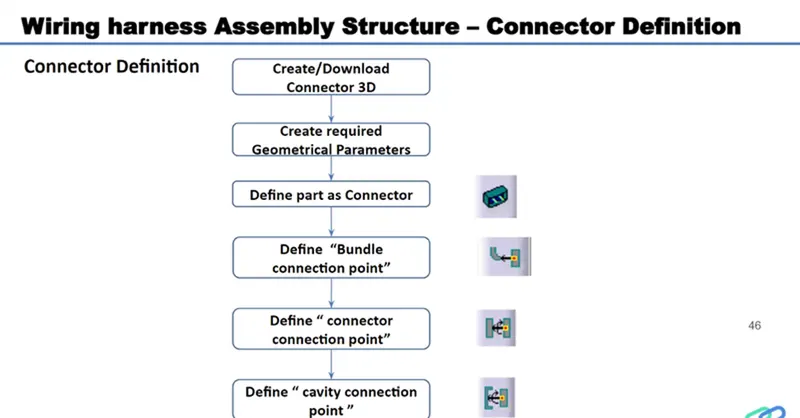
- a) Download Connector 3D Part from te.com
- b) Create a Required Geomtrical parameters- Point, Axis Systems
- c) Define Part as a connector
Switch from part workbench to Electrical Part workbench, Using the Define connector command to define the connector as a Electrical component
Define the Bundle Connection point and Connector connection Point
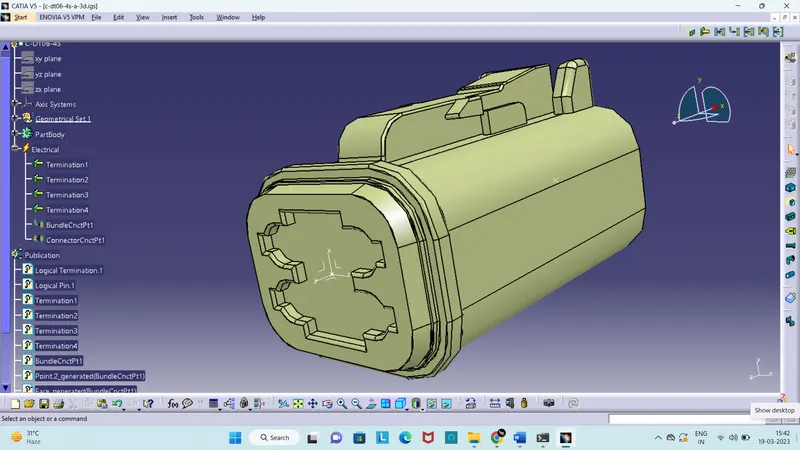
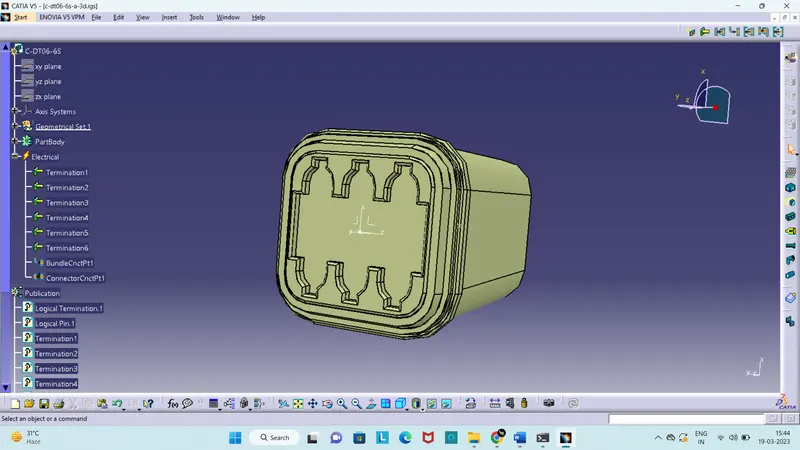
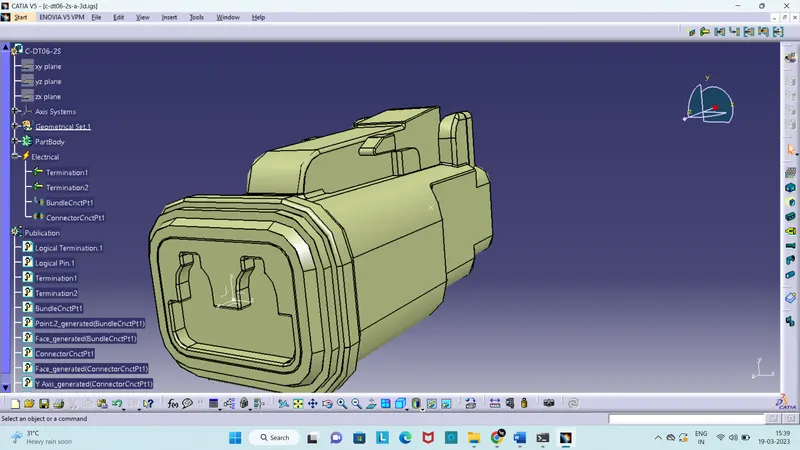
Follow the same process for define the all connectors
- DT06-4S
- DT06-6S
- DT06-2S
- DT06-08SA
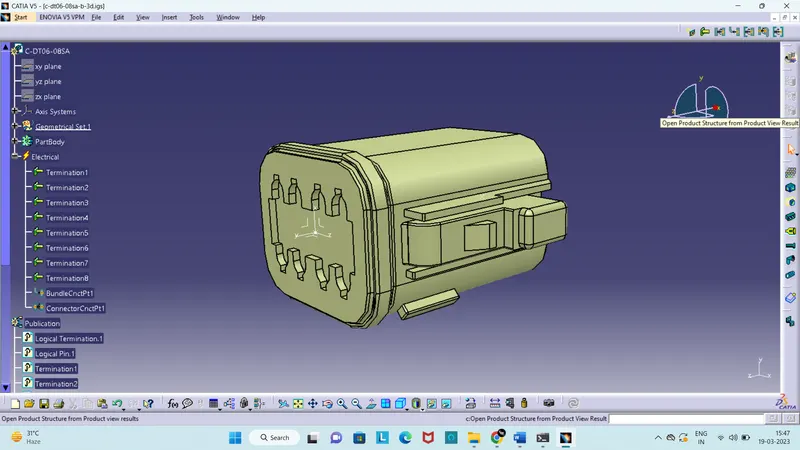
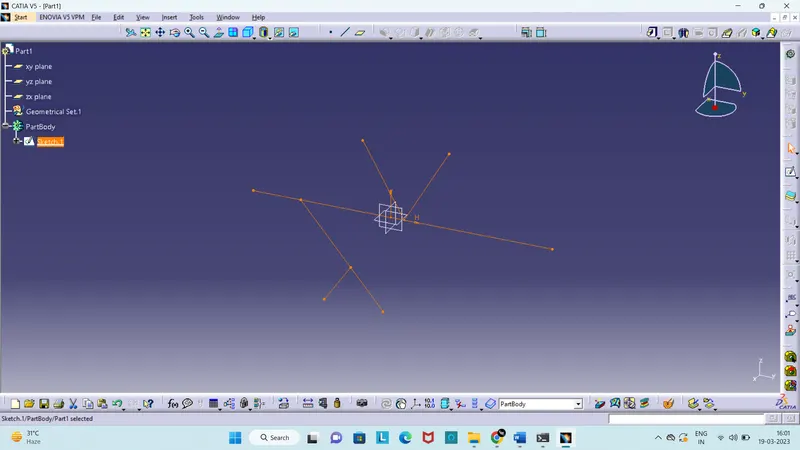
2.Now create a New Sketch in part workbench for Reference purpose
- Now create a Context Assembly
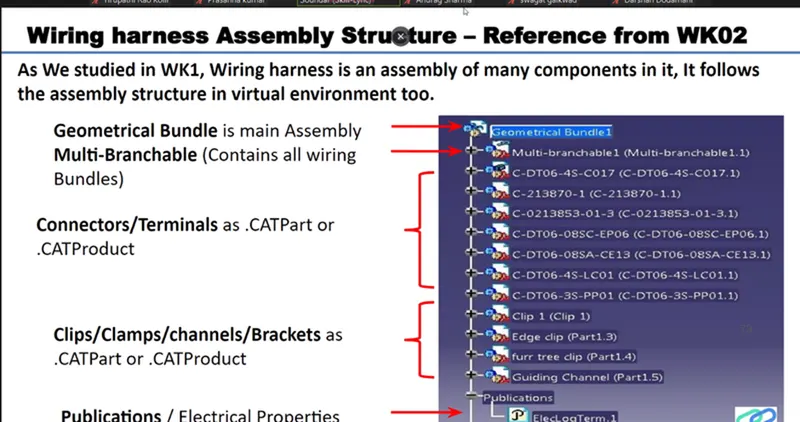
a)Exit all components in that By using Exit component command
- b) Switch from Part assembly to Electical Harness Assembly workbench
- c) Using the Geometrical Bundle command Convert the product as Geomtrical Bundle
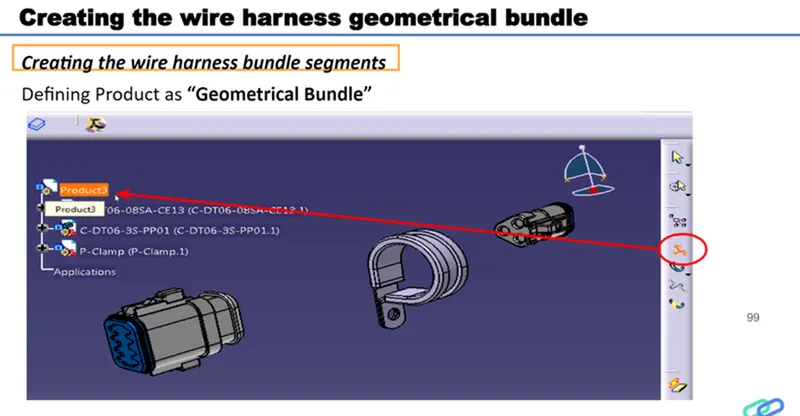
- d) Using the Multi Branchble component Command to create the Bundles .
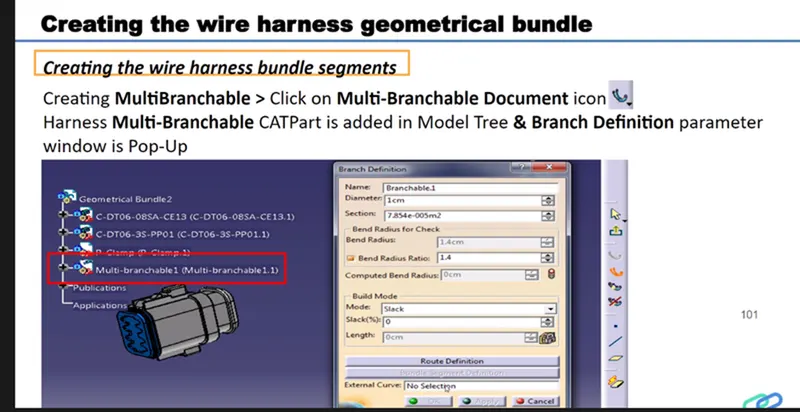
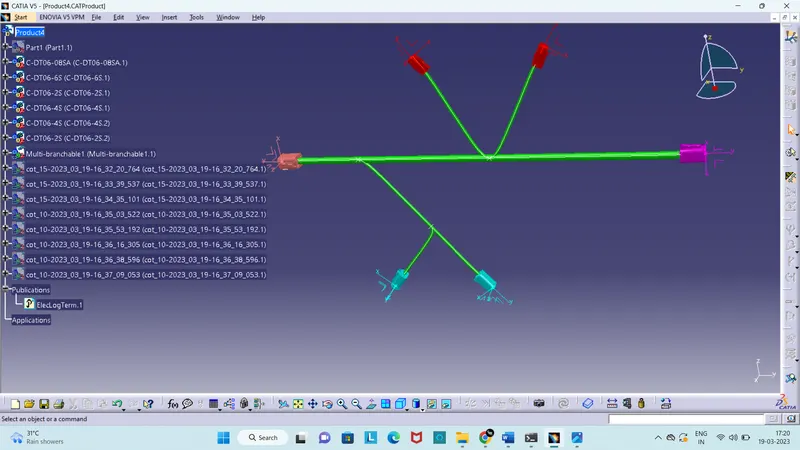
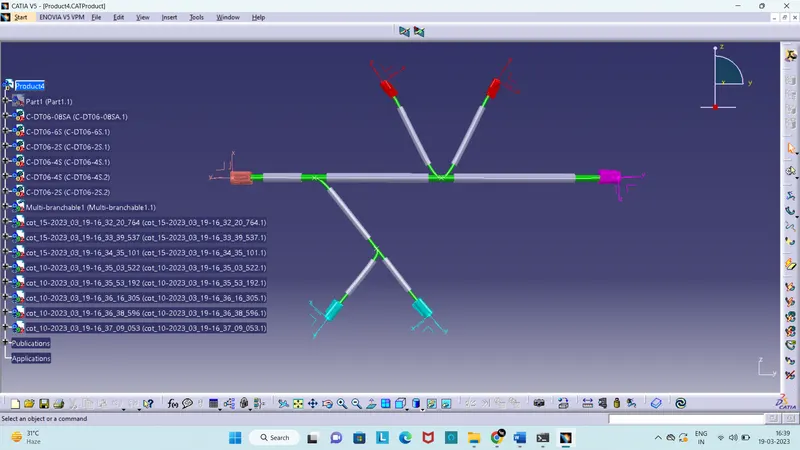
Finally Creat the COT_ Tubes by using Protuctive Covering Command
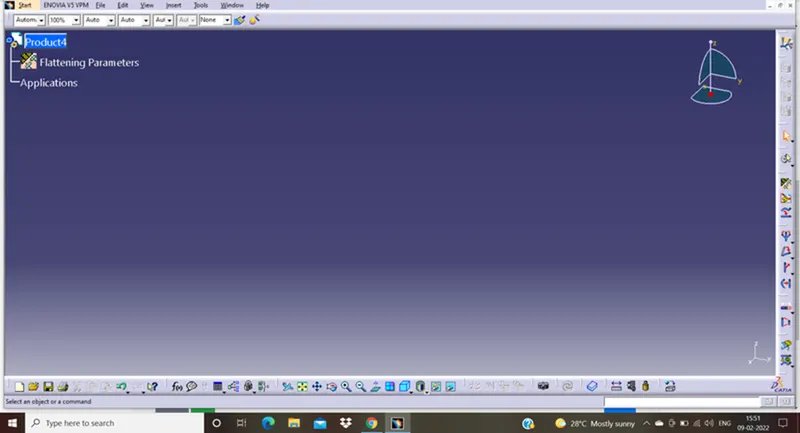
create the product > Switch to Electrical Flattening Workbench > Create the flattening Parameter
By using windows vertically > Extract command > to extract the Geometrical Bundle in to the Flattening Product
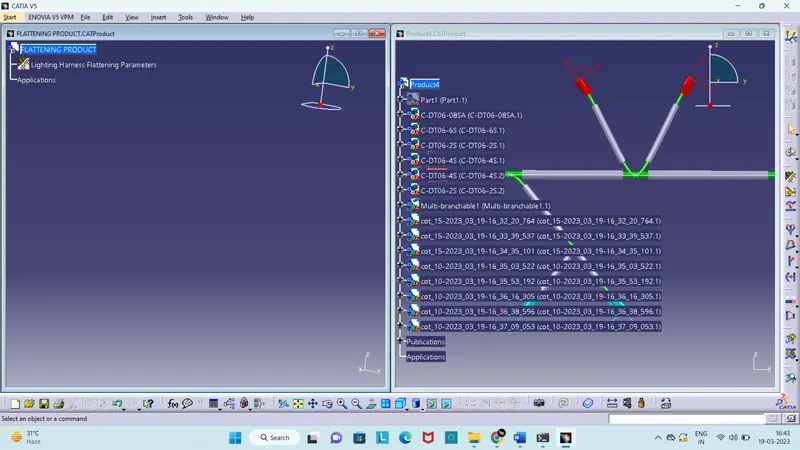
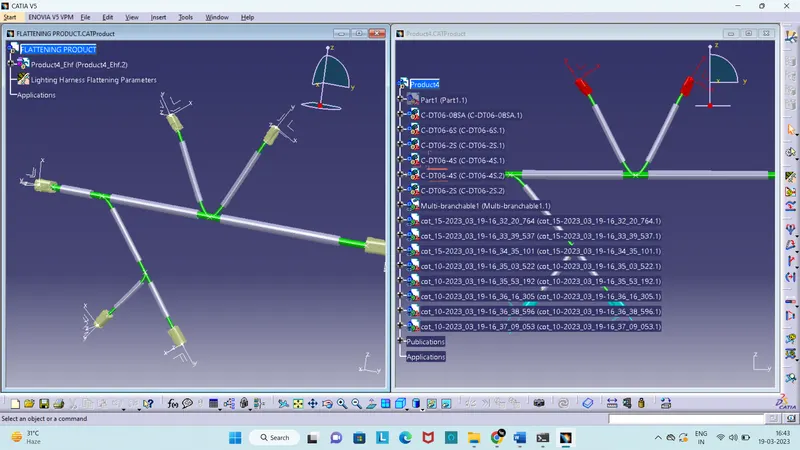
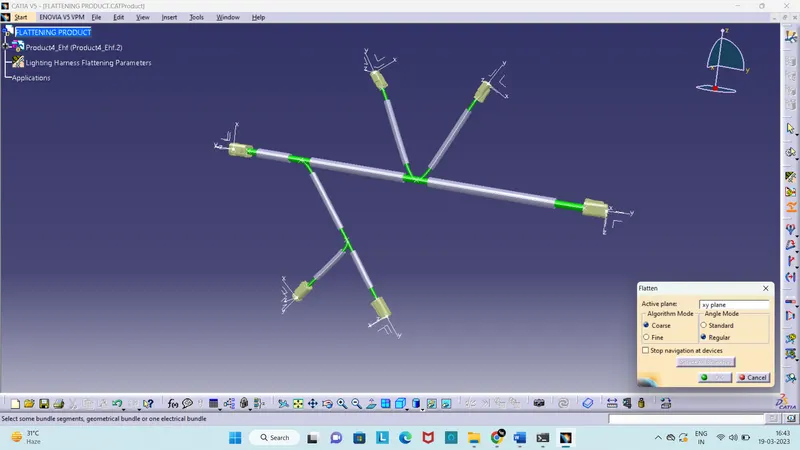
Using Flatten command Flatten the Product
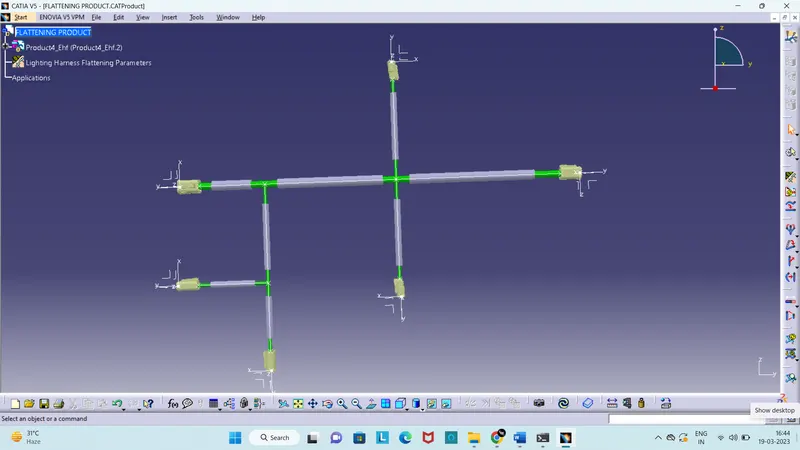
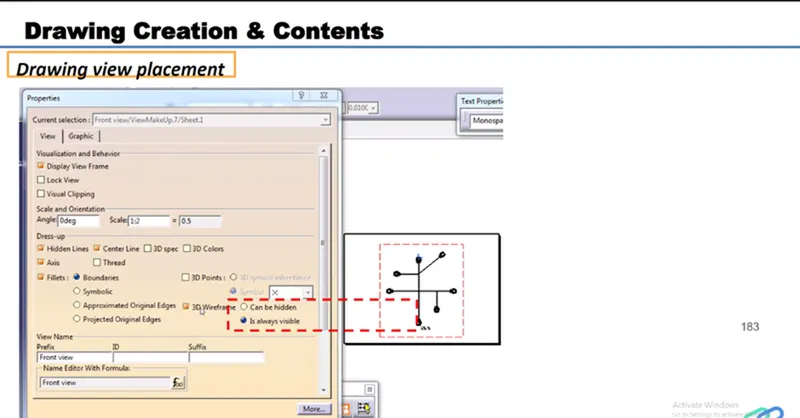
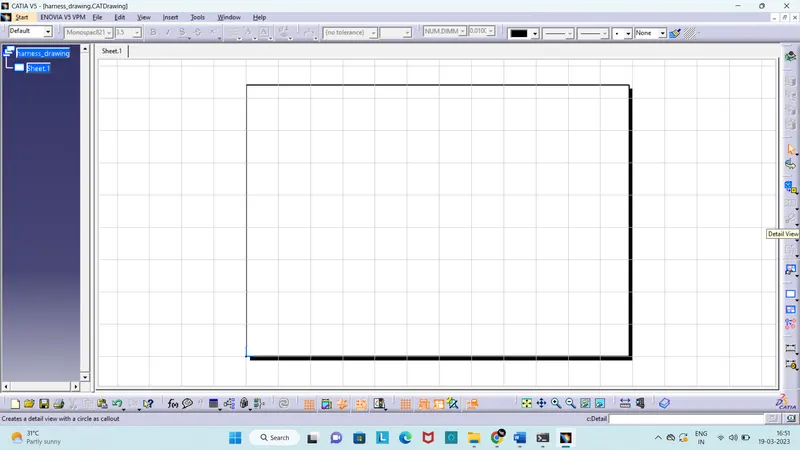
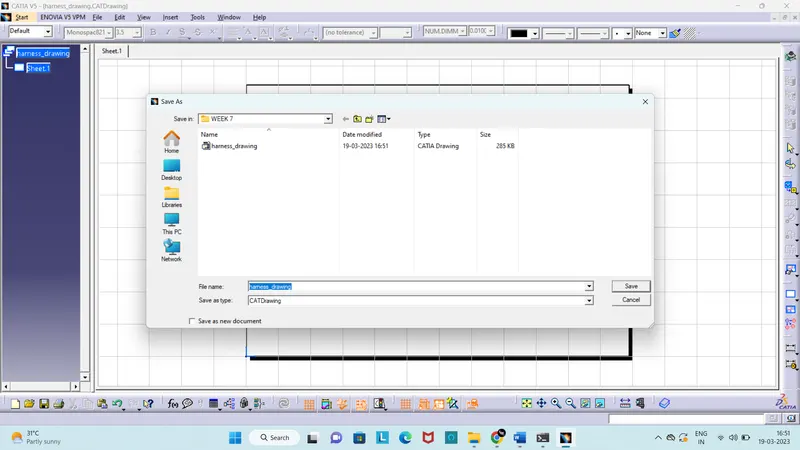
Next Create a Drawing
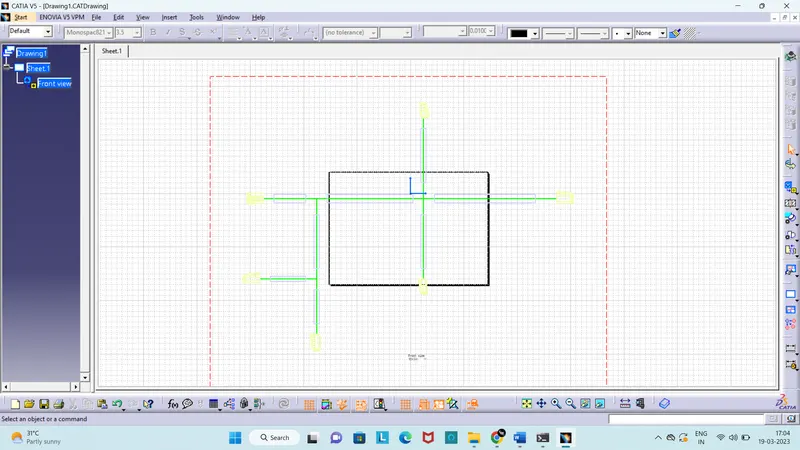
CONCLUSION:-
Thus, the given task is designed successfully.