Wiring harness design in CATIA V5 - 3D modeling Week 5 & 6 Challenge
All connectors are downloaded from drive link and saved as per requirement.
Connector are defined as electrical devices and their respective connector connection and bundle connection points.
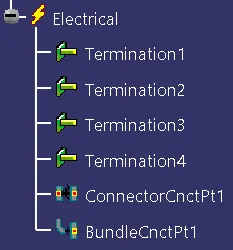
1. Harness A
Connector 6,7,8,9,10 inserted in harness A. Set into position and orientation using compass and manupulation. Product file is defined electrically and started routing as per given figure. Solved some issues related to routing by adding slake and moving connectors.
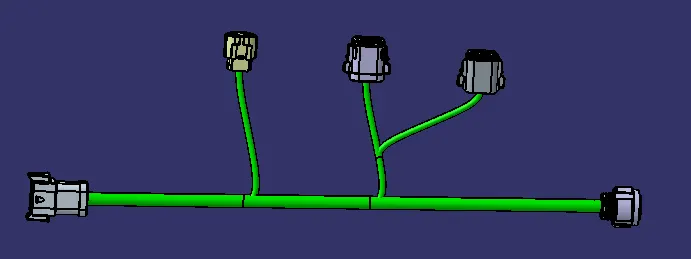
3D annotations are used for easy pick the information.
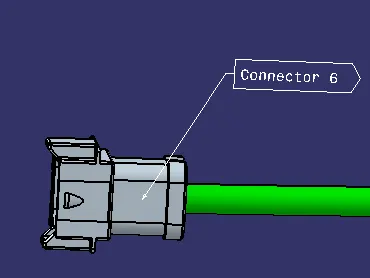
Finally file saved to folder.
2. Harness B
Connector 1,2,3,4,5 inserted in harness B. Set into position and orientation using compass and manupulation. Product file is defined electrically and started routing as per given figure. Solved some issues related to routing by adding slake and moving connectors.
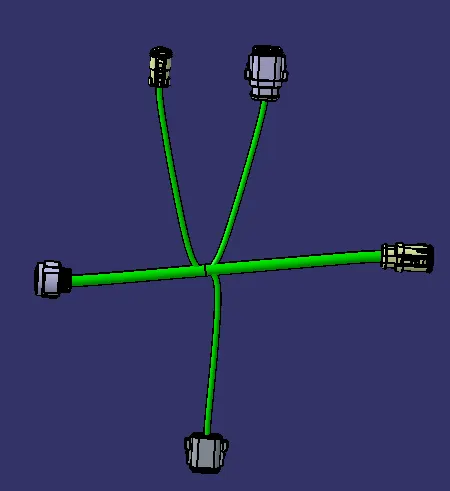
3D annotations are used.
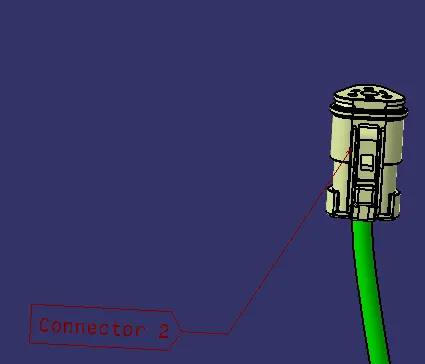
File saved
Catalogue Creation
A catalogue is created named Harness and both files are saved in this catalogue.
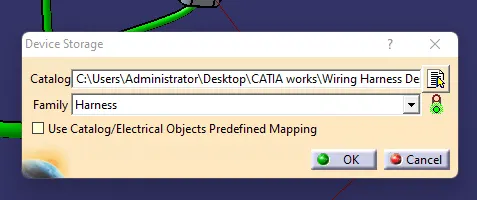
File type convertion
While saving these files, the file type is changed to .stp or .igs to use them in other platforms.
