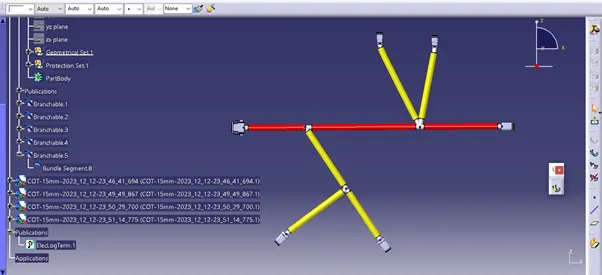
Wiring harness design in CATIA V5 - 3D modeling Week 4 Challenge
Electrical harness assembly design
Step to involve electrical harness assembly
Import the all the electrical parts from the TE.com website
Imported parts are
1. C-DT06-2S-C015
2. C-DT06-4s-C015
3. C-DT06-6S-C015
4. C-DT06-08SA-C015
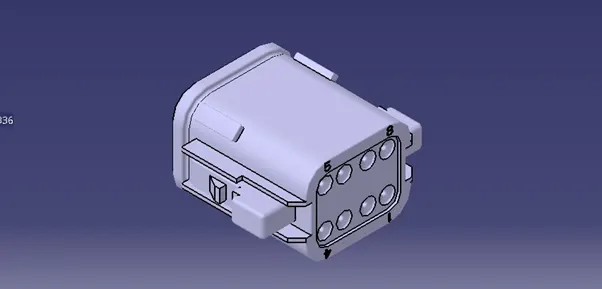
C-DT06-08SA 1
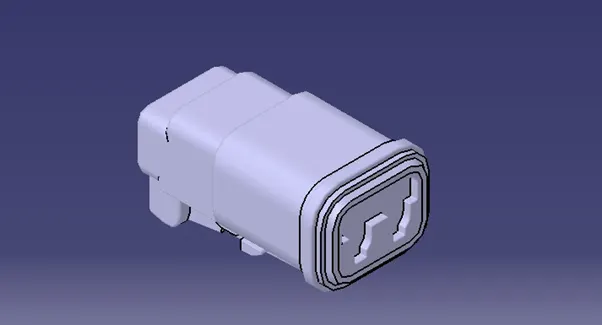
C-DT06-6S 1
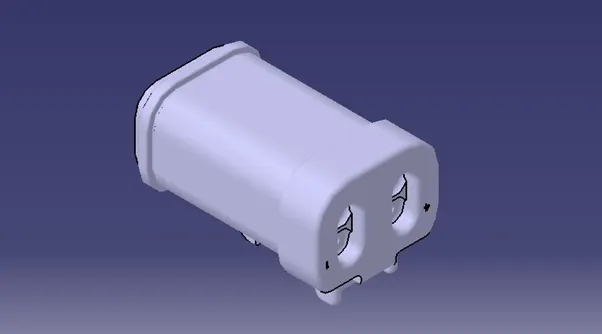
C-DT06-2S 1
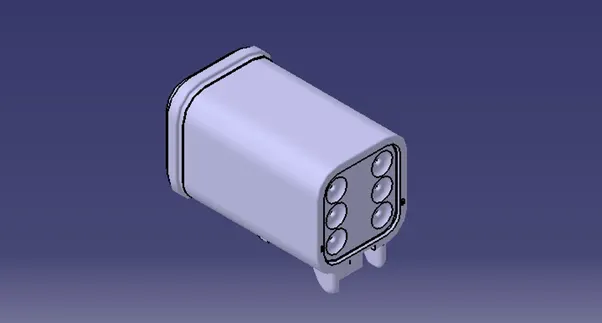
C-DT06-4S 1
Import the all the part to Catia. Then create bundle connection point, Connector connection point, cavity connection point and add axis system to these points.
Go to Equipment and system -----> Electrical harness discipline -----> Electrical part design
Once enter in to the electrical part design work bench defines a part as an electrical part by clicking the define part icon.
In the same work bench define the electrical connection point and bundle connection point.
Assemble all the electrical parts in the assembly work bench, and start the electrical harness design.
Assembly definition:
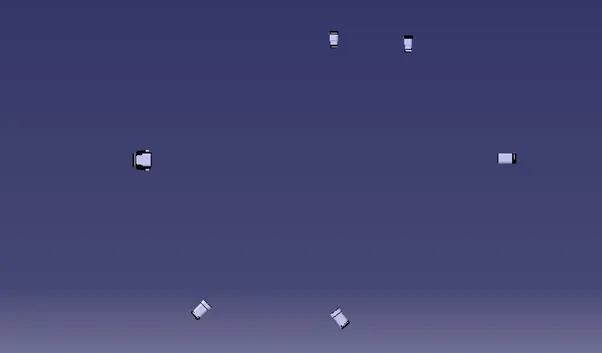
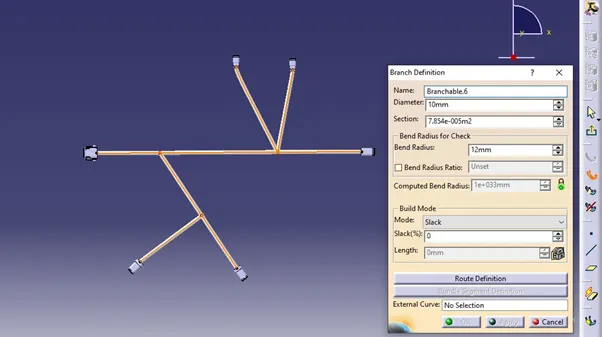
Rooting definition:
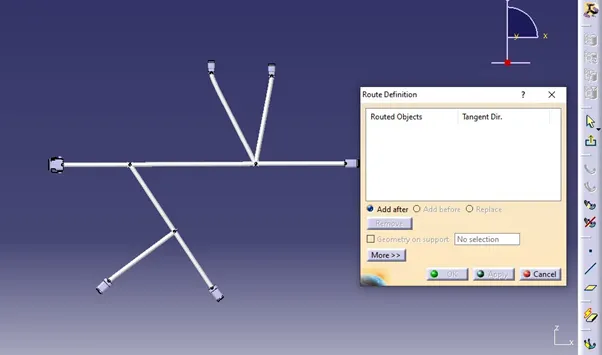
To create protection cover, go to the electrical part design workbench and select the protection cover icon, where enter the inner diameter, bend radius and thickness.
Electrical protection cover creation
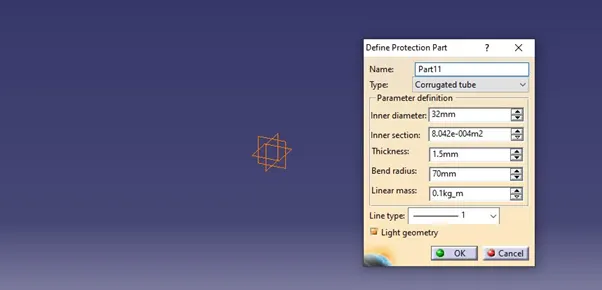
After entering all the required data click on the OK button to create the protection cover
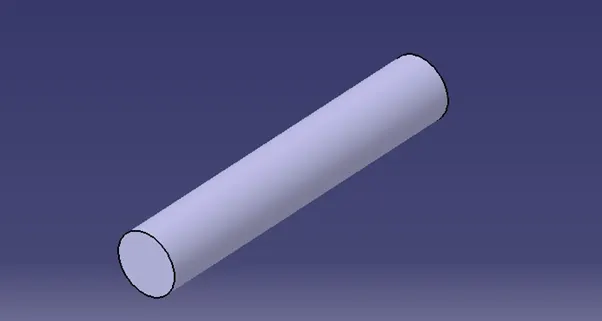
Save this file in the electrical catalogue. Apply the protection cover for rooting definition in electrical assembly work bench.
While applying the protection cover make sur that the inner diameter of the protection cover should be greater than the bundle diameter