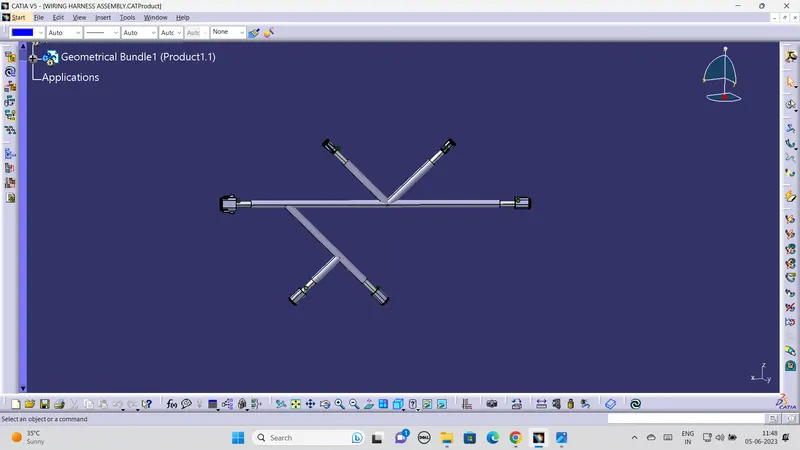
Wiring harness design in CATIA V5 - 3D modeling Week 4 Challenge
while understanding the question we have top download all the 4 connectors from the WWW.TE.com
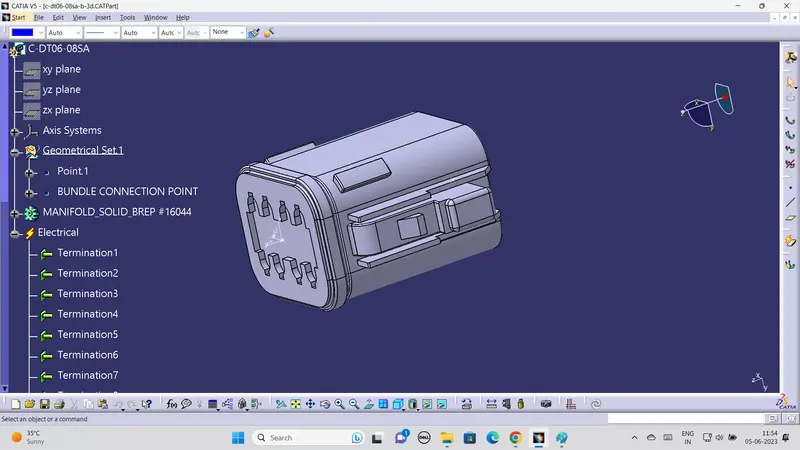
after downloading the all connector in catia v5 part work bench we have to define geametrical properties like point and axis after creating it we have to make the electrical properties for the all connectors in electrical part work bench i.e defining connector as electrical part and we have define a bundle connection point and connector connection point .the image of the defined properties are attached below 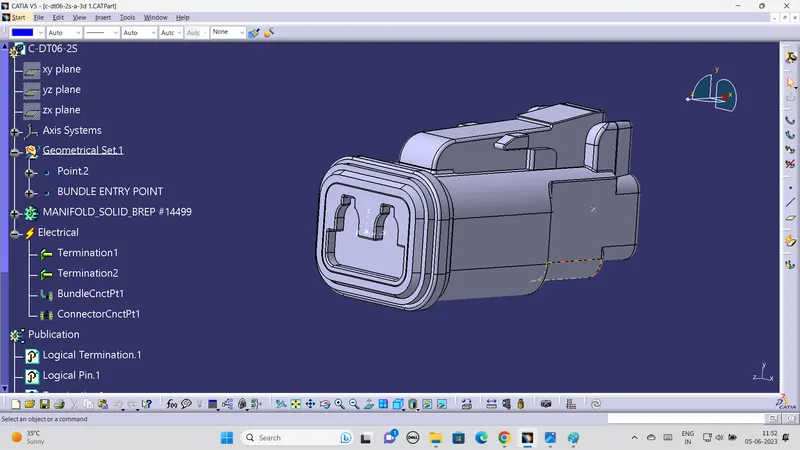
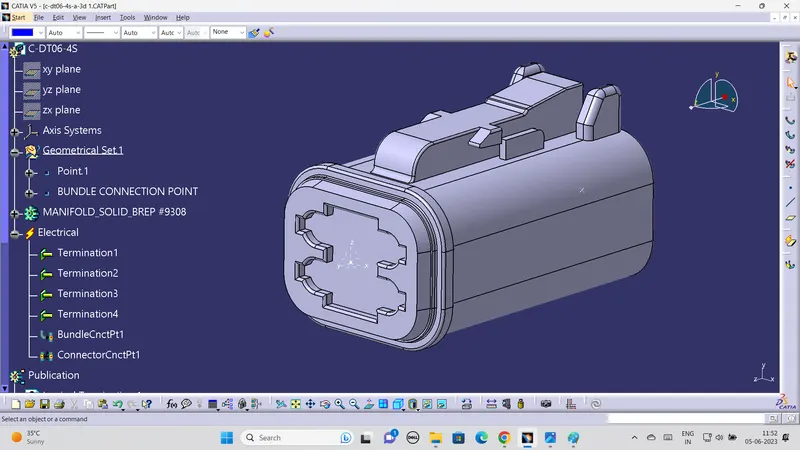
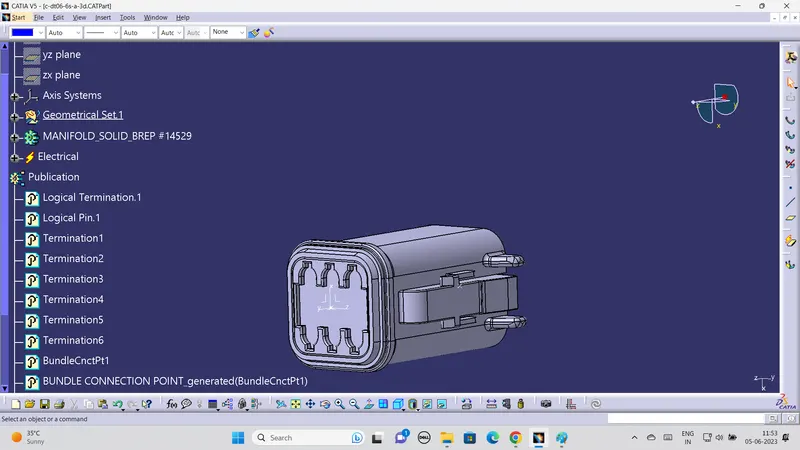
After defining the properties we need to assemble the al the connectors for that we need sketch to assrmble the connector in the recomemded dimension .the image of the recomended ddimension are attached below. 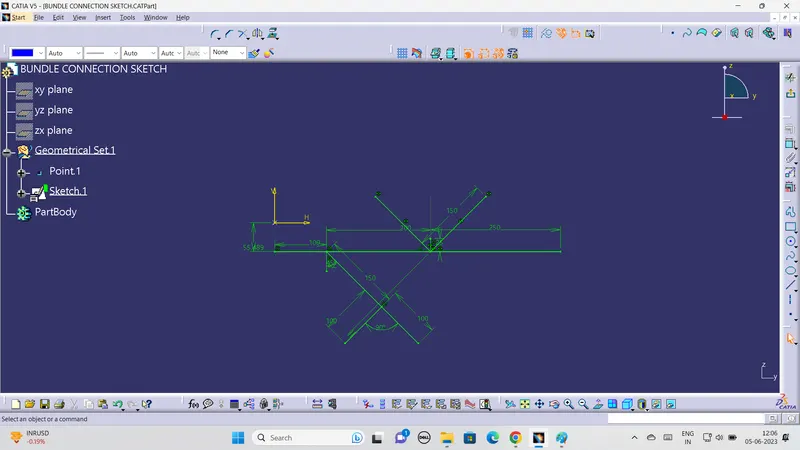
after creating all these process we havce to make assemble in the elcectrical assembly work by creating a new product file as geometrical bundle by adding 6 connectrors and the sketch file shown in below 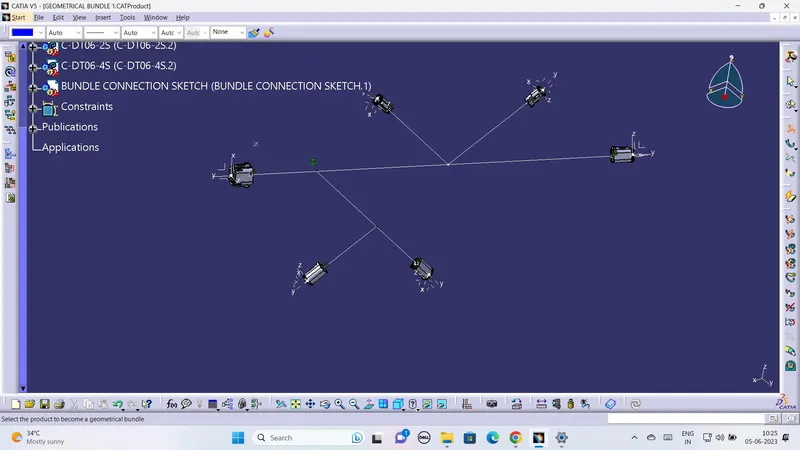
After assembling the sketch and the connectors in desired dimensions we have to make the bundle connection defined as geometrical bundle and make a bundle connection in multibranchable work bench and creating branch point for creating branch in the main branch show in the image attached below .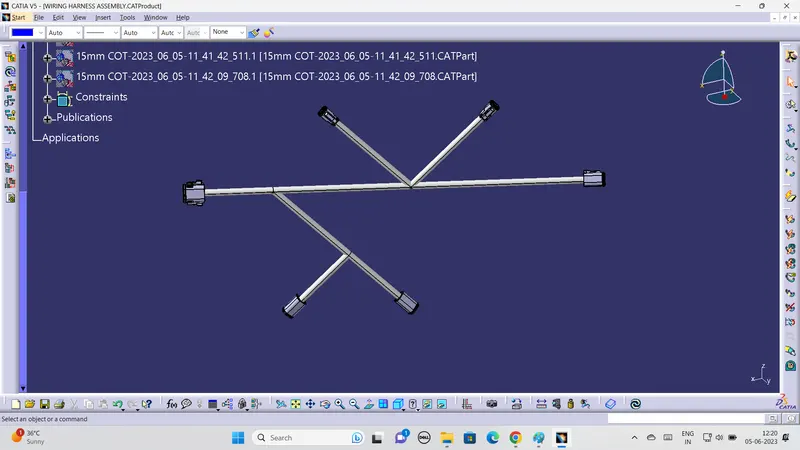
The corrugative tube also created for the bundle by defining it in protection tool for the all branches in the assembly the iamge of corrugative tubes also attached below