Wiring harness design in CATIA V5 - 3D modeling Week 4 Challenge
DT06-2S
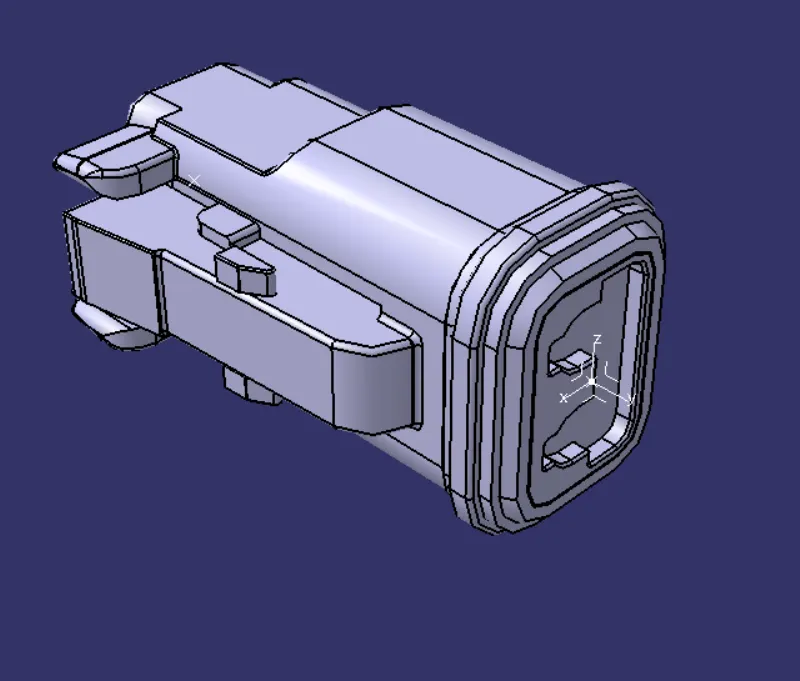
- Create two points both sides.
-Create the axis
-Open the Electrical Part Design
-Define the bundle connection point
-Define connnector connection point
DT06-4S
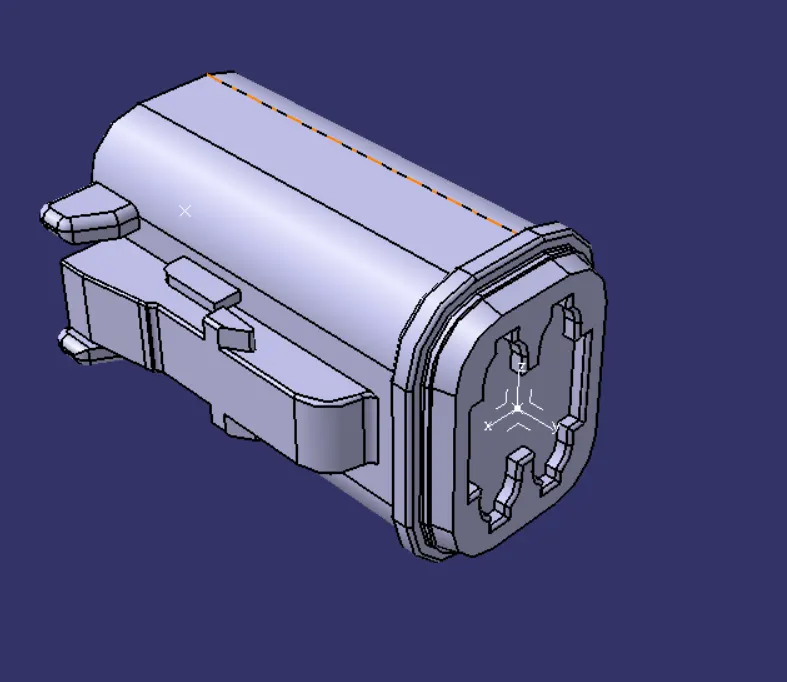
- Create two points both sides.
-Create the axis
-Open the Electrical Part Design
-Define the bundle connection point
-Define connnector connection point
DT06-6S
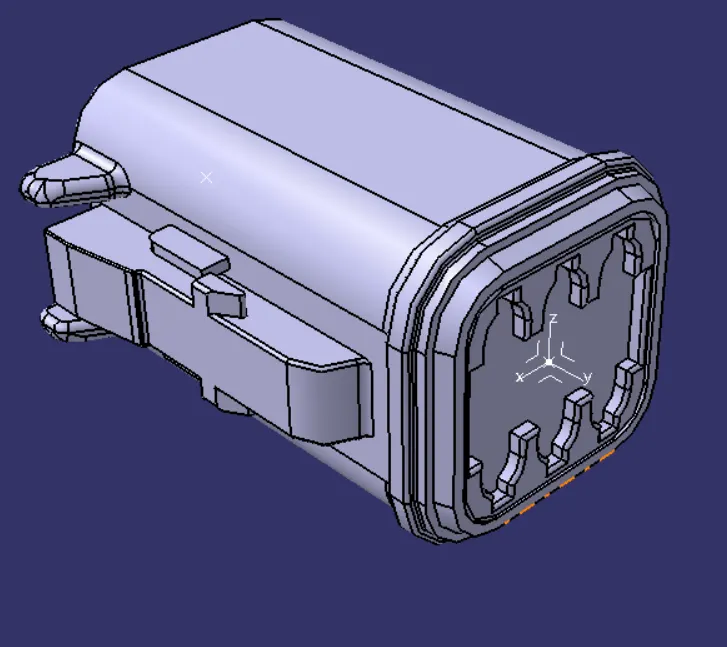
- Create two points both sides.
-Create the axis
-Open the Electrical Part Design
-Define the bundle connection point
-Define connnector connection point
DT06-08SA
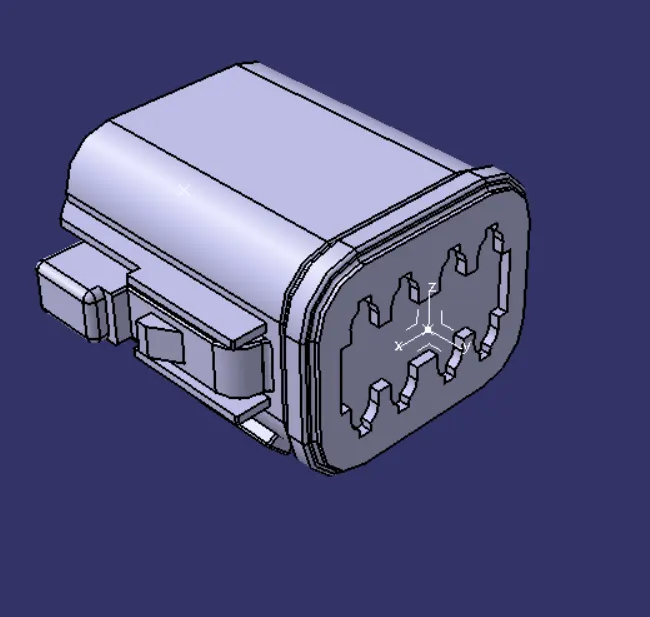
- Create two points both sides.
-Create the axis
-Open the Electrical Part Design
-Define the bundle connection point
-Define connnector connection point
ASSEMBLY
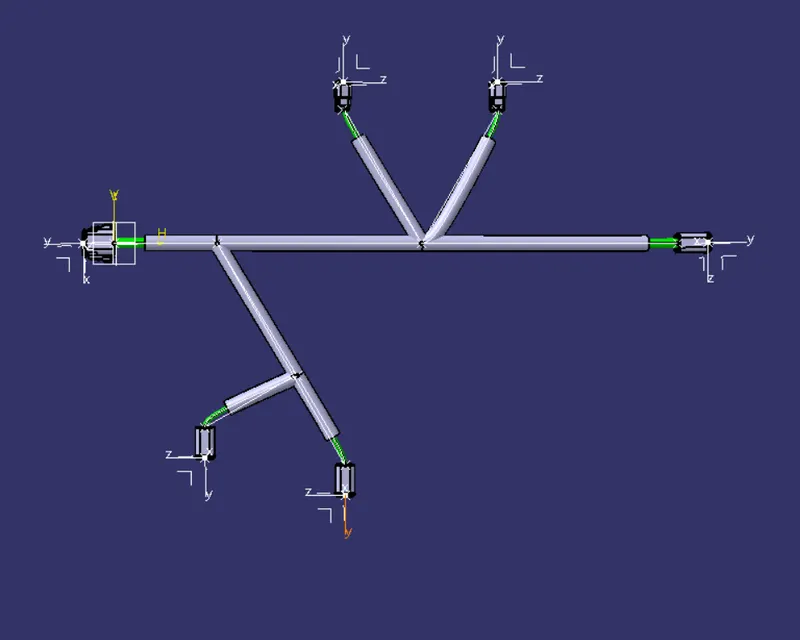
-Create a reference line so to use connections by using Multi-Branchable
-Connect the Electrical parts each other as reference lines are shown
-After that,cover the connections by using Protective Covering