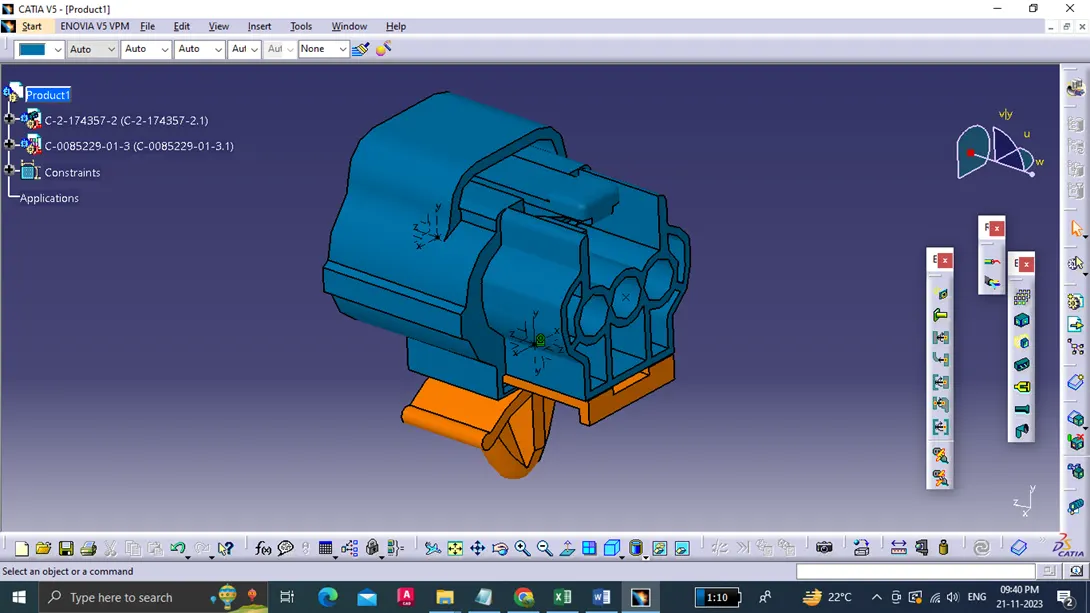
Wiring harness design in CATIA V5 - 3D modeling Week 2 Challenge
1. Deutsch DT06-08SA:
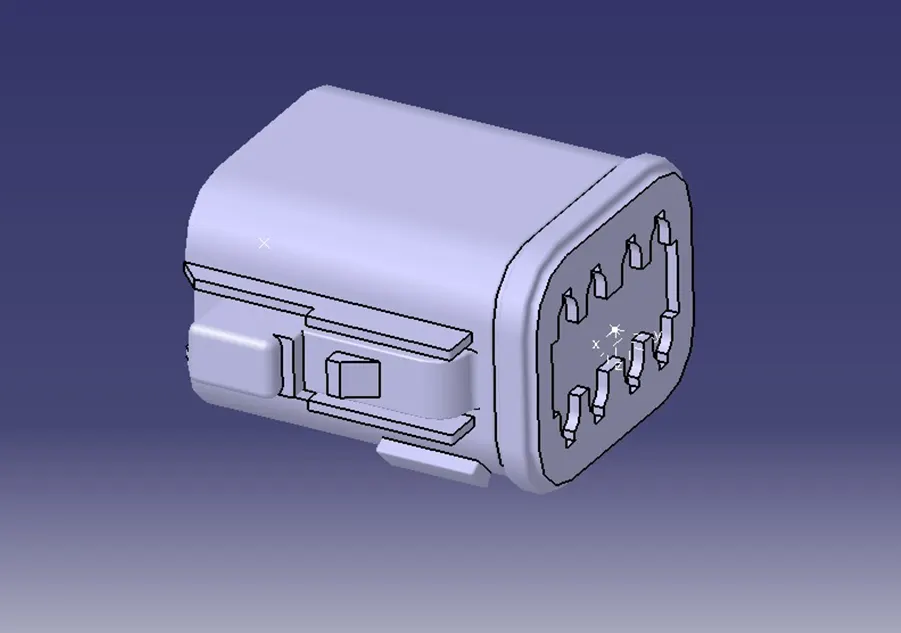
I downloaded the cad model from the te.com website and loaded into the catia software.
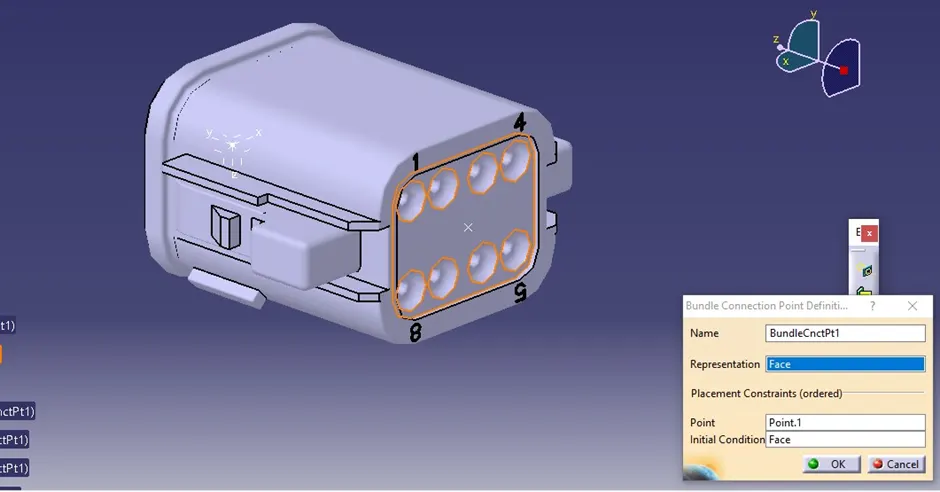
Then I define the connector connection point, Bundle connection point and cavity connection point by using point between command.
Bundle connection point:
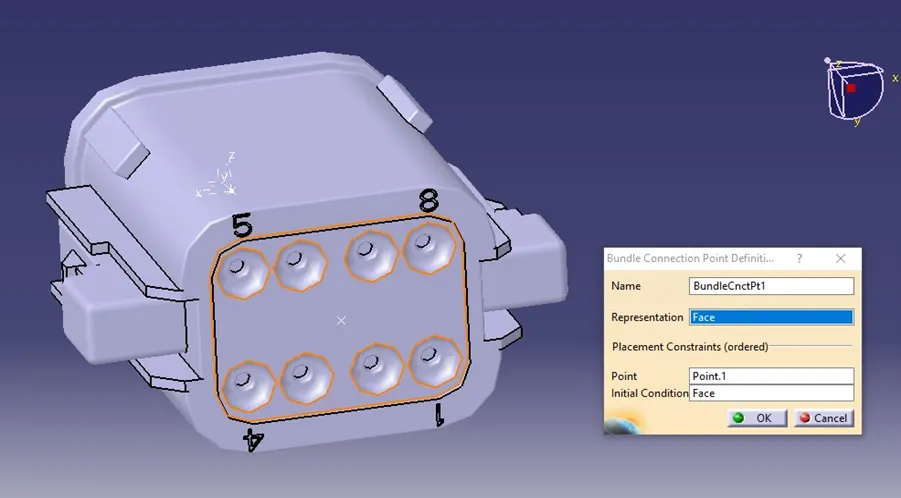
Bundle connection side:
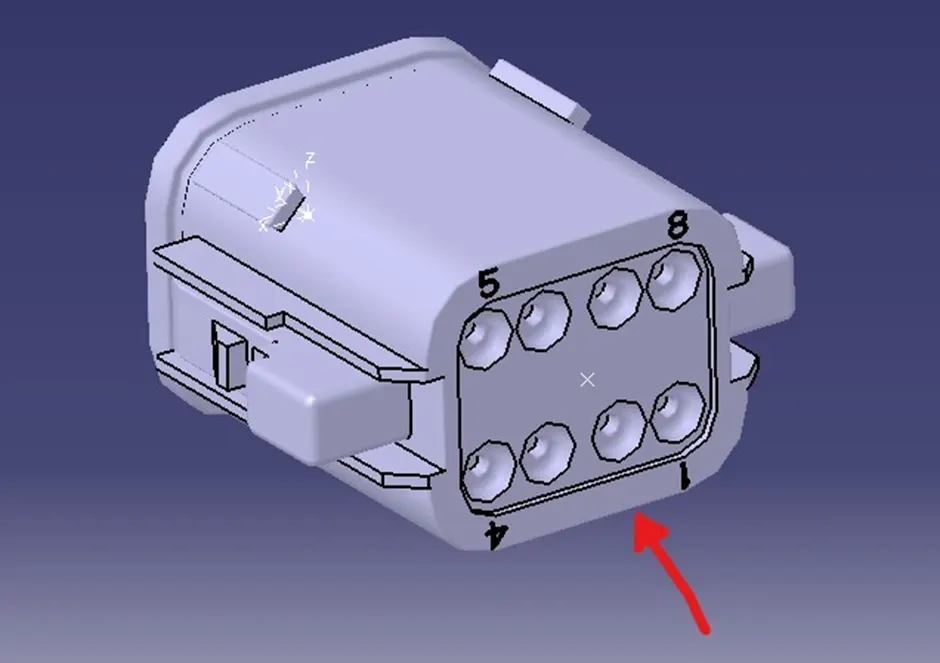
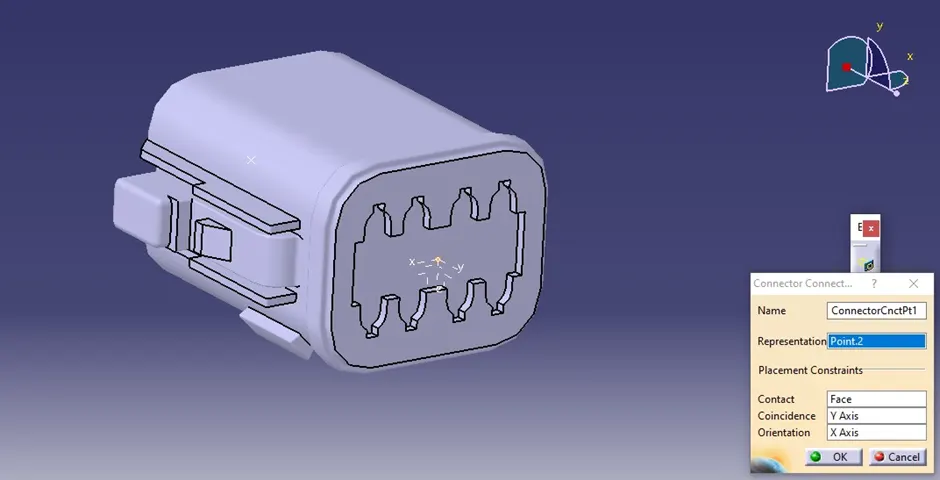
Connector connection point:
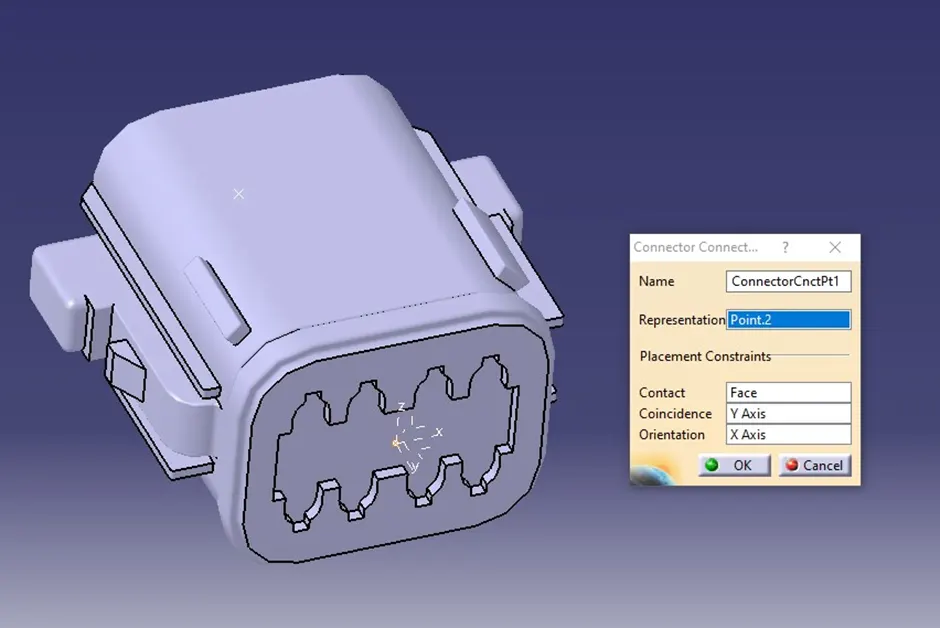
Connector connection side:
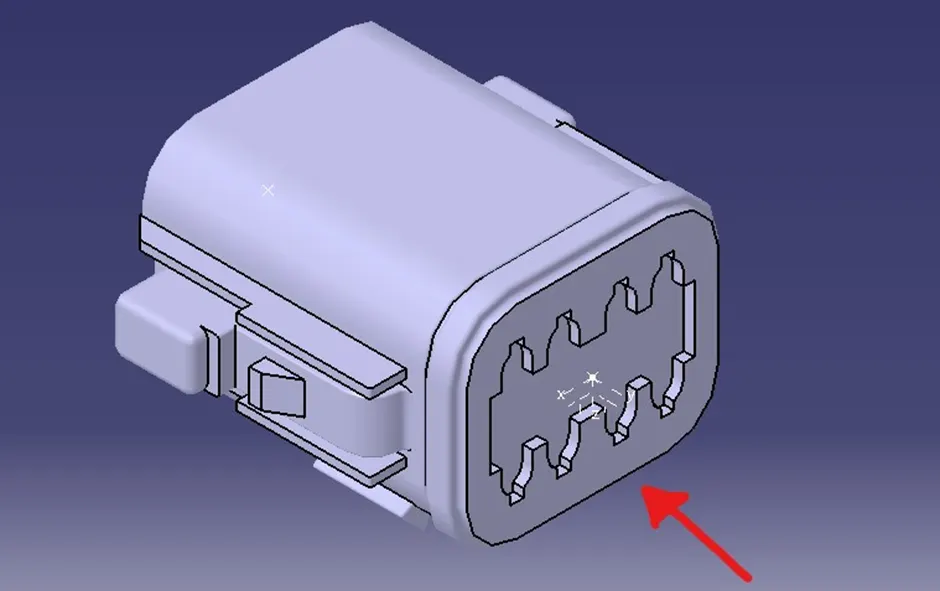
After identifying the connector connection point and bundle connection point. The workbench has switched to the electrical part design.
Initially part has to be defined as an electrical part after that we have to define the connector connection and bundle connection.
2. Tyco 174357-2:
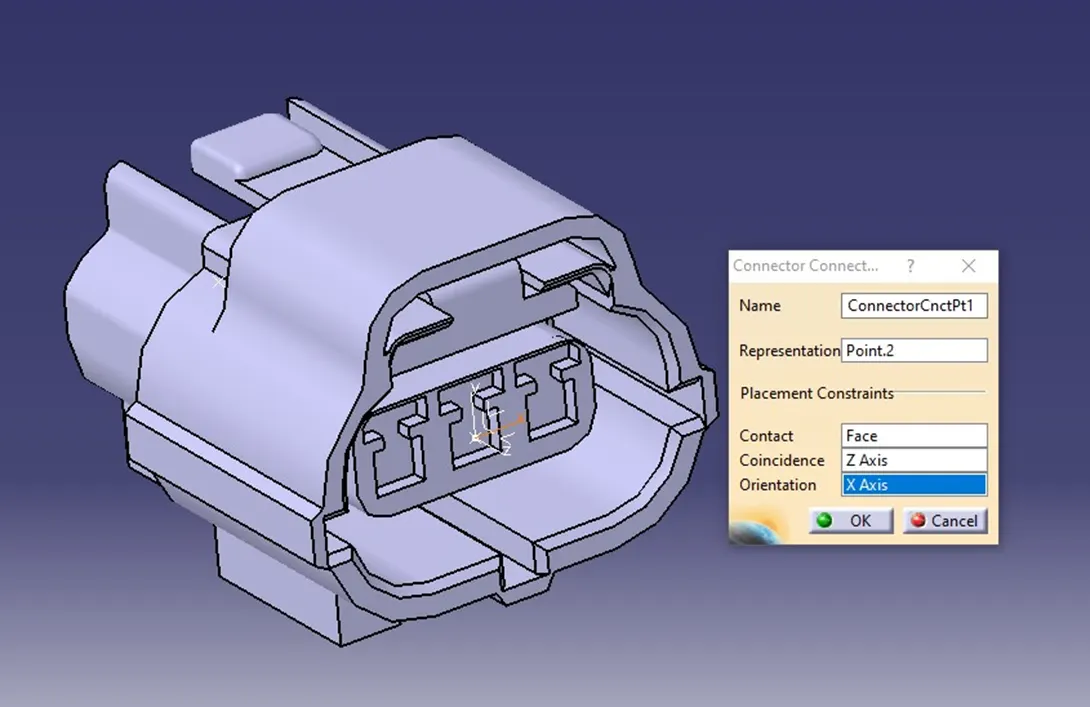
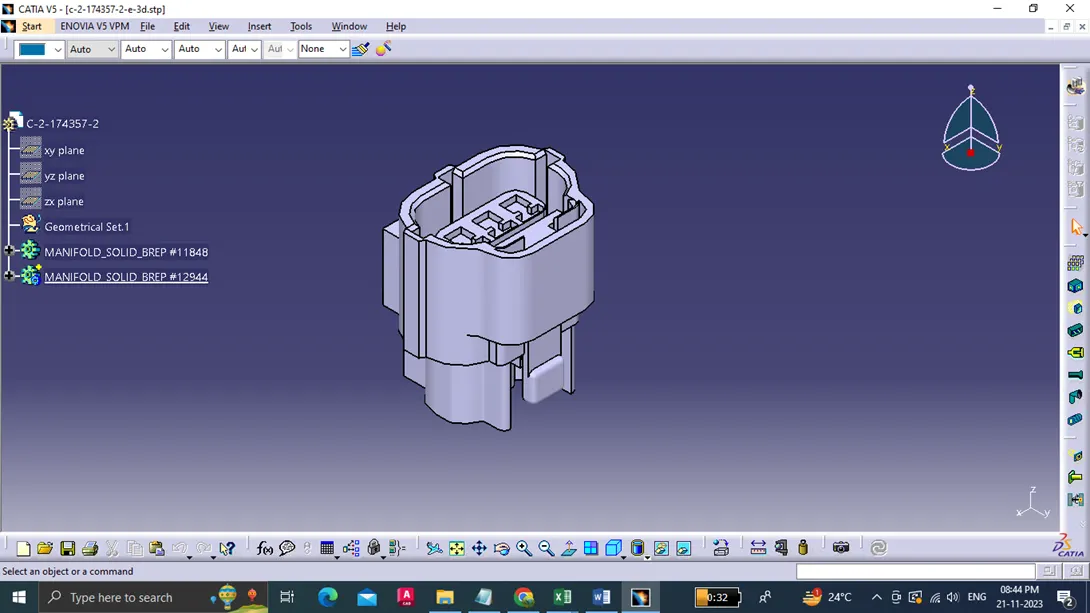
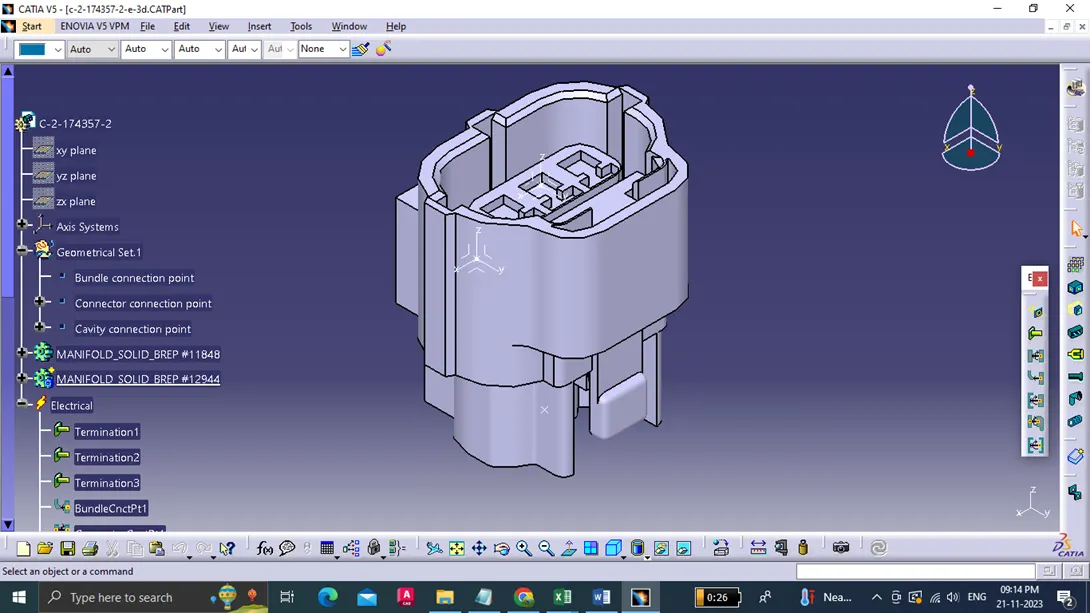
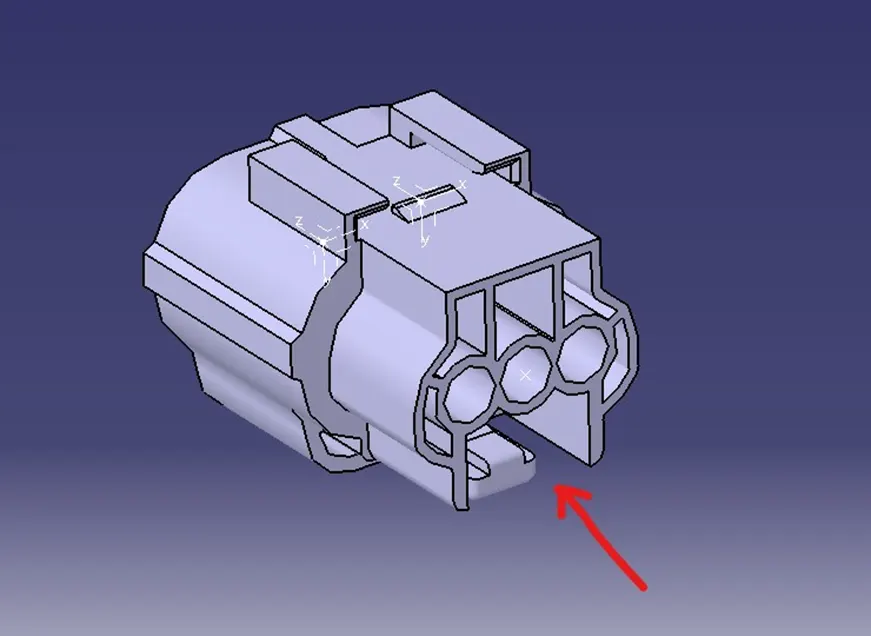
Bundle Connection side:
Cavity connection:
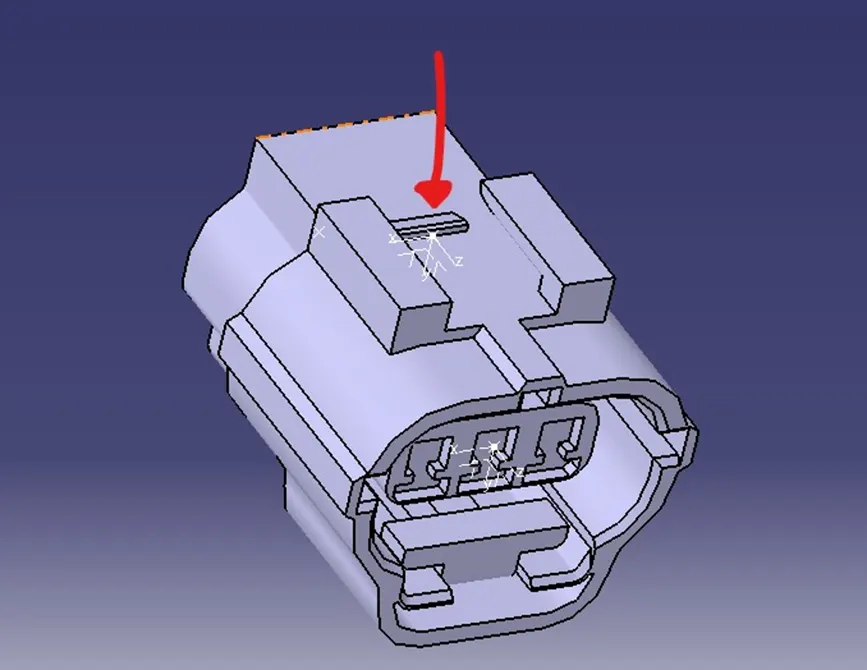
Connector connection :
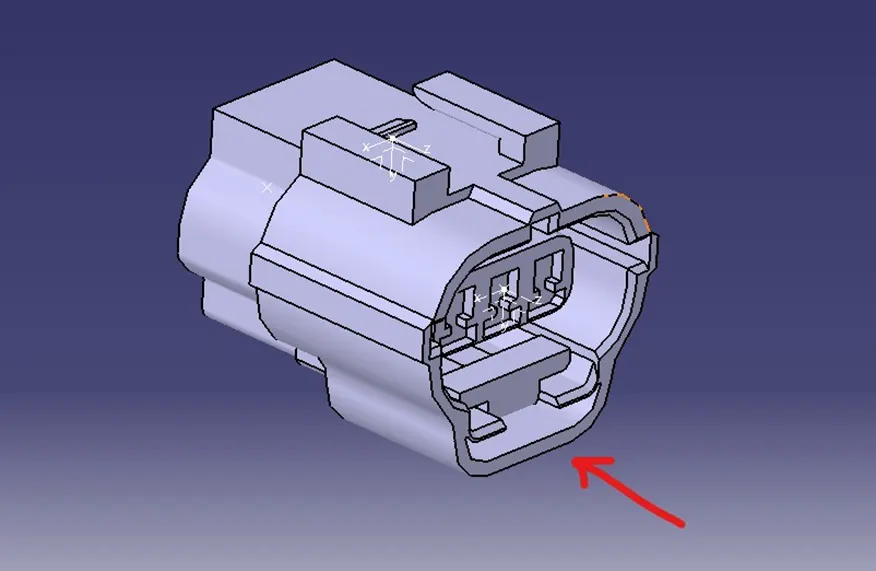
3. Tyco 85229-1 :
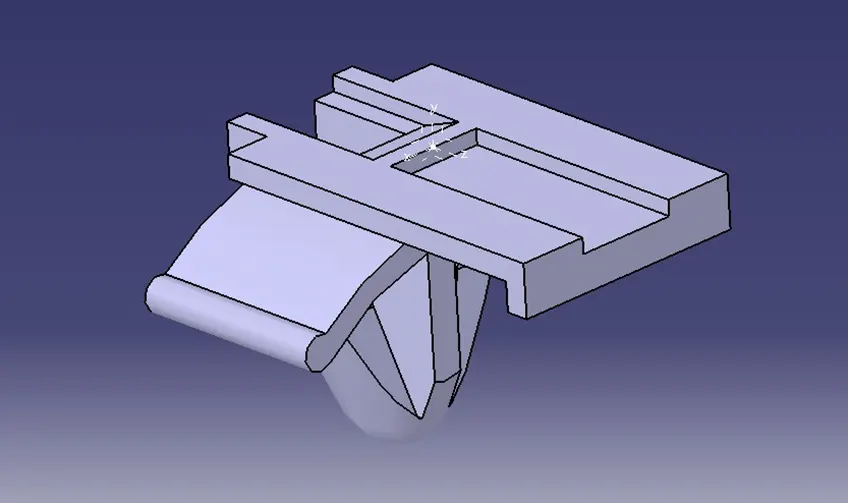
This Mounting clip is defined as a Mounting equipment using electrical part design workbench. The axis system is created at the mating part of the cavity connection point, where the X,Y,Z axis are placed at the direction of the locking mechanism of the clip, mating front face of the cavity and in the point across the cavity from left to right respectively.
Assembling of electrical parts:
Assembling of electrical parts is done by a command called connect electrical devices in the electrical assembly workbench.