Wiring harness design in CATIA V5 - 3D modeling Week 2 Challenge
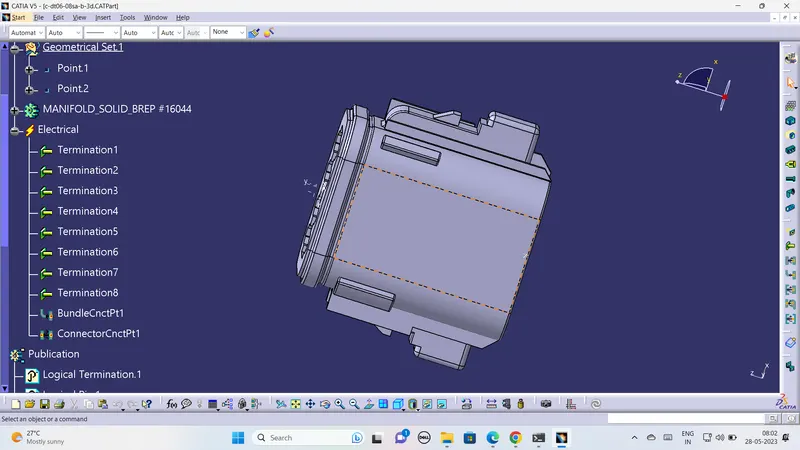
1st we have to create point on the both sides of the connector. And we to make axis on mating face after creating of point and axis we have to apply electrical properties of bundle connection face and connector connection face on the electrical workbench by defining 8 number of terminals .The image of connector which attached below
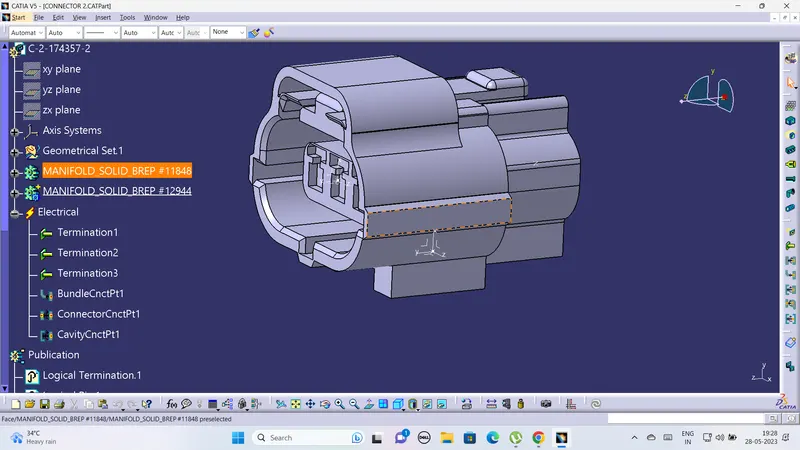
1st we have to create point on the both sides of the connector. And we to make axis on mating face after creating of point and axis we have to apply electrical properties of bundle connection face and connector connection face on the electrical workbench by defining 3 number of terminals .The image of connector which attached below
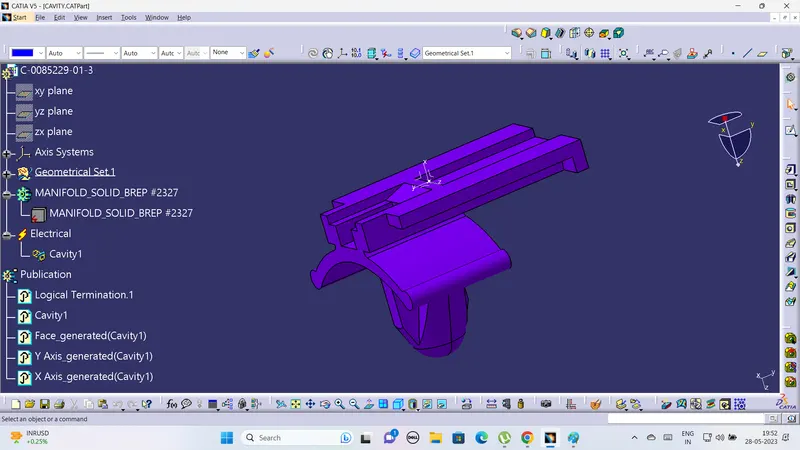
and here it having cavity connection fave in this connector so we have to create point and axis on the cavity conectionface of the connector the image which is shown below
In cavity conector clip also create a point and axis on the face of cavity whic is shown below
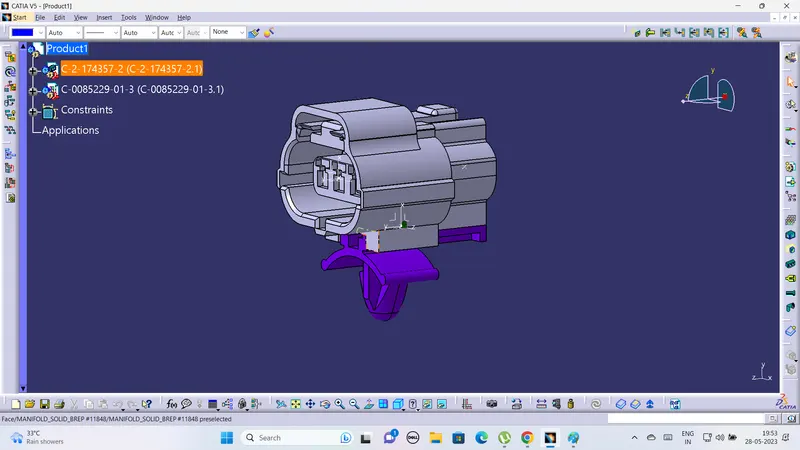
in electrical assembly work bench we have to copy the both cavity and connector and make a assembly of cavity and connector and make constraints which is shown below .While assembling the cavity and connector we have to define the cavity as define mounting equipment .