Week 9 - Project - Master Section Development
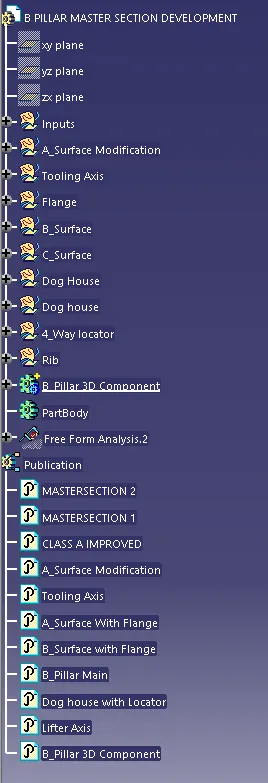
Creating the 3D model forgiven Master section.
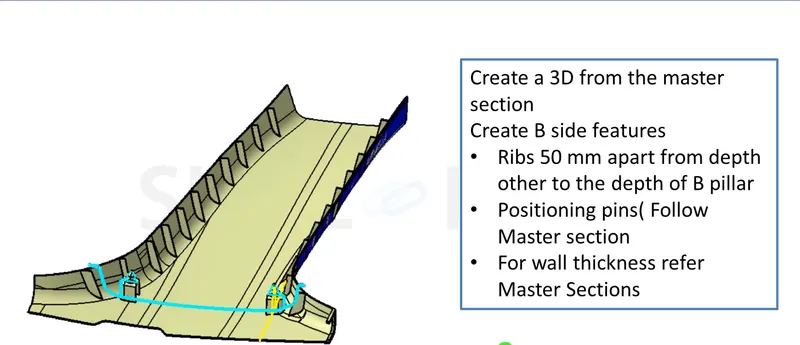
Received master Section
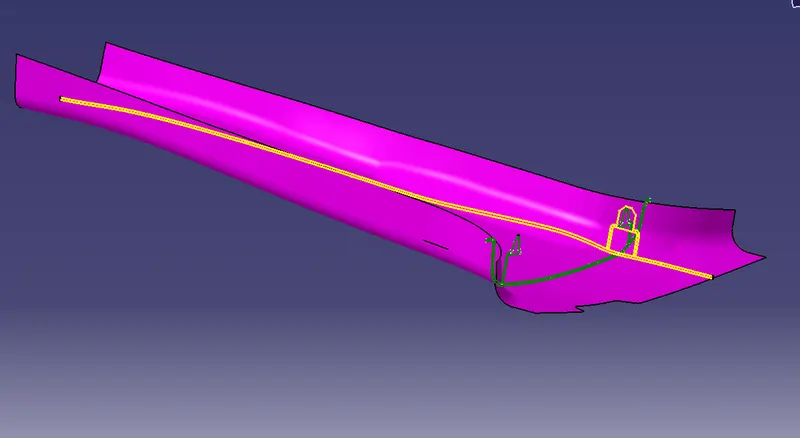
step_1 checking draft analysis
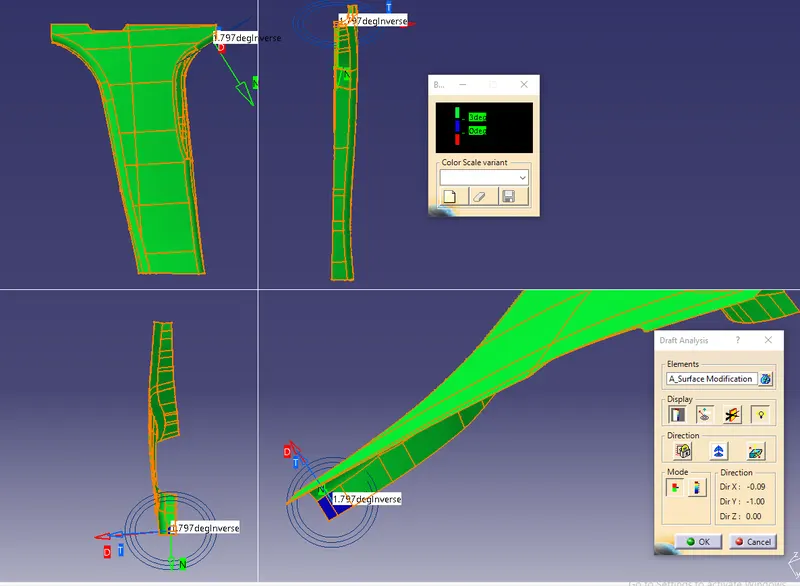
Draft analysis is Done.
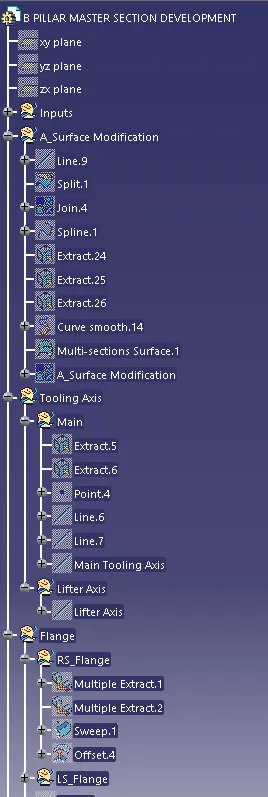
As we check in the question there are flanges in the diagram so 1st we have to create the flanges
step_2 created the flanges to the A_Surface
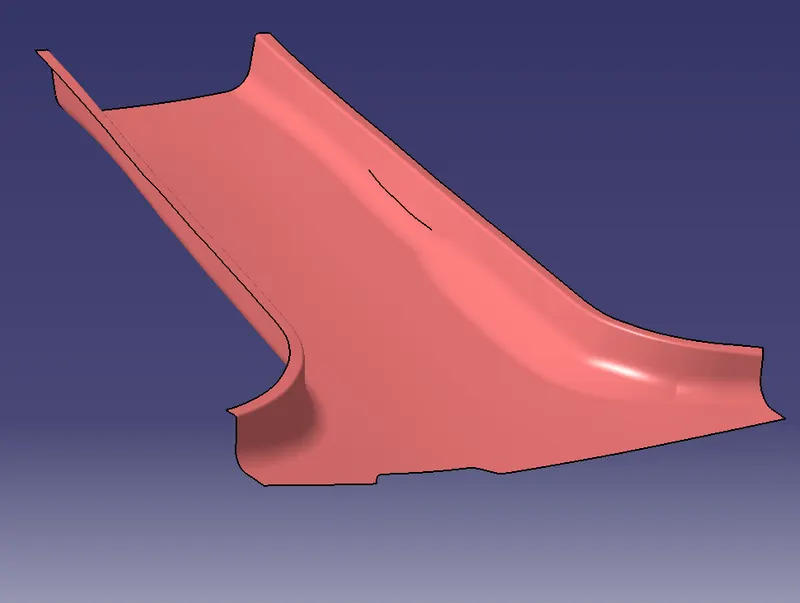
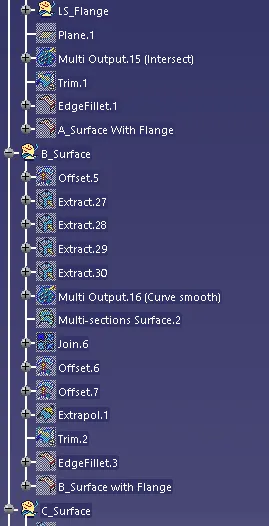
Step_3 Created B_Surface with the offset value of 2mm
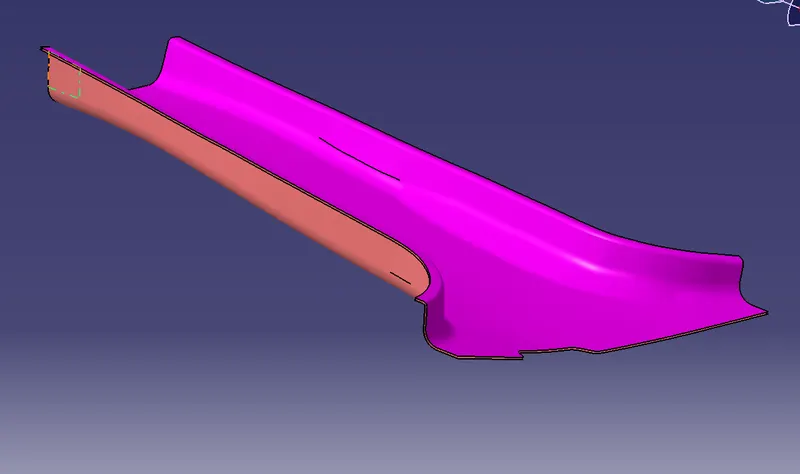
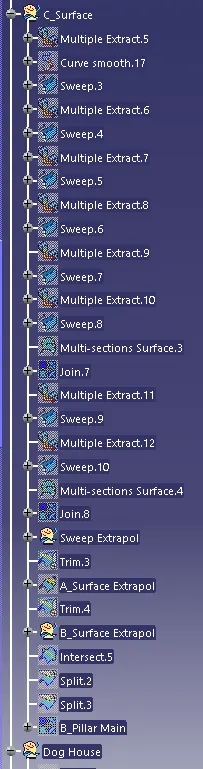
Step_4 Created C_Surface
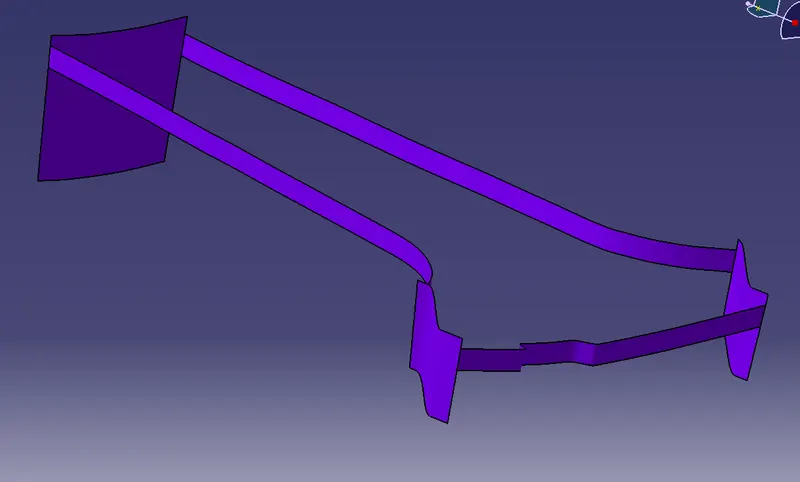
Step_5 I have A, B&C_surface next I have created a 3D element by using trim and join commands.
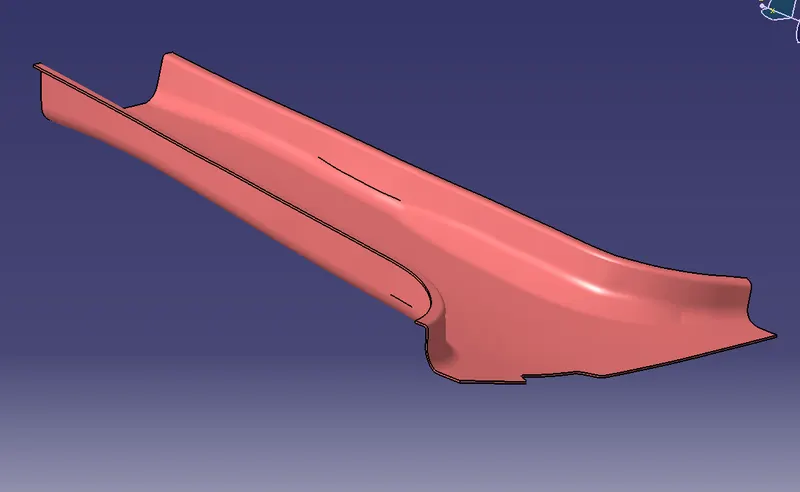
Step_6 checking the draft analysis
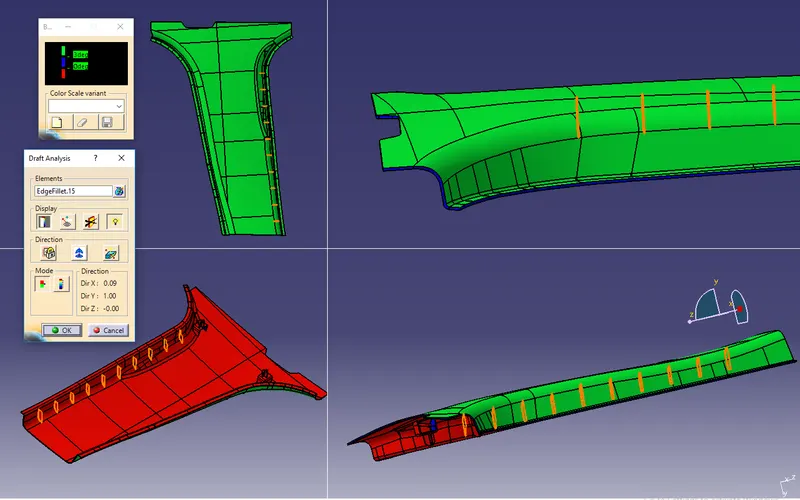
The component is to pass the draft analysis
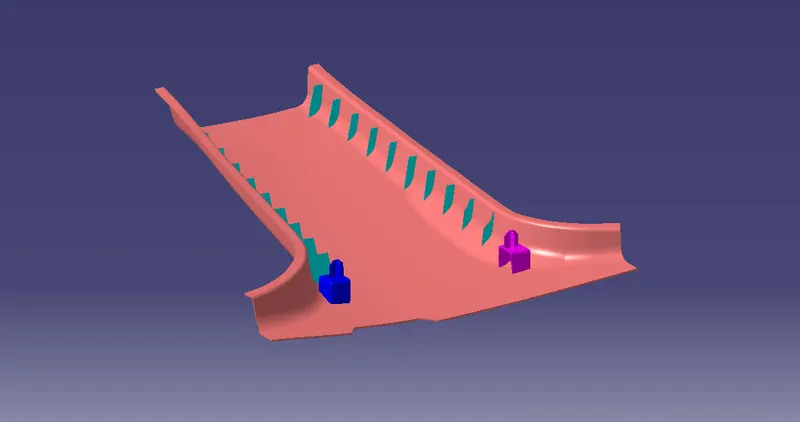
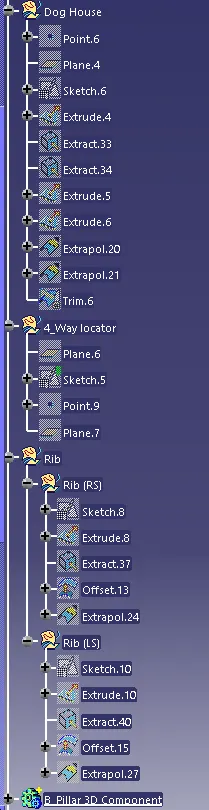
Step_7 Created Dog House & Locator
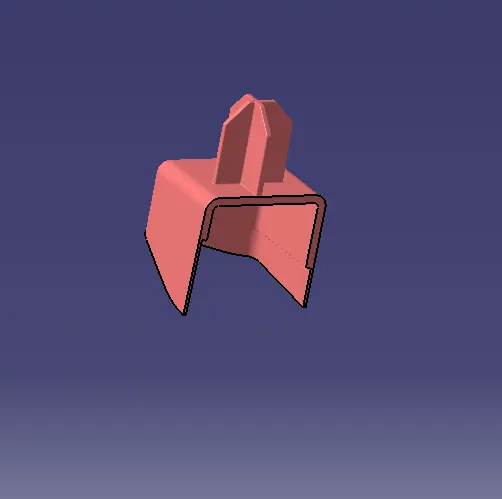
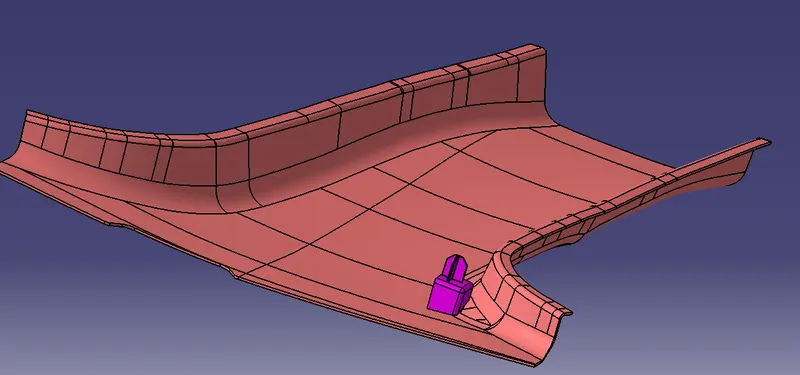
Step_7 Checking the Draft analysis for the Dog House and Locator (outer surface)
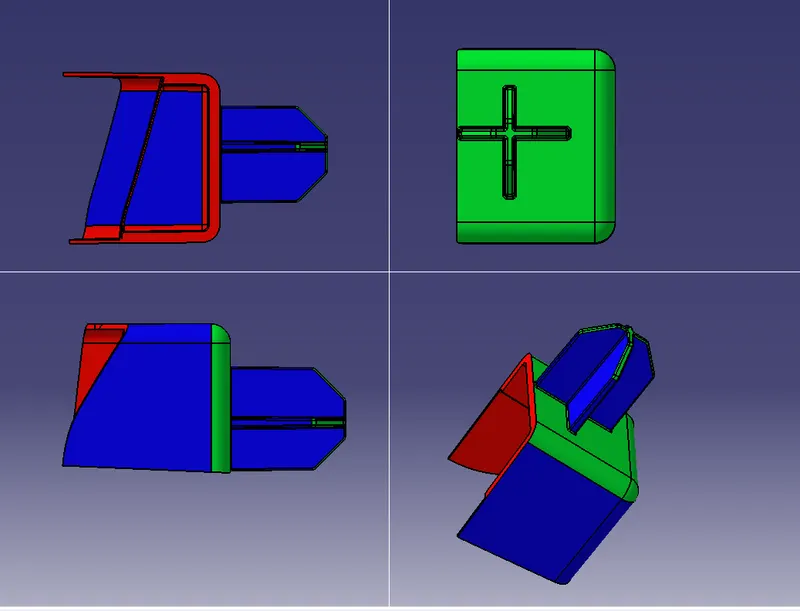
Step_8 For checking inside I have created the lifter axis and check with that axis
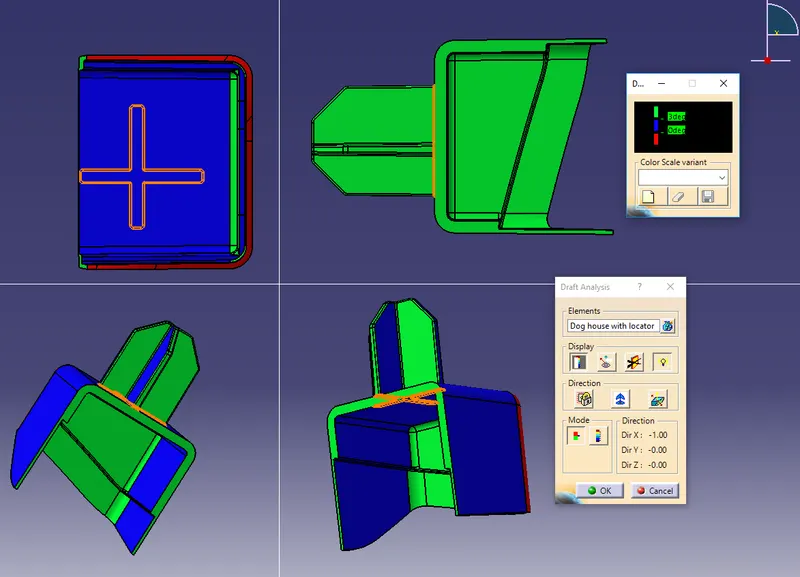
Draft analysis is pass
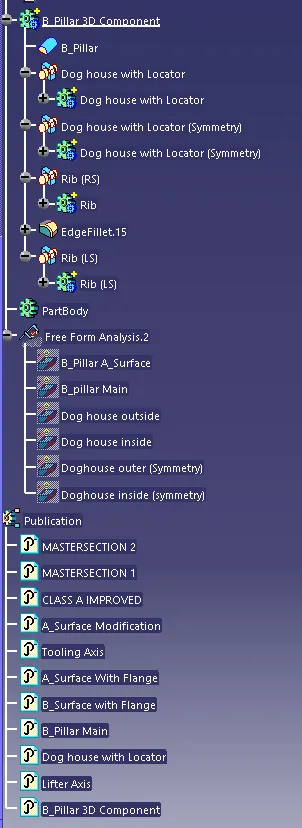
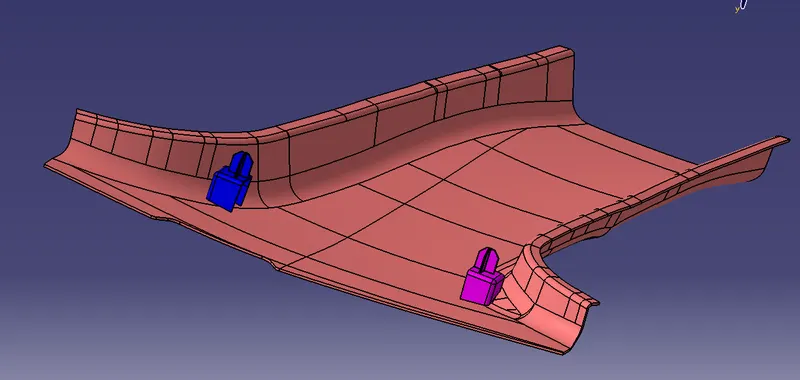
Step_9 symmetry the Dog House & Locator to the other side
Step_10 Created the Ribs I created one rib on RS and by using the Translate command make it 10
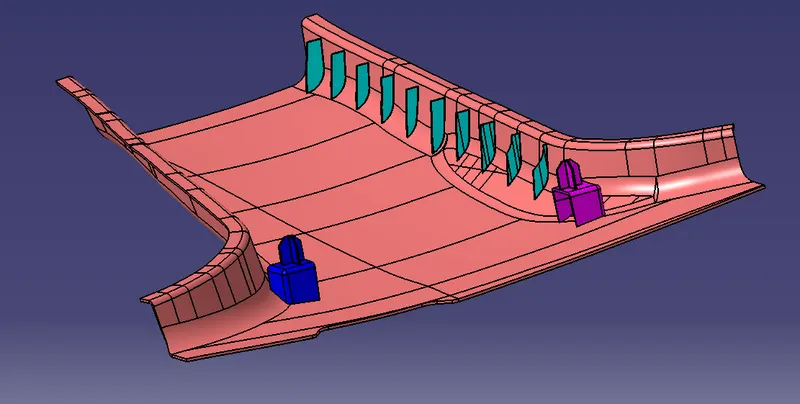
Step_11 Created rib on LS and by using Translate command make it 10