Week 9 - Project - A pillar Design with Master Section
AIM : To create A pillar plastic component using Class A surface.
- To check continuity of Class A surface.
- To create a tooling direction.
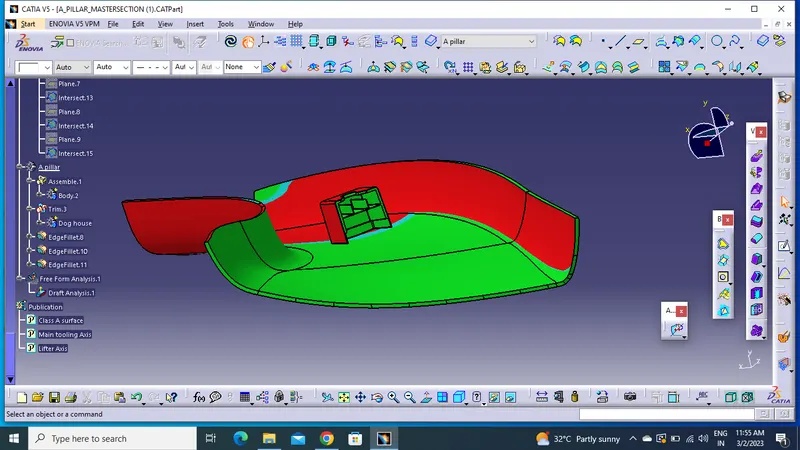
- To perform draft analysis of the plastic component.
- To create Class B and Class C surface using Class A surface and make a closed Body.
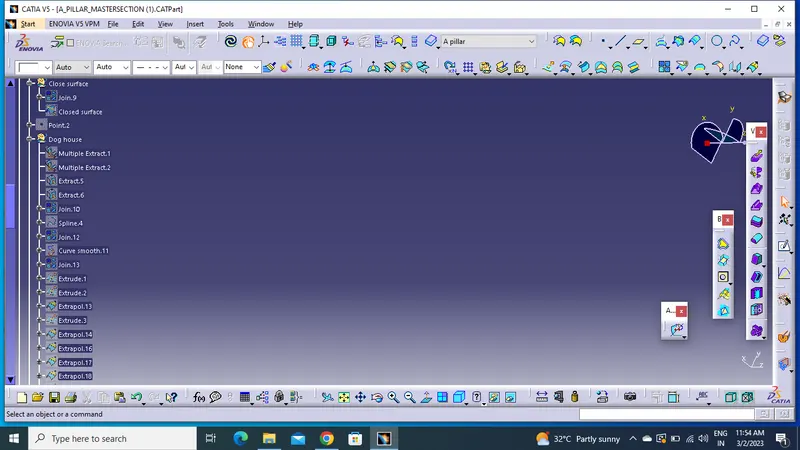
- To create Dog House considering the design guidelines.
- To perform the Draft analysis on the final component.
INTRODUCTION
MASTER SECTION: Master sections development takes place during feasibility check and concept validation stages of the product life cycle. These are typically the guides for design requirements and which decides the component packaging after the development of the concept design, i.e class A surfaces.
Master section helps us to decide the feasibility of the concept design, the clearances, the packaging and the fixation strategy of a component before converting the concept design into a solid 3D engineering design.
During the period of vehicle concept design the evaluation of the master section performance depends mainly on the reference vehicle data and experience of structure design engineer.
IMPROVING THE CLASS A SURFACE
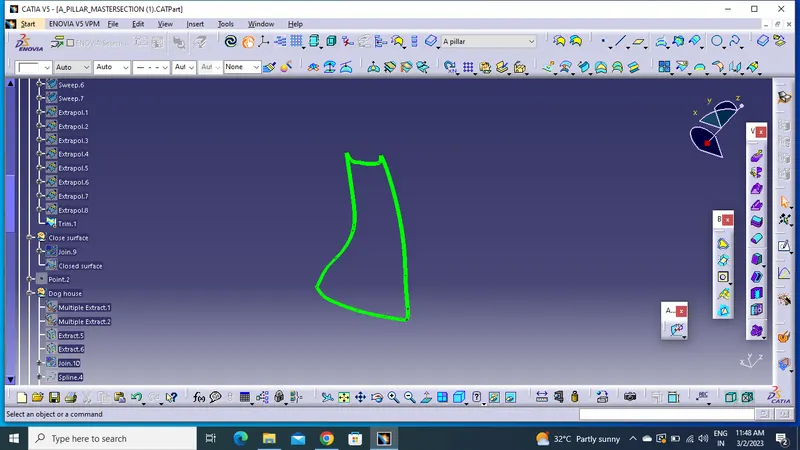
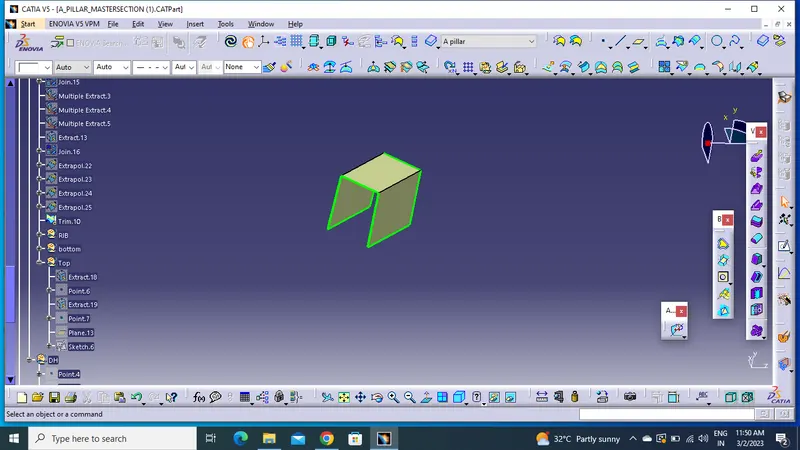
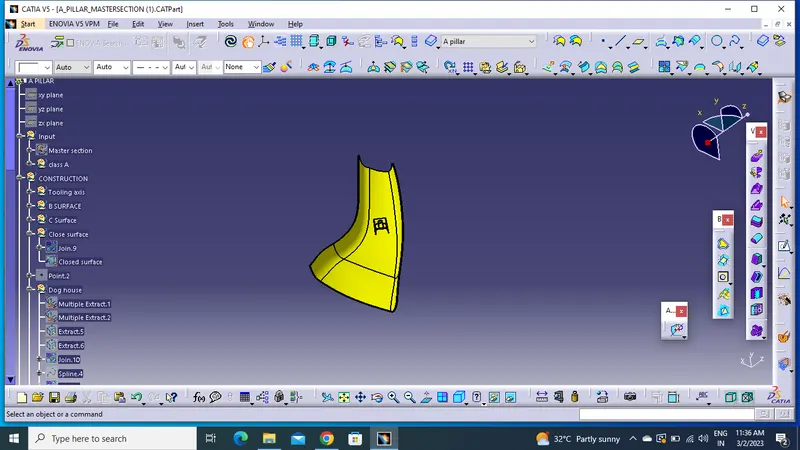
The given class A surface is not a proper surface because it is lacking the side flanges so first thing that we have to do is to create the flanges on both the sides of the class A surface.
For creating flanges we will first extract the side edges of A surface and the surfaces touching these edges.
Finally we'll apply the sweep command using the "with reference to the surface" option and join the resulting edges with A surface using trim command.
Make sure that the resulting flanges are properly oriented according to the master section.
CLASS B SURFACE CREATION
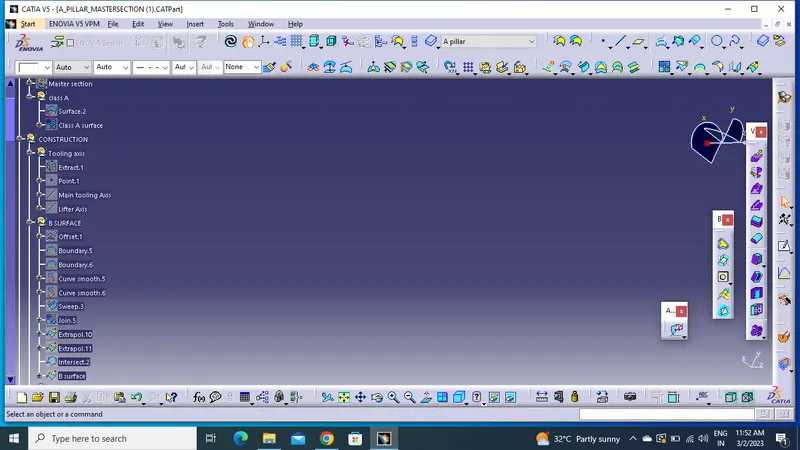
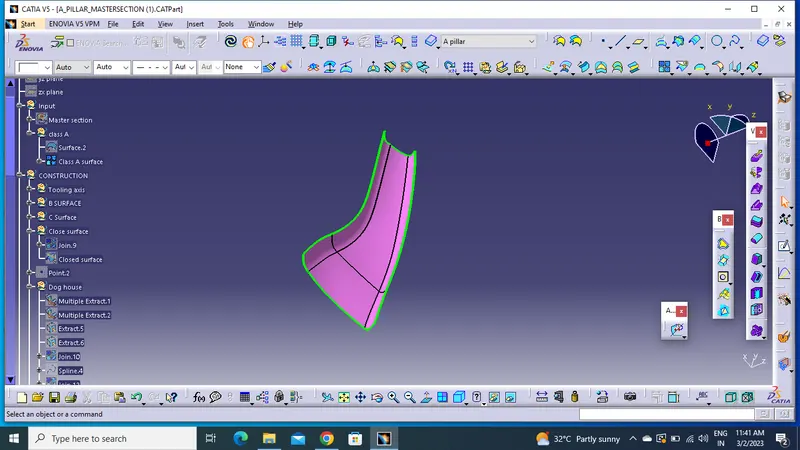
We need a thickness of 2.5mm for the A PILLAR so in order to create the class B surface we'll give an offset value of 2.5 mm to improvised class A surface.
After applying the offset command we'll see some of the patches of the resulting surface are not generating so we have to recreate those patches by using multi-section surface command.
On joining the recreated patches with the offseted surface we'll get the class B surface.
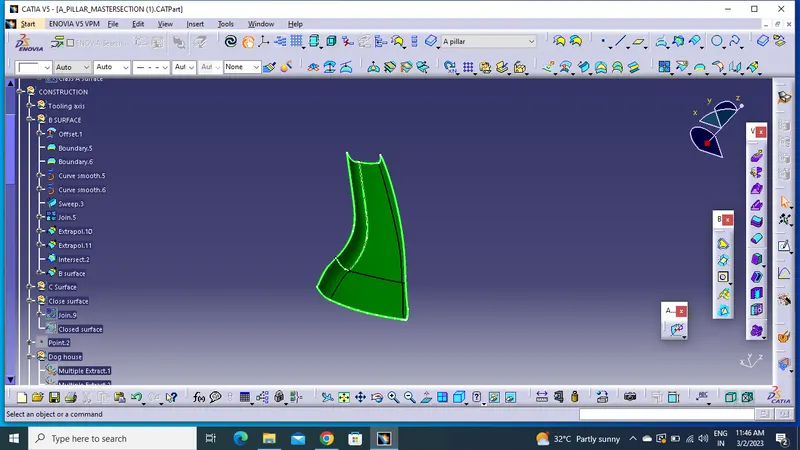
CLASS C SURFACE CREATION
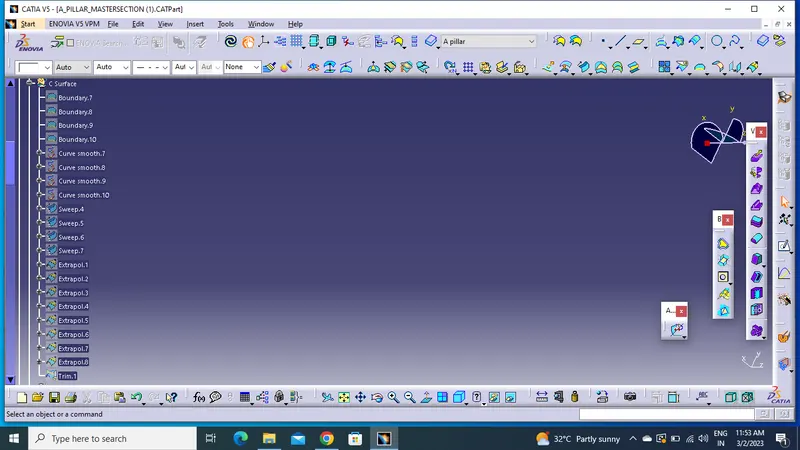
Extract the side edges, front edges and rear edges of the improved class A surface and use sweep command using "with refrence to draft" option and make the draft angle equal to 3 degrees.
For the rest of the edges use multi-section surfaces command to make surfaces inline with the major surfaces created through sweep.
Join all the surfaces together using join command.