Week 9 - Project - A pillar Design with Master Section
Objective:
The main objective of this challenge is to understand the given master section to create a solid body and B-side features for a given class A surface, by considering all the design parameters.
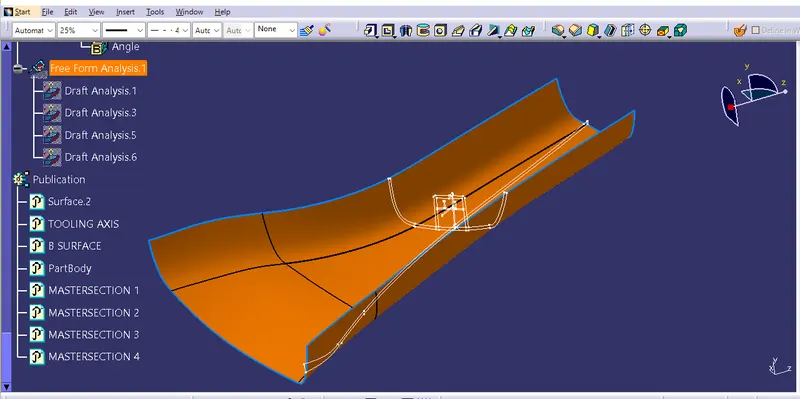
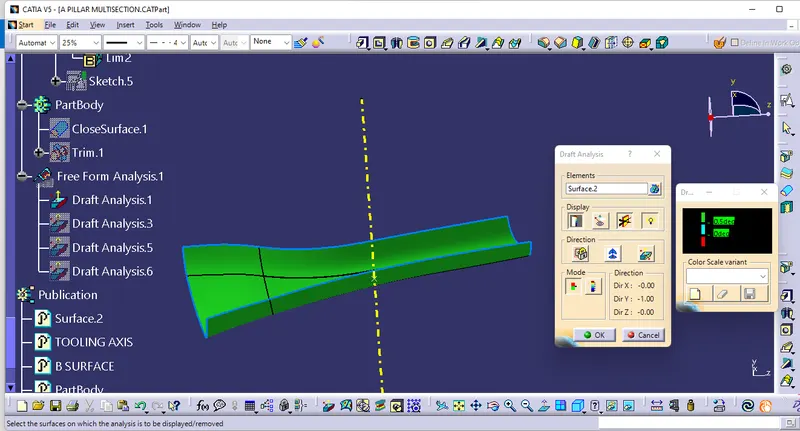
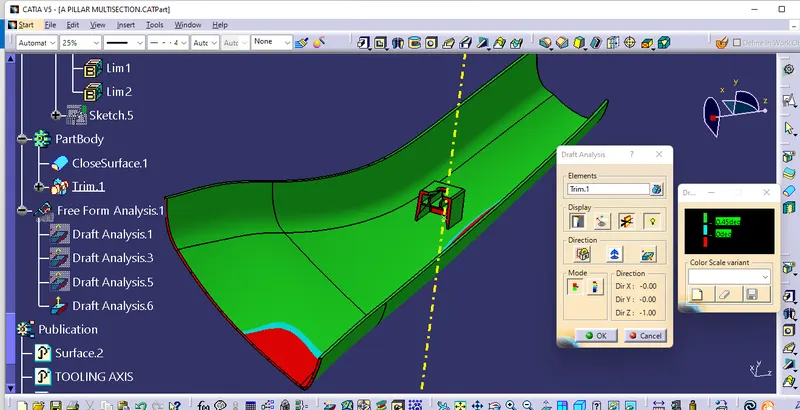
Draft analysis for class A surface:
- The craft analysis check is performed on the class A surface before we create the solid part from that class A surface, to check whether the given class A surface is drafted properly or not. The draft angle for a plastic component is 0.5deg to 3deg)
TOOLING AXIS :
- To create the tooling axis, I extracted a surface from class A and created a point in the middle of the surface by using the point command and created a line at that point through the Y-axis.
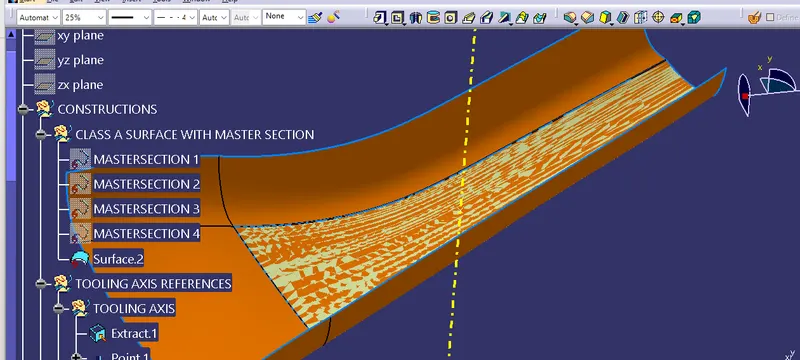
Class B surface creation:
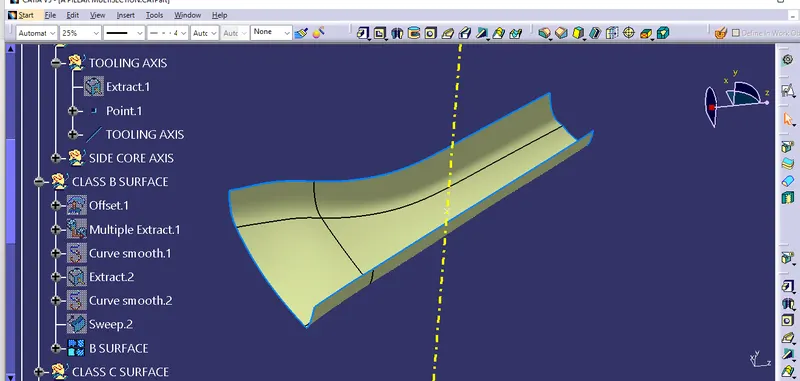
- To create the class B surface initially, I measured the thickness of the master section (2.5mm). I offset the class A surface 2.5mm to the inside direction. The styling fillets on the class A surface are not offset properly, it created the patch on the offset surface. I used the sweep command to close the patch on the offset surface.
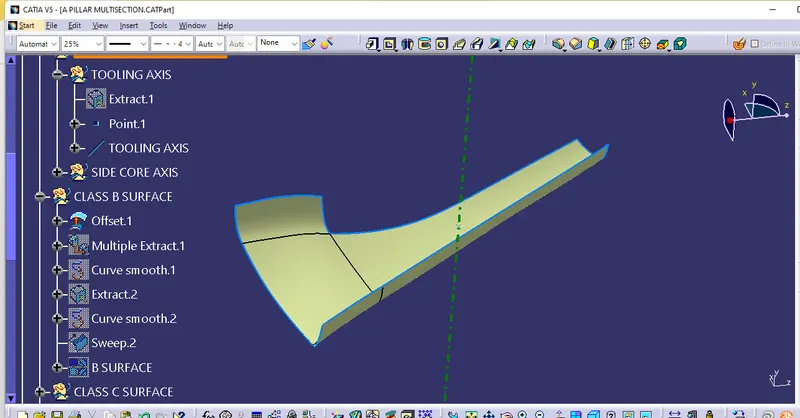
Class C surface creation:
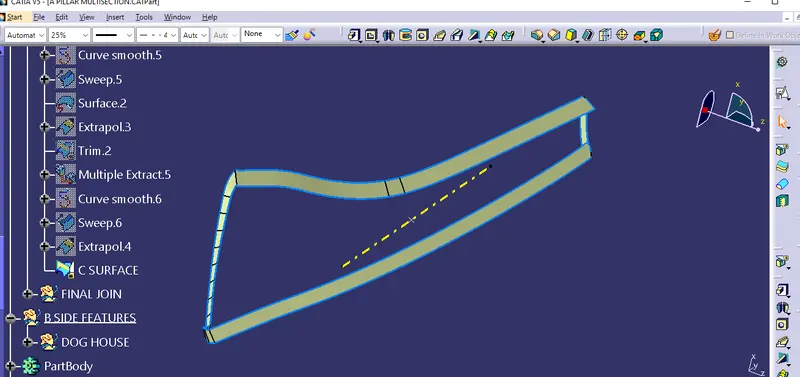
- To order to create the class C surface, I used the sweep command. I sweep the class A surface edges along with referencing the surface for with 90deg. After the creation of the class C surface, the surface edges are needed to be extrapolated to intersect properly from all 4 sides. I trim the surfaces which extrapolated, to get the closed class C surface. I joined the class A surface and Class C surface to get a single surface of class A+C surfaces. I trim the Class B surface with class A+C surface join, to get the closed surface to create the solid body.
CLOSED SURFACE:
Solid part body creation:
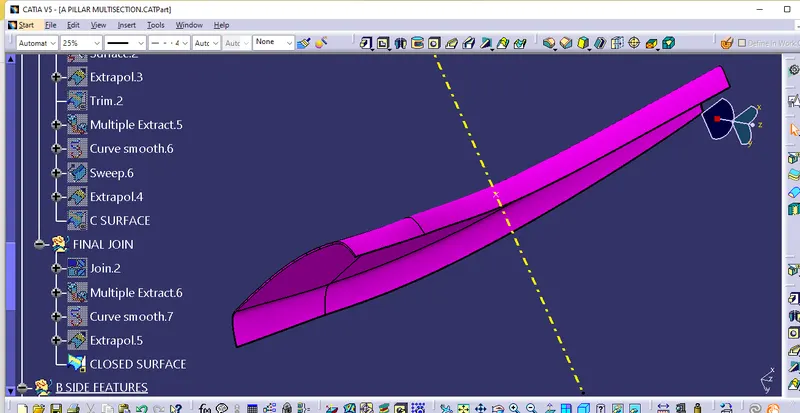
- To create the solid part body, I used closed surface command in the part-workbench. I gave the closed surface as an input in the closed surface command.
Dog House creation:
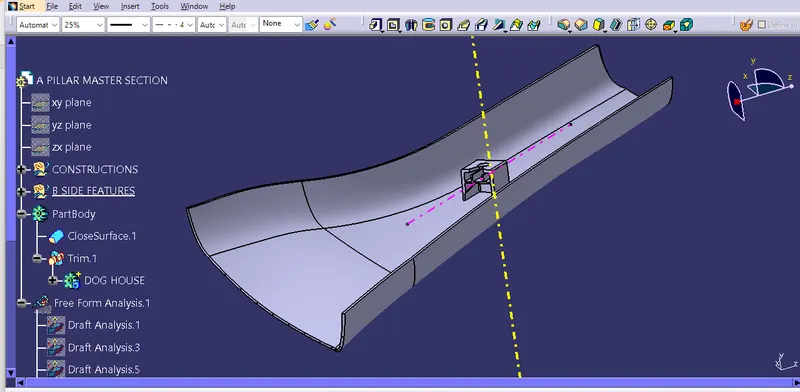
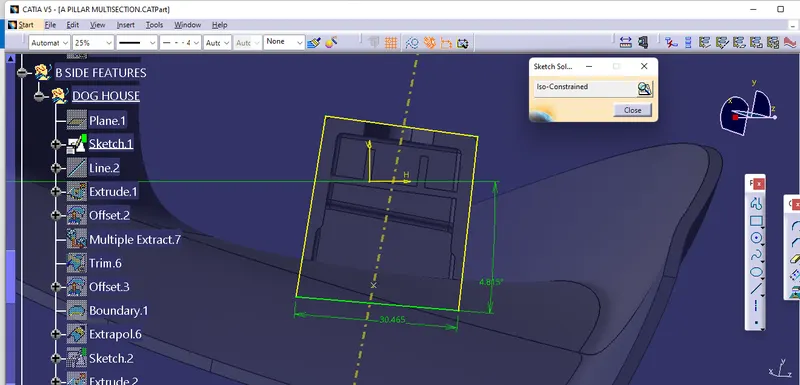
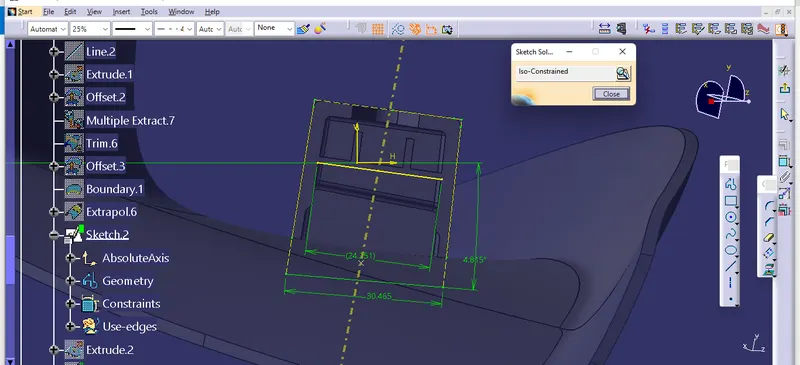
- To create the dog house on the B-side, I extracted the lines on the master section and I create a plane to extract the lines concerning the master section.
- I extracted the faces which are required to create the shell for the dog house, and I trim the surfaces with each other as per the master section dimensions.
- I thicken the shell for 2mm to inside. After thickening the surface, I gave 0.5 deg draft to inner surfaces of the dog house.
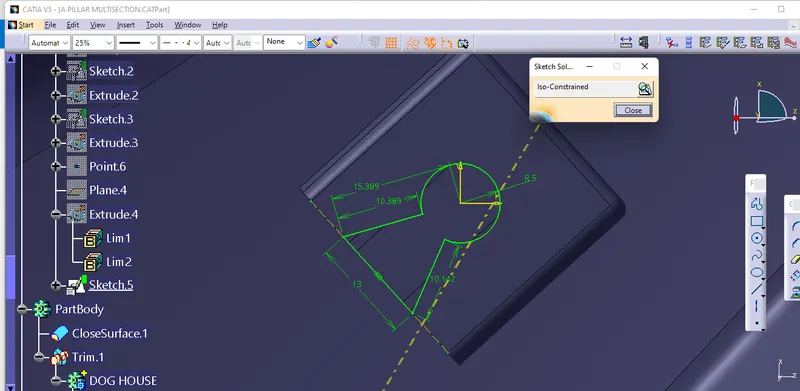
- Now we need to give the bottom cutout for the dog house. To give the bottom cutout, I extracted the surface and offset it to 1mm outside (the bottom cutout should be 40% of the thickness of the dog house)
- I created the rib base and ribs concerning the master section dimensions, and I gave a 0.5deg draft angle to the rib base and ribs. After drafting the rib base, I added the rib base and ribs to the dog house shell to make a single body.
Draft analysis for the solid part body:
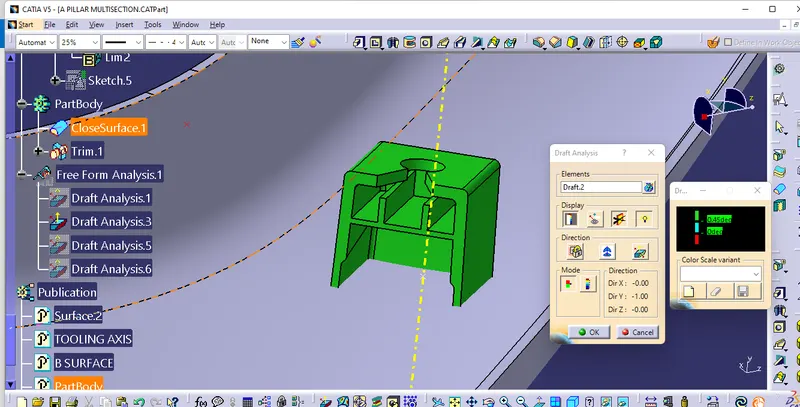
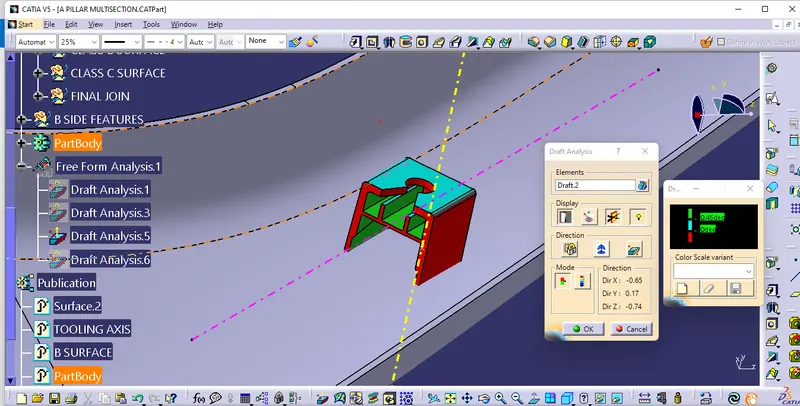
- The draft analysis is used to check the surface draft angel and to know whether all the surfaces are drafted properly or not.
- The draft angle for the outer surface of the dog house is 1.5deg.
- The draft angle for the inner surface of the dog house is 0.5deg.
Draft analysis for dog house outer surface:
Draft analysis for the inner surface of the Dog house:
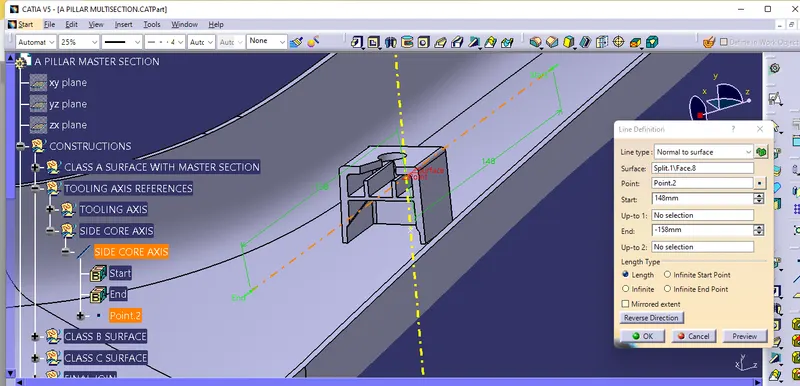
SIDE CORE AXIS:
ISOMETRIC VIEWS:
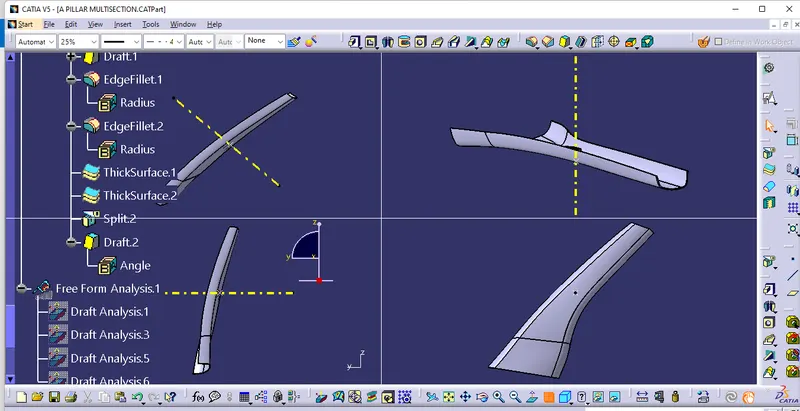
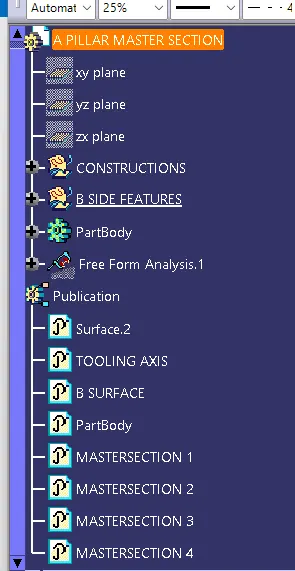
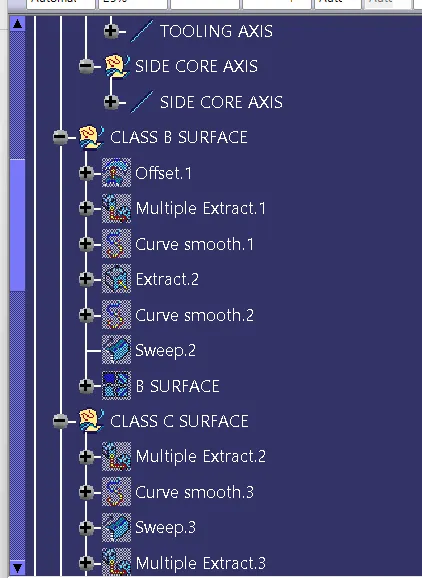
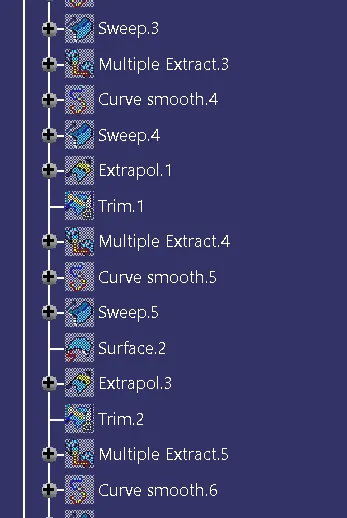
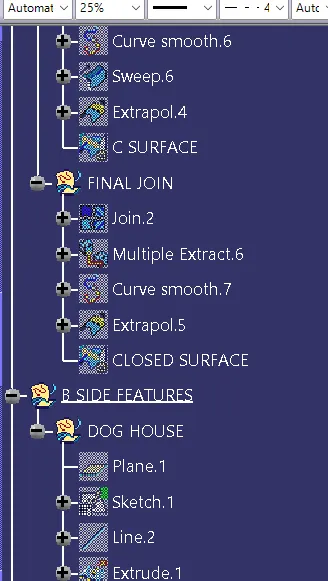
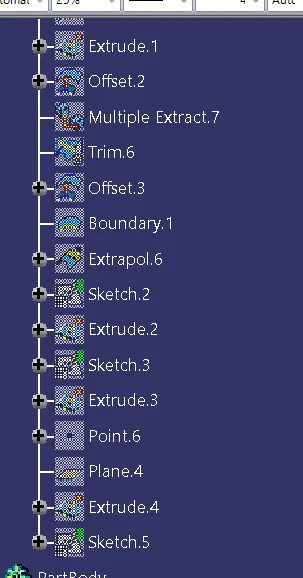
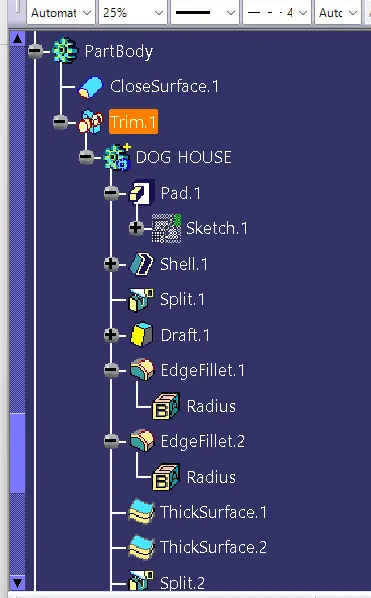
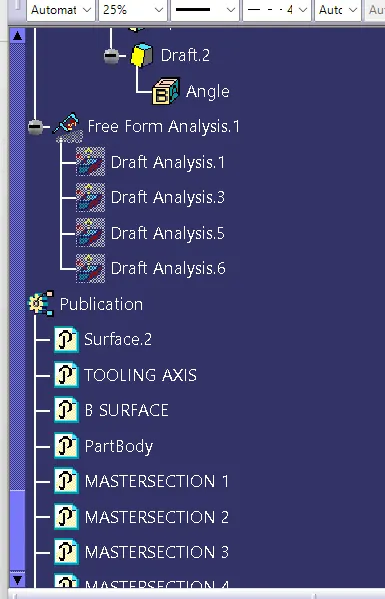
TREE STRUCTURE:
CONCLUSION:
Hence, the dog house for A pillar was created by using master section,and the Draft analysis performed on the final component is successfully done.