Week 9 - Project - A pillar Design with Master Section
Detailed Report
Hello this is Mohit Srivastava.
This is the Detailed Report of Door Trim Lower Plastic Component. In which we just talk about How to make (Tooling Axis, Class B Surface, Class C Surface, Dog Houses and Ribs.)
Bisecting Method
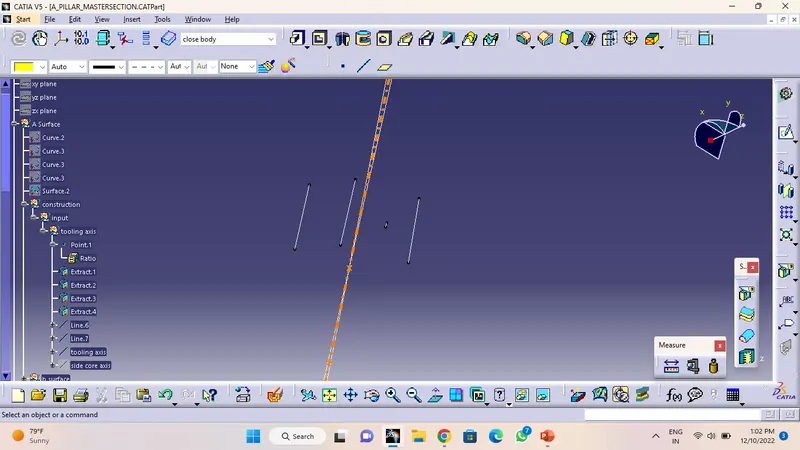
Bisecting Method is the one of the method of making of Tooling Axis. This is the one of the most common method of making Tooling Axis.
- In this method firstly we have to make a Extract of a line of given master section .
- After Extract we have to make a bisecting line in between two line that we exteact from master section.
- After this make another bisecting line in between other two extract line.
- And after this Select a Line command and choose a Bisecting Line. And make a Bisecting line with reference that Two line which we make.
- And Finally Tooling Axis Made.
Draft Analysis
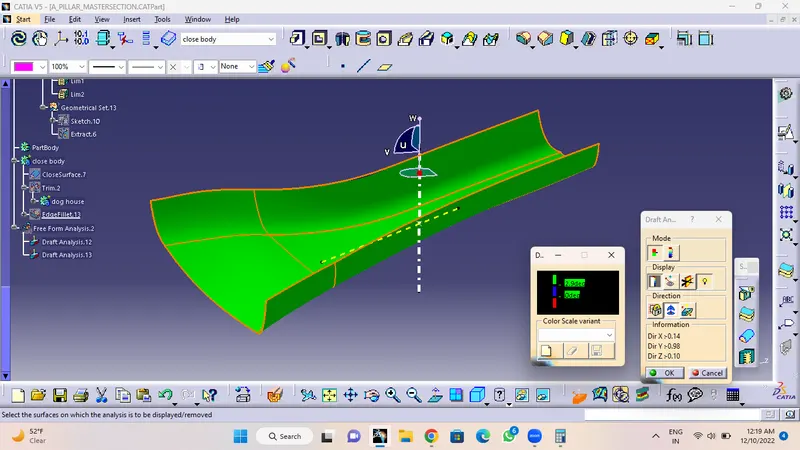
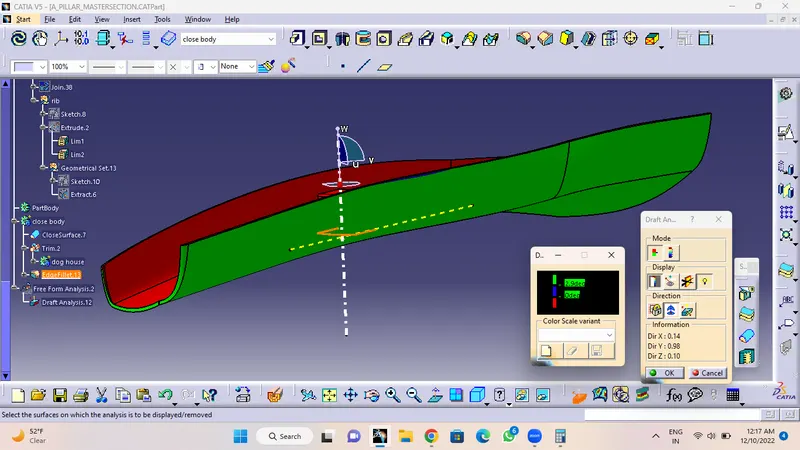
Now we have to make draft analysis of a class A surface and check the component.
Class B Surface
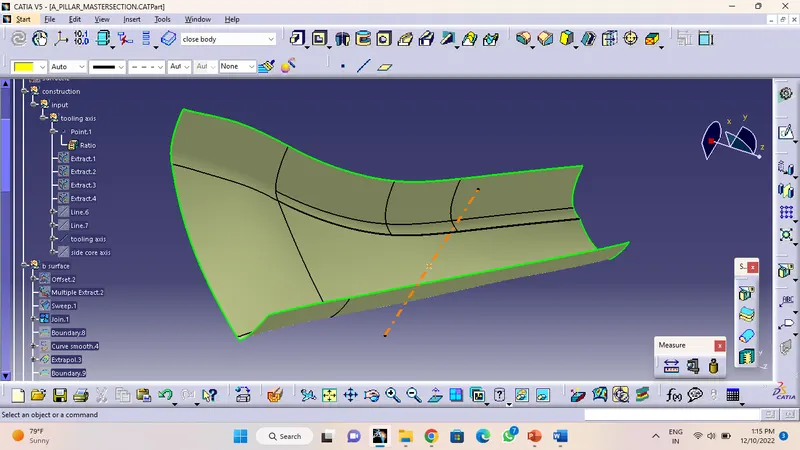
- Firstly we have to make offset a Class A Surface of a 2.5mm.
And after a offset we just saw that there is one patche is not offseted.
- So I make a multiple extract of that area.
- And after multiple extract of taht area I just do a sweep with reference to surface.
- And after sweep just use join commend to join it with each other.
- And now Class B surface is made.
Class C Surface
For making of Class C Surface we use sweep commend where we use 2 option with reference surface or with draft direction
- Firstly we make boundary on a Class A Surface In a 2 step and make a Class C Surface in a 2 step for making accurate or proper.
- After this select the 1 boundary and sweep it with reference to surface.
- And after this select the 2 boundary and sweep it also
- Make sure that the sweep length should be minimum according to the thickness of the component Like 3mm.
- After sweep extrapolate the 4 edges of both sweeps. And trim them to join.
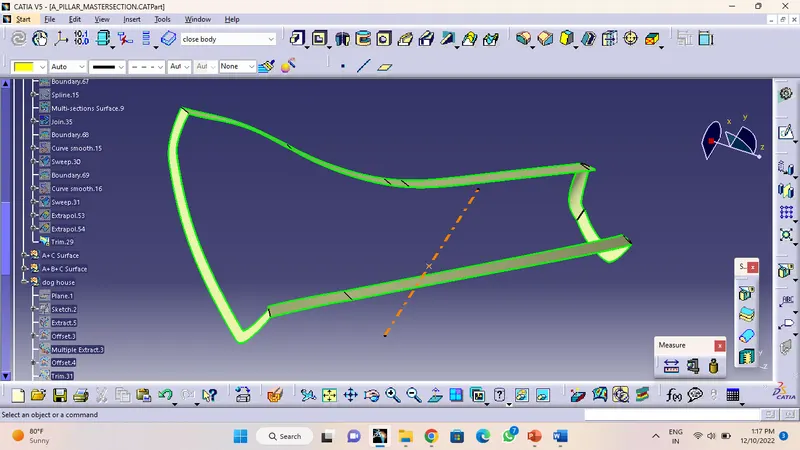
A+C Surface
- For making a A+C Surface just use join commend and select the Class A Surface and Class C Surface.
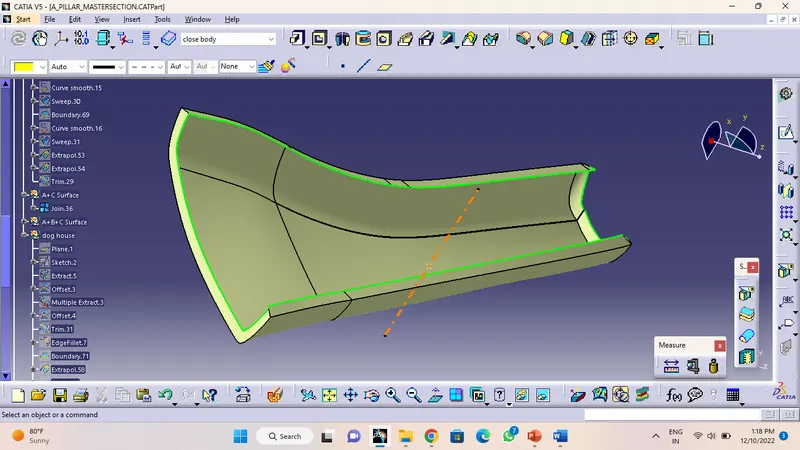
A+B+C Surface
- For making a A+B+C Surface just use trim commend and select A+C Surface and B Surface and trim it.
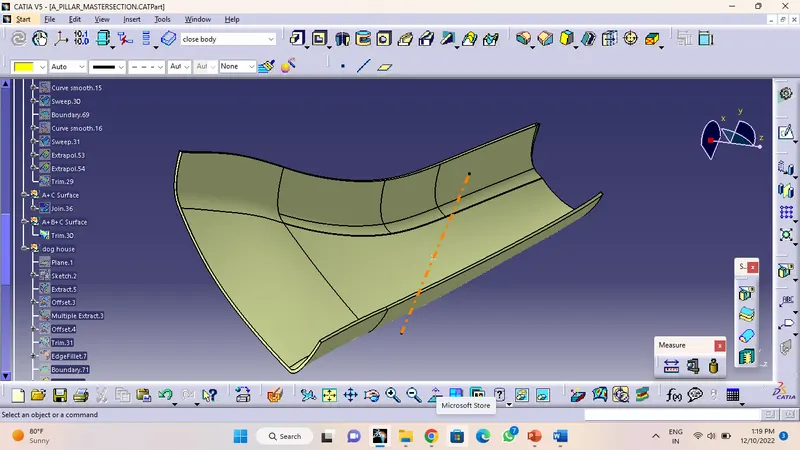
Close Surface
- For making a Close Surface we go on a part workbench and use close surface which is inside in surface-based
- Define a body and select a close surface commend.
- And close surface is become
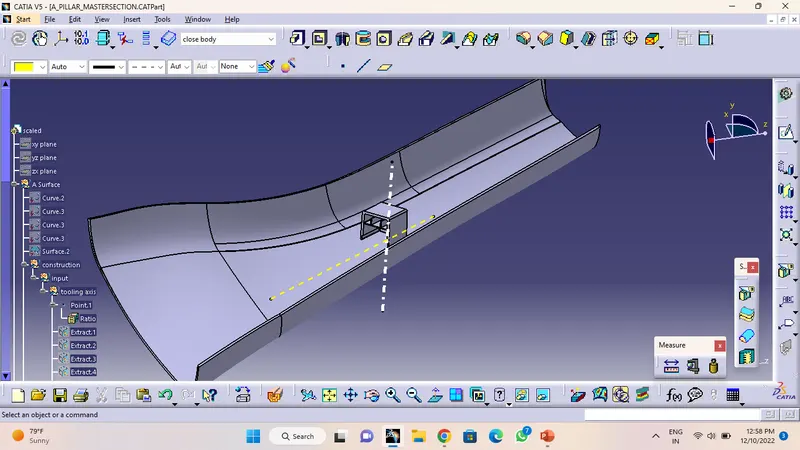
Draft Analysis
Now we have to make draft analysis and check the component draft angle is ok or not according to industry standard.
Dog house
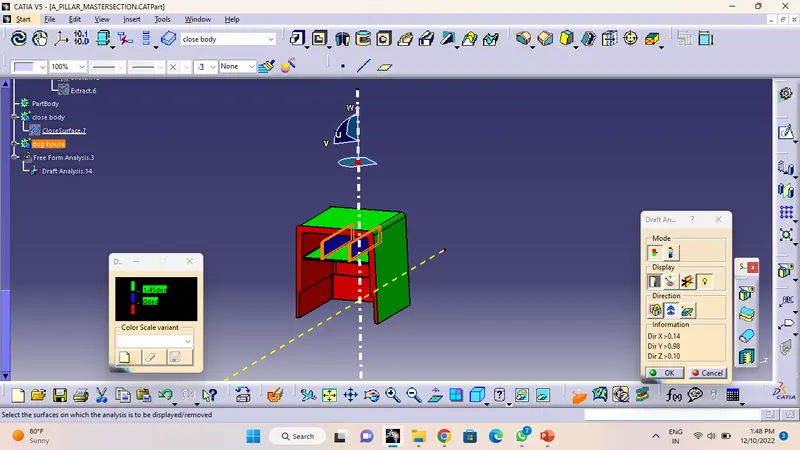
- Firstly we have to make a plane with reference to 3 point which is in a master section.
- Now we have to make a sketch with reference to master section.
- Now exit the sketch and pad it according to master section.
- Now use sheel commend and shell two faces with 2.5 mm inside thickness.
- Now give inside edge fillet with 1mm
- And now make a inside Draft of 0.5deg.
- Now make a lower side thickness so make a extract of a B surface and gibe a offset of 4mm.
- And now split ir from dog house and dog House is complete.
Rib
- Firstly i make a line in a sketch.
- Now pad it and select a thick option also and give 1mm thickness.
- Now give a Draft of 0.5mm.
- Now give a fillet of 0.25mm.
same as this make other 2 ribs also and join each other with add or unitrim option. And after this Join ribs with Dog house also. and make a Draft Analysis with reference to Tooling Axis and side core axis also.
With referenece to side core axis
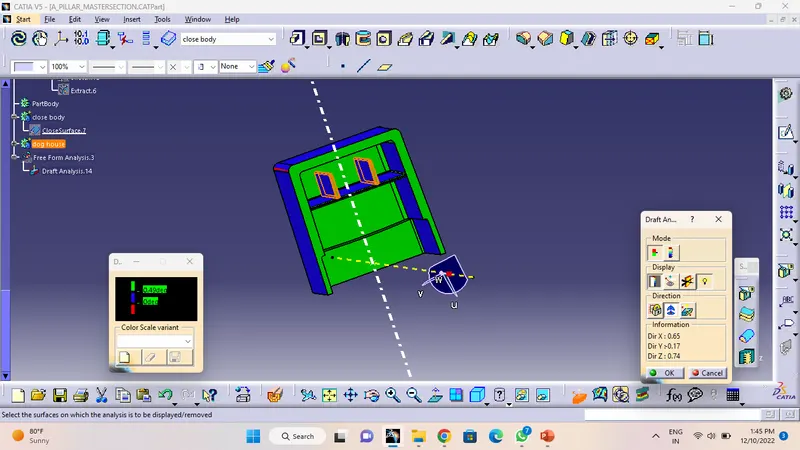
With referenece to tooling axis