Week 9 - Project_1 - Door Trim Lower with Engineering Features
AIM
Create the Door Trim Lower Plastic component through the given Class-A surface. To begin with, the tooling axis for the given Class-A Surface should be created meeting the requirements of the draft angle and at the end perform the Draft analysis on the model.Create the Heat Stakes and the locators
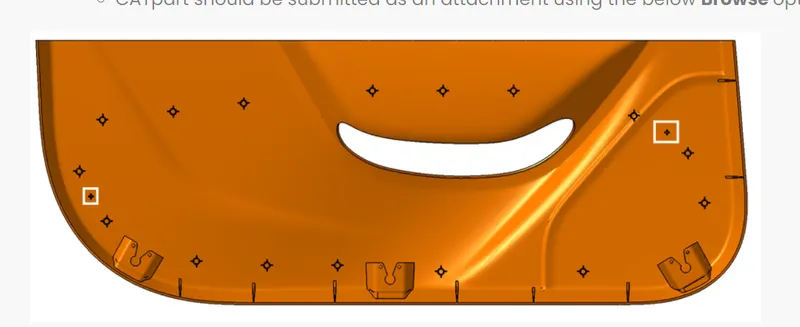
Given image
Overview:
Initially, we need to offset the given class A surface in the inner direction to the required thickness (2.5mm). After that, we need to close the patches on the offset surface of the bumper, the patches are formed due to the fillets on the Class A surface. Once all the patches are closed properly join them together to make a proper class B surface and now sweep the boundary of the class A surface to trim with the class B surface to make a closed body. By using the closed body command in the Prat workbench we can get the solid body from the closed surface.
TOOLING AXIS:
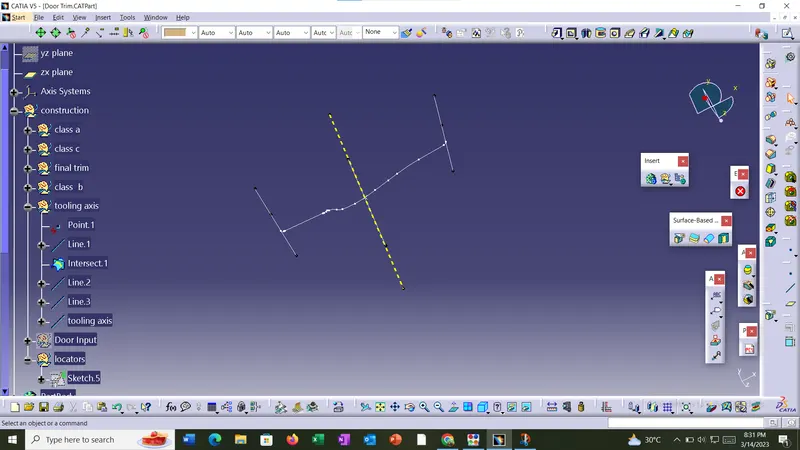
To create the tooling axis, I extracted a surface from class A and created a point in the middle of the surface by using the measur inertia command and created a line at that point through the x-axis. Now, I performed a draft analysis check from that line whether the created tooling axis is in the correct position or not. If in the draft, analysis check the surface highlighted with green colour on both sides of the surface the tooling axis is in the correct position and direction.
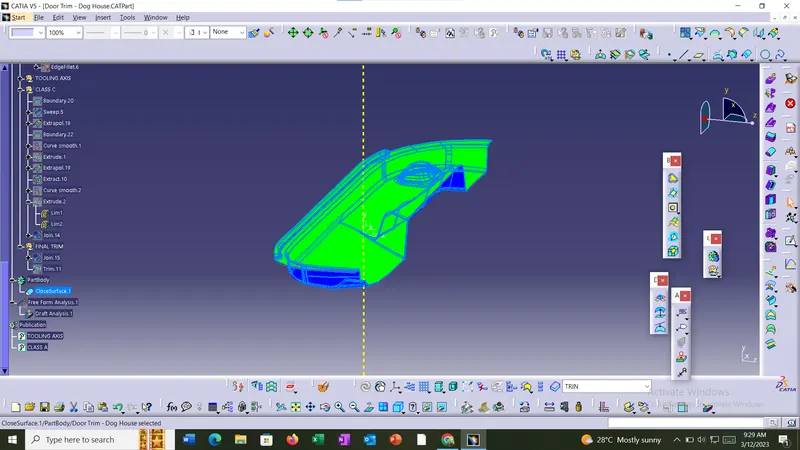
DRAFT ANALYSIS
Draft analysis was conducted and some correction are done in design.
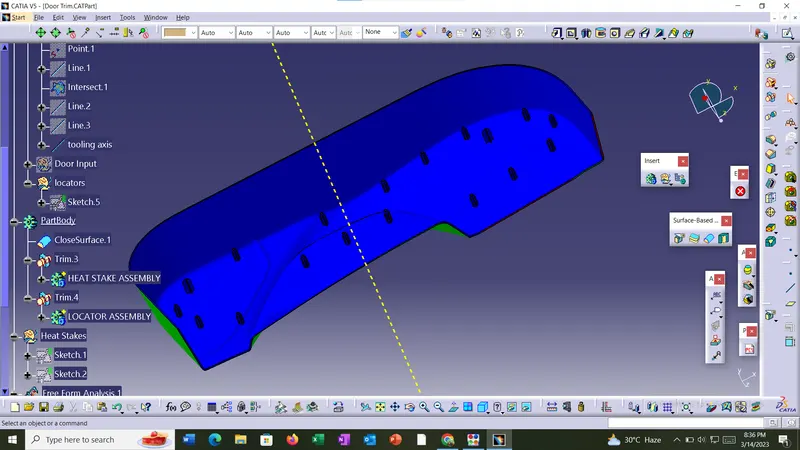
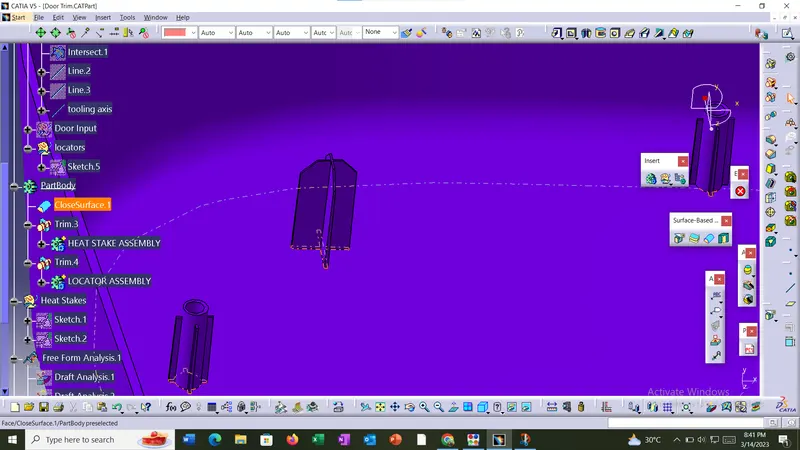
Heat Stakes
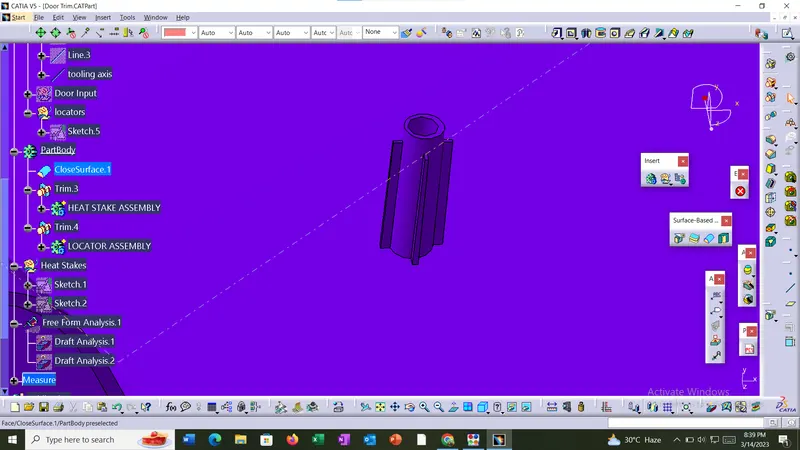
Locators